
App template
Tureen: a catering app template.
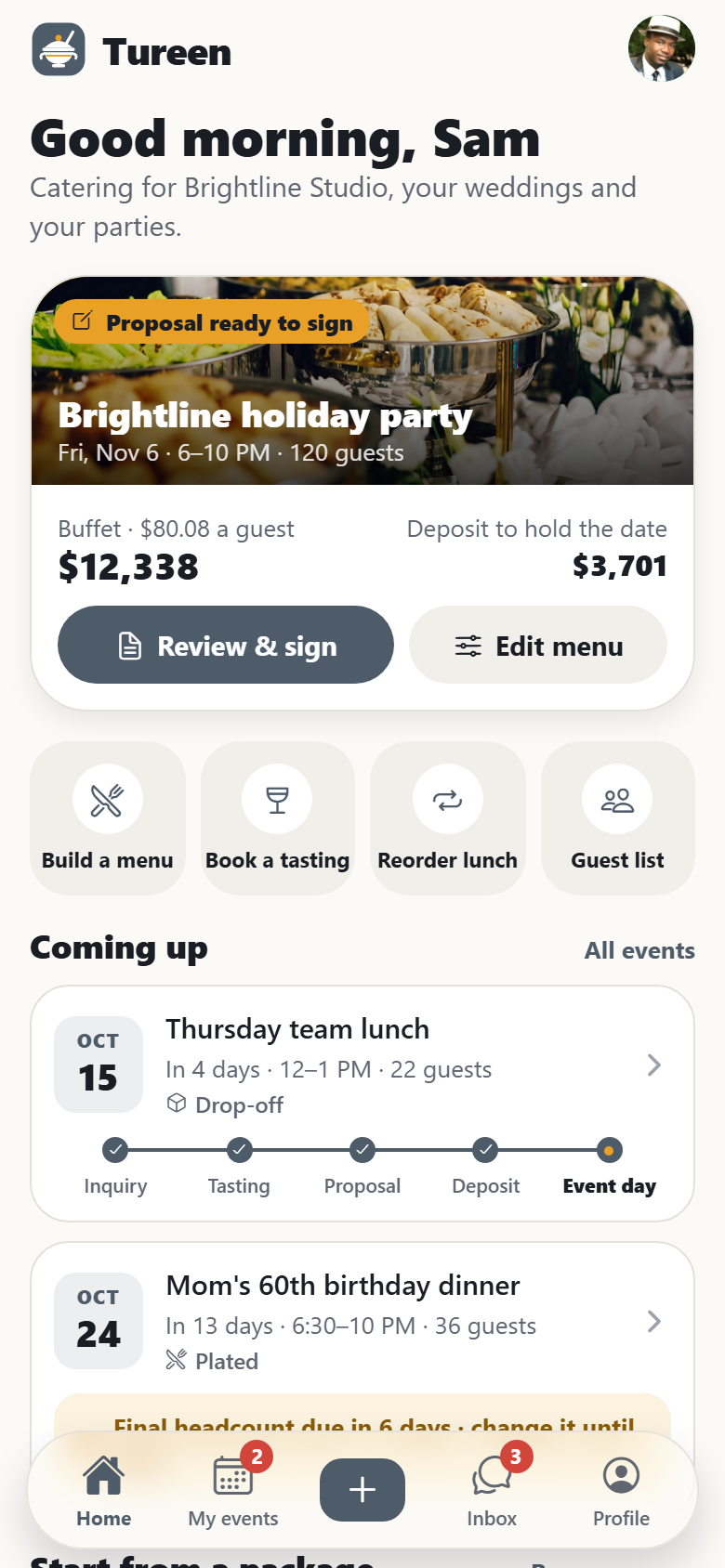
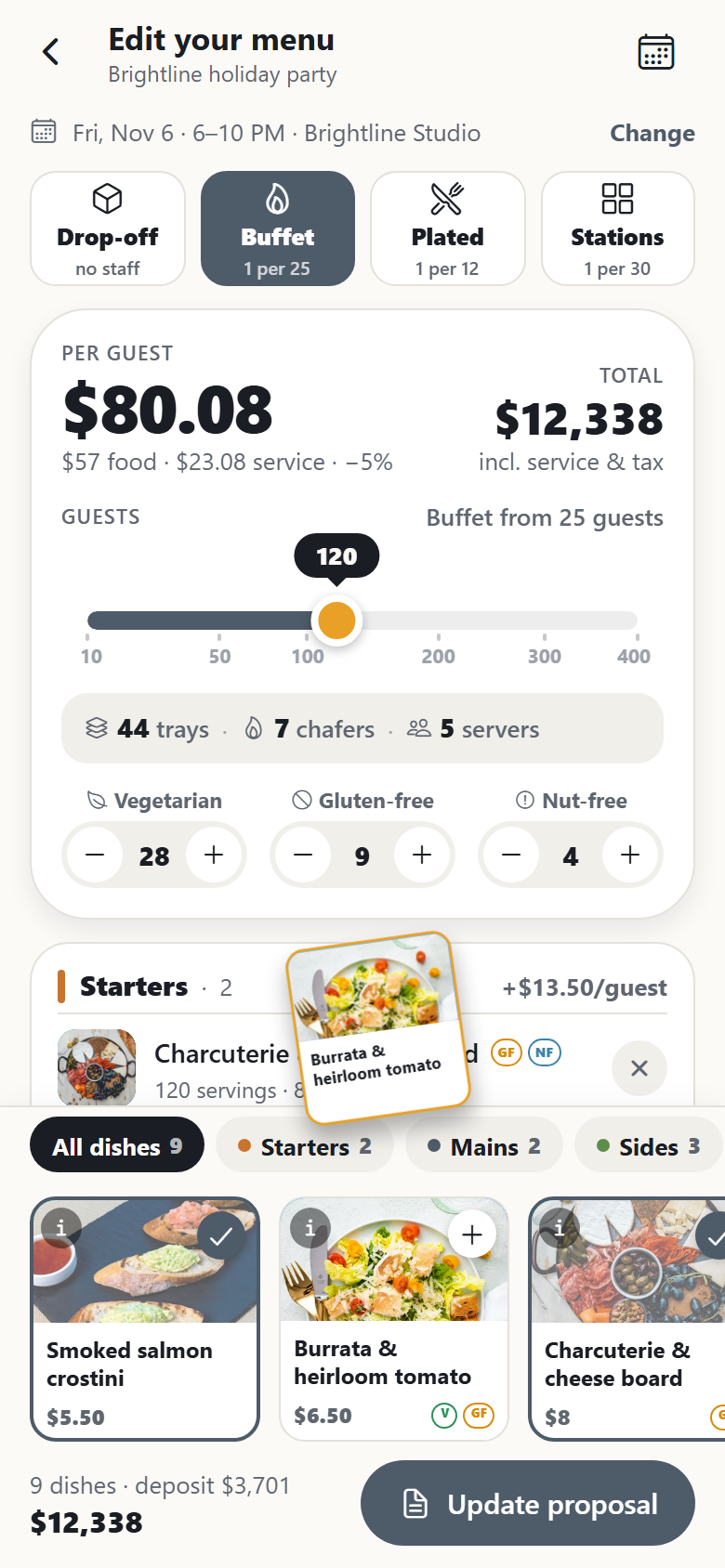
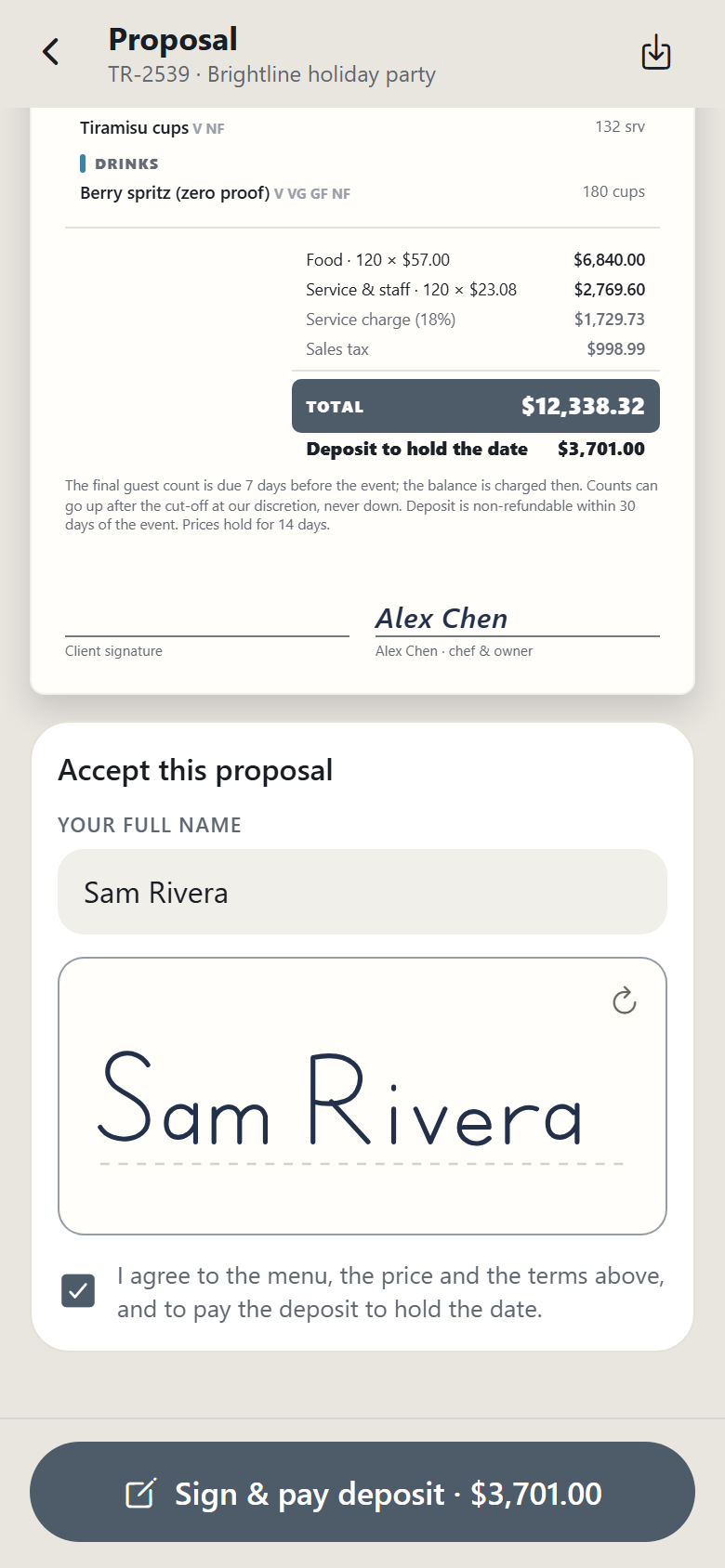
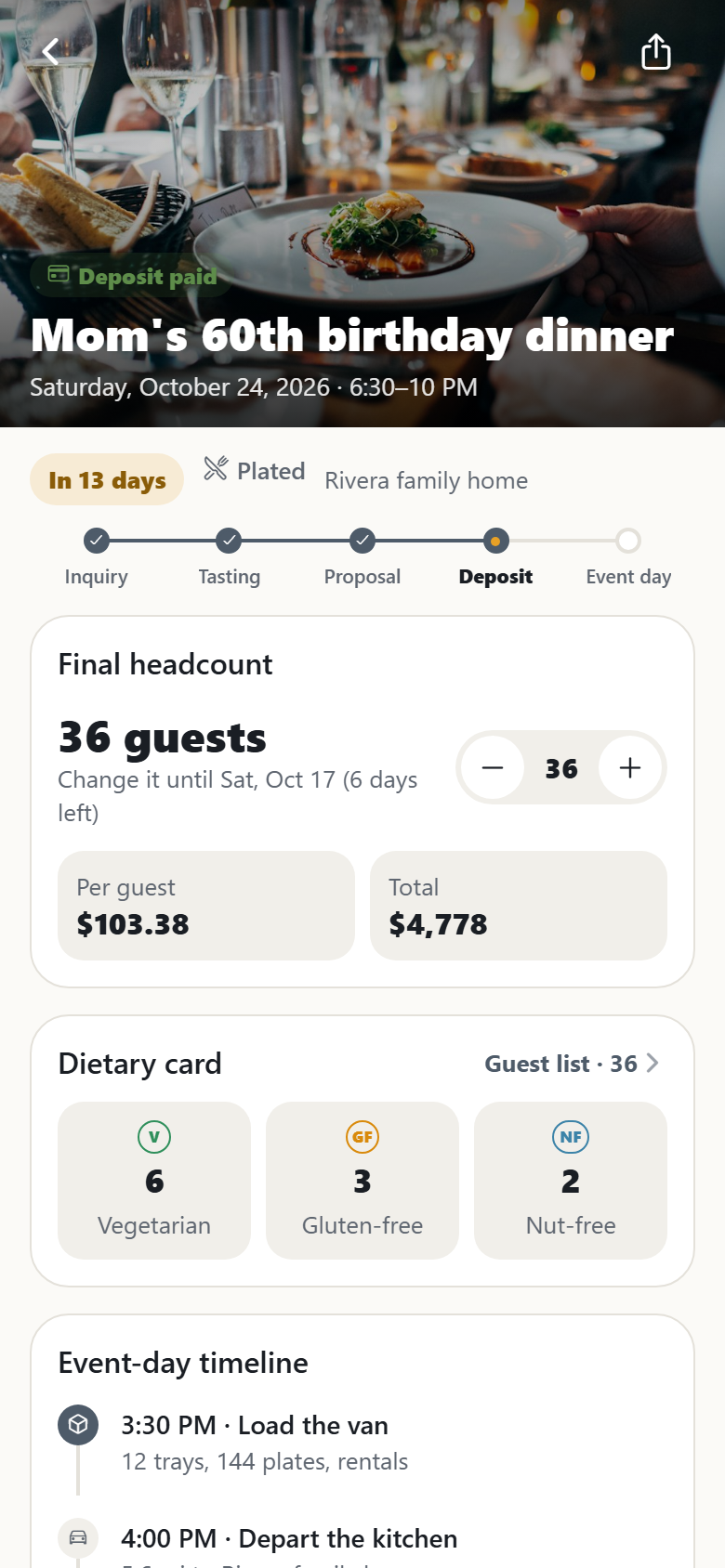
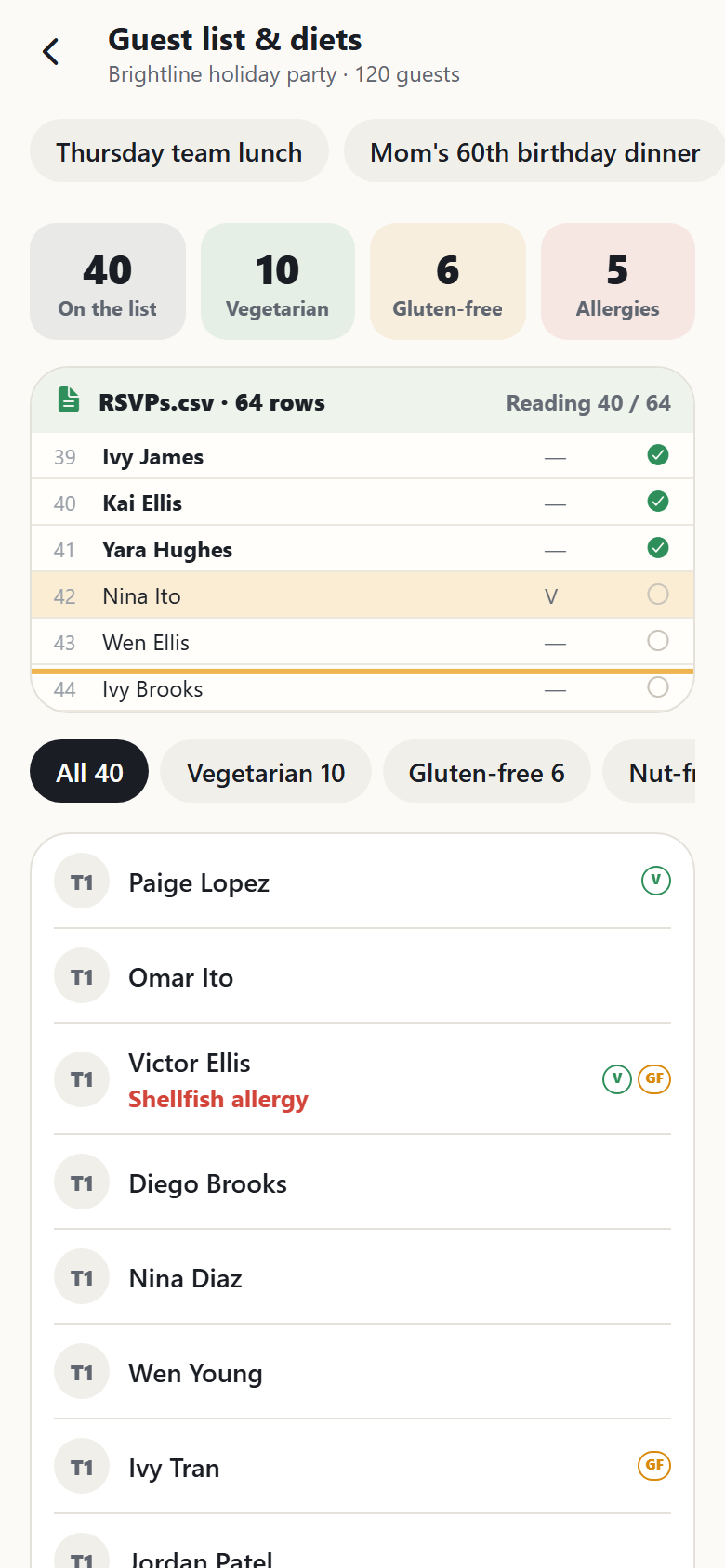
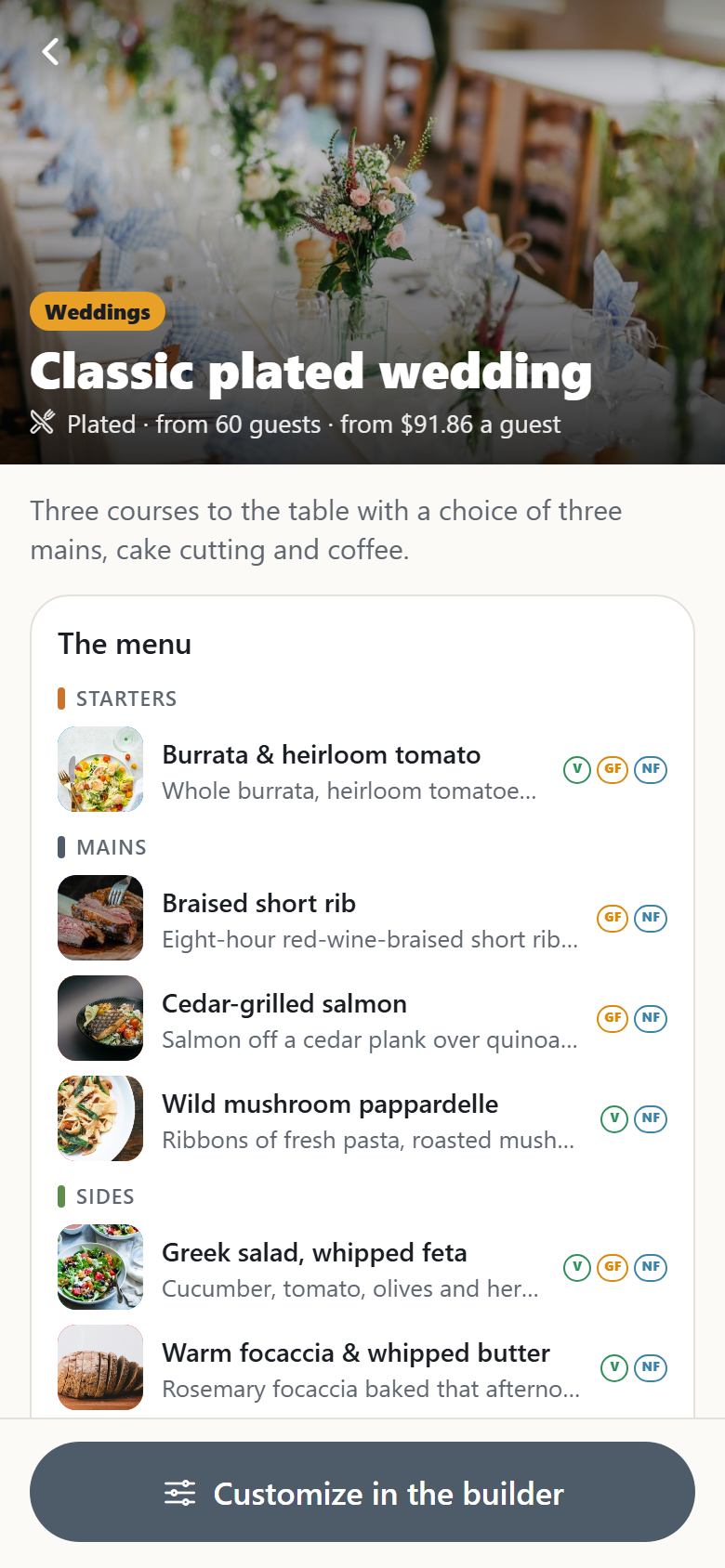
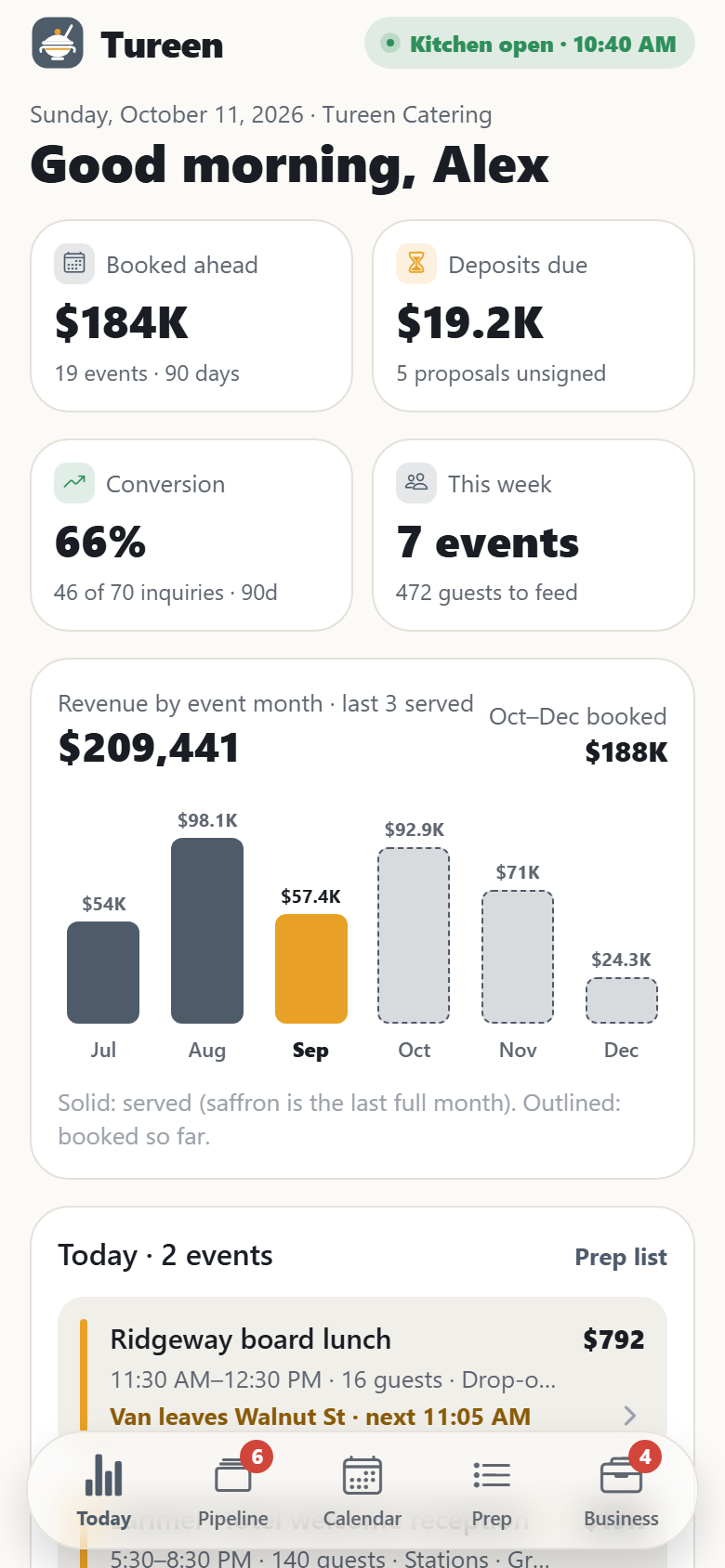
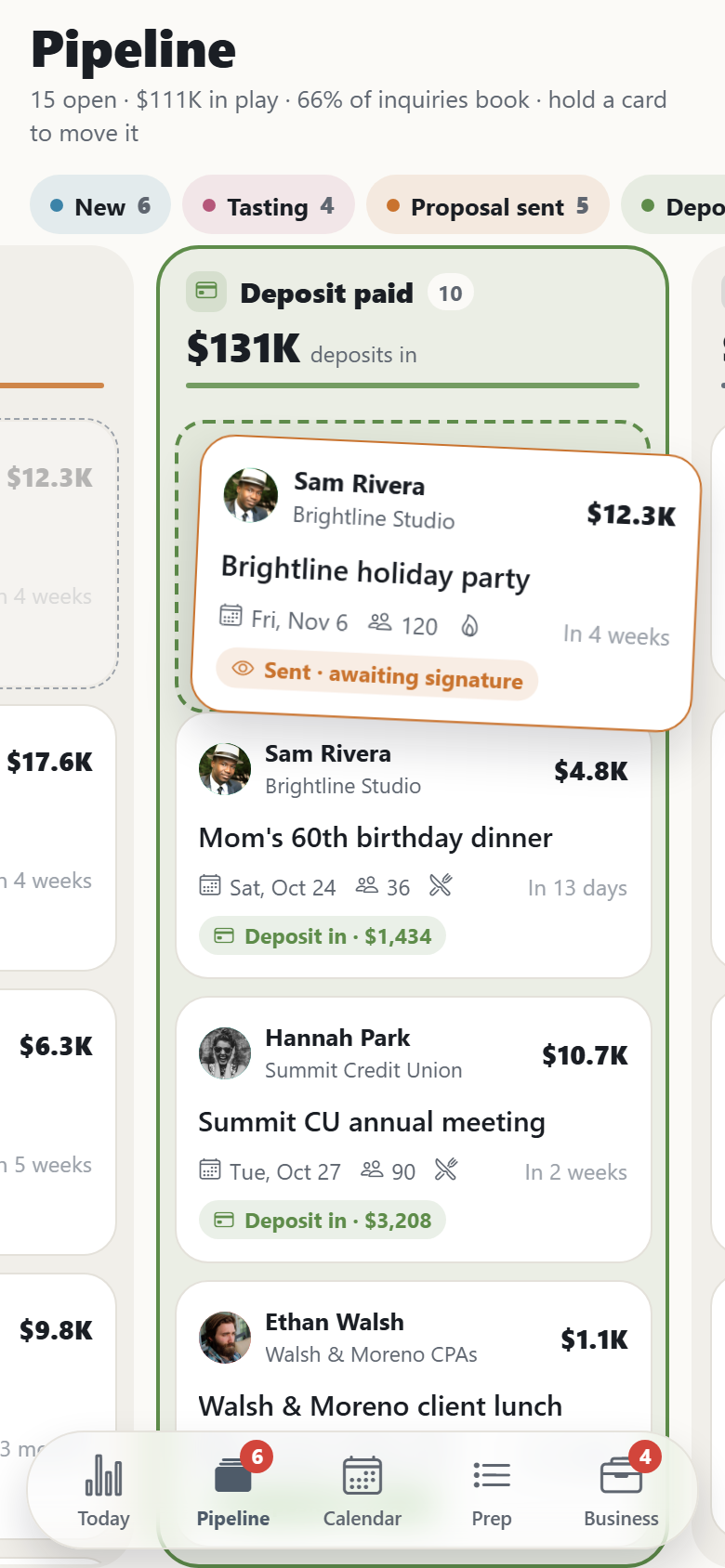
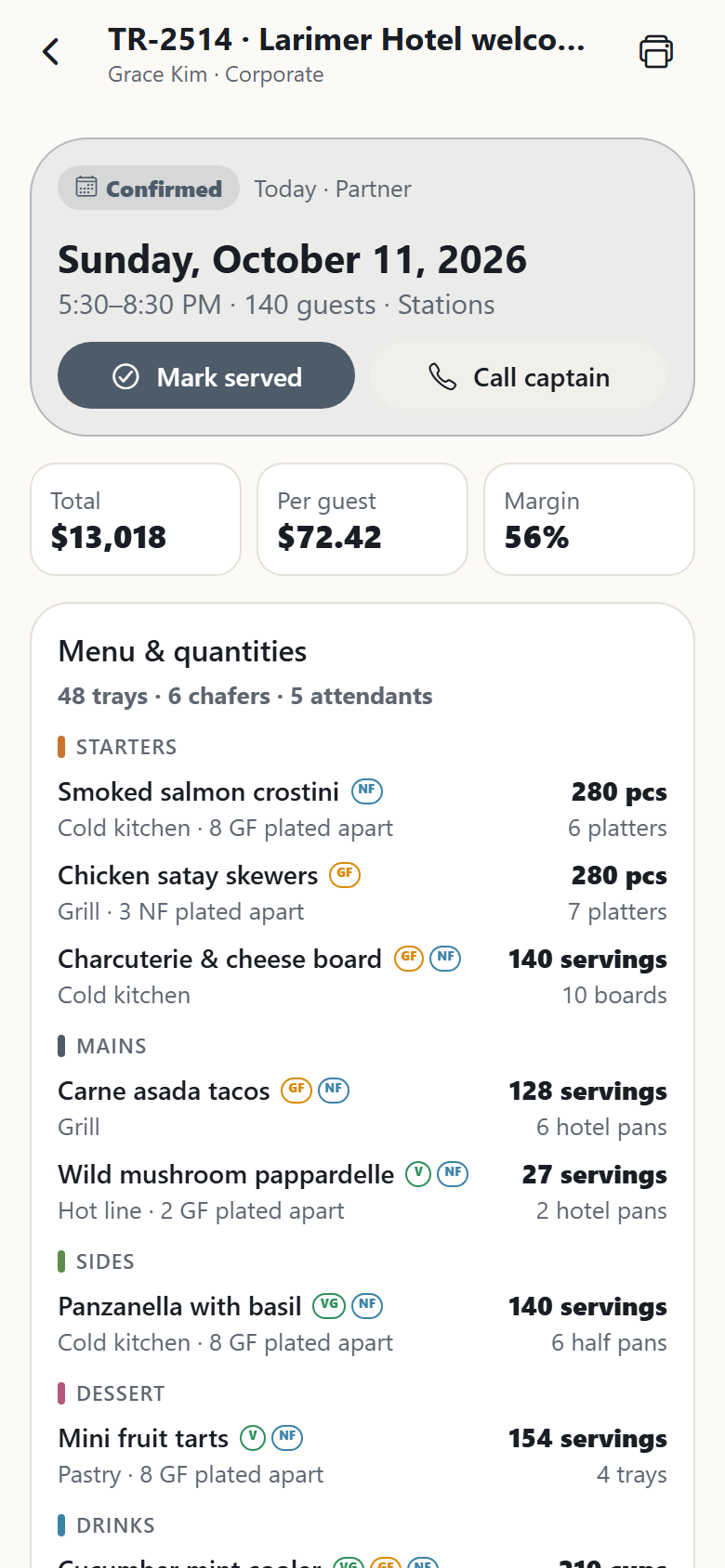
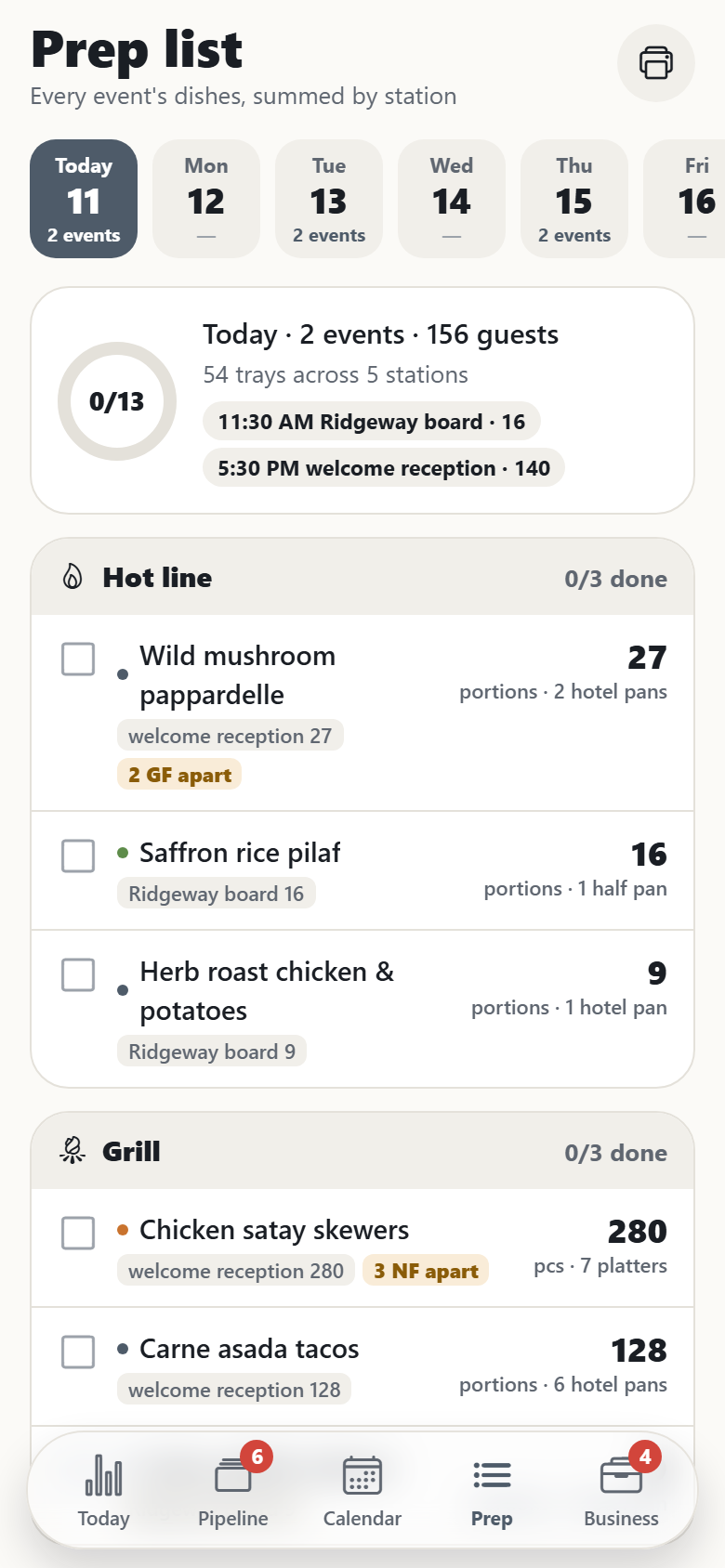
A catering company's own app, both sides in one. Clients browse packages and menus by service style; build their own menu in the per-head builder, pick drop-off, buffet, plated or stations, tap dishes and watch them fly into starters, mains, sides, dessert and drinks, drag the guest count from 10 to 400 and see the price per guest, the total and the kitchen's quantities (trays, chafers, servers) roll while the finger is still down, and step the vegetarian, gluten-free and nut-free counts to split the mains and plate allergies apart; review the proposal on paper, e-sign it with a finger and pay the deposit (a demo payment that says nothing was charged); book a tasting from open slots; follow each event through inquiry, tasting, proposal, deposit and event day with its run of show, captain and route on a drawn map; change the headcount until the cut-off and watch the total re-price; upload an RSVP sheet and see every guest's diet and allergy read into a dietary card; pay balances from invoices; reorder last week's office lunch in one tap; and read or leave reviews. The caterer's side has a dashboard (booked revenue by event month, deposits outstanding, inquiry-to-booking conversion, today's events with where each is in its run of show, capacity for the week, what needs a look); a drag-and-drop inquiry pipeline from new to tasting, proposal sent, deposit paid and event, whose column totals roll; the banquet event order for every event (status actions, menu with quantities by tray and station, run of show, diets and allergies, crew against what the style needs, rentals, delivery map, money and margin); prep lists that sum every dish across the day's events by station; crew scheduling that fills each event's roles and flags clashes and hours; a calendar of events against daily capacity; clients with their history; and settings for the menu bank (price and cost per guest, margins), service styles, deposits, minimums, travel fees and capacity. Twenty-six screens on seeded dishes, packages, clients, events and their menus, crew, shifts, the company's settings and both inboxes.
26 screens, real flows
Make it yours by describing it
Tell Co-Create what to change, in plain words or a voice note. It asks what it needs to know, then shows you designs before anything is built.
Nothing changes until you approve
Approve one piece or a whole section. Every build gets a preview, and you can roll back to any earlier point.
Your app, your code
Go live on a clean address or your own domain, and download the full source whenever you like.
Your idea could be an app by Friday.
Start free. Talk it through, answer a few questions, pick a design and watch it build.
7 days freeCancel anytime