
App template
Batch: a meal-prep subscription app template.
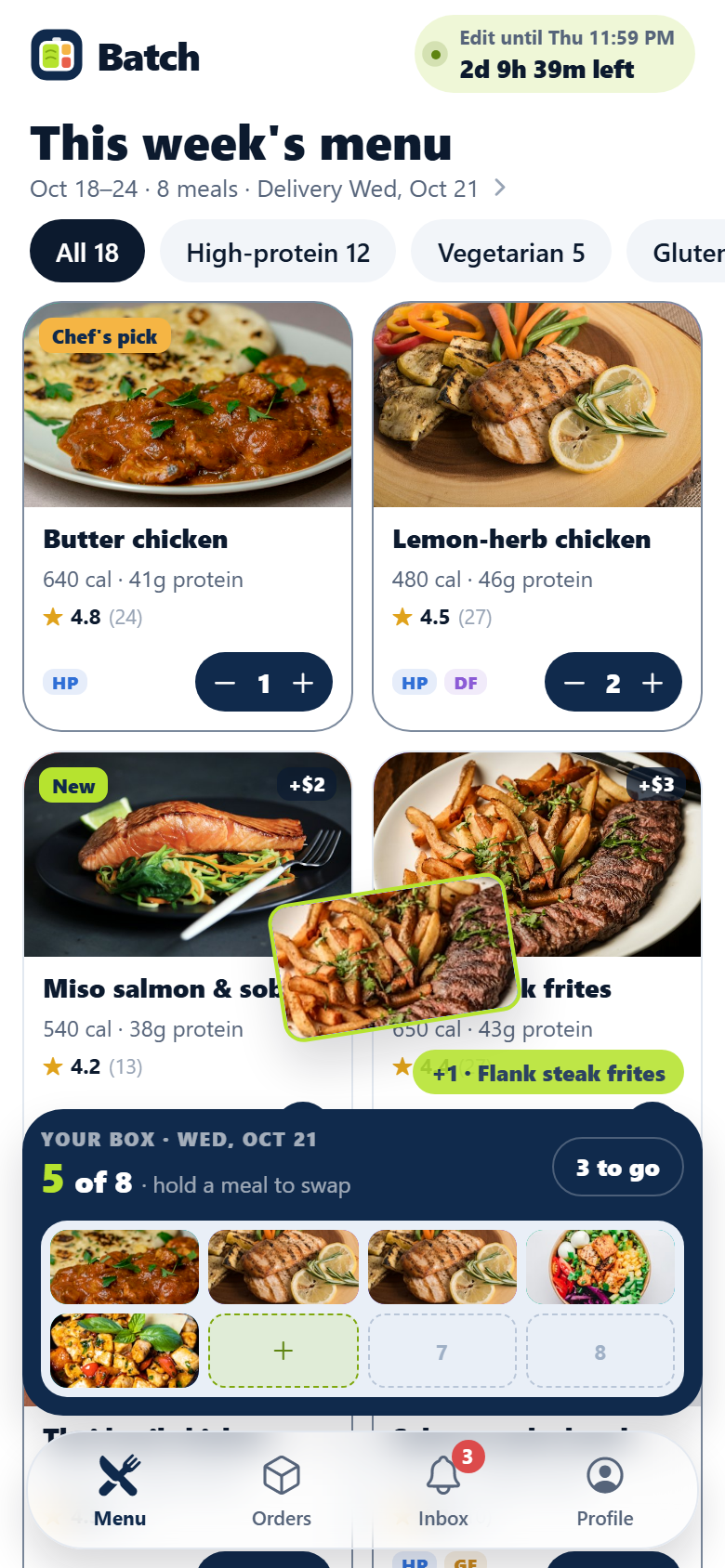
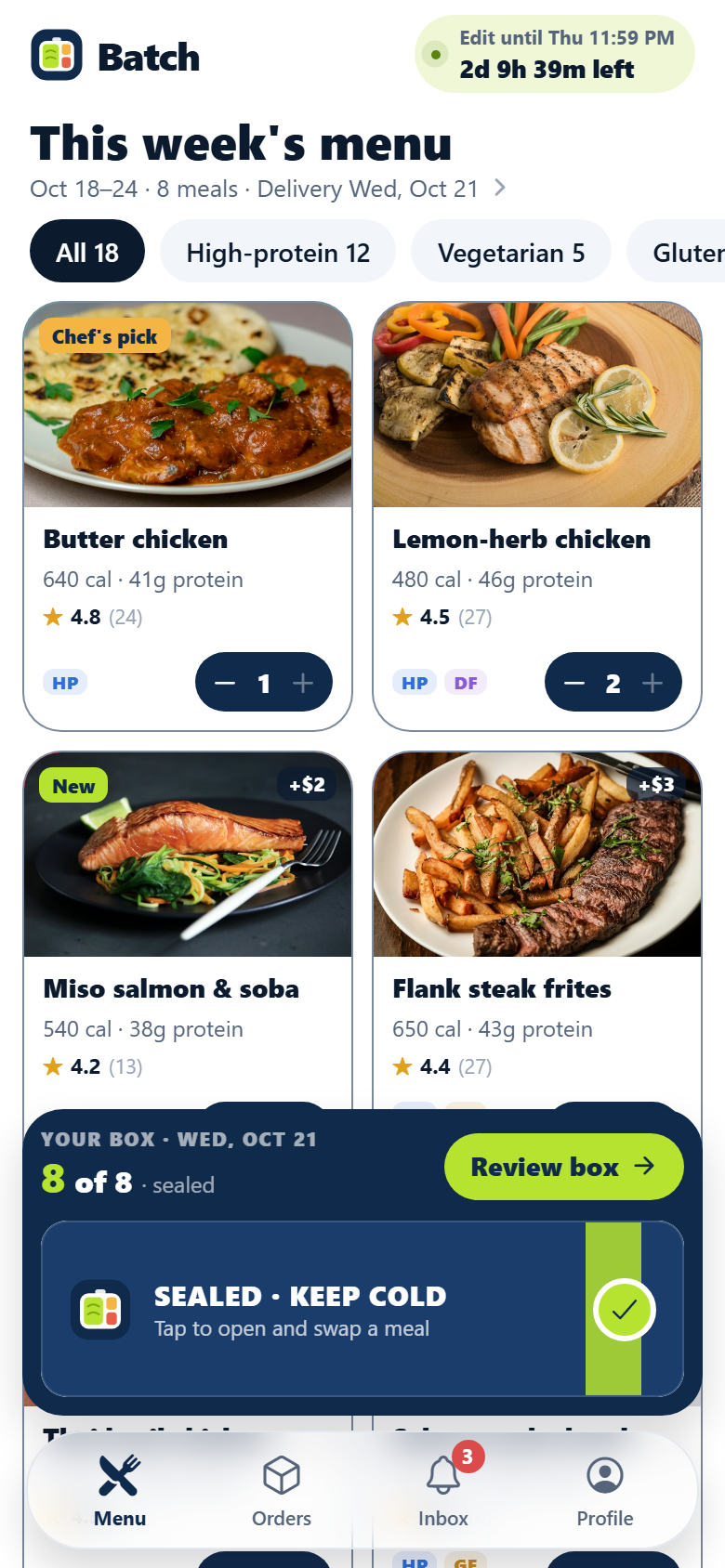
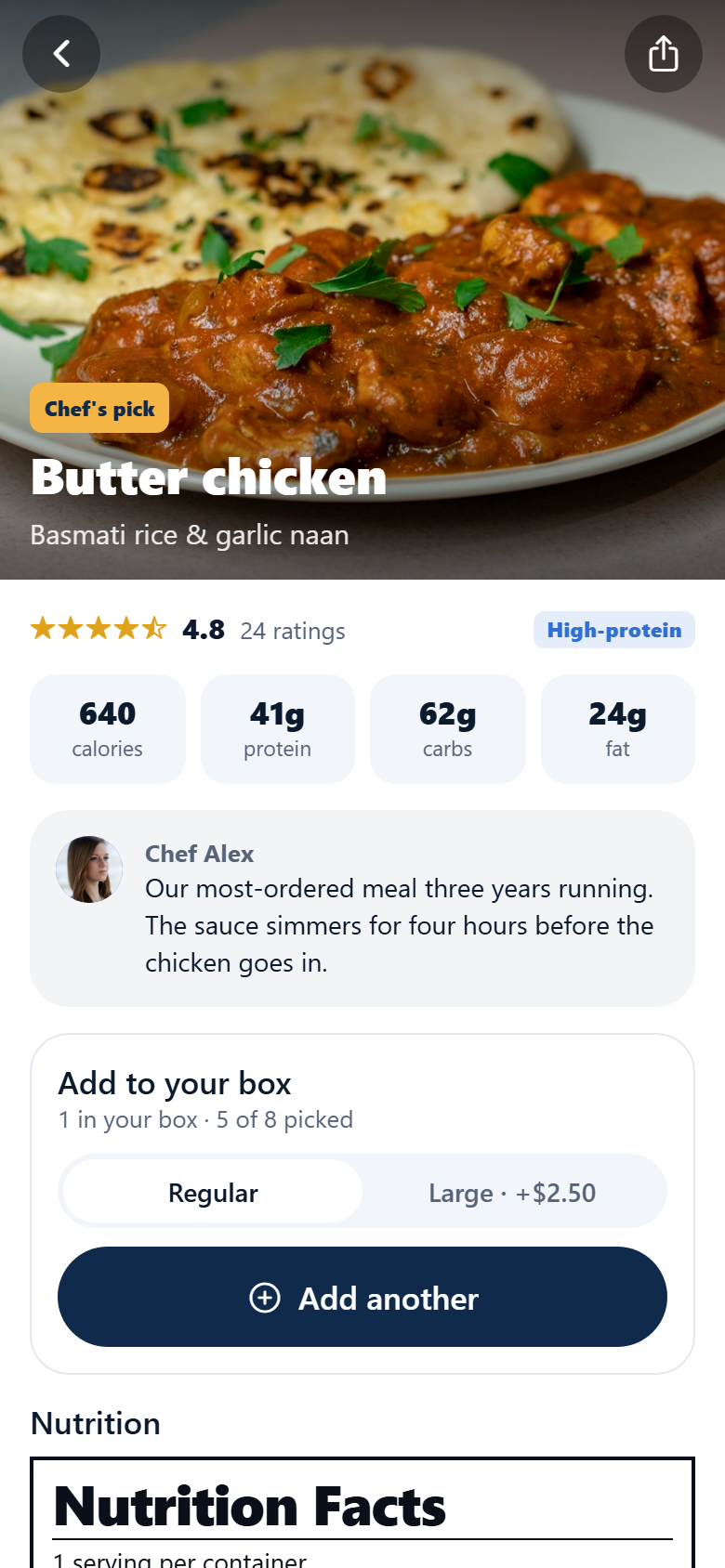
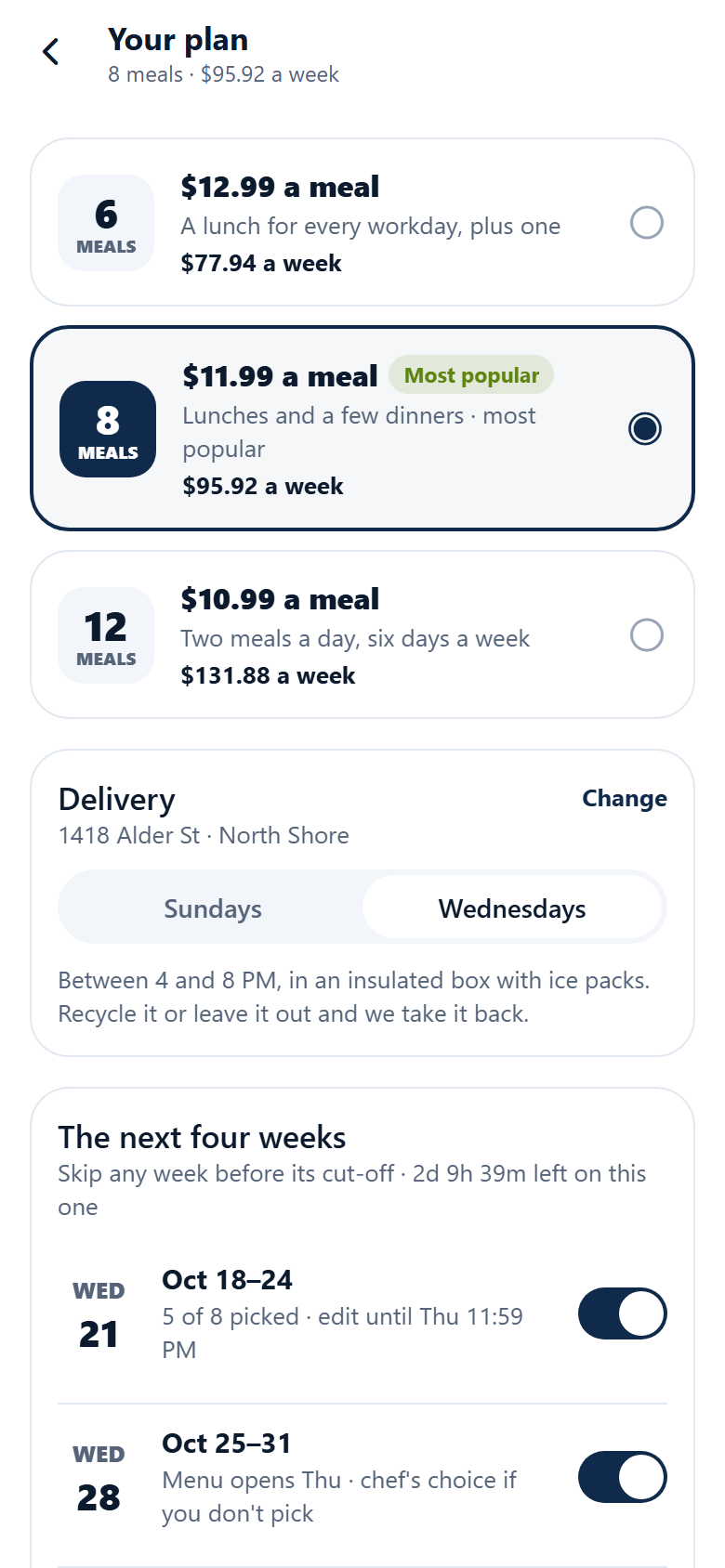
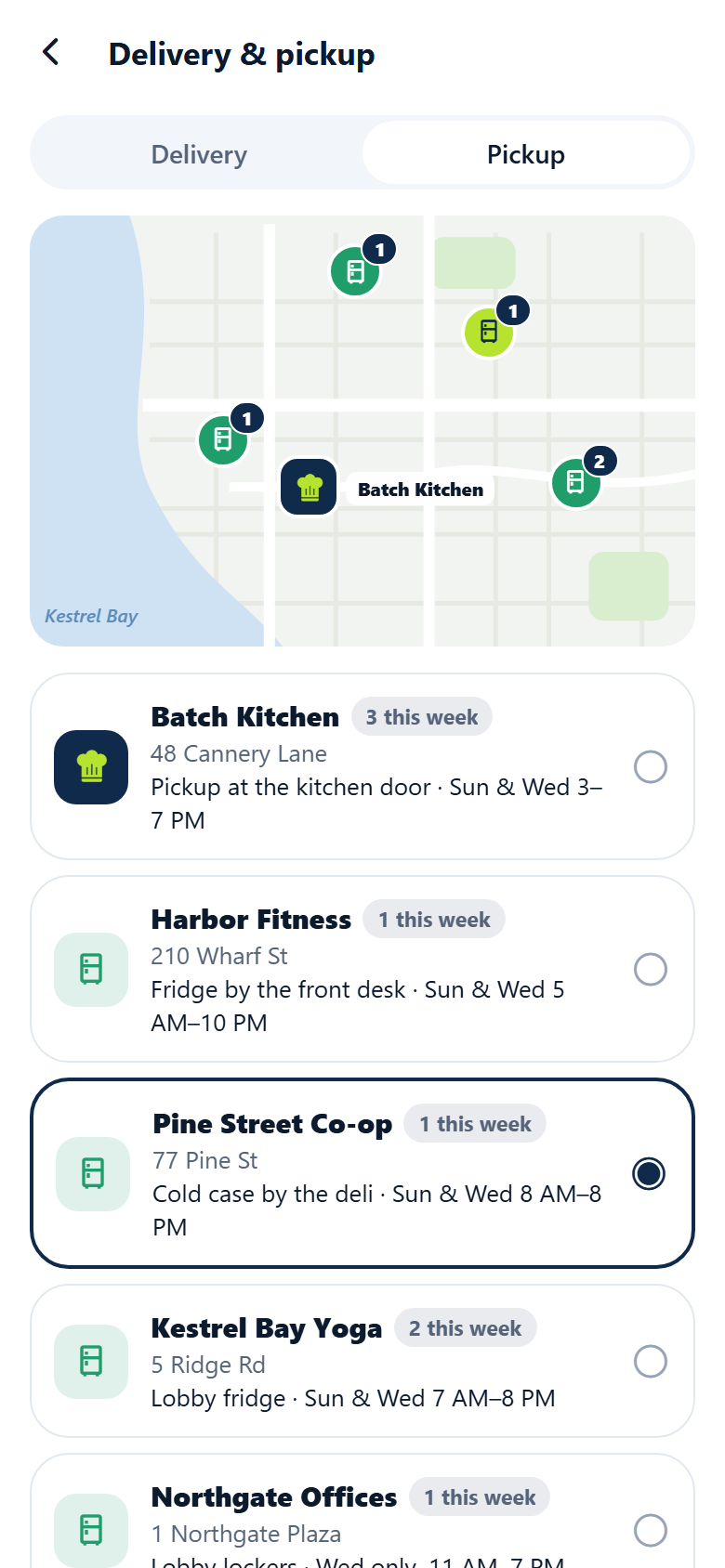
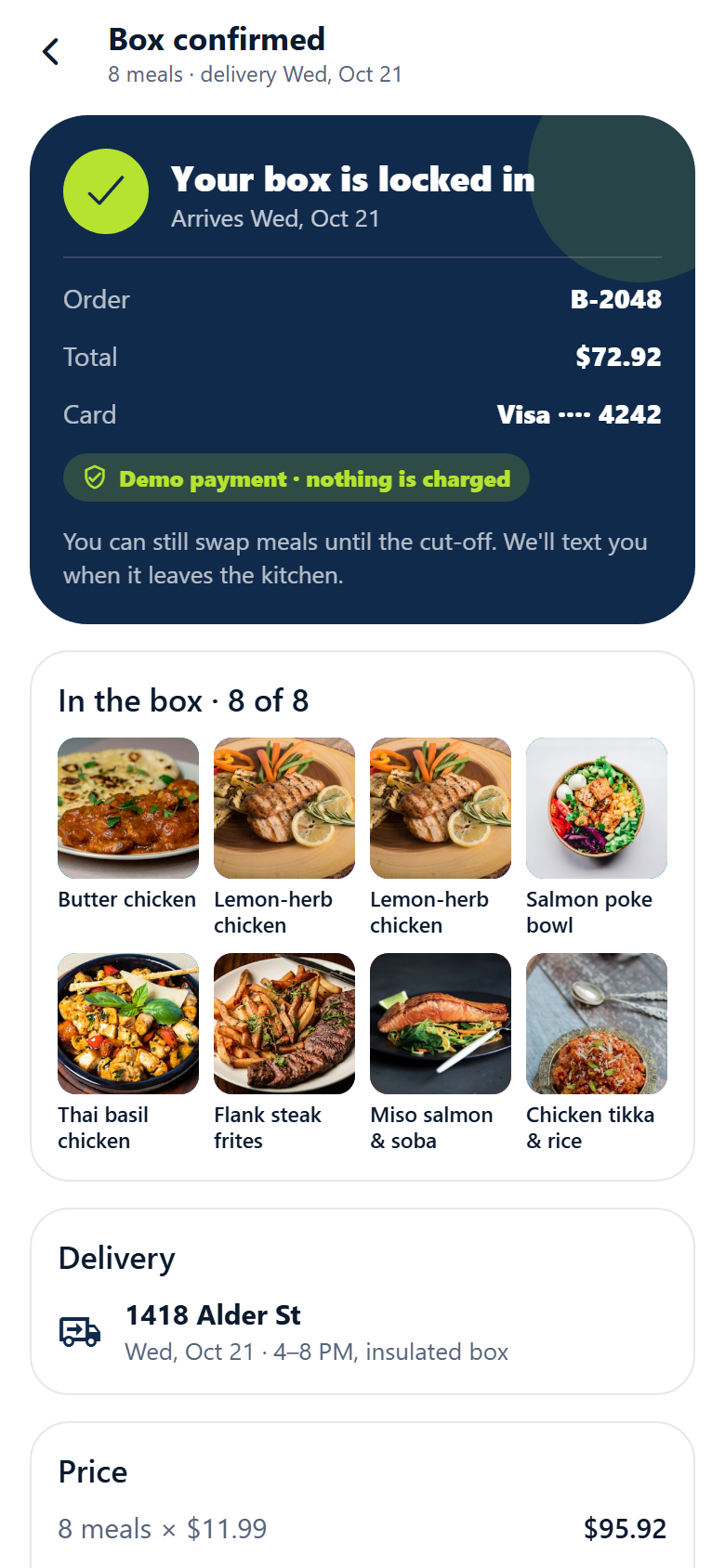
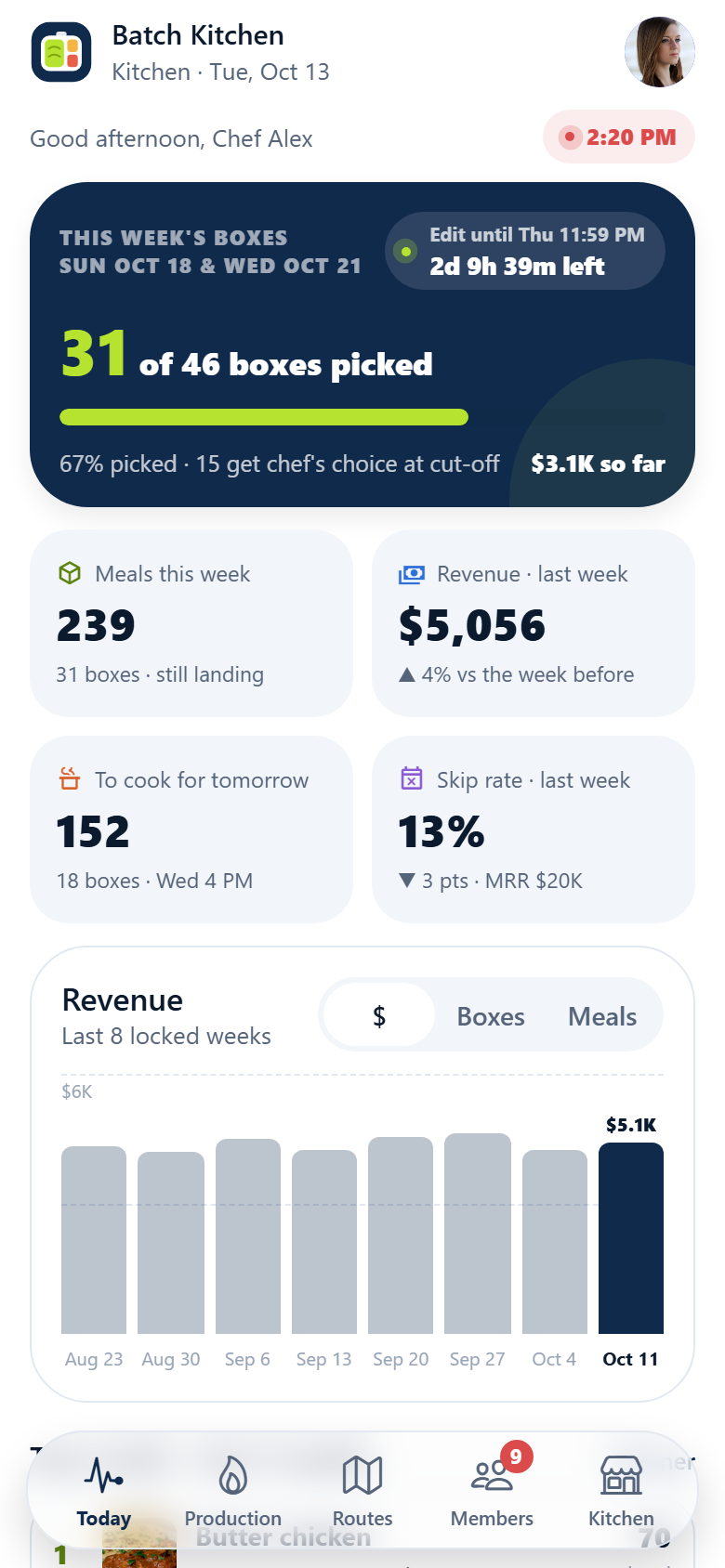
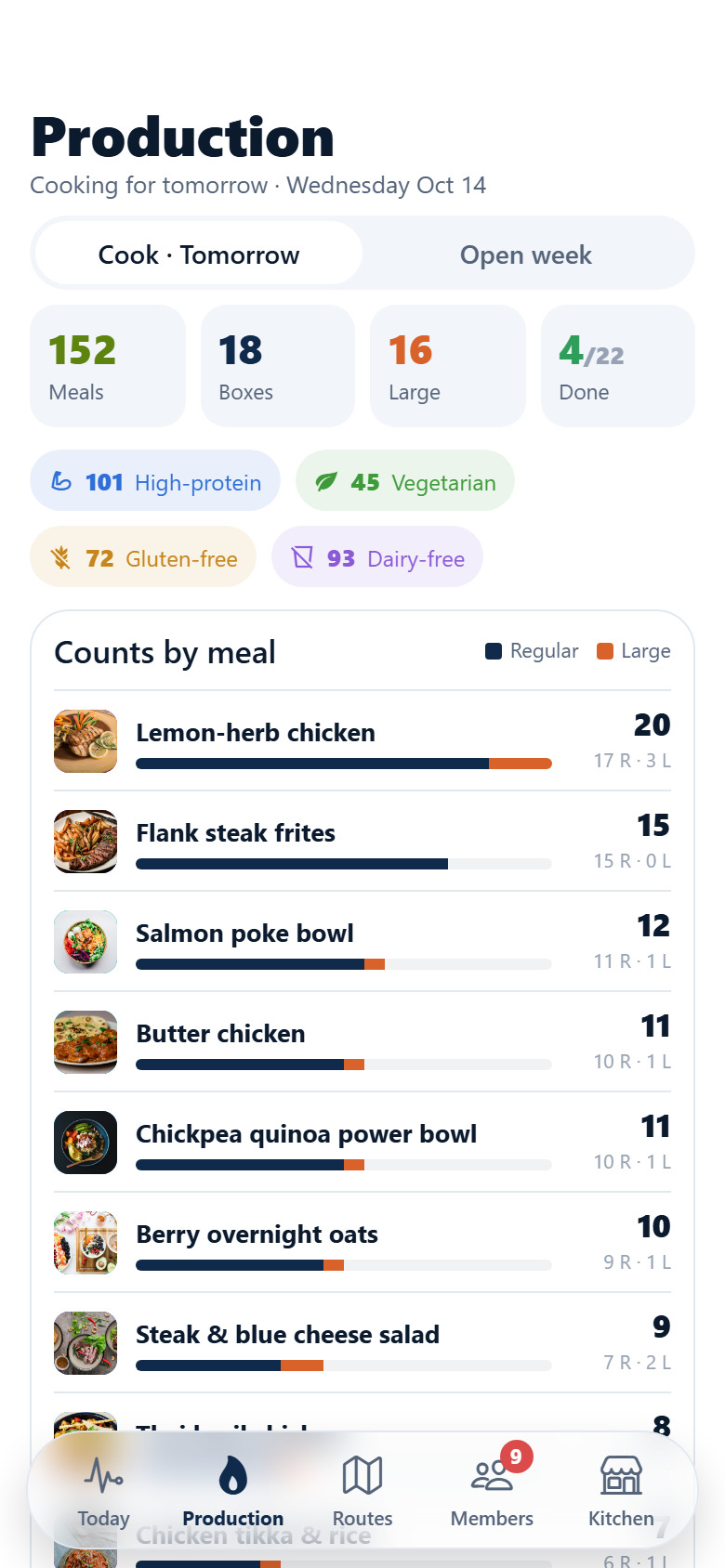
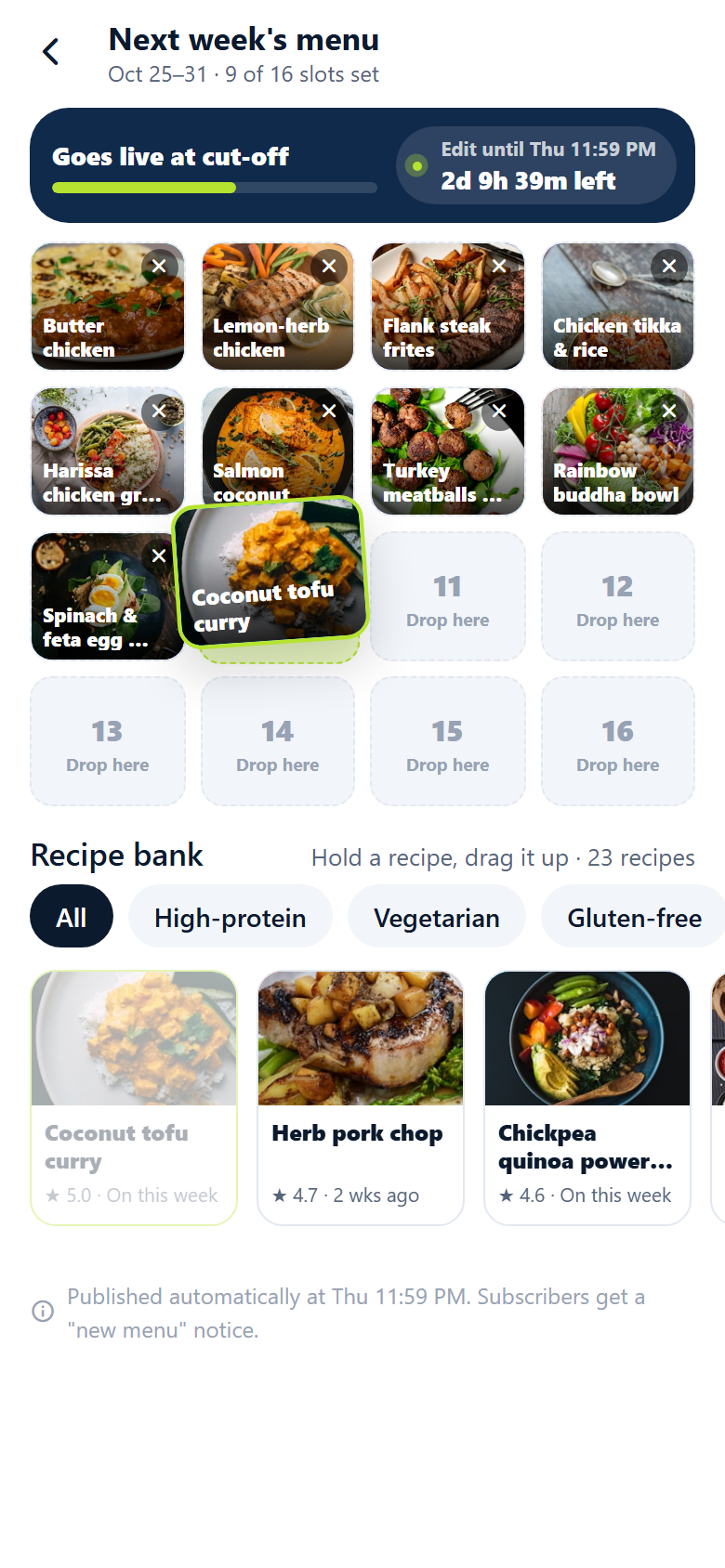
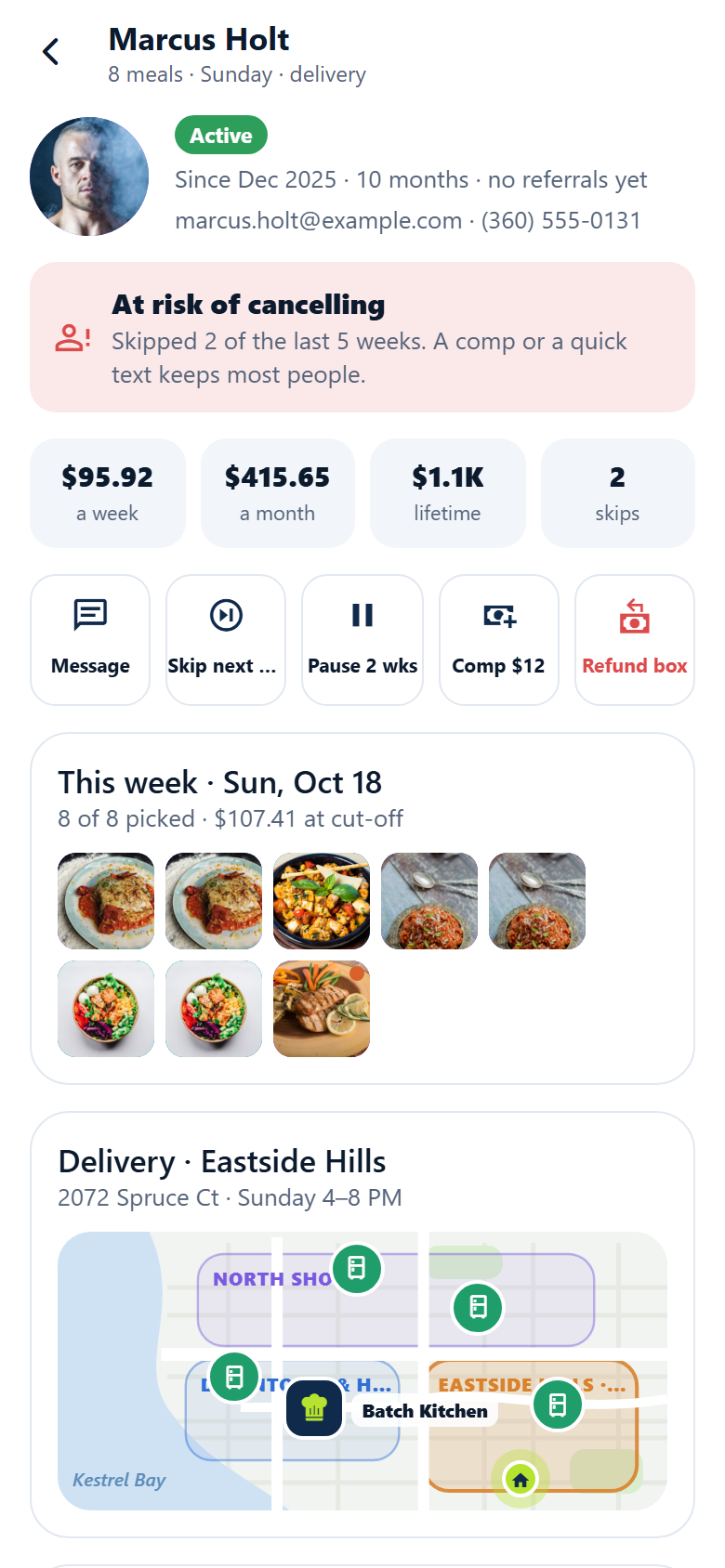
A meal-prep subscription app for a local kitchen, with both sides in one: the subscriber's app and the kitchen's. Subscribers pick a plan (6, 8 or 12 meals a week, the price per meal falling as it grows) and fill their box from a rotating weekly menu of eighteen chef-made meals: tap a meal and its photo flies on an arc into the next slot of a drawn insulated box docked at the bottom, the counter rolls "5 of 8", hold a slot to swap that meal in place, and when the last slot fills the lid swings down and springs shut with a check. Diet chips filter the menu (high-protein, vegetarian, gluten-free, dairy-free), a live cut-off countdown says "edit until Thu 11:59 PM", and the chef can fill the rest for you. Each meal has a nutrition panel laid out like the label on the lid, ingredients and allergens, microwave and oven reheating, the chef's note and subscribers' reviews; regular or large portions and premium meals price in. Then: skip any of the next four weeks, pause or change plan, delivery or pickup with a drawn map of the town's zones and pickup fridges, checkout ending on a demo payment receipt, an orders tab with the box on its way (locked, cooking, on the road, delivered), order history with reorder and "something wrong" credits, rating meals star by star, referral credit (give $30, get $30), gift cards on a card you design (a demo payment), an inbox of cut-off reminders and delivery updates, search across the whole recipe bank, profile, edit profile and settings. The kitchen side runs the week: boxes landing against the cut-off, meals ordered, last week's revenue over eight locked weeks, meals to cook for the next delivery, skip rate and MRR, the top-rated meals, and what needs the chef; the production sheet with counts per meal (regular and large), per diet label and a cook checklist by station that rolls as orders land; delivery routes by day on a drawn map with two drivers' numbered stops and pickup-point counts; every member with plan, status and churn risk, and a member record with skip, pause, comp, refund and message; the menu planner where you drag recipes from the bank onto next week's sixteen slots against the cut-off; and the kitchen's cut-off, plans and prices, zones and pickup points. Twenty-three screens on seeded plans, meals, locations, subscribers, menu slots, orders, order items, ratings and messages.
23 screens, real flows
Make it yours by describing it
Tell Co-Create what to change, in plain words or a voice note. It asks what it needs to know, then shows you designs before anything is built.
Nothing changes until you approve
Approve one piece or a whole section. Every build gets a preview, and you can roll back to any earlier point.
Your app, your code
Go live on a clean address or your own domain, and download the full source whenever you like.
Your idea could be an app by Friday.
Start free. Talk it through, answer a few questions, pick a design and watch it build.
7 days freeCancel anytime