
App template
Writ: a law firm client portal app template.
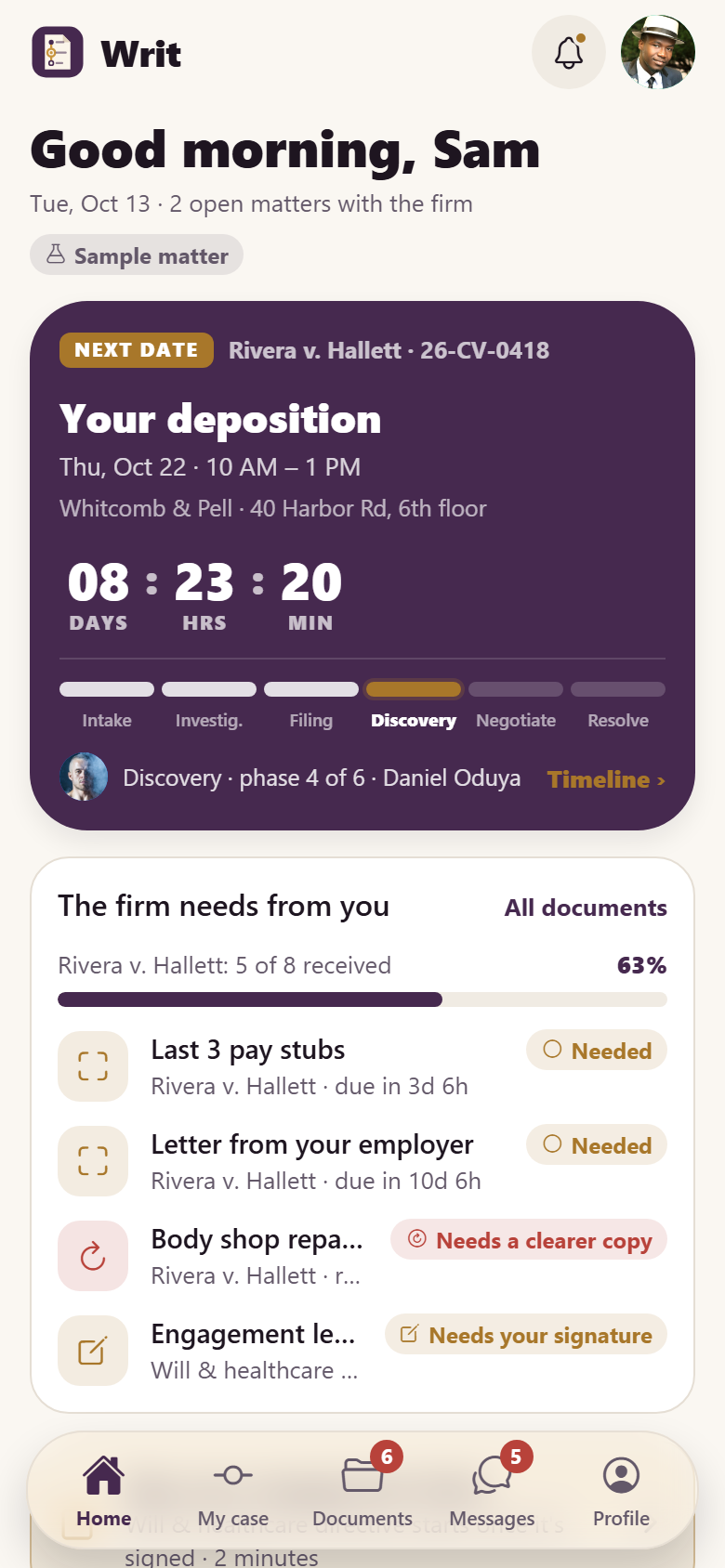
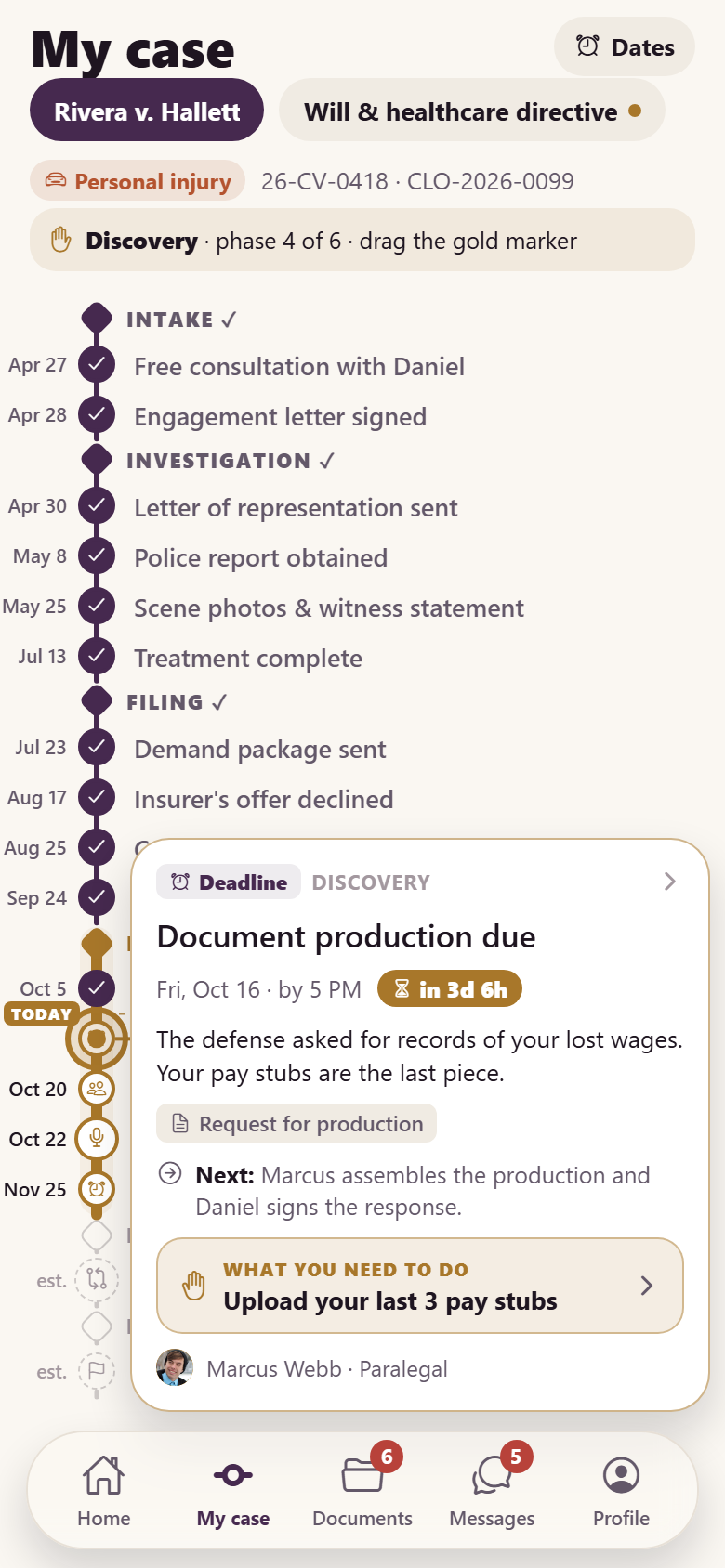
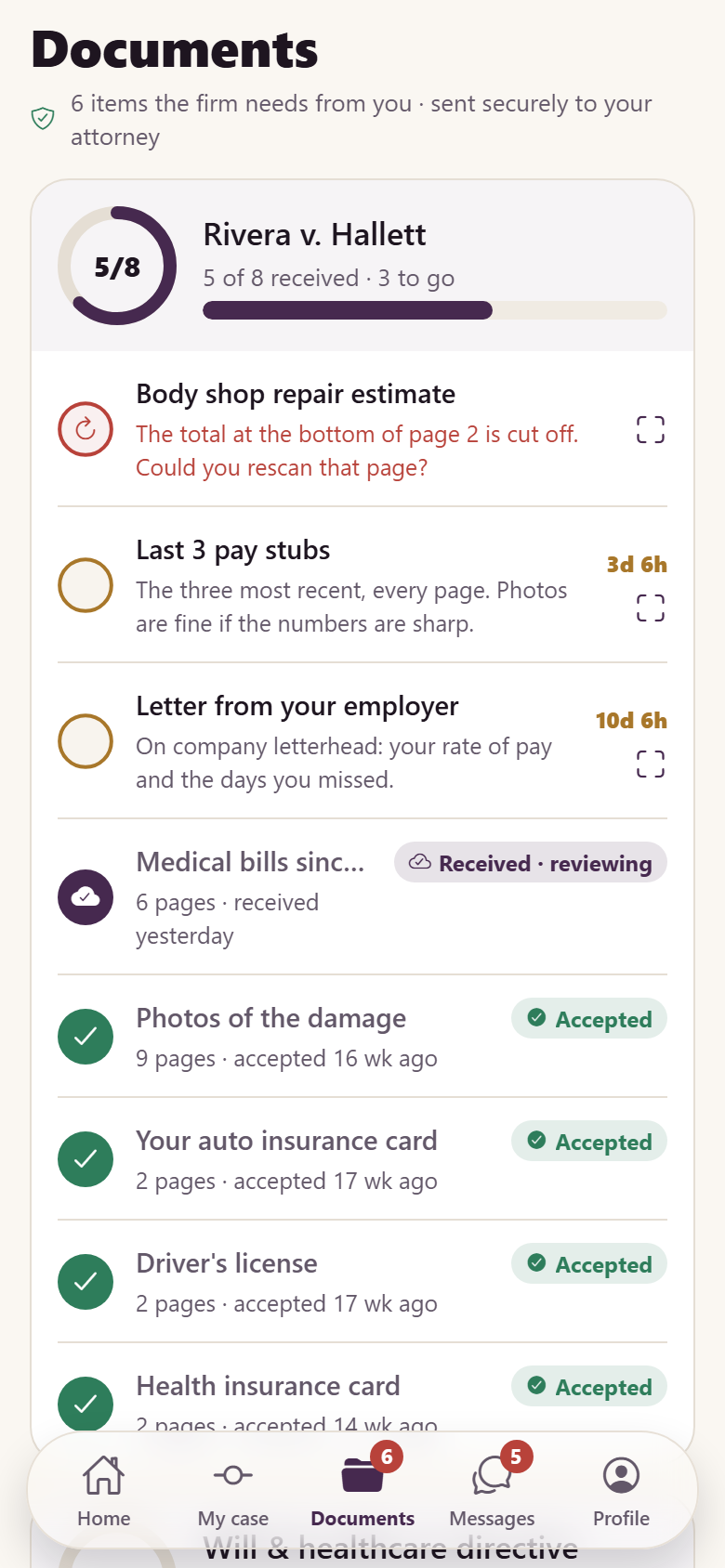
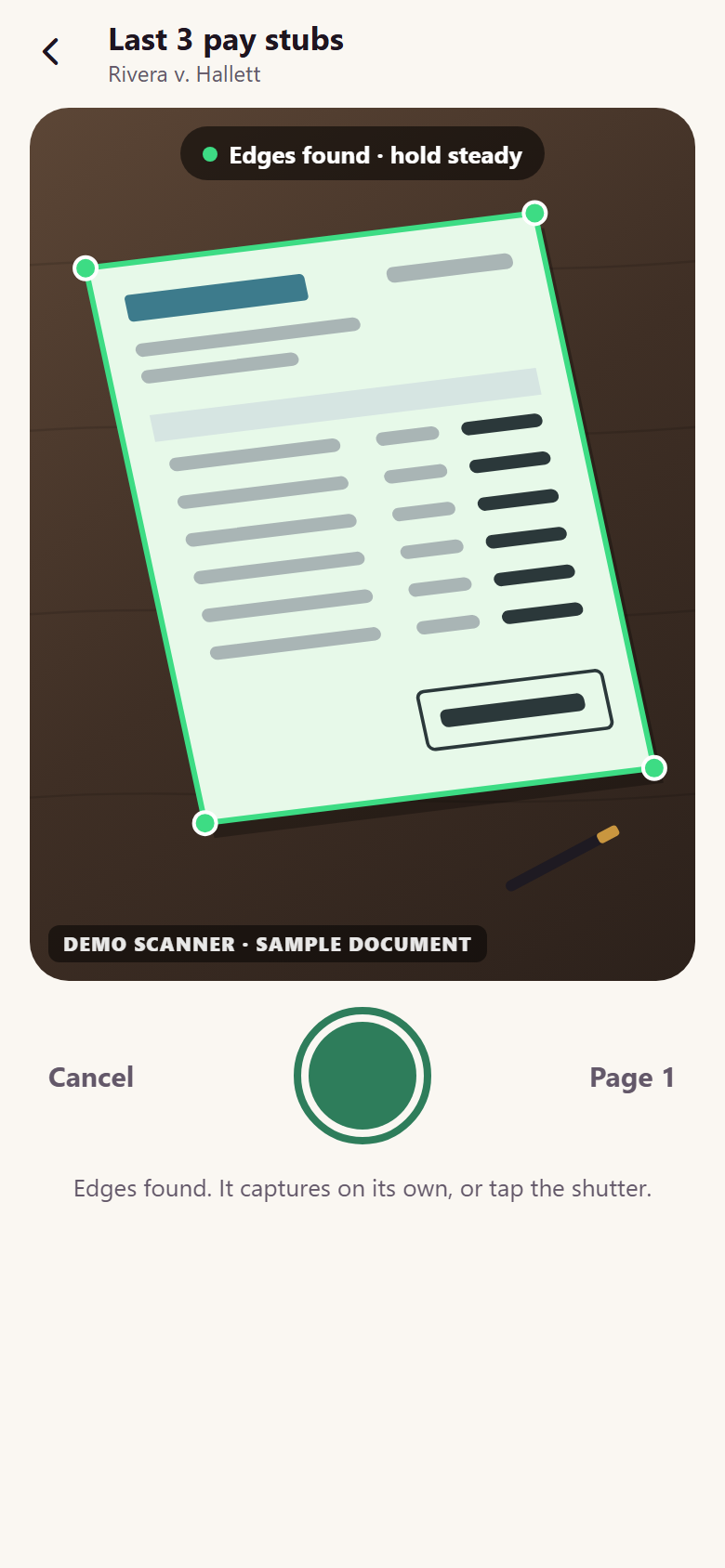
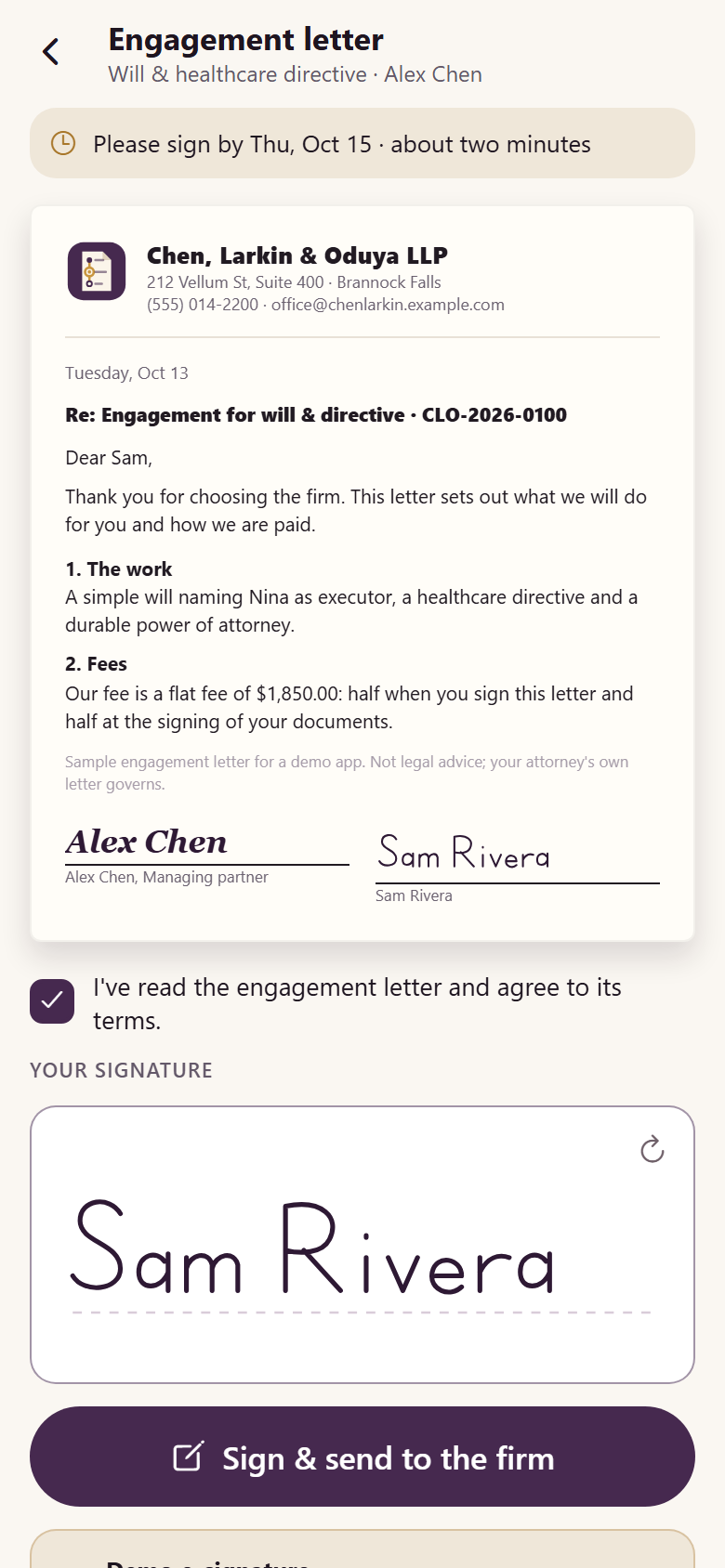
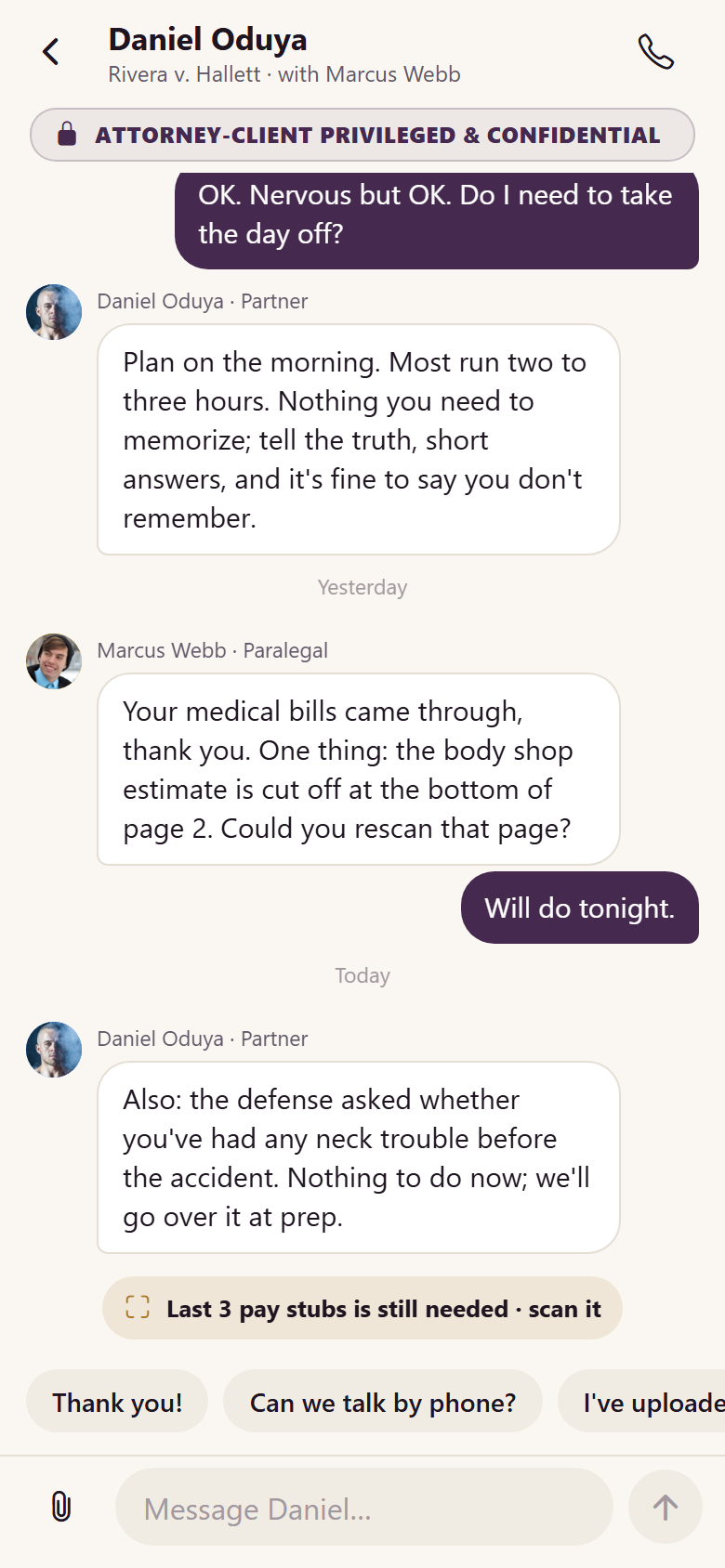
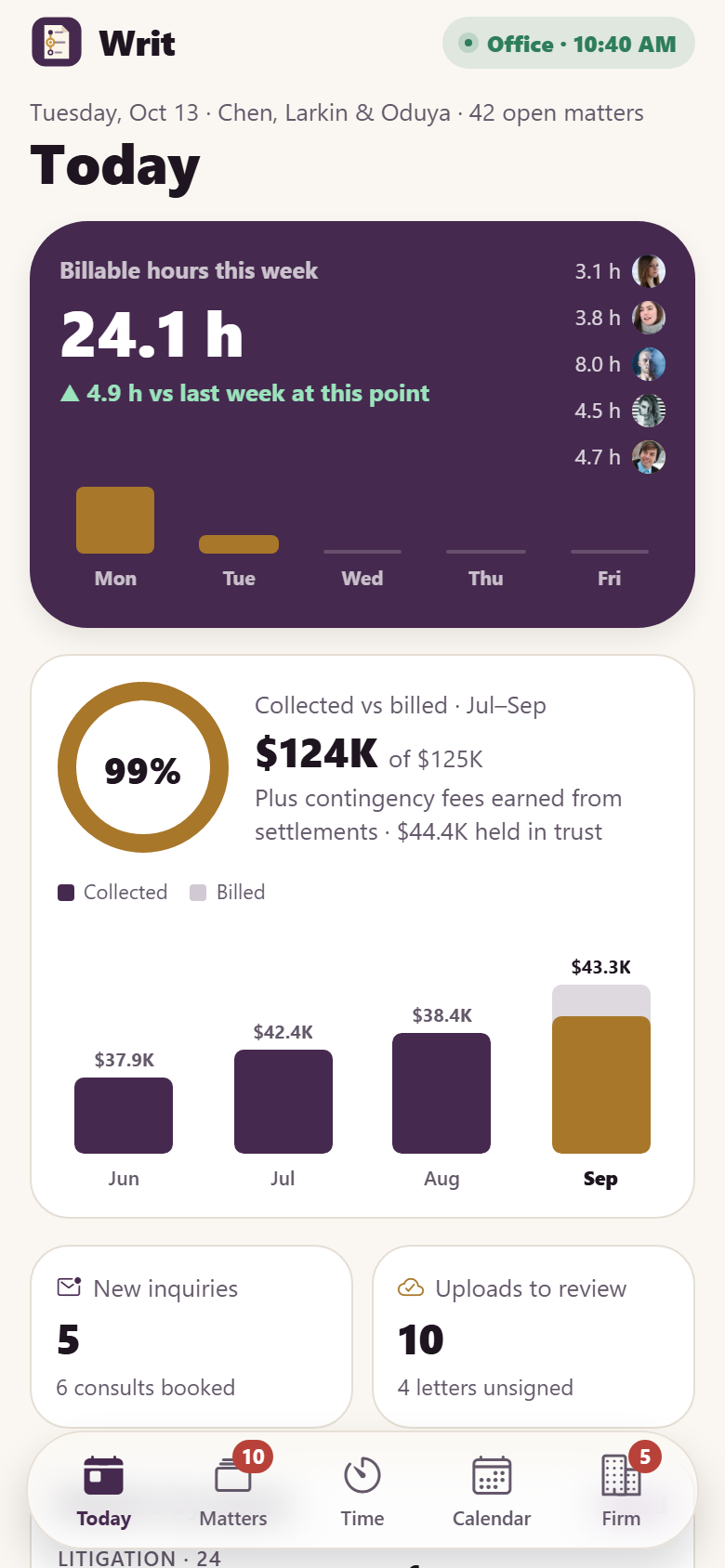
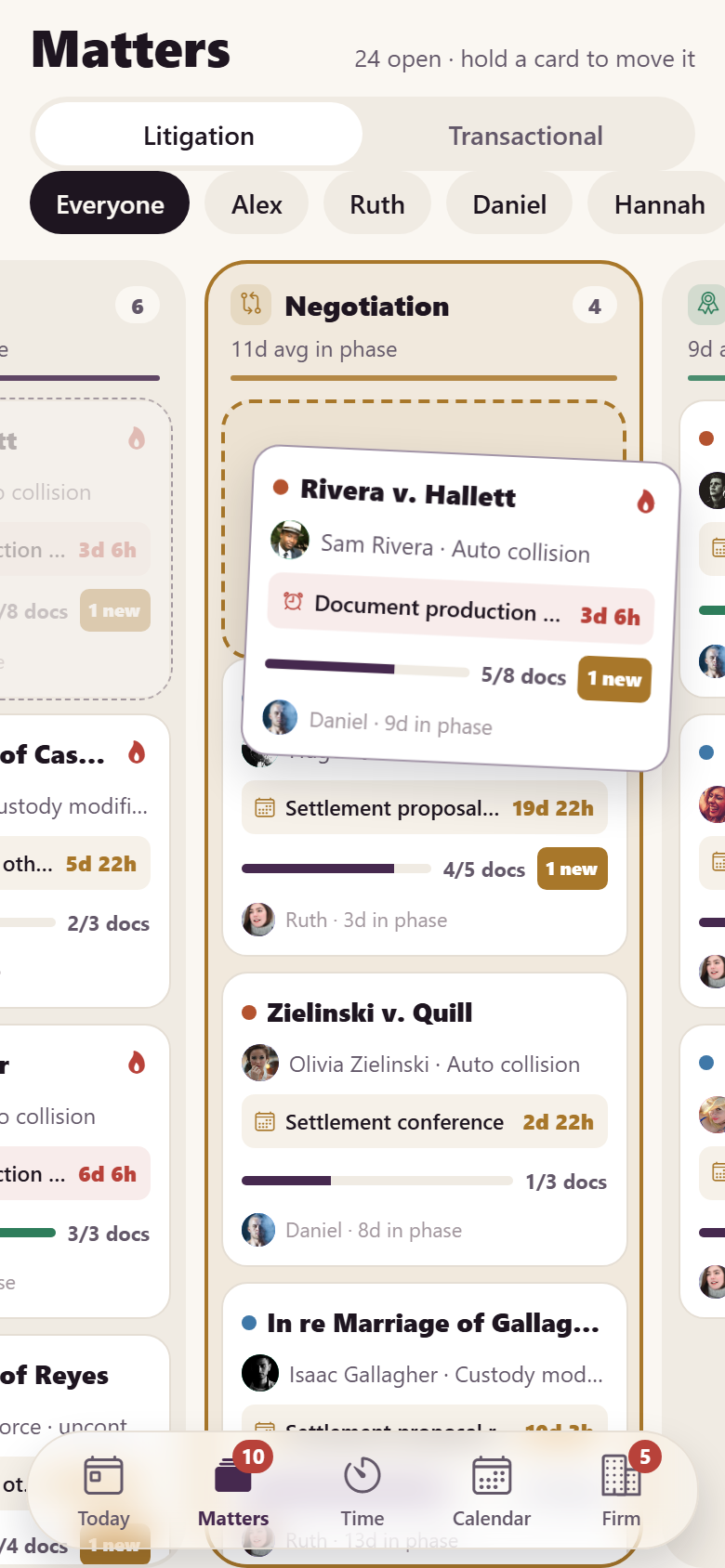
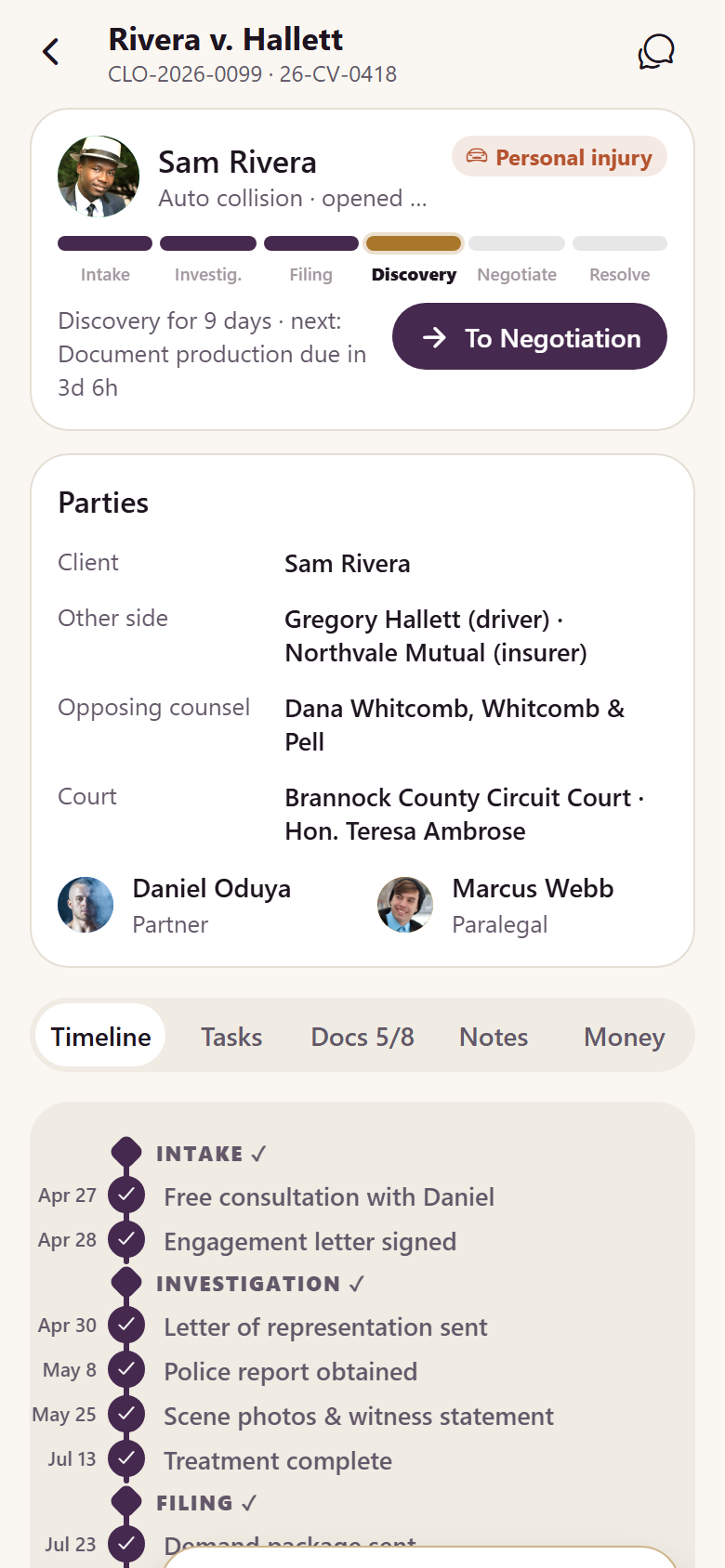
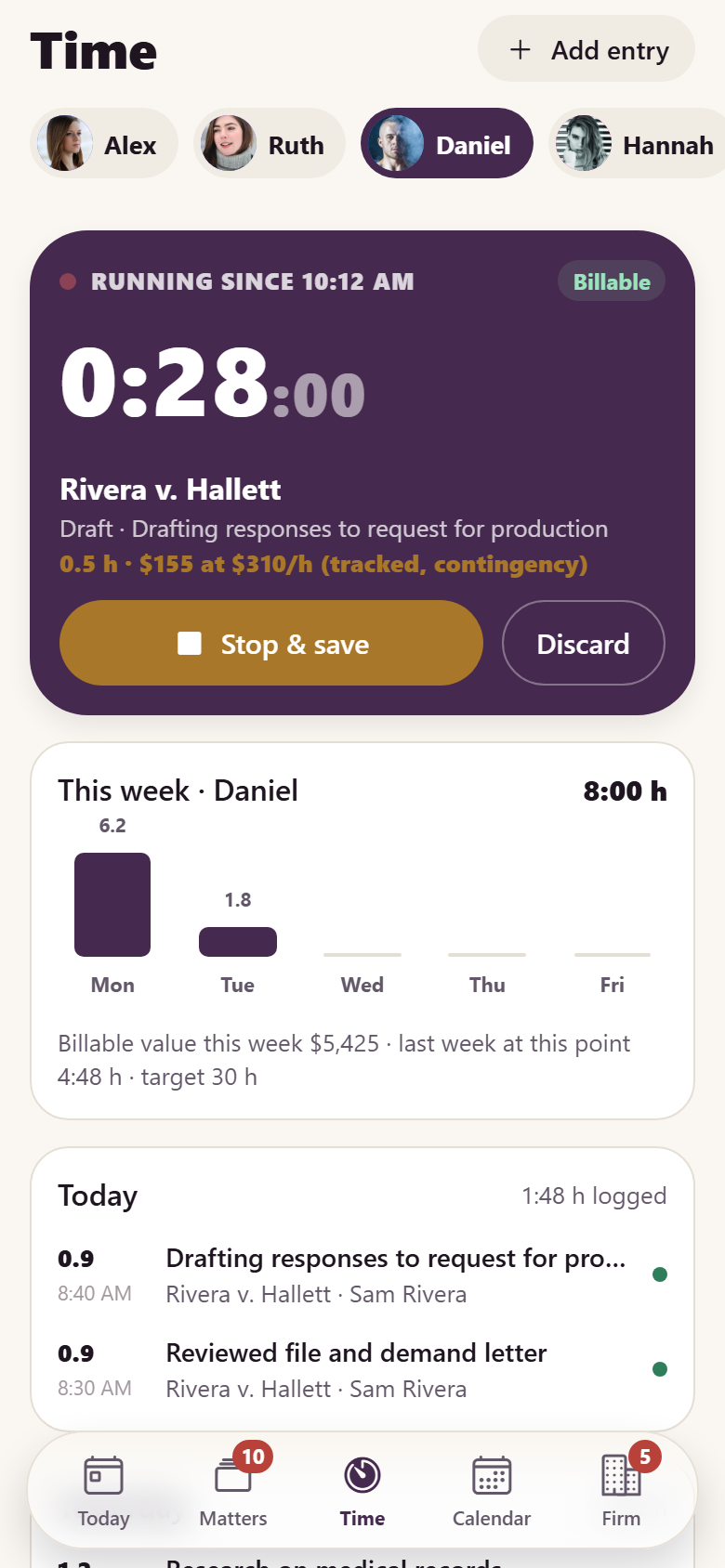
One small law firm's own app, with both sides in one: the client's portal and the firm's practice. Clients see their case as a drawn timeline in six phases (Intake, Investigation, Filing, Discovery, Negotiation, Resolution, or the transactional six for wills and companies) with the phase they are in glowing; every filing, court date and deadline sits on the rail as a node, and dragging the brass marker along it springs each node out into its detail card (what happened or what to expect, the documents, the next step, what the client must do) with a live countdown to anything ahead. The firm's document requests are a checklist that fills as the client uploads: a staged scanner finds the page's edges, locks on, flashes and lifts it out flat, page after page, then sends it securely, and the ring and bar roll on both sides. Clients e-sign the engagement letter with a finger on a rendered letter and get a signing certificate, read and send attorney-client privileged messages, see how each matter is billed (contingency with the costs the firm advanced, a flat fee with what is due, an hourly retainer held in the firm's client trust account), open invoices on paper and pay with a demo-payment receipt, start a new matter through an intake questionnaire with a conflict check, book a consultation by attorney, day and time (paid consults end on a demo receipt), follow important dates with countdowns, and read what to expect for their kind of case. The firm's side has a today dashboard (billable hours this week rolling in against last week at the same point, collected vs billed over the last three complete months with six months of bars, matters by phase, deadlines and court dates in the next seven business days, today's docket, what needs a person), a matters board by phase where a matter is held and dragged to its next phase (the client's timeline moves with it), a matter record (parties, court and judge, the same timeline with internal calls, tasks, documents to accept or send back for a clearer copy, a request that lands on the client's checklist at once, internal notes, trust balance, invoices, time and costs), time entries with a running timer and billable or non-billable, invoices and trust ledgers with reminders and top-up requests, a calendar of court dates and deadlines by person, intake from new inquiry to consultation to retained, clients with their records, and practice settings for areas, fees, rates and hours. Thirty-one screens on seeded staff, clients, matters, timeline events, documents, time entries, invoices, trust transactions and messages.
31 screens, real flows
Make it yours by describing it
Tell Co-Create what to change, in plain words or a voice note. It asks what it needs to know, then shows you designs before anything is built.
Nothing changes until you approve
Approve one piece or a whole section. Every build gets a preview, and you can roll back to any earlier point.
Your app, your code
Go live on a clean address or your own domain, and download the full source whenever you like.
Your idea could be an app by Friday.
Start free. Talk it through, answer a few questions, pick a design and watch it build.
7 days freeCancel anytime