
App template
Tack: a team project & issue tracker app template.
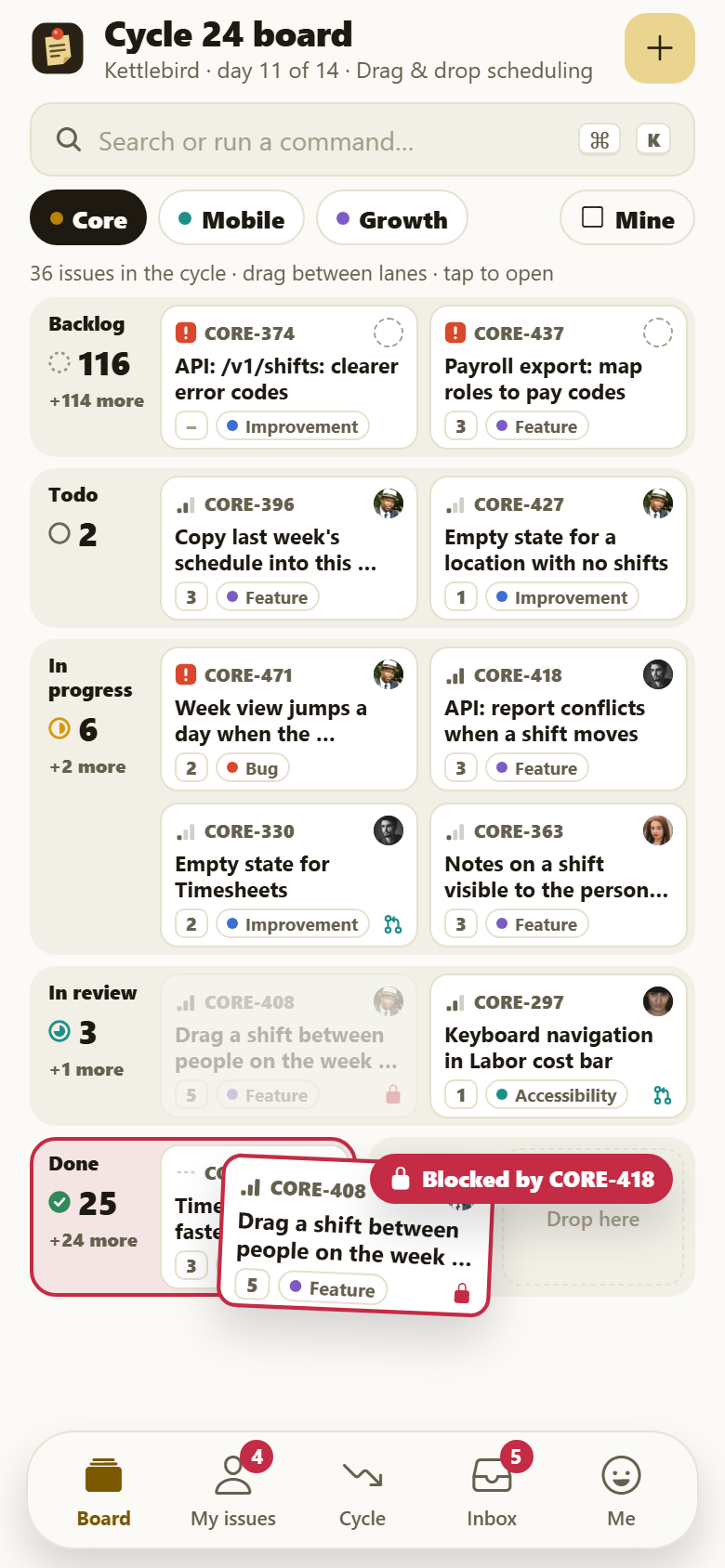
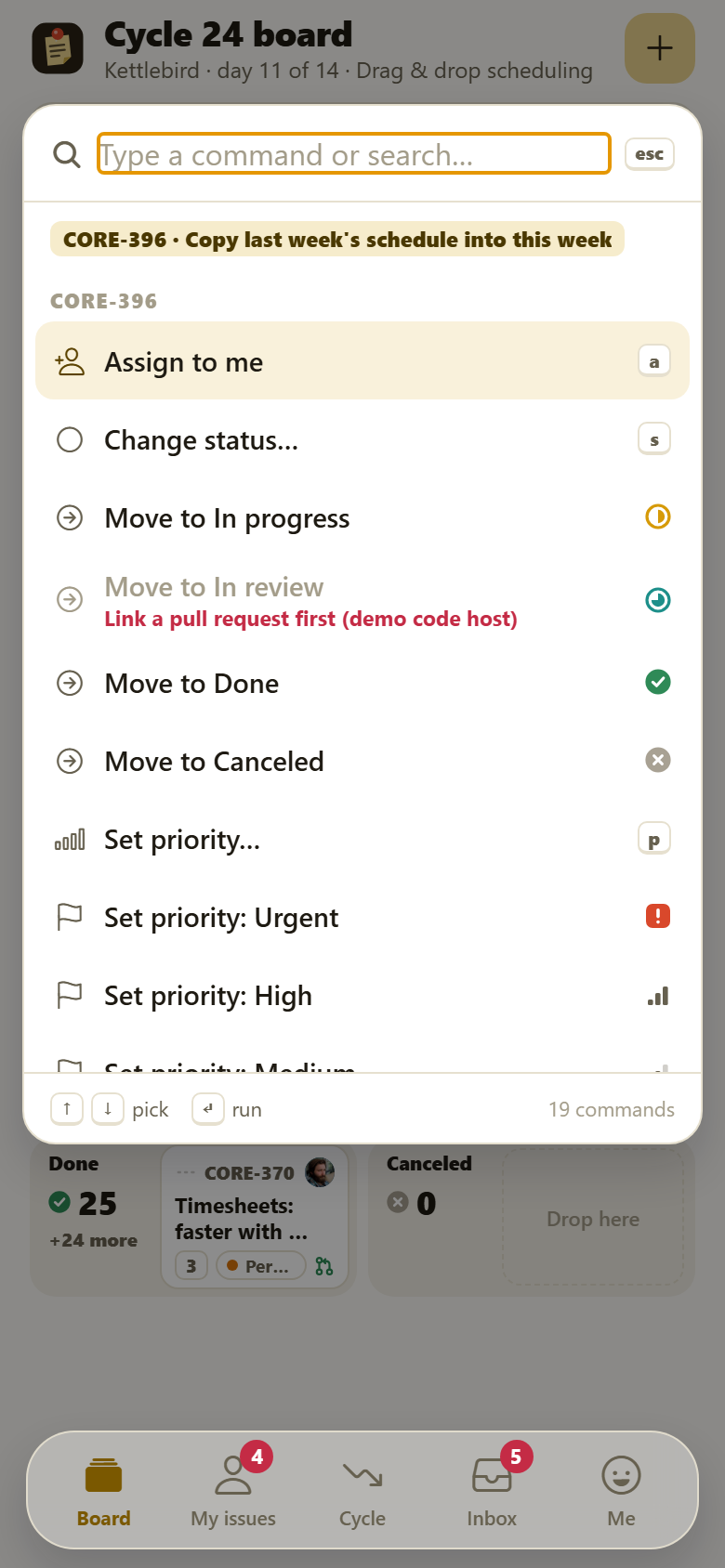
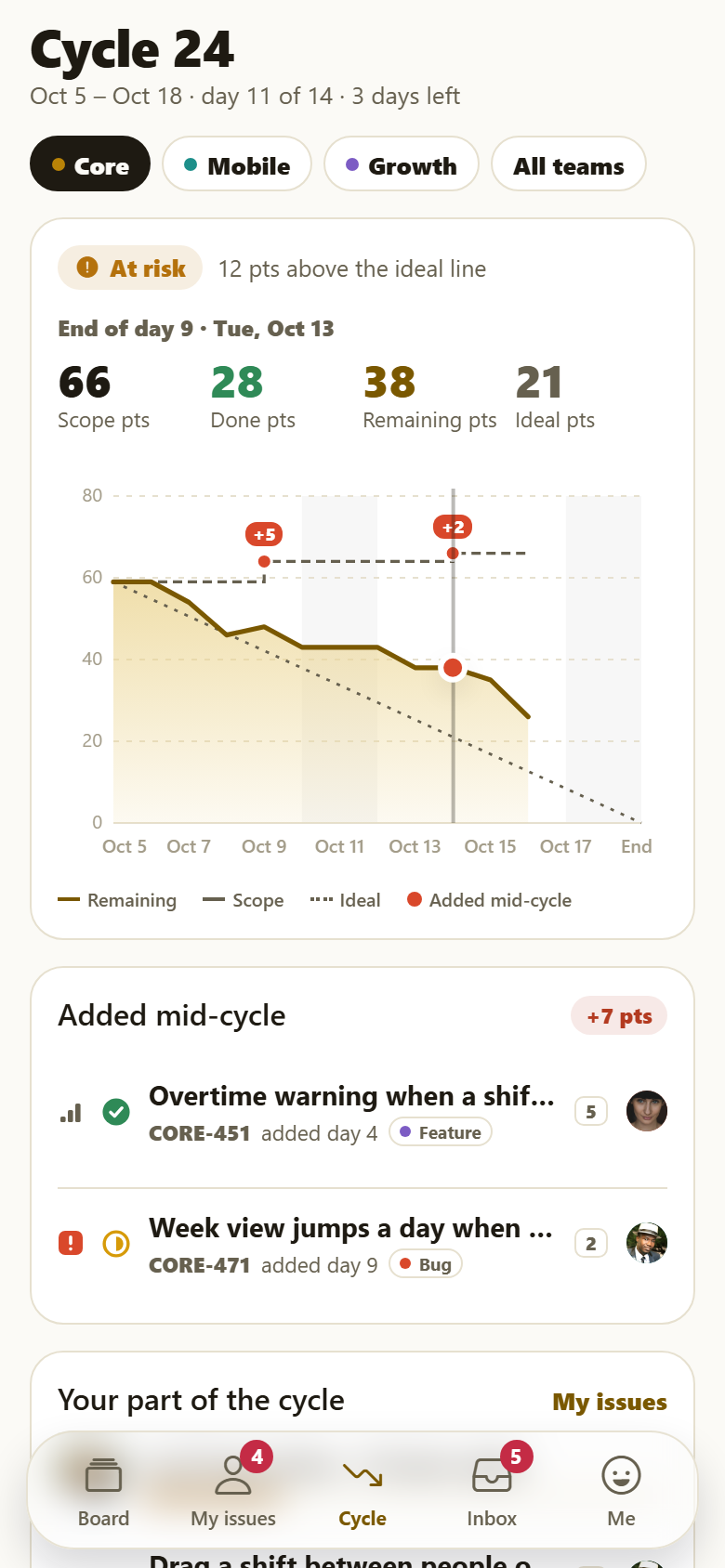
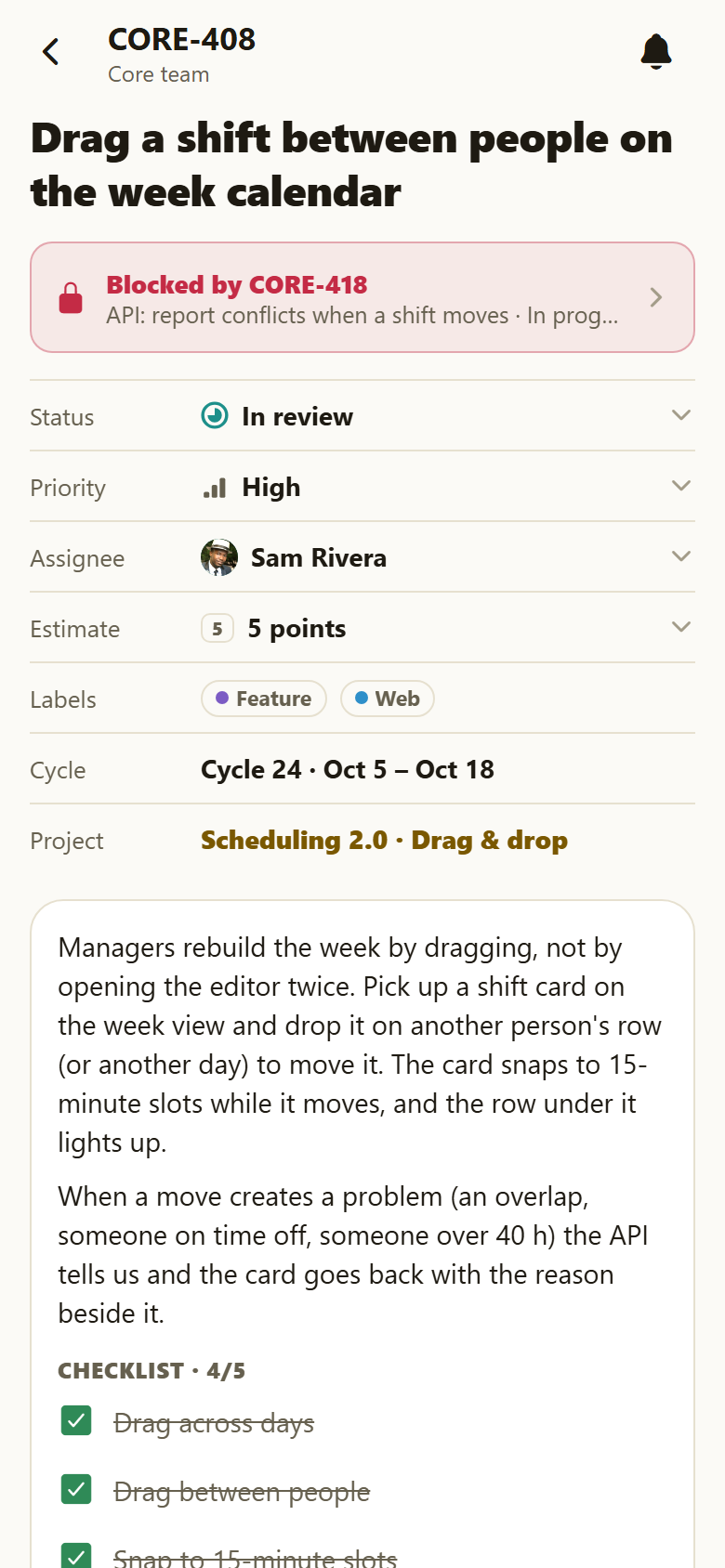
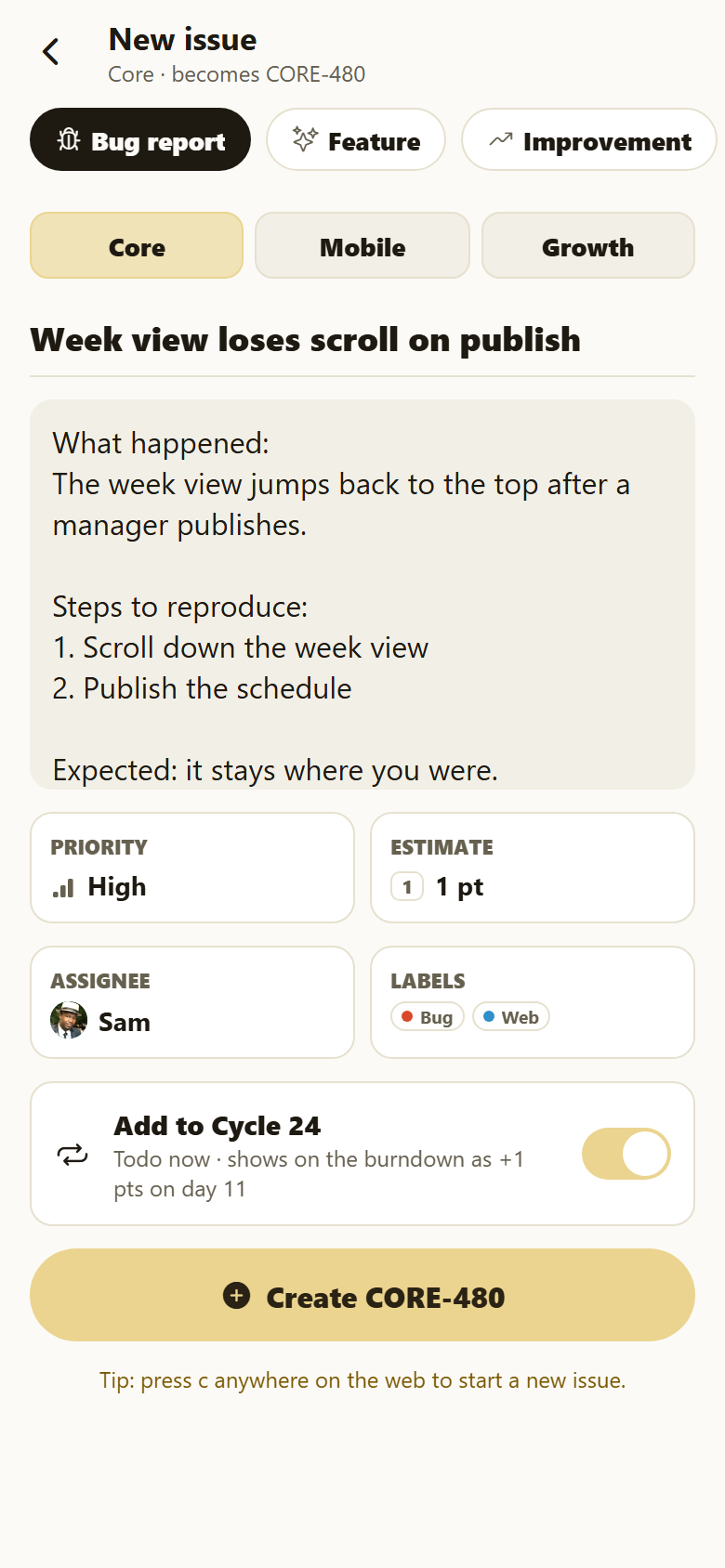
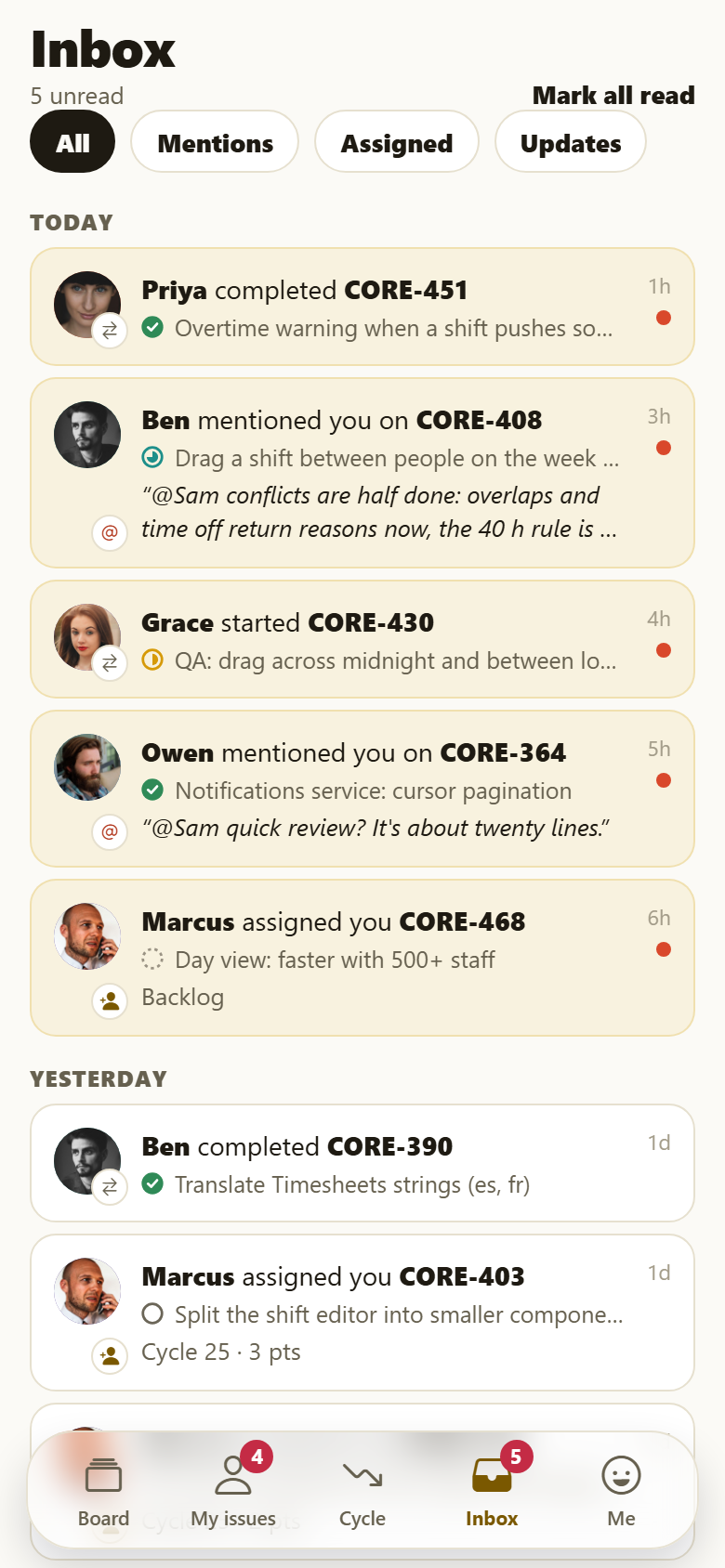
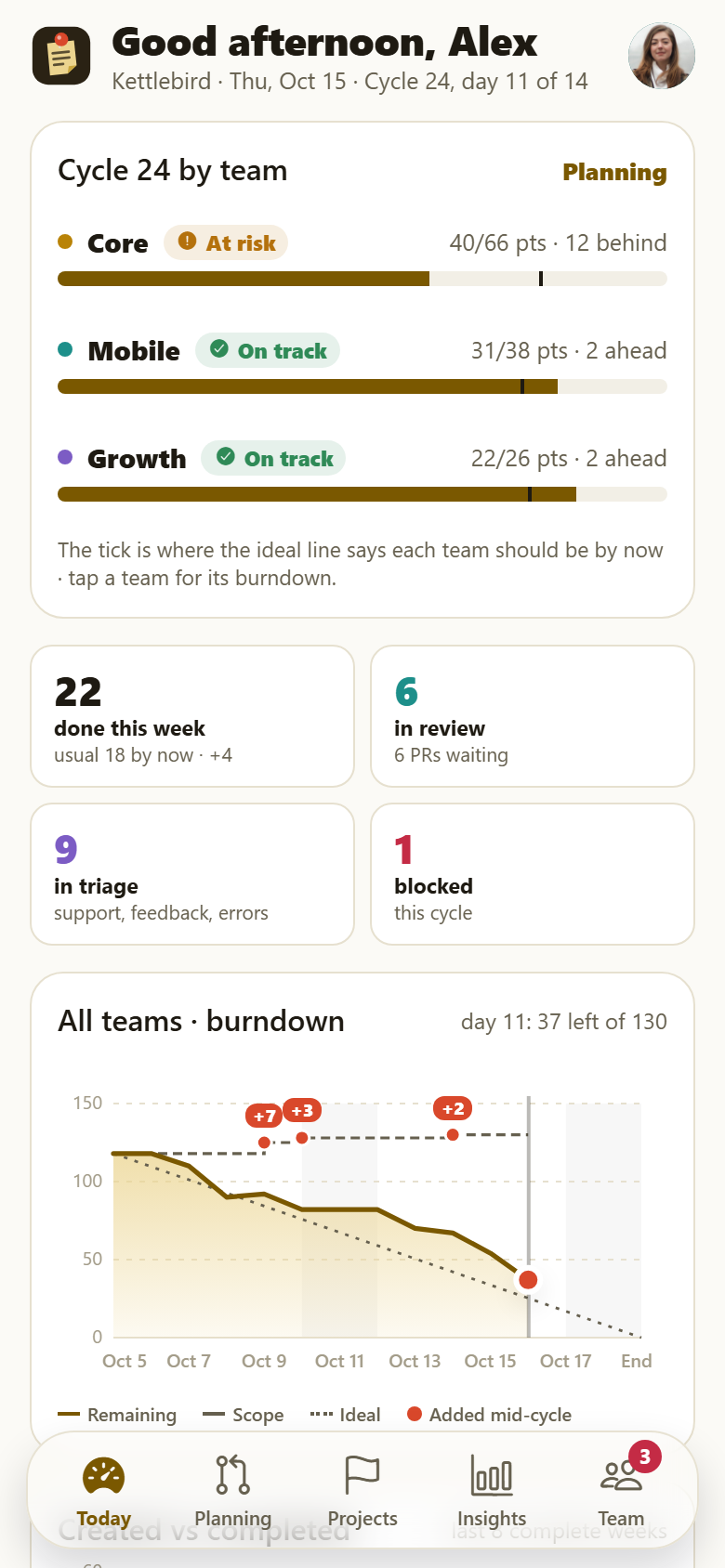
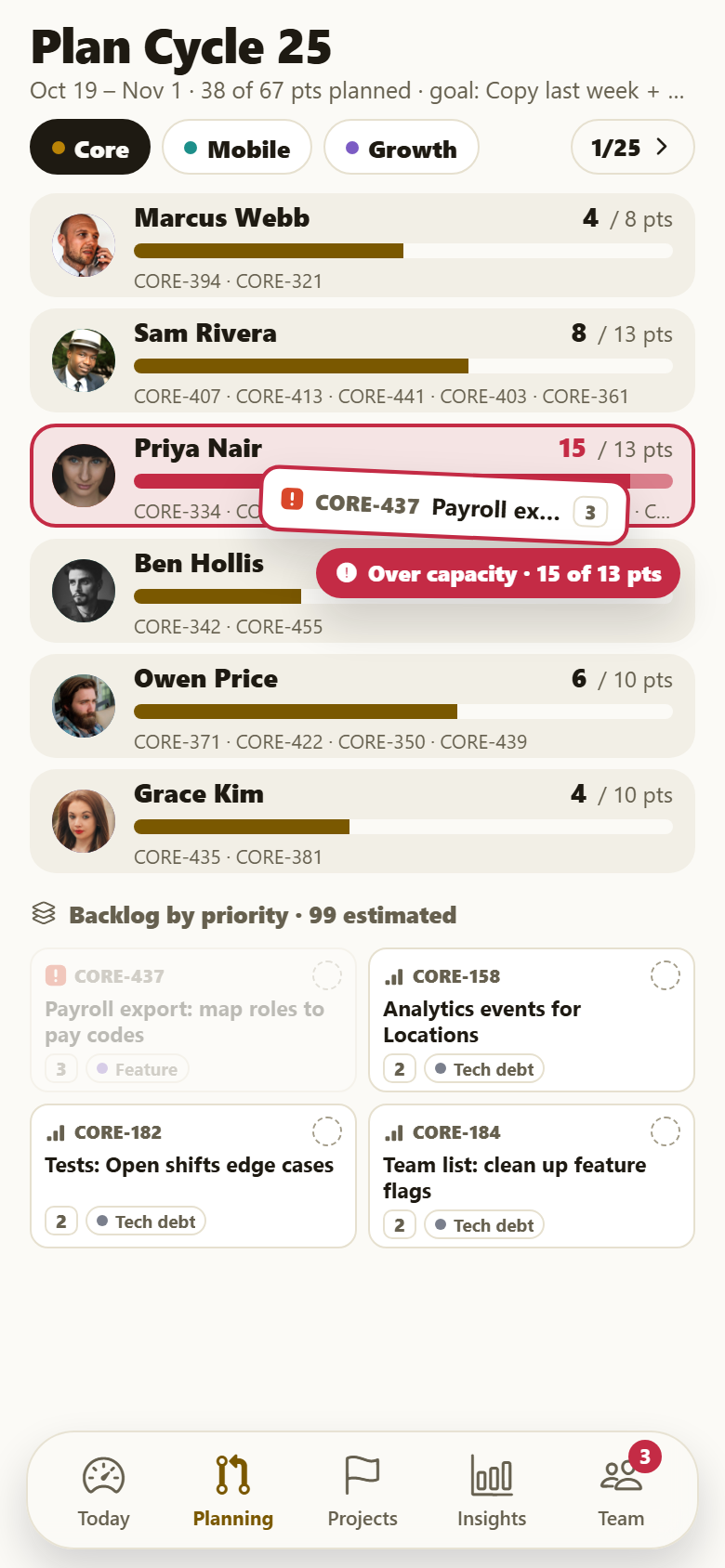
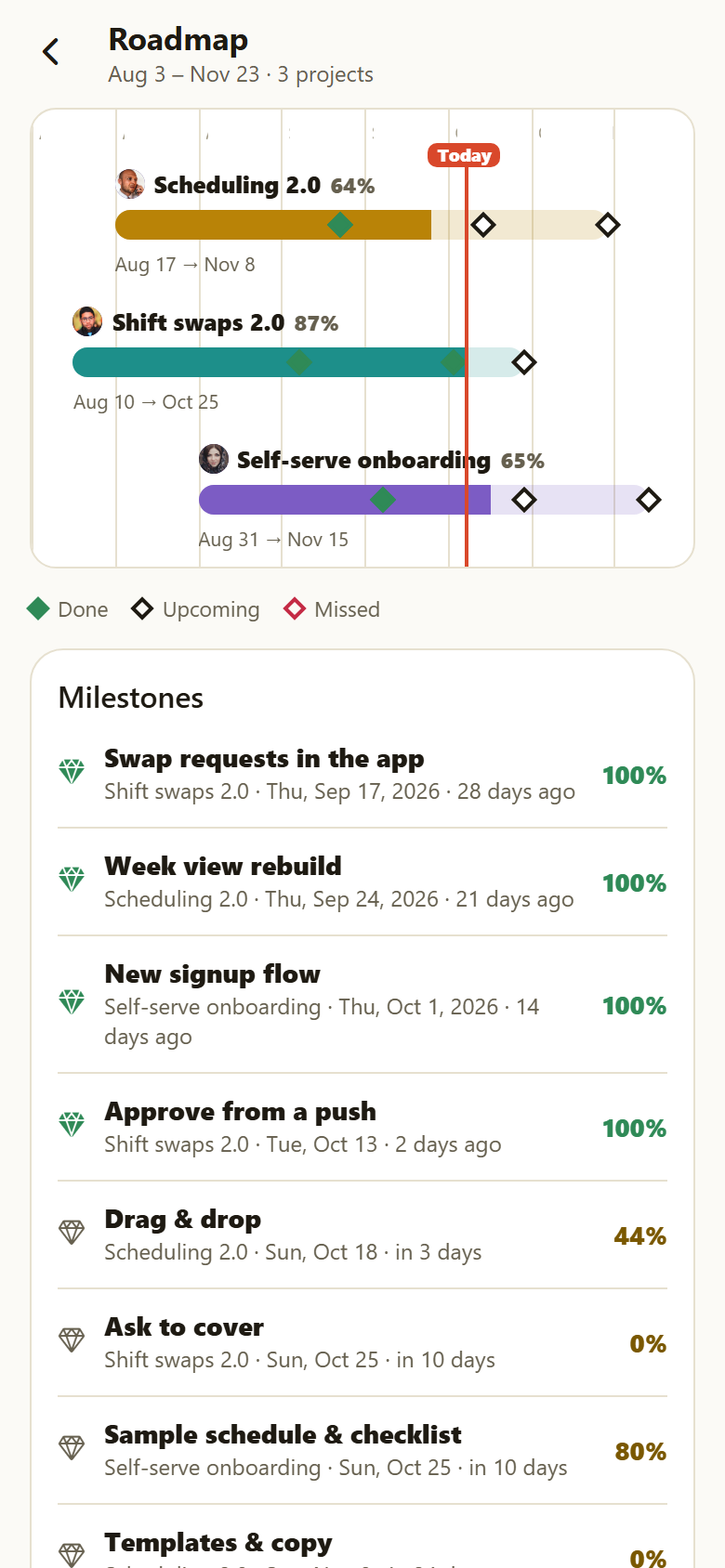
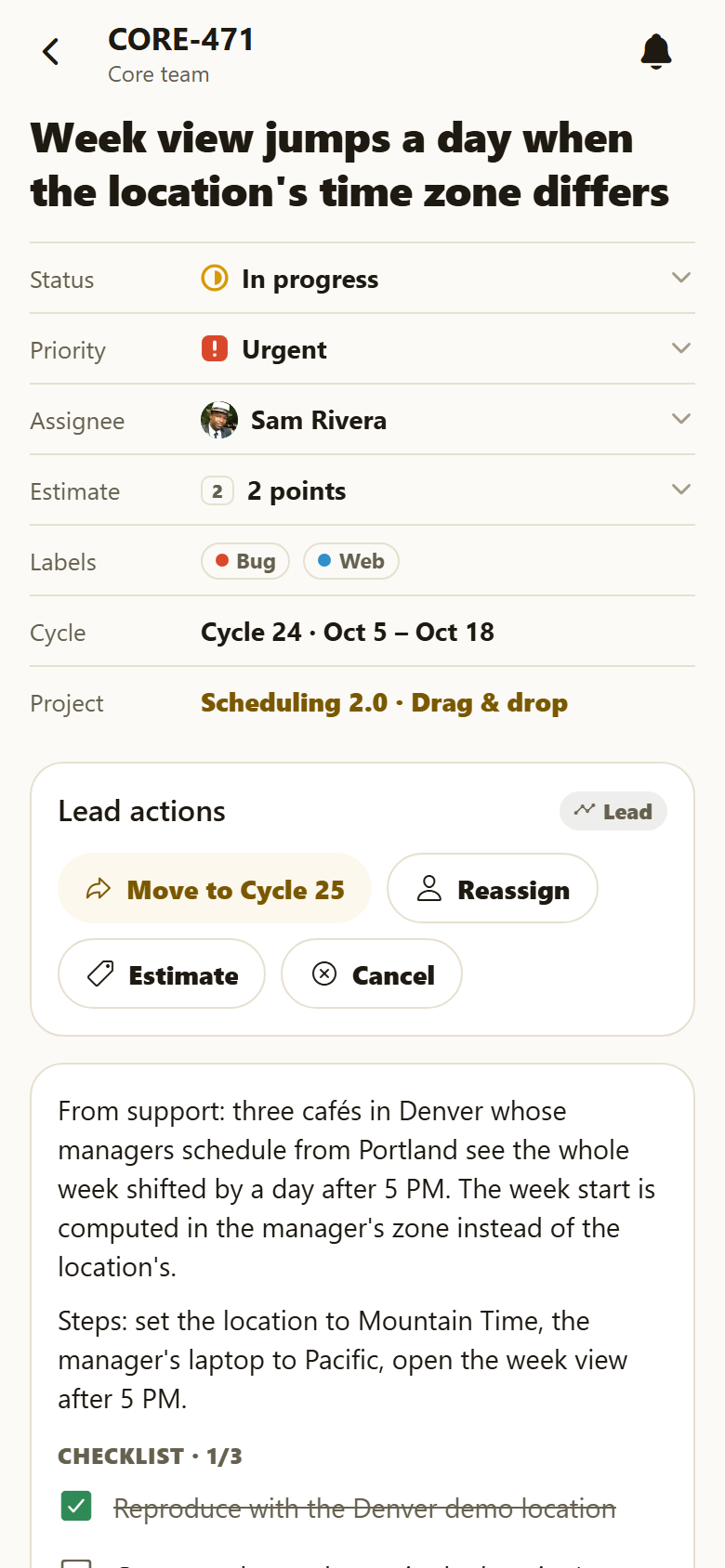
An issue tracker in the shape of the category leaders (Linear, Asana, Jira, Height), with both sides of a product team in one app: the engineers and designers doing the work, and the lead planning it. Members get a KEYBOARD-FAST BOARD: the team's running cycle as stacked lanes (Backlog → Todo → In progress → In review → Done / Canceled) where each card shows its id, priority, title, estimate, label, assignee face and pull request; drag a card between lanes and it follows the finger with the lane lit and a label beside it, and the rules refuse Done while a blocking issue is open ("Blocked by CORE-429") and In review without a linked pull request, the reason beside the finger; a COMMAND BAR (⌘K, or tap the search pill) with fuzzy actions ("Assign to me", "Move to In review", "Set priority: Urgent", "Create issue") and shortcuts that work on the web (c create, a assign, s status, p priority, j/k move, Enter opens); a CYCLE BURNDOWN you scrub day by day, scope, completed, remaining and the ideal line, mid-cycle additions marked with their points, and on track / at risk read from the burndown itself; My issues (assigned, created, subscribed, grouped the way work moves); an issue page with properties, a blocked banner, a description with a tickable checklist, sub-issues, relations, the linked pull request (demo code host), drawn attachments and one timeline of activity and comments; create from templates (bug report, feature, improvement, spike); an inbox of mentions, assignments and status changes; the triage queue from support, feedback and the error tracker; search with saved views and filters; profile, edit profile and settings. Leads get Today (each team's verdict from its own burndown, issues completed this week against the median of the last four same spans, in review, triage and blocked counts, a scrubbable workspace burndown, created vs completed over eight complete weeks, blocked work and pull requests waiting on review, each project's own progress); CYCLE PLANNING where backlog issues are dragged onto people whose capacity bars fill from the estimates, refused over capacity ("Over capacity · 15 of 13 pts"); projects & milestones with each one's own %; a drawn roadmap Gantt; insights (created vs completed, cycle time, bug rate, the mix of work by type, triage sources); velocity over complete cycles only; workload by person with only the over-capacity flagged; a person's record; and workspace settings (workflow states, labels, cycles, teams, integrations as drawn generic tiles, "Connect your code host, demo"). Twenty-two screens on a seeded 14-person startup (Kettlebird: shift scheduling for cafés, a web app, a mobile app and an API) across three teams: 789 issues over twelve weeks of two-week cycles, 346 comments, 282 linked pull requests, 53 relations, 3 projects with 9 milestones, every person and company invented.
22 screens, real flows
Make it yours by describing it
Tell Co-Create what to change, in plain words or a voice note. It asks what it needs to know, then shows you designs before anything is built.
Nothing changes until you approve
Approve one piece or a whole section. Every build gets a preview, and you can roll back to any earlier point.
Your app, your code
Go live on a clean address or your own domain, and download the full source whenever you like.
Your idea could be an app by Friday.
Start free. Talk it through, answer a few questions, pick a design and watch it build.
7 days freeCancel anytime