
App template
Smock: a daycare & early learning app template.
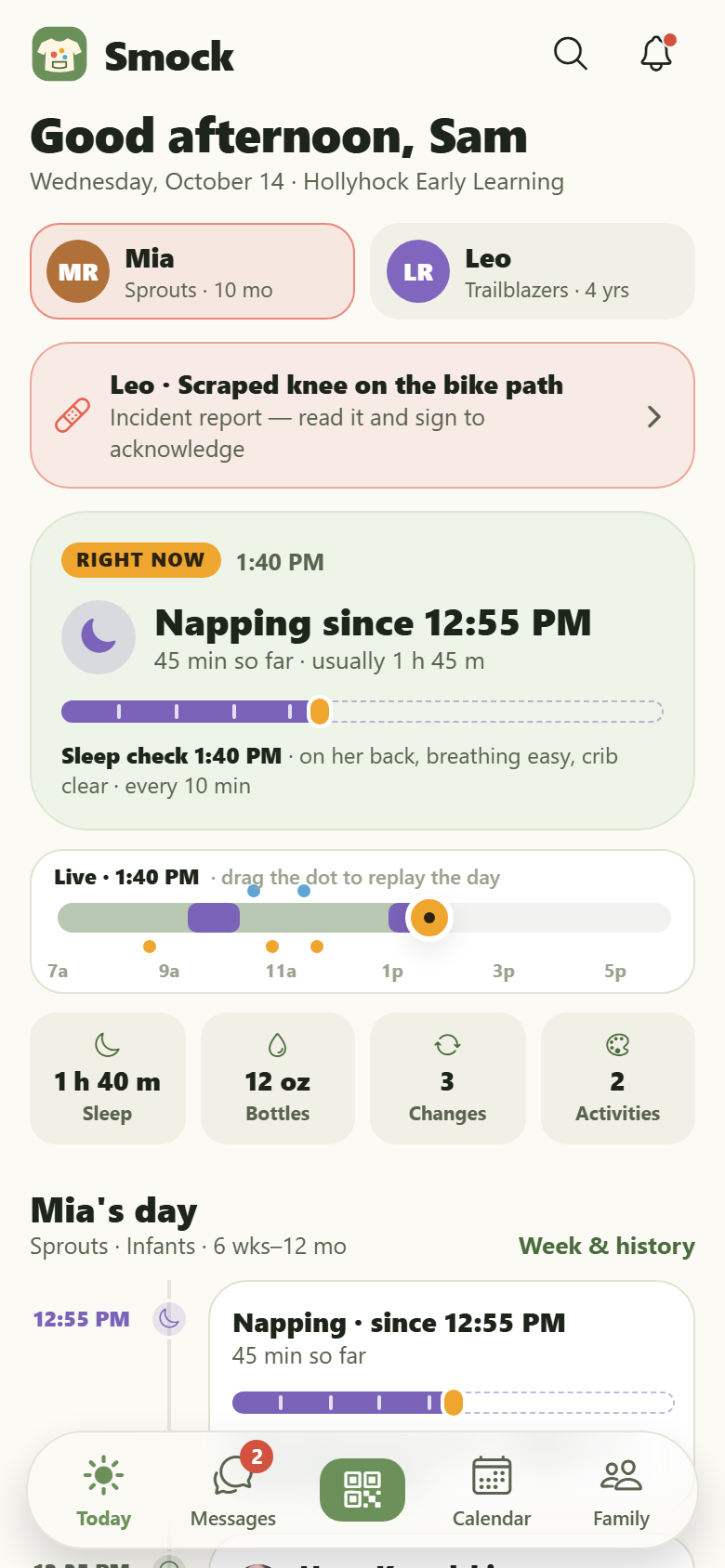
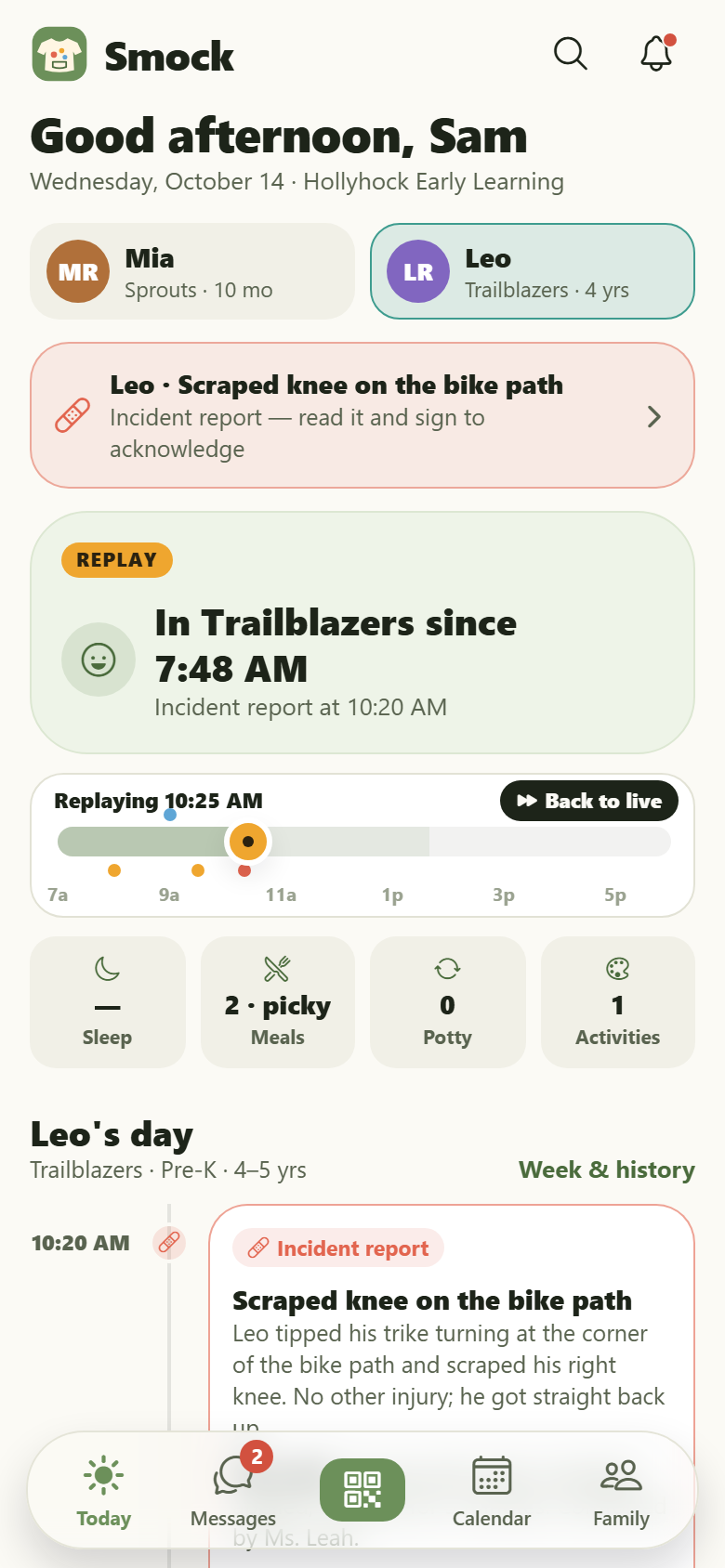
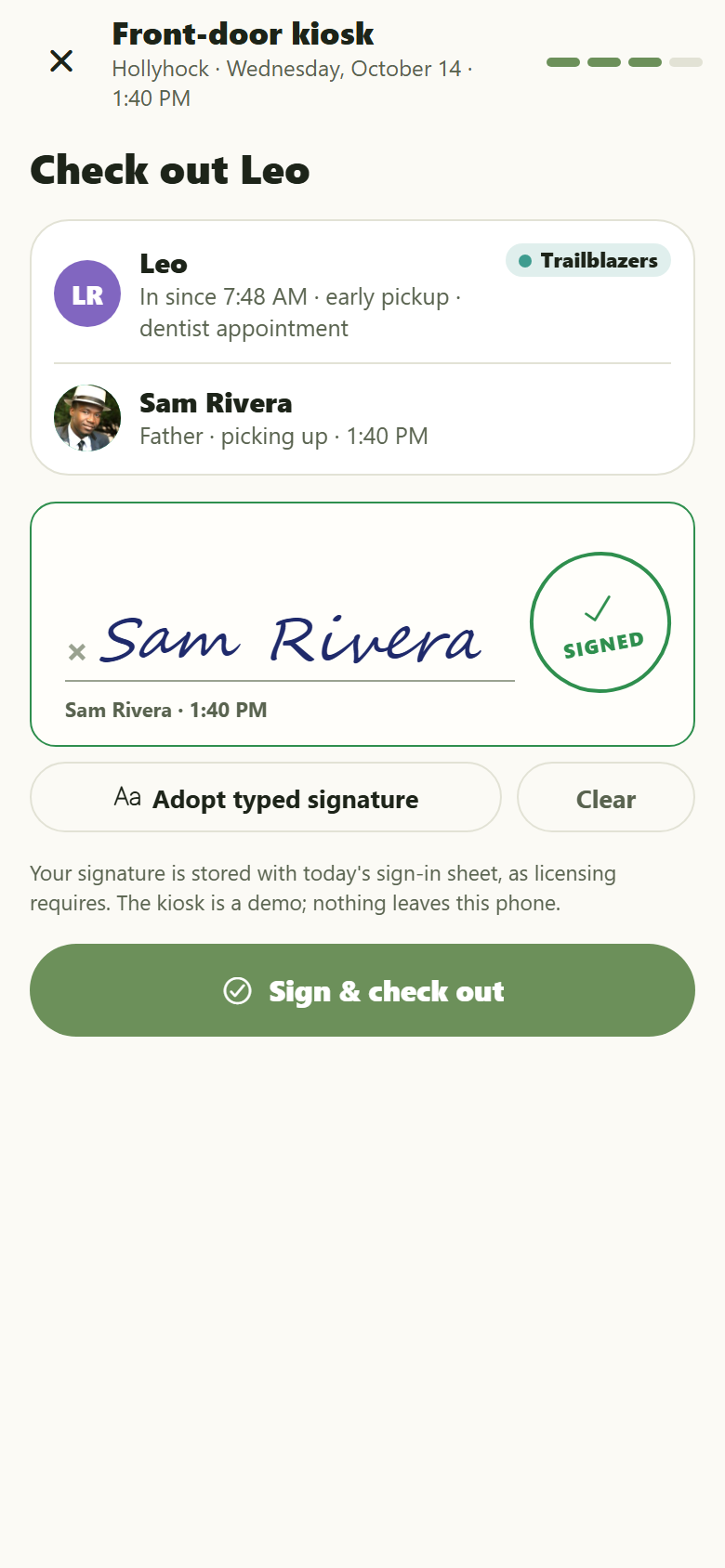
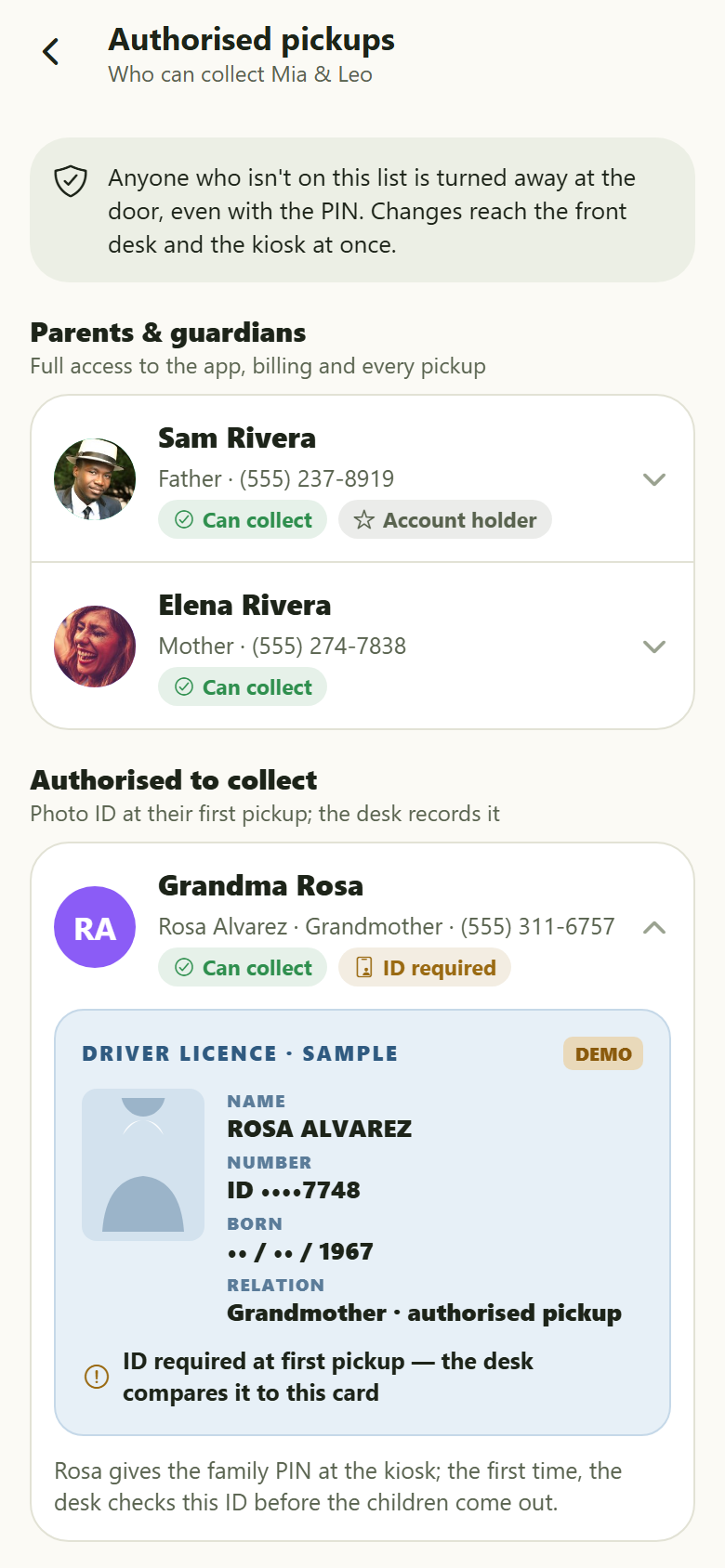
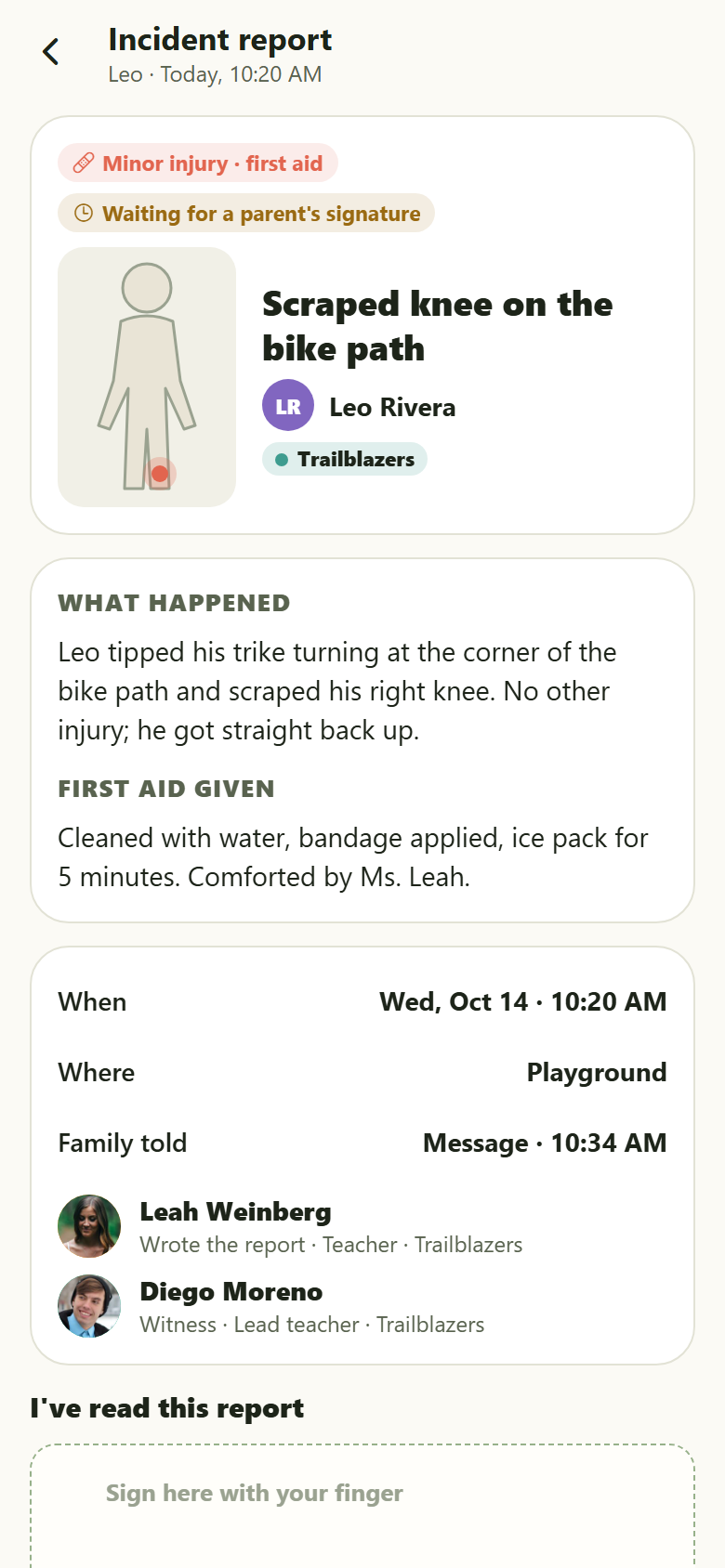
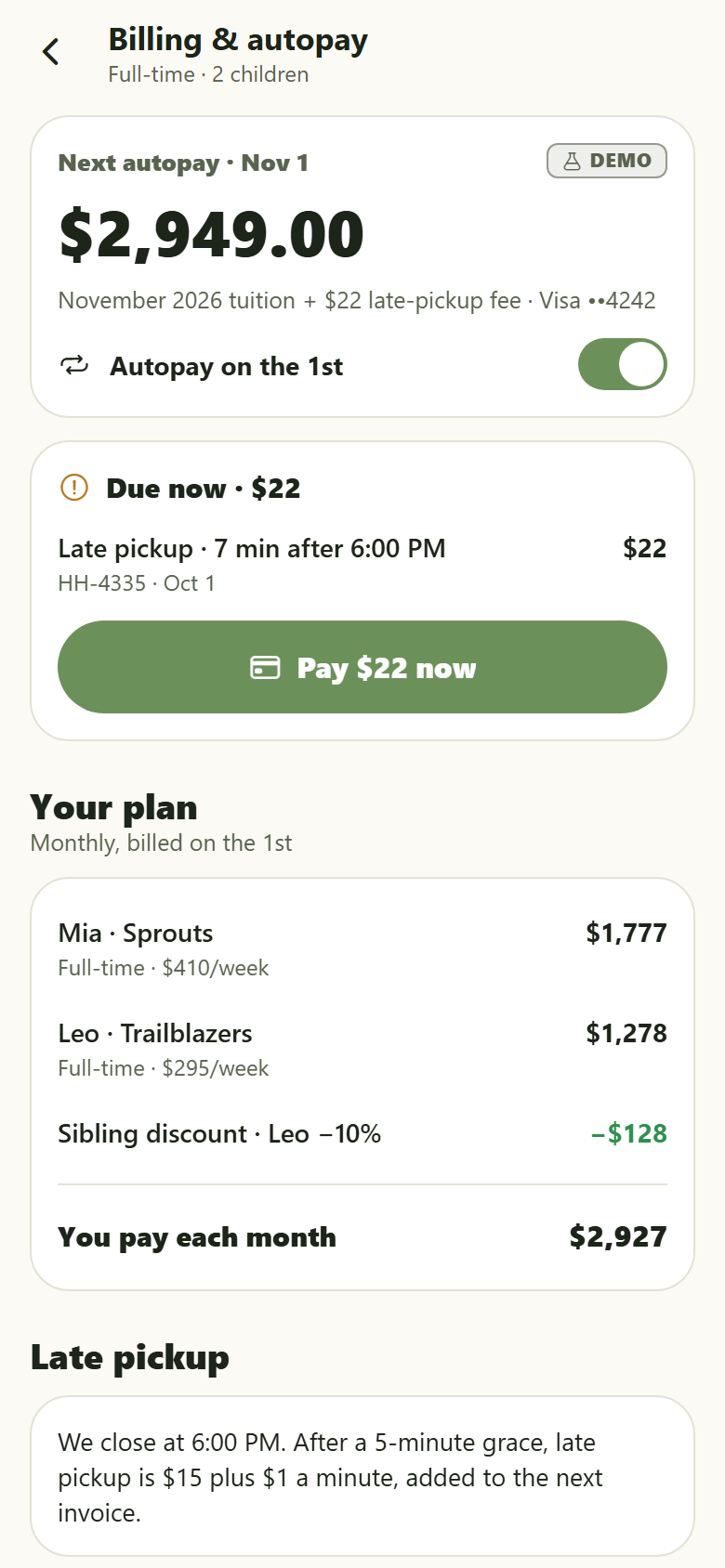
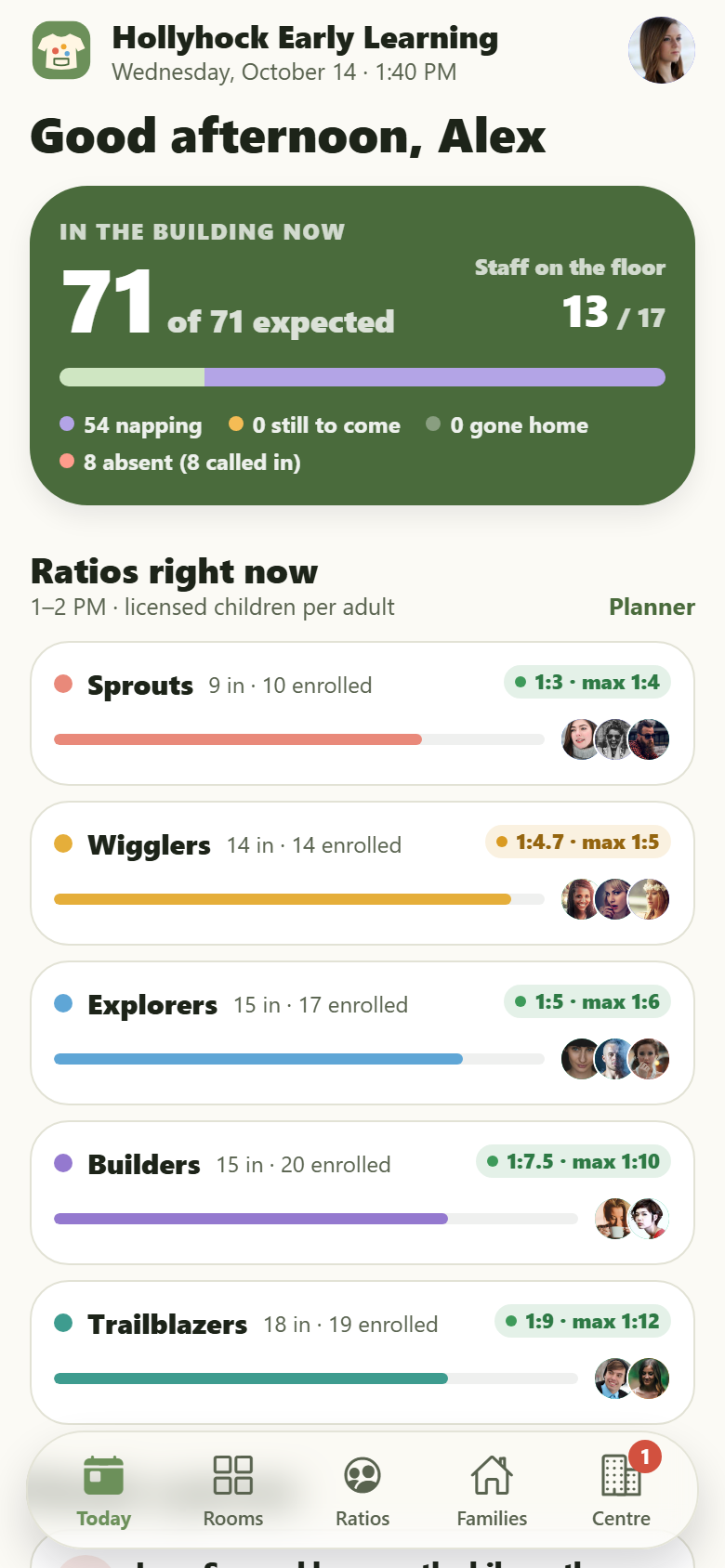
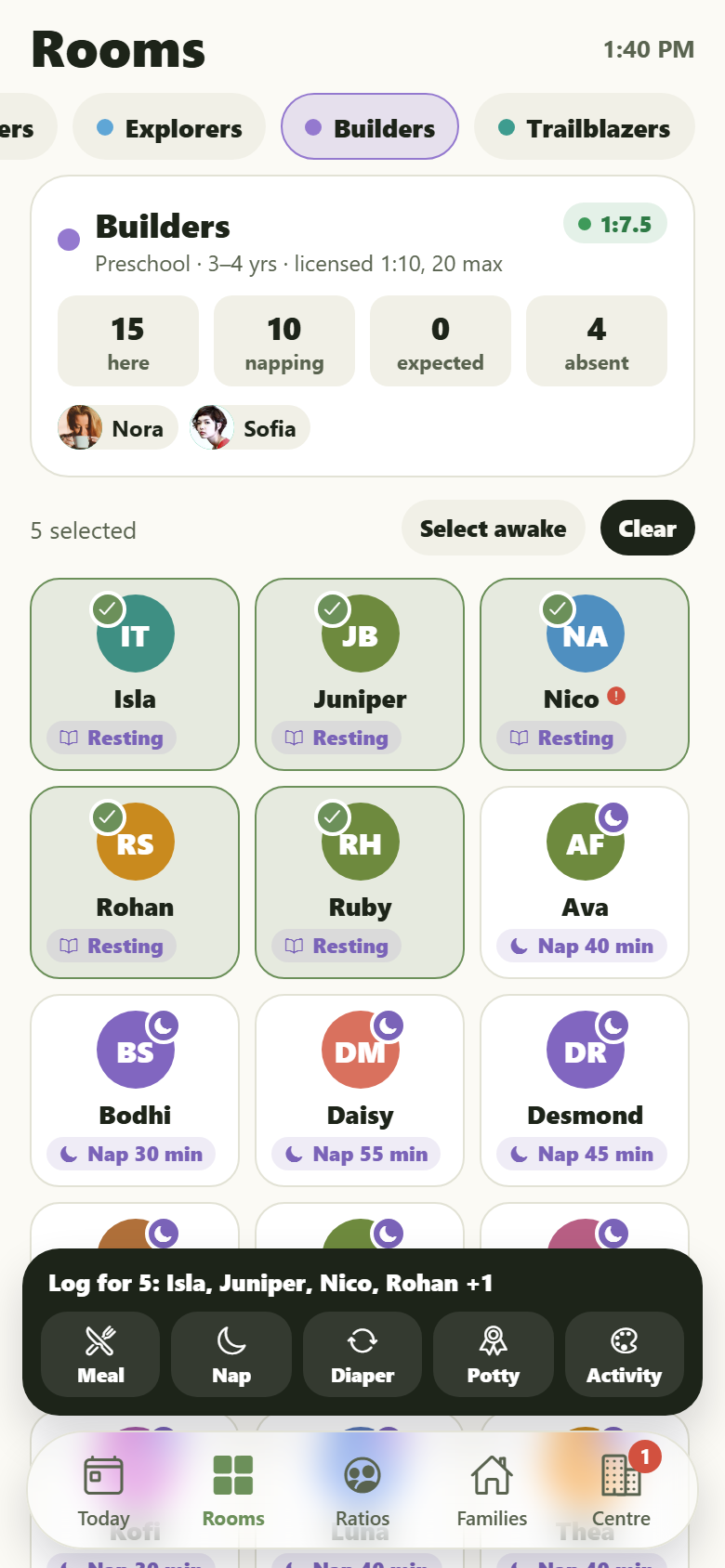
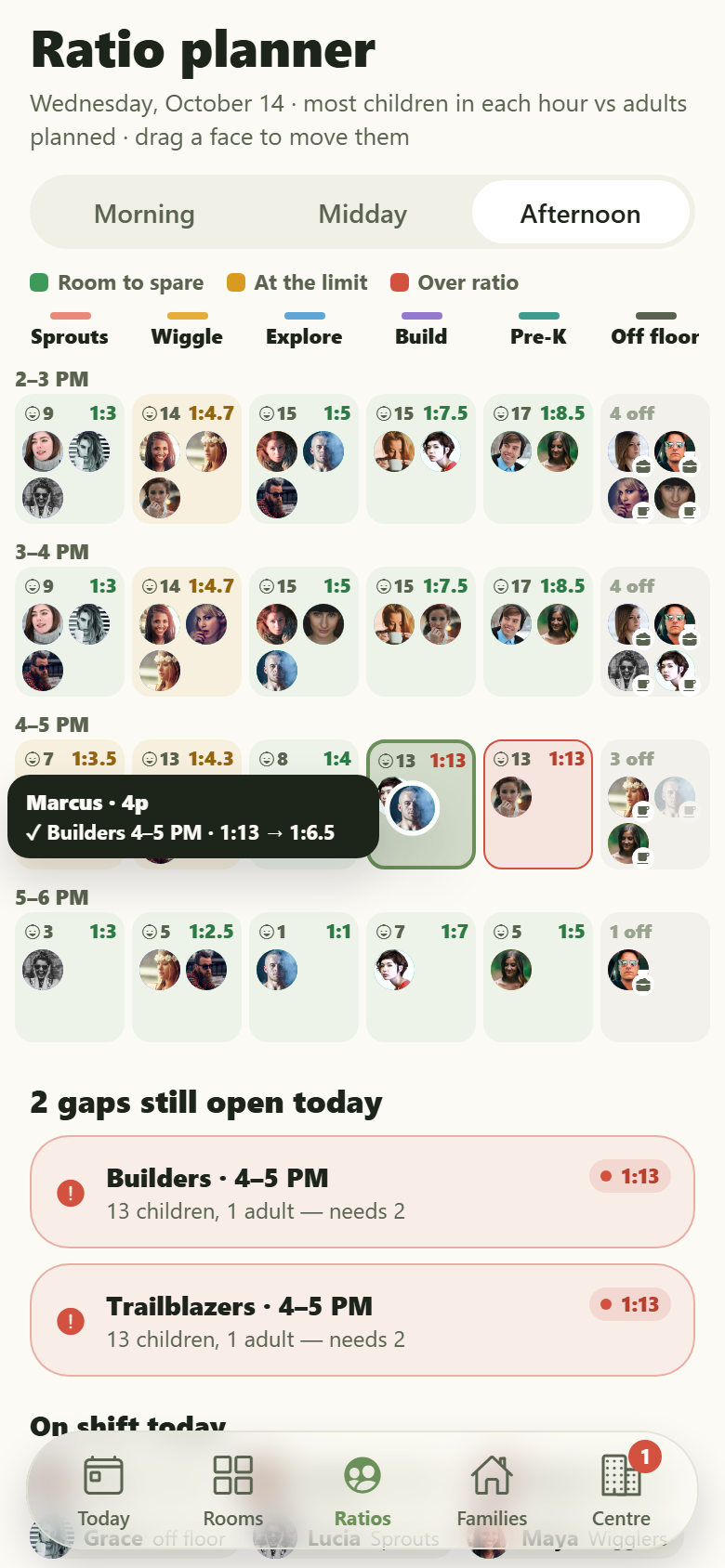
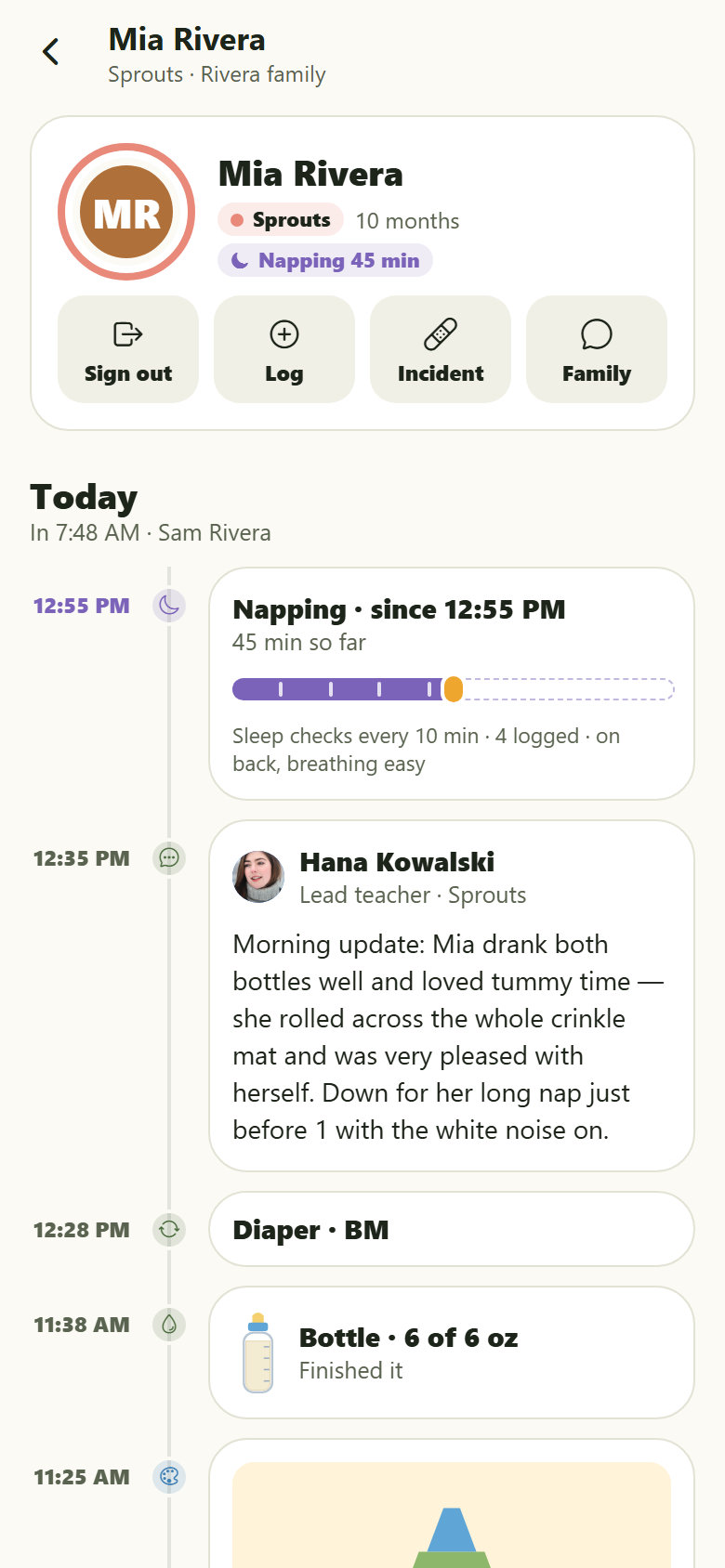
An early-learning centre's own app with both sides in one: the families' and the centre's. Children only ever appear as their initials on a crayon-coloured disc, the schema refuses a child's photo, and a room's 'photos' are drawn snapshots (a block tower, a painting on the easel, the sandbox, water play). Families open to a child's day that fills in live on one clock: 'Right now: napping since 12:55 PM' with a sleep bar that grows while she sleeps and infant sleep checks every ten minutes, then the timeline, check-in with who dropped off and their signature, bottles drawn to what was drunk, meals as a plate in four wedges (all / most / some / none), naps, diapers and potty, activities with learning-area tags and the teacher, mood, the teacher's note, milestones, and an incident report that waits for a parent to read and sign it. Drag the dot along the day strip to replay the day minute by minute. Signed check-in and pickup: the front-door kiosk takes the family's QR code or PIN, the children and who is collecting, the morning health check and a signature; the authorised pickup list flags a first-time pickup ('Grandma Rosa, ID required') with the drawn ID the desk will compare. Plus messages with each room's teachers and the front desk, announcements, a calendar with closures, picture day, conferences, field trips and the kitchen's weekly menu, billing and autopay (tuition per child, sibling discount, subsidy share, late-pickup fees, invoices, demo payments), forms and immunisation records to sign, reporting an absence with the sick-day policy, enrolling a sibling onto the waitlist with sibling priority, a child's week and history (sleep against last week, every recent day to reopen, milestones, care notes, attendance), two guardians on one account, search, edit profile and settings. The centre side has today's dashboard (in the building now against expected, napping, absent and called in, staff on the floor, every room's live ratio green / amber / red against its licensed ratio, what needs a person, attendance over the last four complete weeks, arrivals against a usual same weekday, tuition over the last three complete months, late pickups), the room view (every child an initials chip with where they are right now, select several and log a meal, nap, diaper round or activity for all of them at once, and each family's timeline shows it), the ratio planner (drag teachers between rooms and hours; a move that would leave a room over ratio is refused with the reason), each child's record (sign out at the desk with an ID check, write an incident report the family is asked to sign, today's timeline, pickups, forms, attendance), families and households with billing and aging, the attendance and sign-in log with every signature, billing and aging with failed-autopay retry (demo), the waitlist and enrollment pipeline with spots opening as children age up, staff shifts and certifications (CPR, first aid, background checks), the incident log, and rooms, ratios and fees settings. Thirty screens on seeded rooms, staff, families, guardians and pickups, 92 children, their routines, the rooms' activities, notes, incidents, absences, late pickups, charges, messages and the calendar.
30 screens, real flows
Make it yours by describing it
Tell Co-Create what to change, in plain words or a voice note. It asks what it needs to know, then shows you designs before anything is built.
Nothing changes until you approve
Approve one piece or a whole section. Every build gets a preview, and you can roll back to any earlier point.
Your app, your code
Go live on a clean address or your own domain, and download the full source whenever you like.
Your idea could be an app by Friday.
Start free. Talk it through, answer a few questions, pick a design and watch it build.
7 days freeCancel anytime