
App template
Showup: a volunteer management app template.
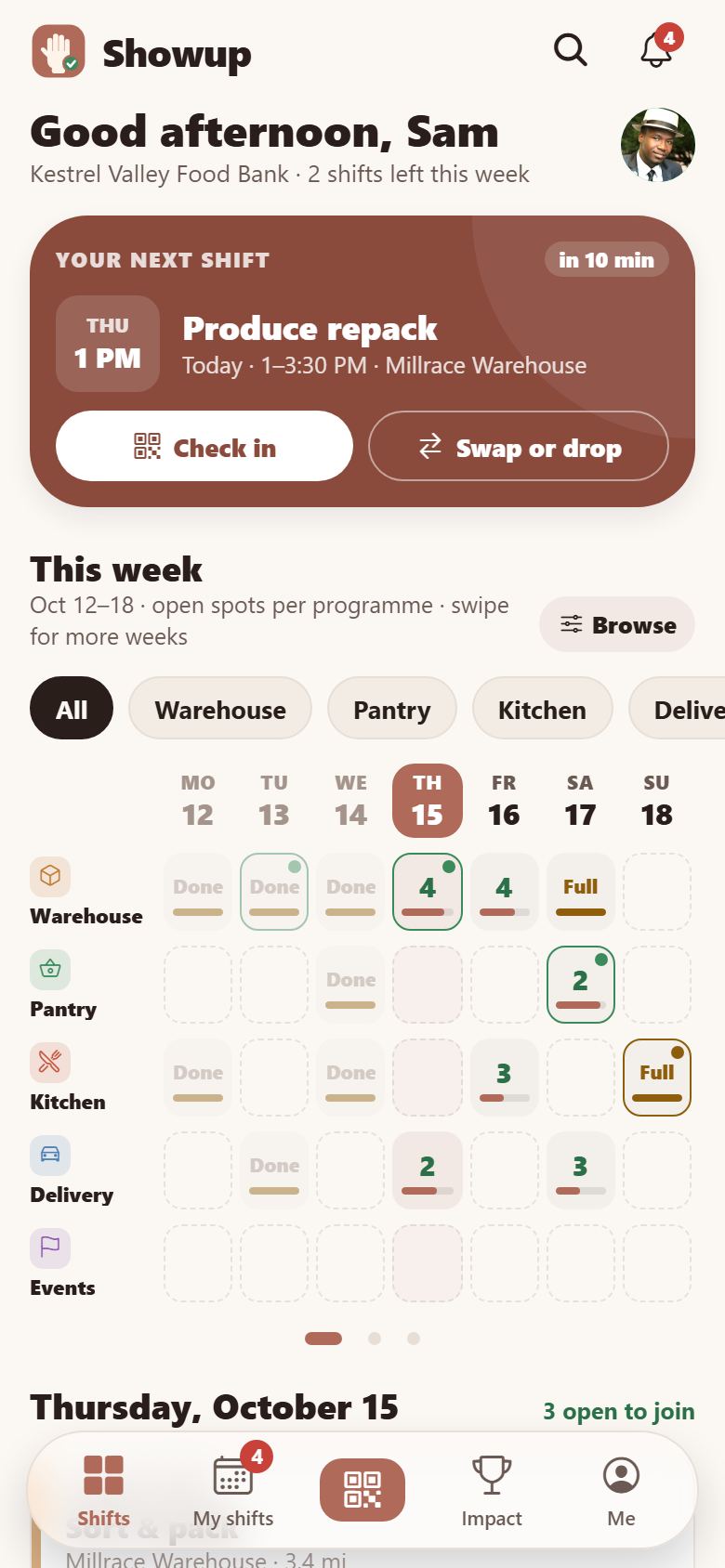
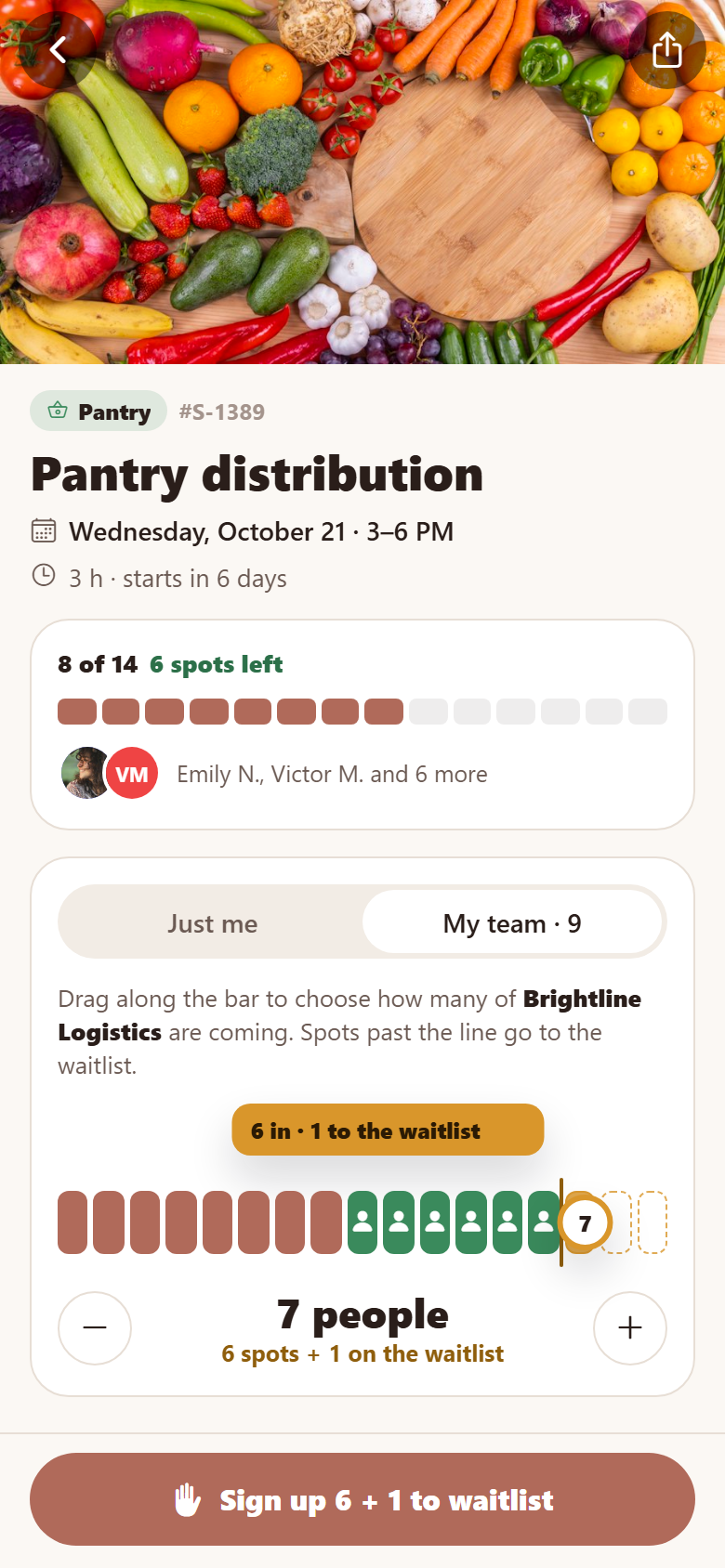
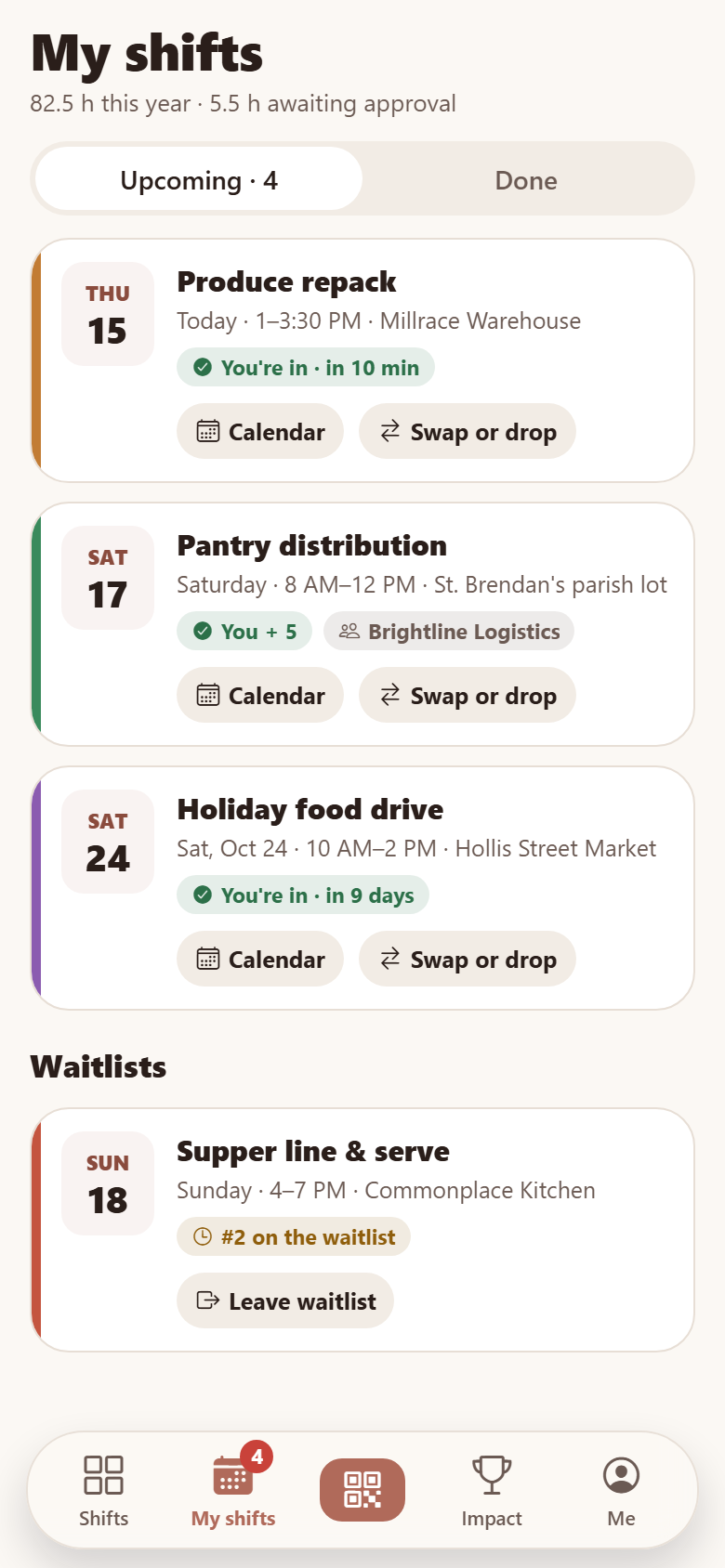
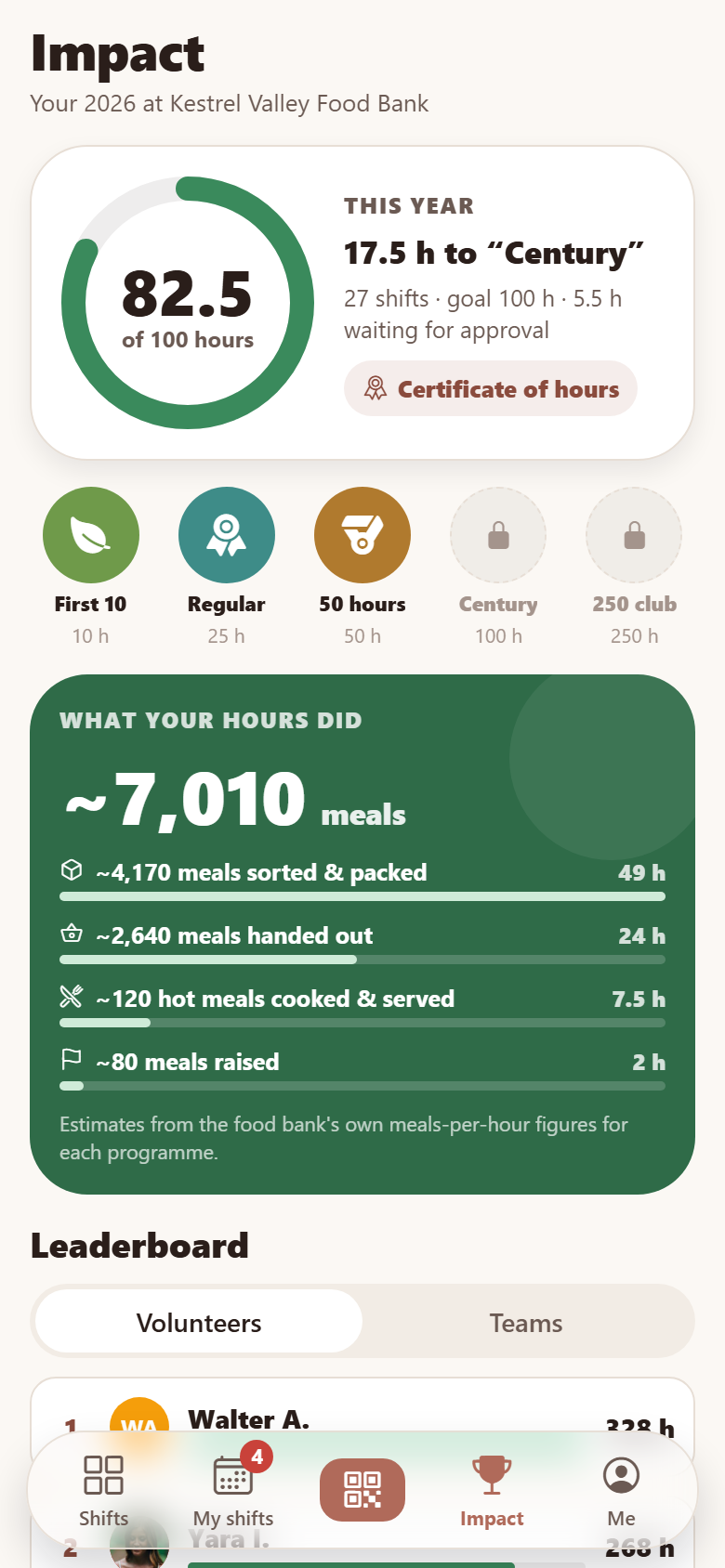
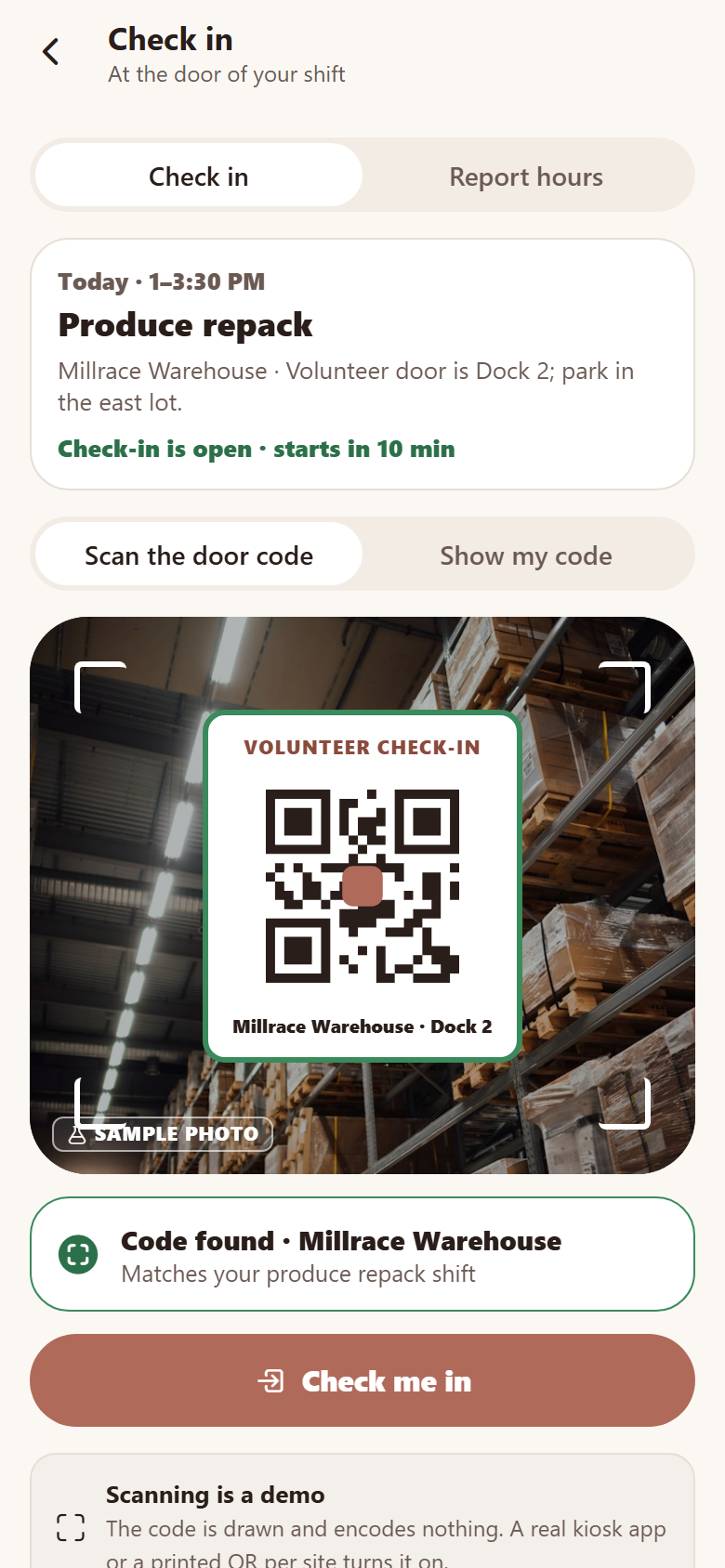
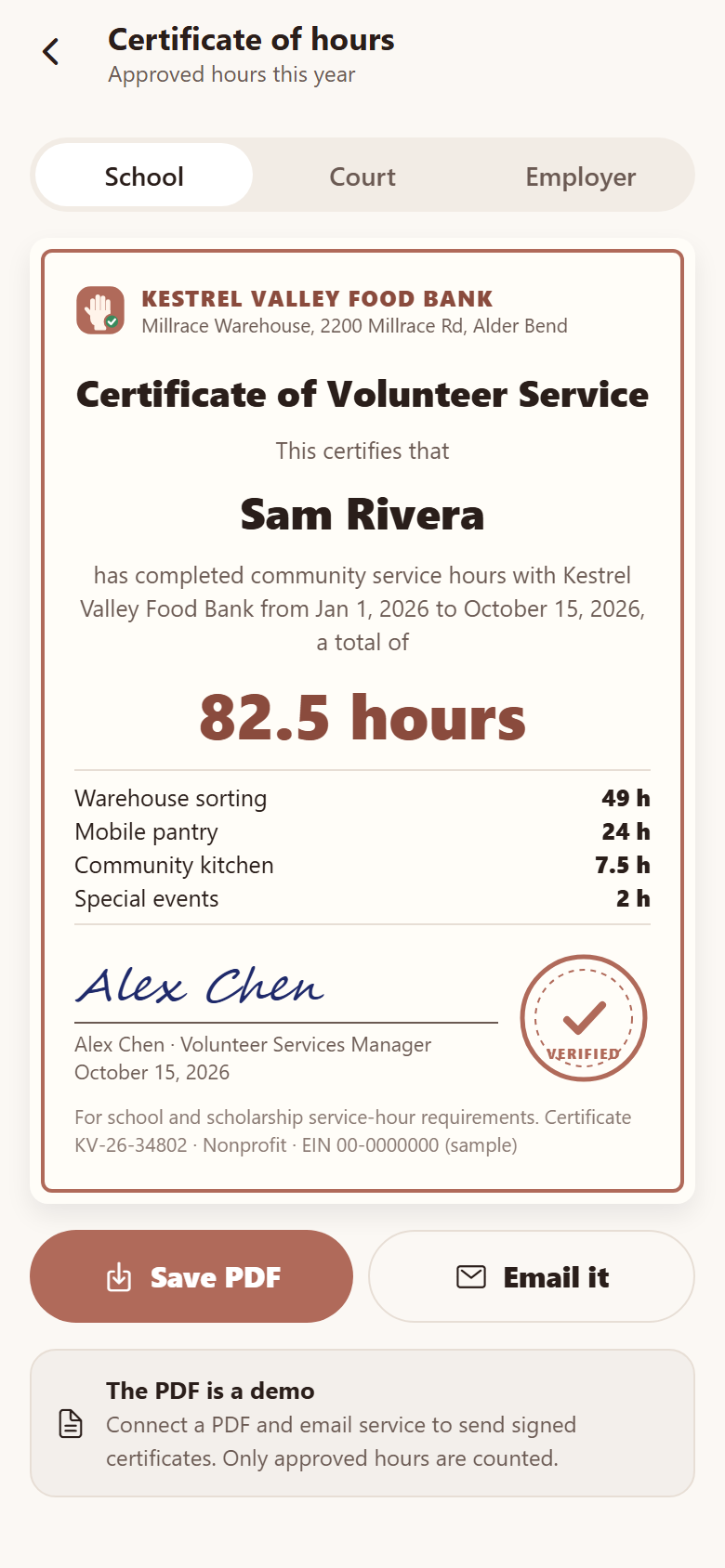
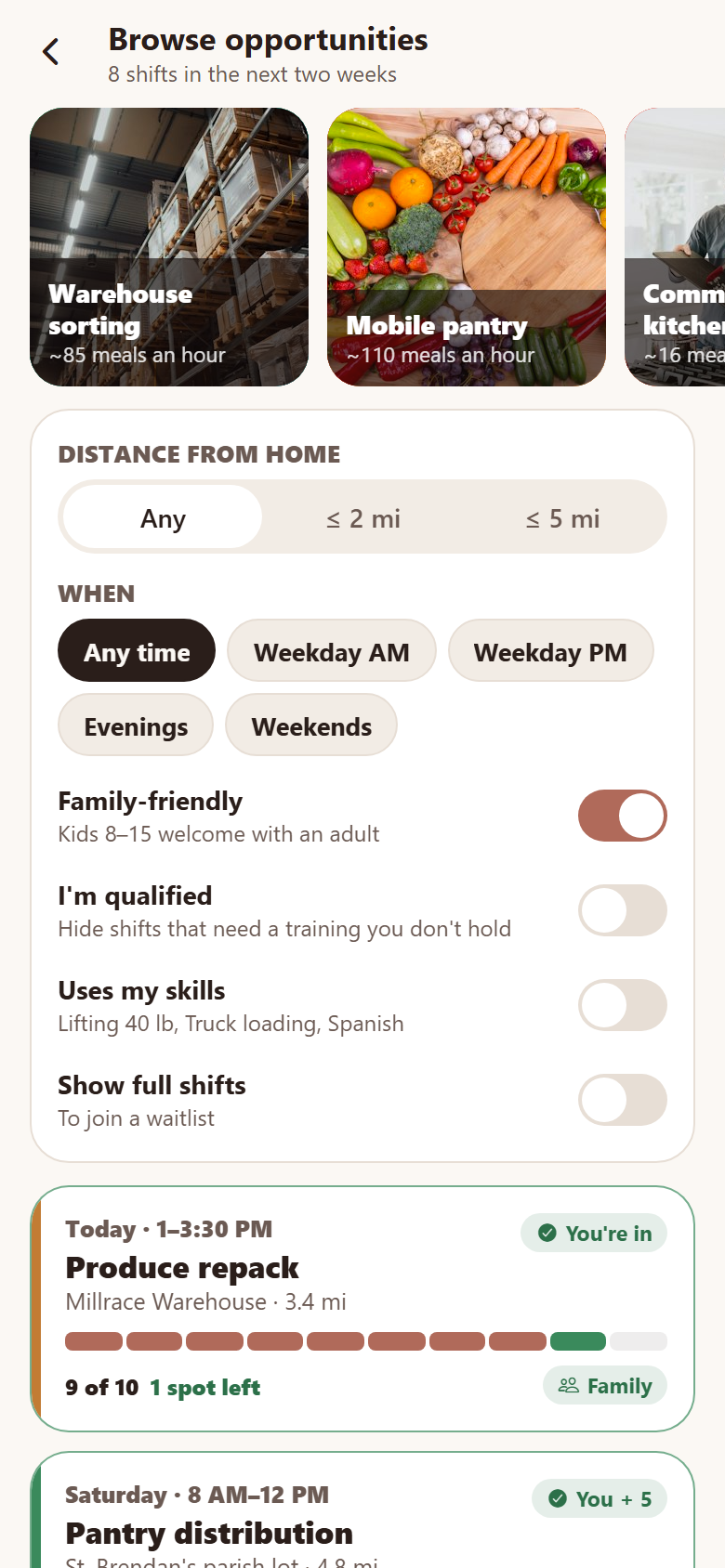
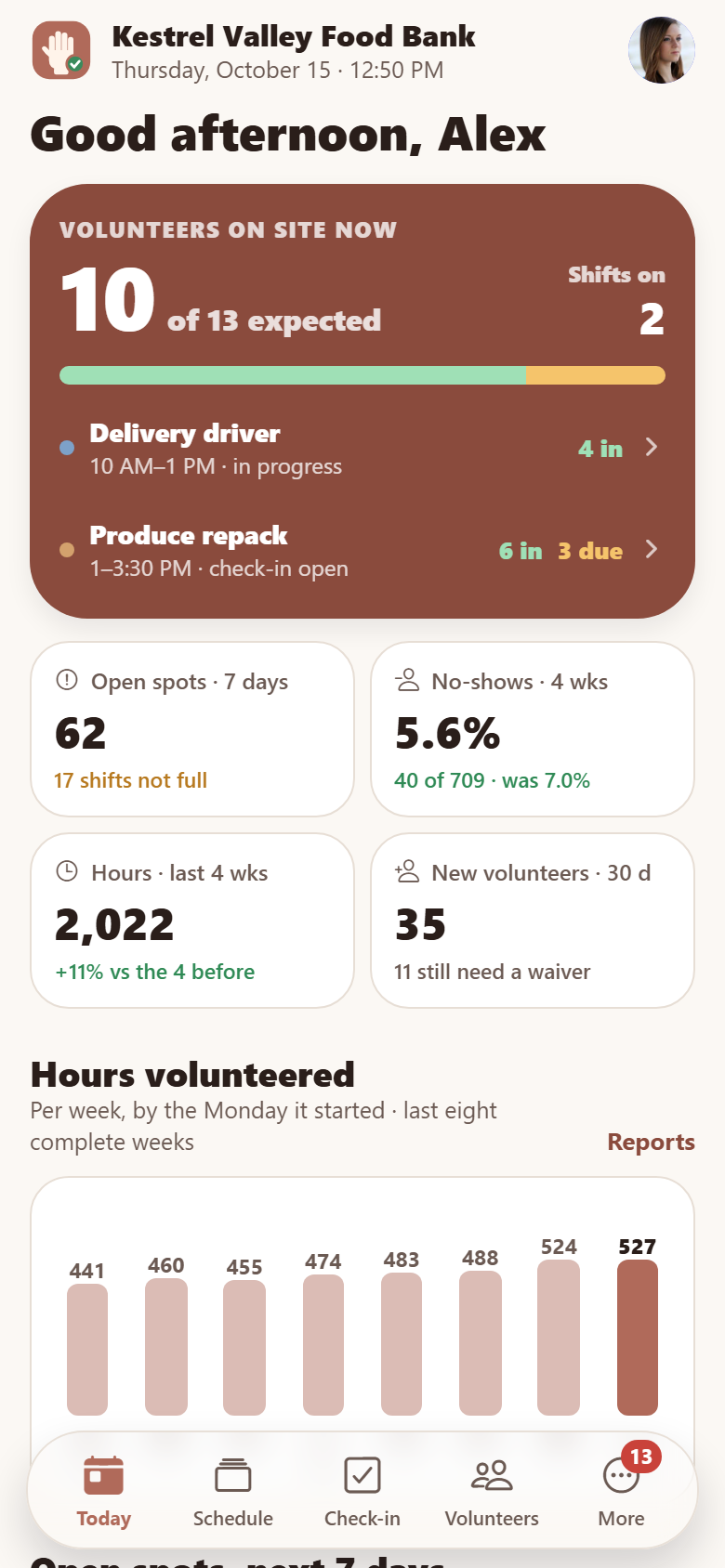
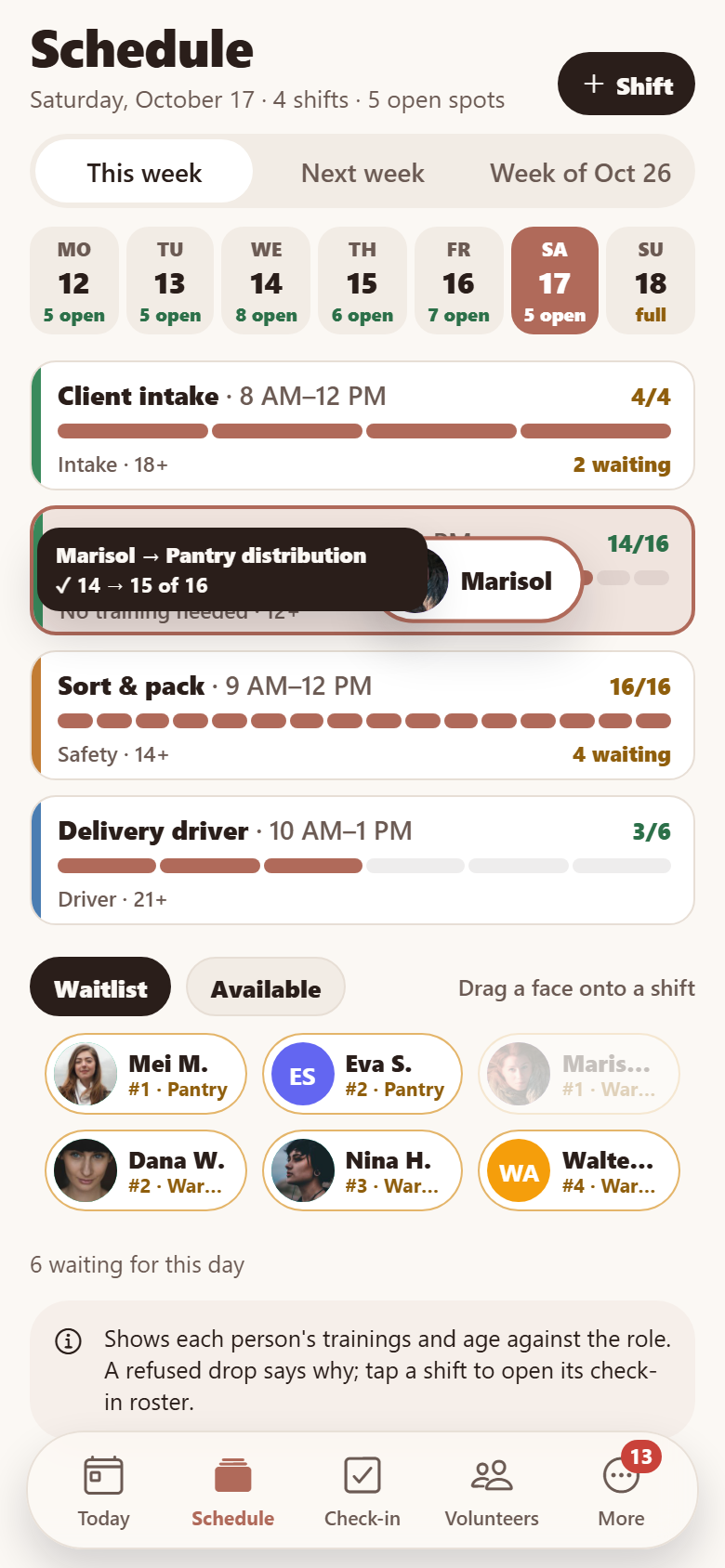
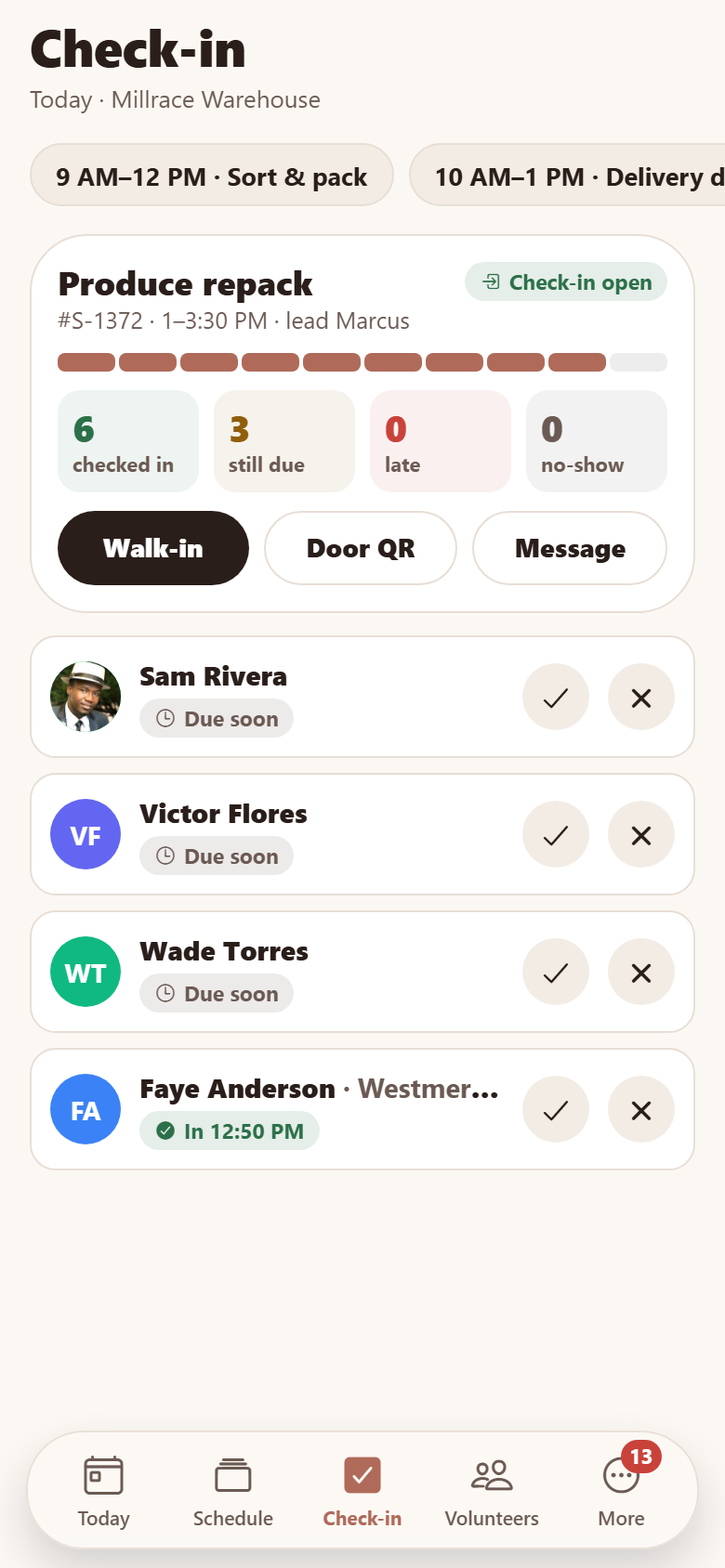
A food bank's own volunteer app with both sides in one: the volunteers' and the coordinators'. Volunteers open to a week grid of shifts, programmes down the side, the days across, every cell how full that programme is that day (open spots in green over a fill bar, Full in amber, a dot where you're signed up), swiped to page through the next two weeks, then the day's shifts with their own fill bars ("9 of 12 · 3 spots left"), training badges (food handler, driver check) and age minimums. A shift page has the photo or drawing, a drawn map from home, who's going, what it asks of you, and the act: sign up, sign up your whole team by dragging the fill bar (people past the last slot go to the waitlist), or join the waitlist. My shifts with add-to-calendar and swap or drop with a reason (the spot goes to the next person waiting); an impact page with this year's hours on a ring toward a goal, badges at 10/25/50/100/250 hours, the meals the hours stand for, a leaderboard of volunteers (opt-in display names) and teams, and a printable certificate of hours for school, court-ordered service or an employer match (demo PDF). Plus browse opportunities by programme, distance, time, family-friendly, qualified and skills; check in at the site by scanning the door code (a staged reveal over a sample photo) or showing your own code; report off-site hours; the waiver e-signed in the app; trainings with a short quiz that unlock the shifts needing them; messages and reminders from coordinators; a group leader's team page; profile with availability, interests and skills; search, edit profile and settings. The coordinators' side has today's dashboard (volunteers on site now, checked in, due, late, open spots in the next seven days, the no-show rate and hours over the last four complete weeks against the four before, new volunteers, hours by week over eight complete weeks, what needs a person), a shift builder where waitlisted or available volunteers are dragged onto shifts and a drop is refused with the reason (missing training, under age, already busy, full), a check-in roster per shift (attended / no-show marks, walk-ins, waitlist promotion, drops and their reasons, the door QR, message the shift), a volunteer CRM and record (hours against goal or required service hours, certifications expiring with renewals, shifts, notes), groups, hours approvals, reports (hours by programme, no-shows, each shift's own fill %, top groups), messaging blasts and roles, trainings and sites. Thirty-one screens on a seeded food bank: five programmes, 11 roles, 12 coordinators, 420 volunteers, 22 groups, 224 shifts and 676 sign-ups, messages and trainings.
31 screens, real flows
Make it yours by describing it
Tell Co-Create what to change, in plain words or a voice note. It asks what it needs to know, then shows you designs before anything is built.
Nothing changes until you approve
Approve one piece or a whole section. Every build gets a preview, and you can roll back to any earlier point.
Your app, your code
Go live on a clean address or your own domain, and download the full source whenever you like.
Your idea could be an app by Friday.
Start free. Talk it through, answer a few questions, pick a design and watch it build.
7 days freeCancel anytime