
App template
Shallows: a swim school app template.
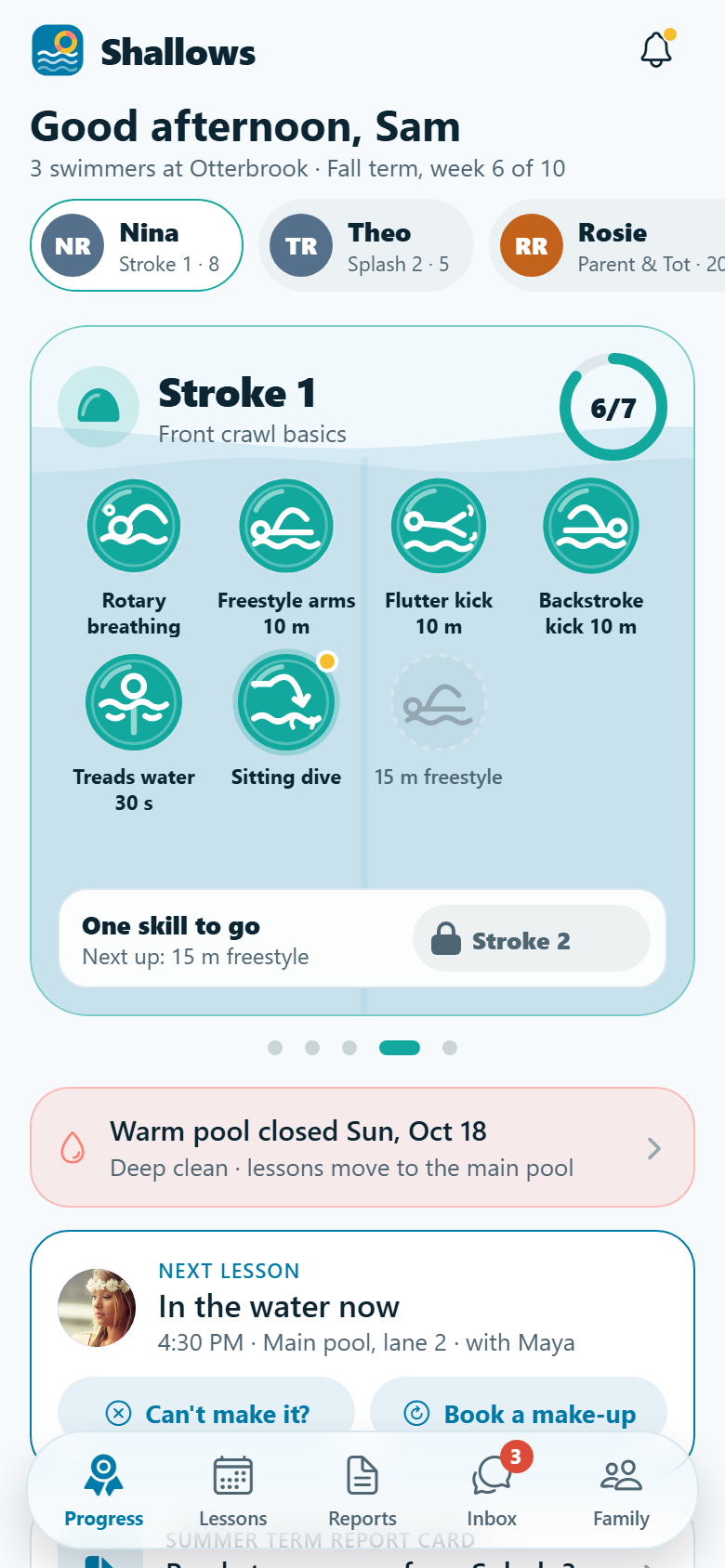
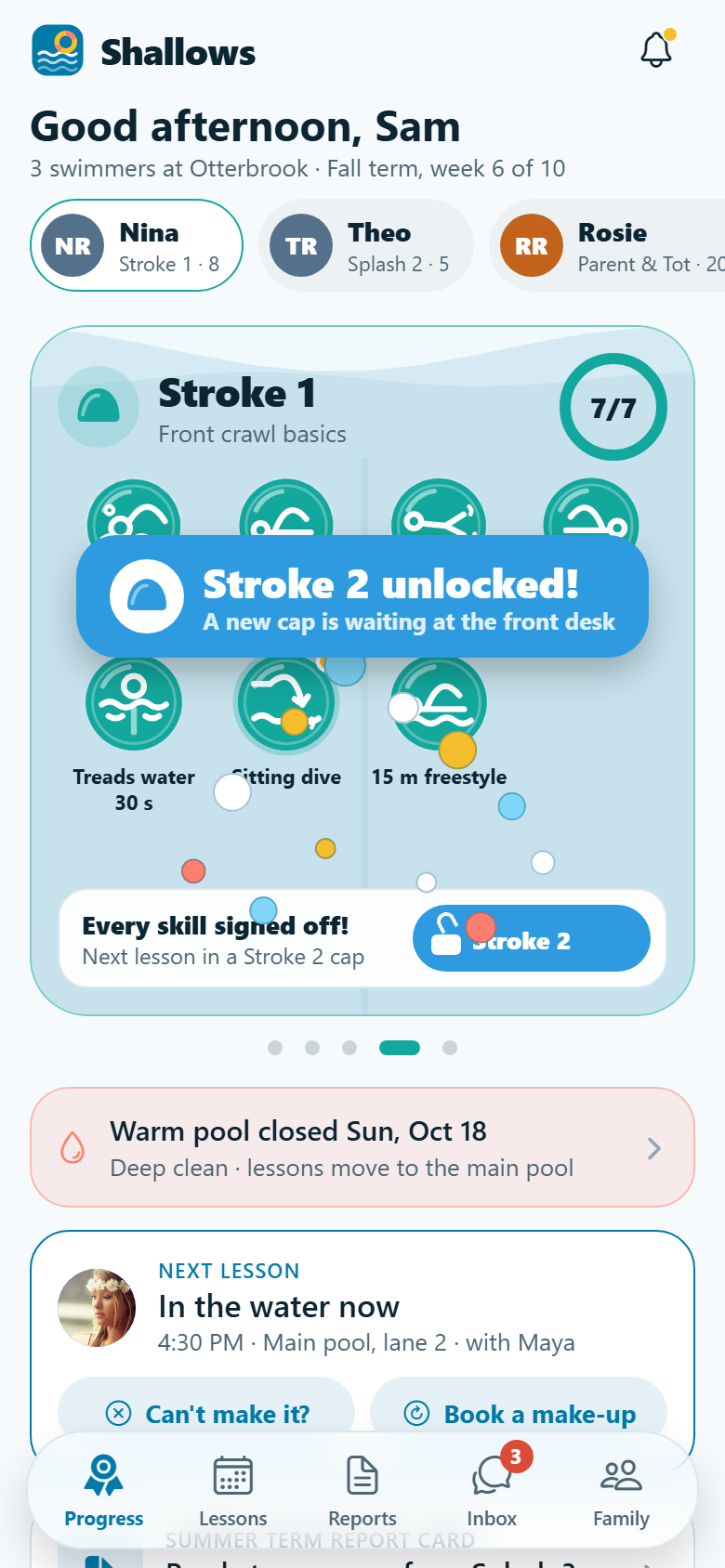
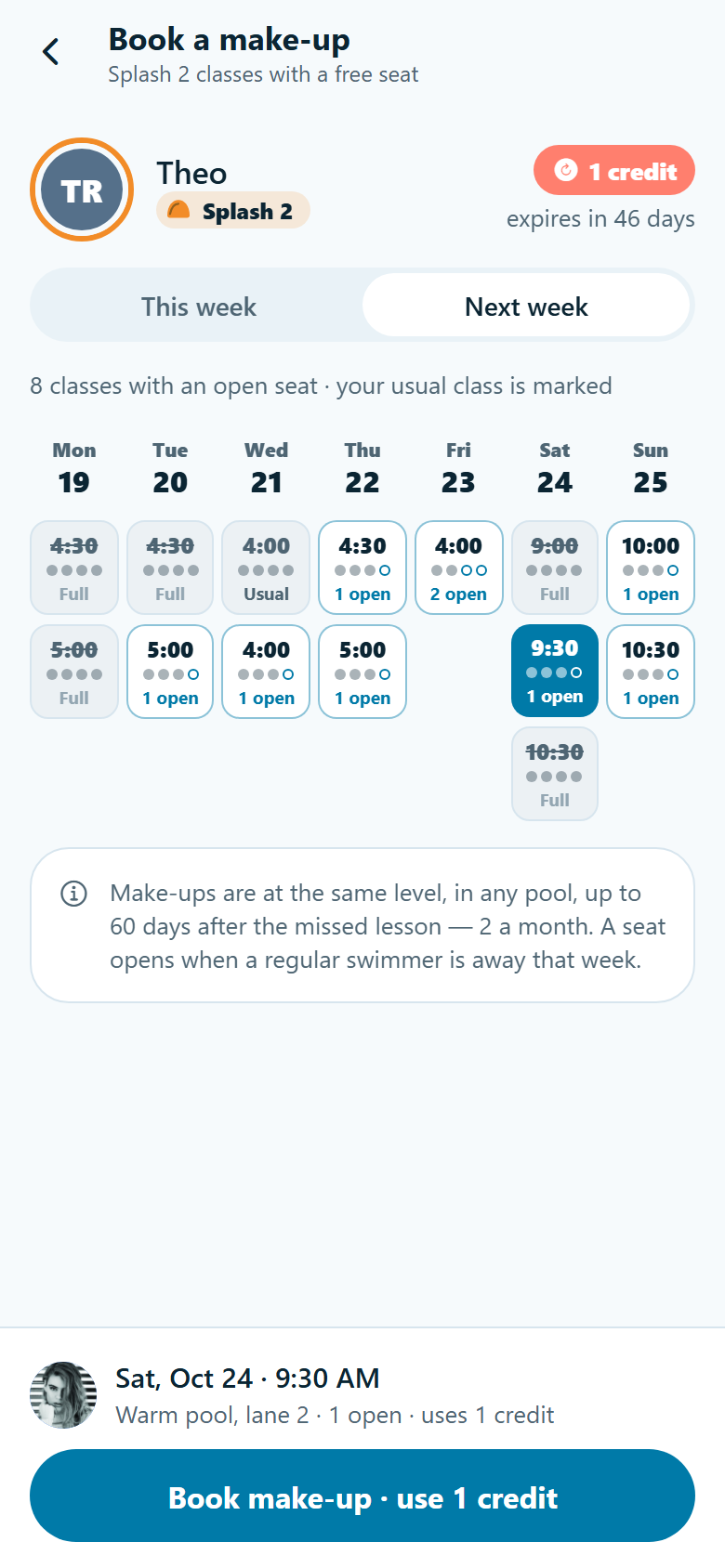
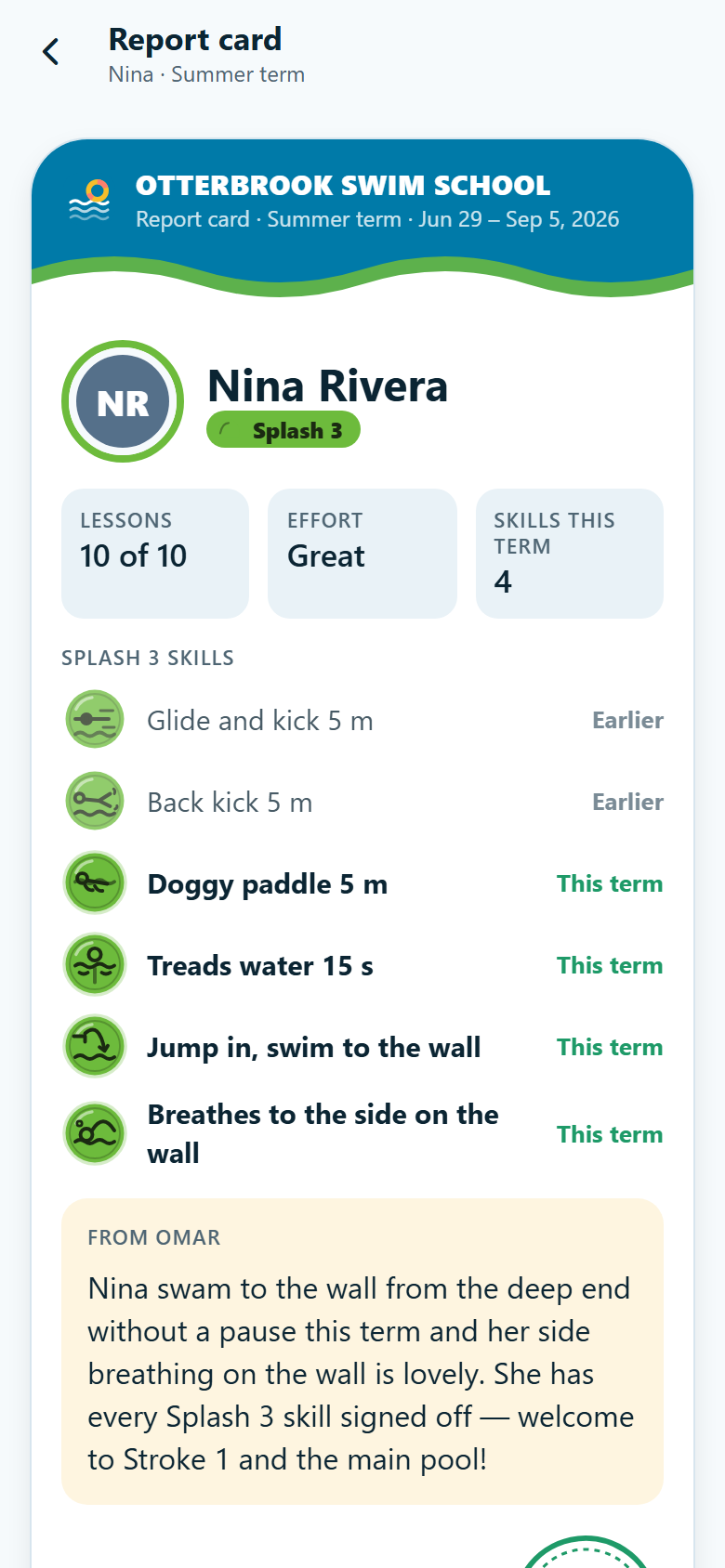
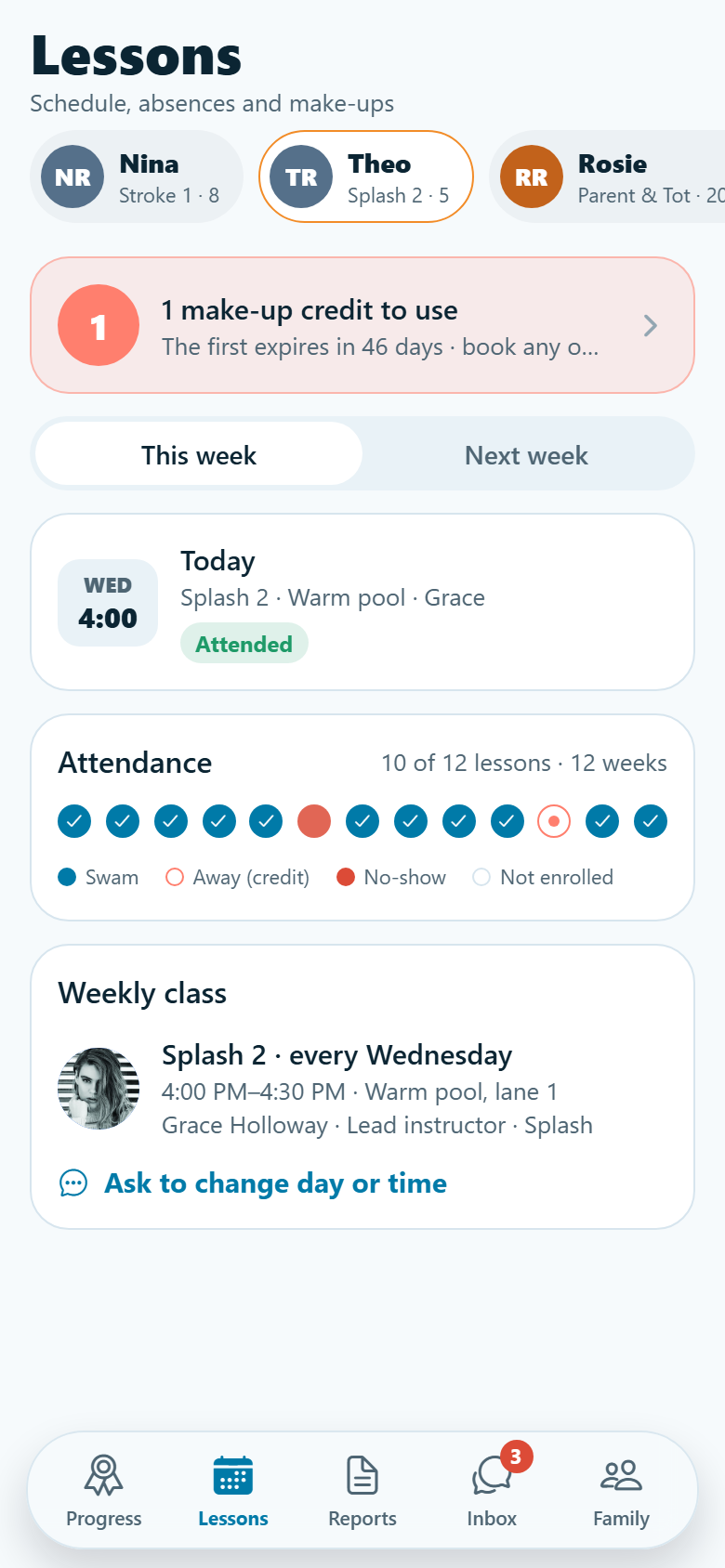
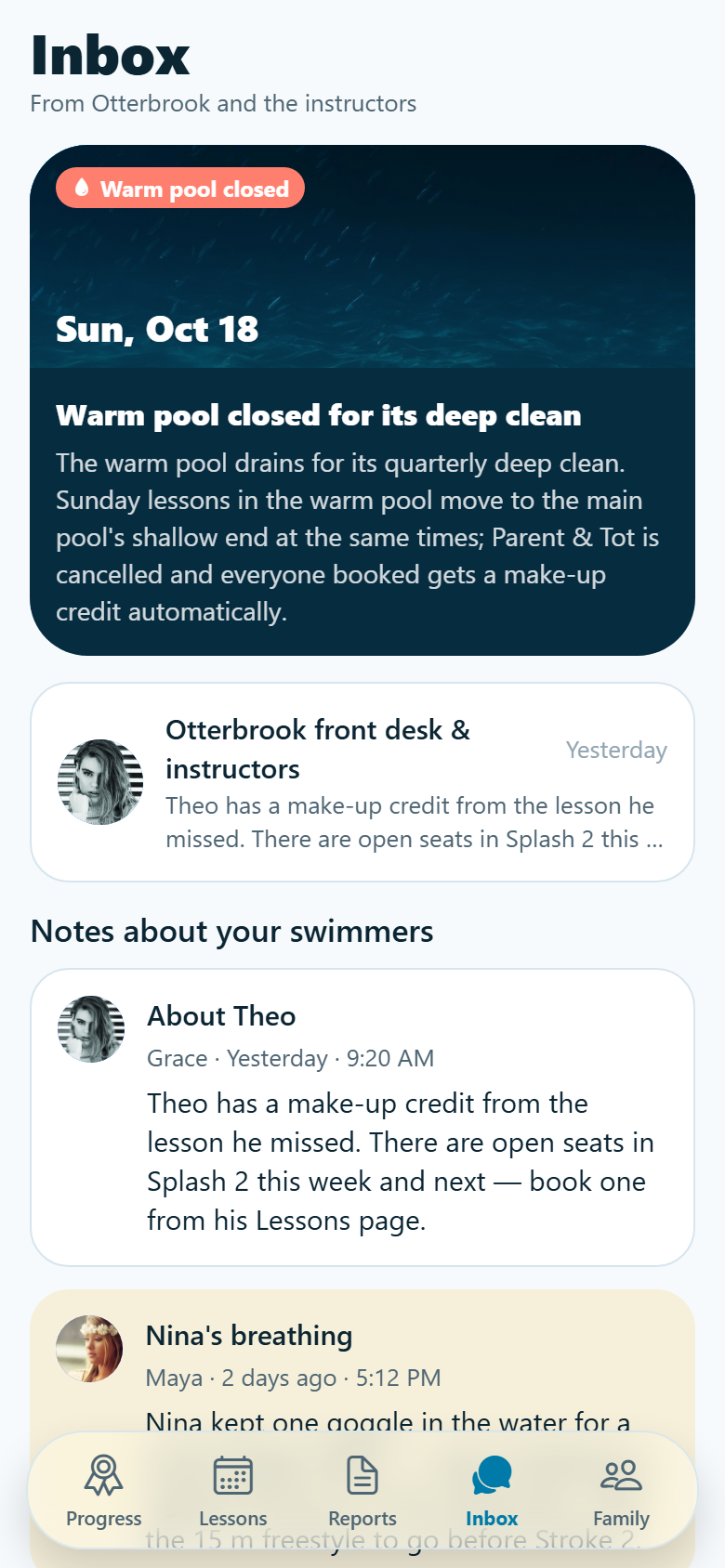
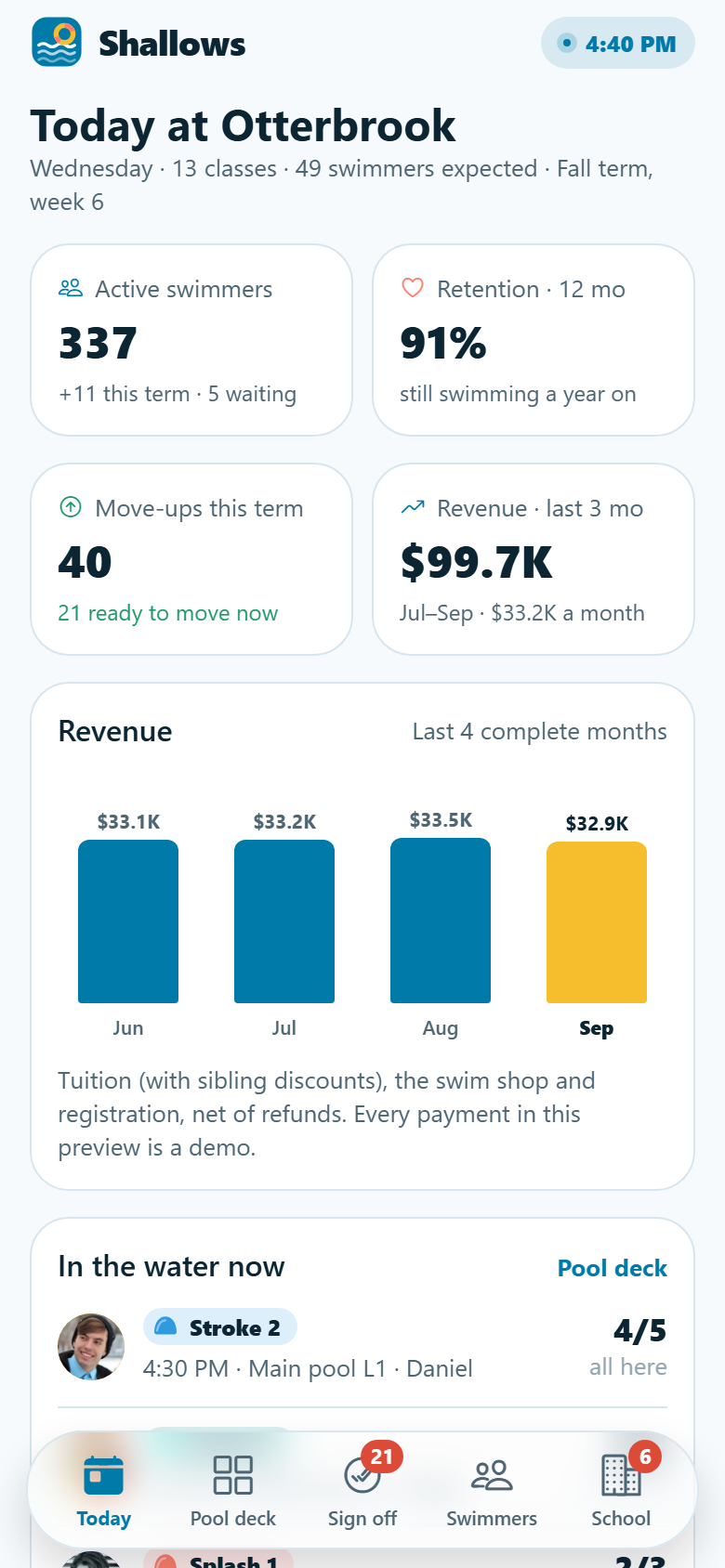
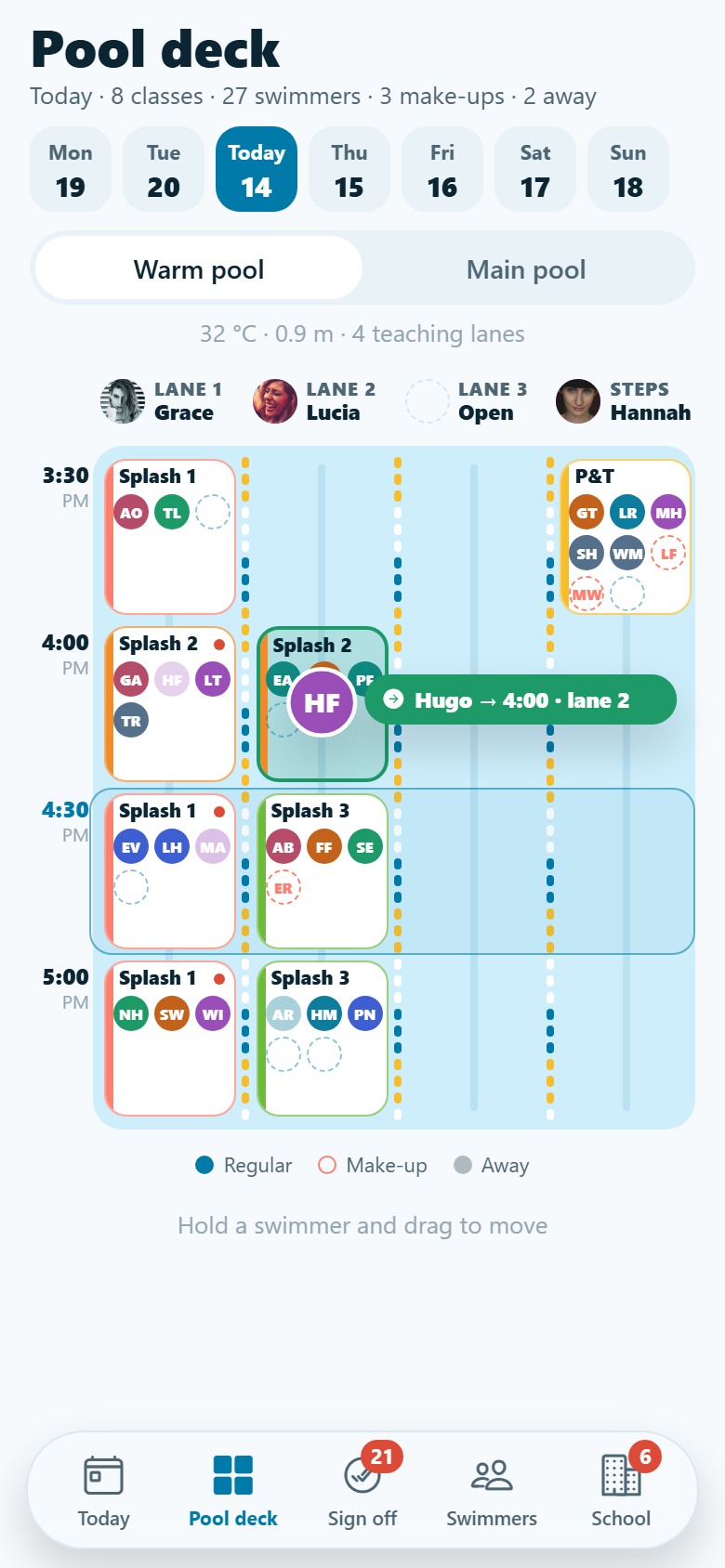
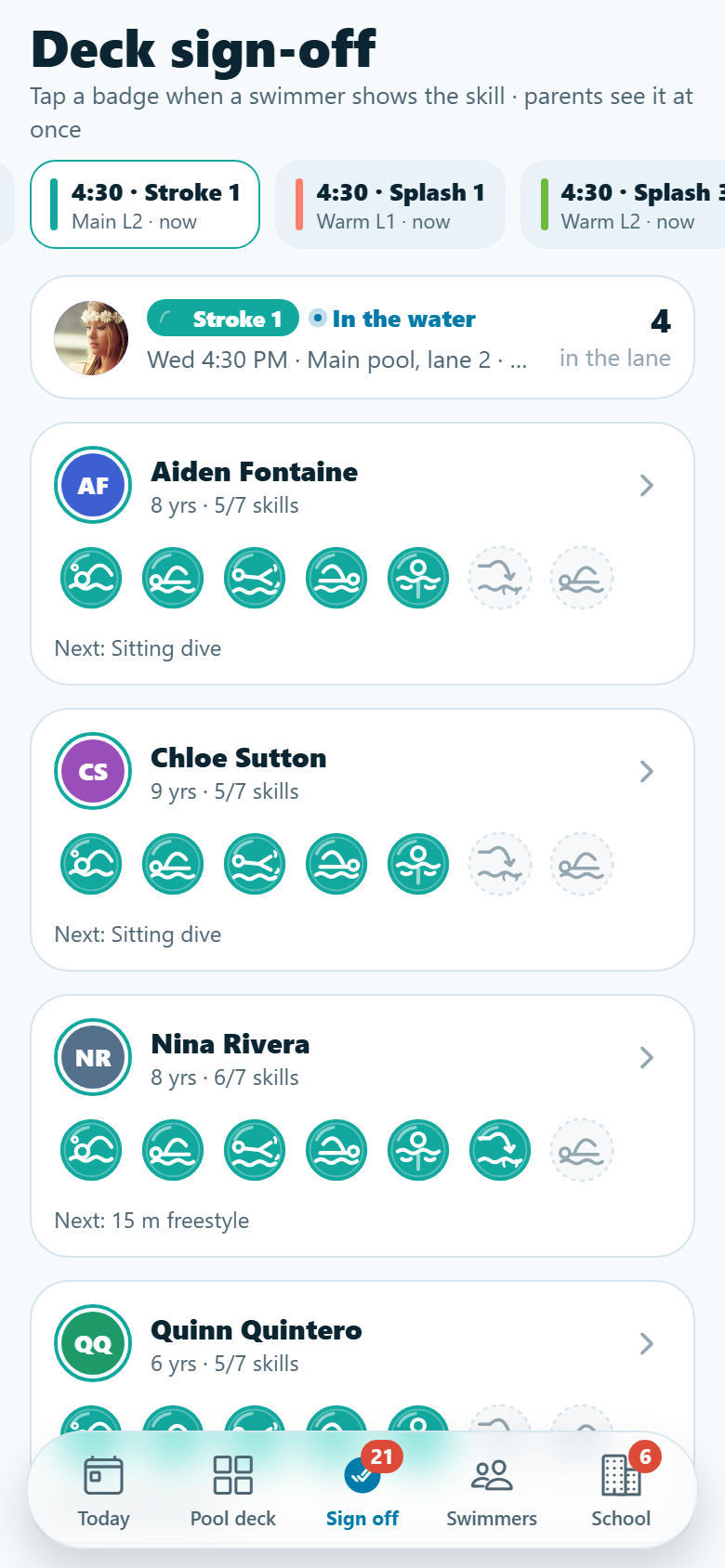
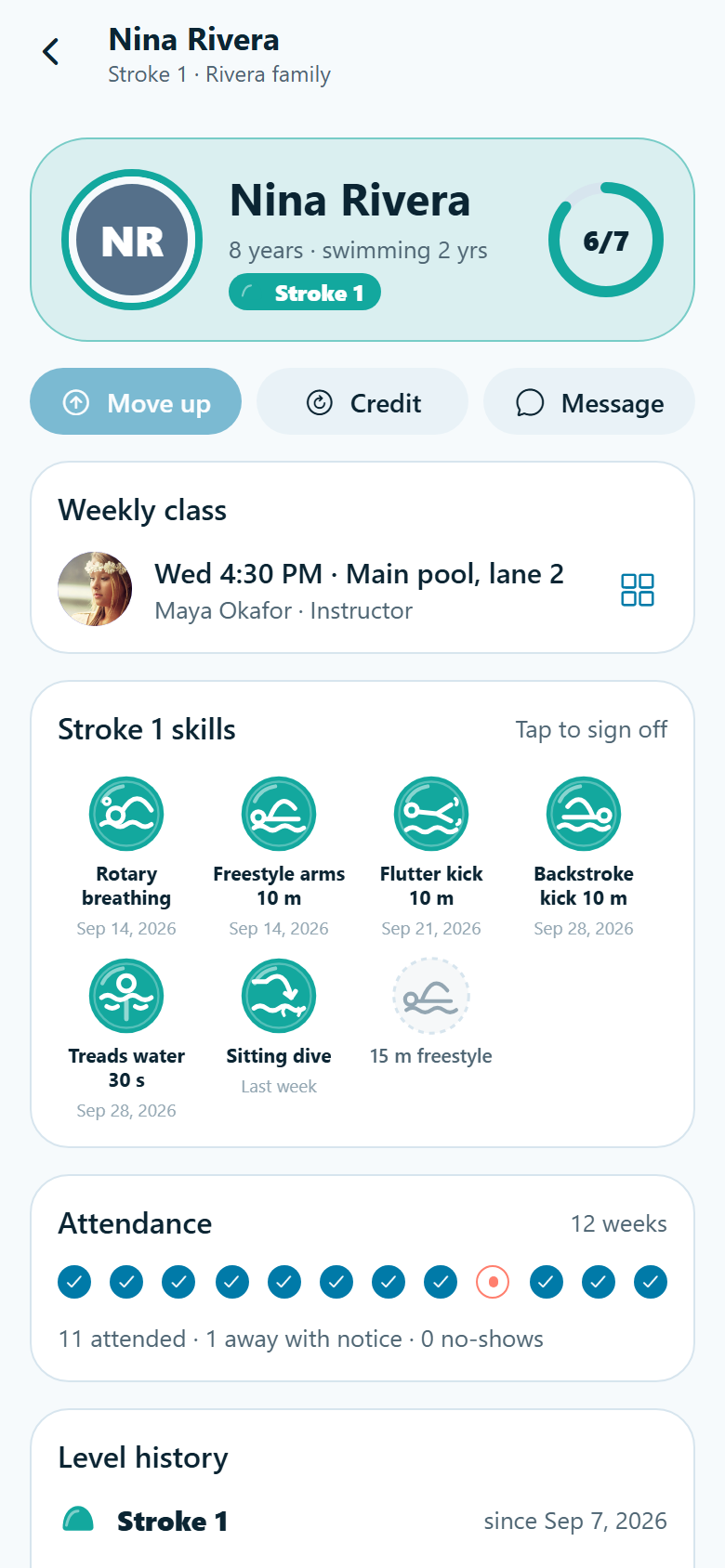
A swim school's own app with both sides in one: the parents' and the pool deck's. Parents switch between their children (initials only, never photos) and see each one's level card, the level's skills as drawn badges (float on the back, flutter kick 5 m, rotary breathing, 15 m freestyle…) that light up the moment an instructor signs them off on deck, a progress ring, and the pool behind the badges filling as skills are signed; swipe for the levels already passed and the one up next, locked. When the last badge lights, the next level unlocks with a splash: the water rises to the brim, droplets burst, the padlock springs open and the new cap colour sweeps in. Every term brings a report card from the instructor (skills achieved, a note, attendance and effort, and a READY TO MOVE UP stamp). Missing a lesson is two taps: mark them away and, with enough notice, a make-up credit lands at once; then a slot grid shows every class at the same level this week or next with its seats filled and open, and booking spends the credit. Plus lessons and twelve weeks of attendance, a pool-closure notice, the family's thread with the instructors, enrolling a sibling with a free assessment booking, billing and autopay with sibling discounts (demo), the swim shop (drawn goggles, level caps, ponchos, demo checkout), levels & skills, search, edit profile with medical notes and settings. The school side has today's dashboard (active swimmers, twelve-month retention, move-ups this term, revenue over the last complete months, who is in the water now by lane, attendance and open credits, what needs a person), the pool-deck board, lanes × 30-minute blocks per pool with the instructor on each lane and every swimmer an initials chip you drag to another class (same level with a free seat, or up a level when ready), deck sign-off where instructors tap badges to sign skills off, swimmers with filters and a full swimmer record, move-ups & placement of new swimmers' assessments, waitlists per full class with spot offers, the make-up credit ledger, billing with failed-payment retry (demo), staff certifications and ratios, levels & make-up policy settings, and the family inbox with an announcement composer. Twenty-nine screens on seeded staff, levels and skills, families, swimmers, the weekly timetable, lessons, report cards, payments and messages.
29 screens, real flows
Make it yours by describing it
Tell Co-Create what to change, in plain words or a voice note. It asks what it needs to know, then shows you designs before anything is built.
Nothing changes until you approve
Approve one piece or a whole section. Every build gets a preview, and you can roll back to any earlier point.
Your app, your code
Go live on a clean address or your own domain, and download the full source whenever you like.
Your idea could be an app by Friday.
Start free. Talk it through, answer a few questions, pick a design and watch it build.
7 days freeCancel anytime