
App template
Sash: a martial arts school app template.
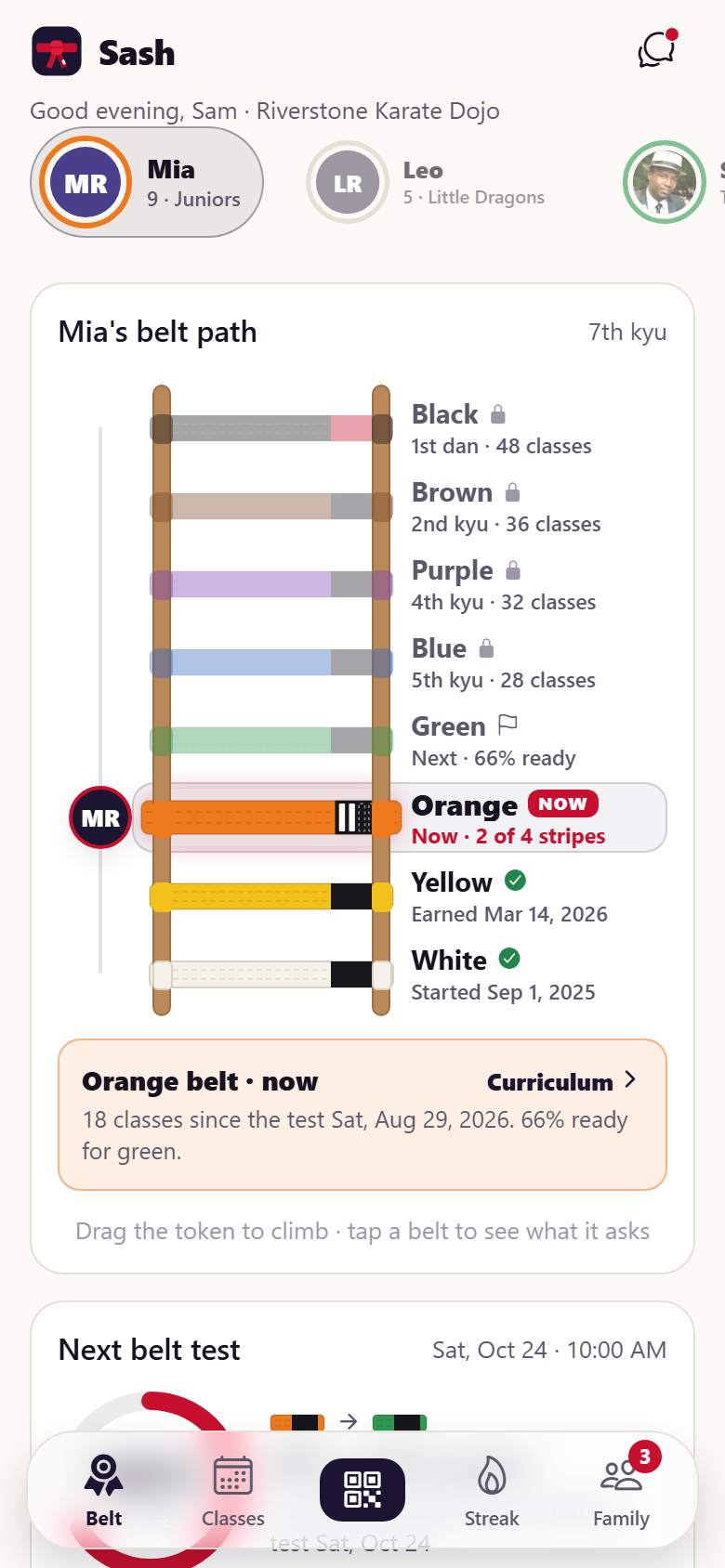
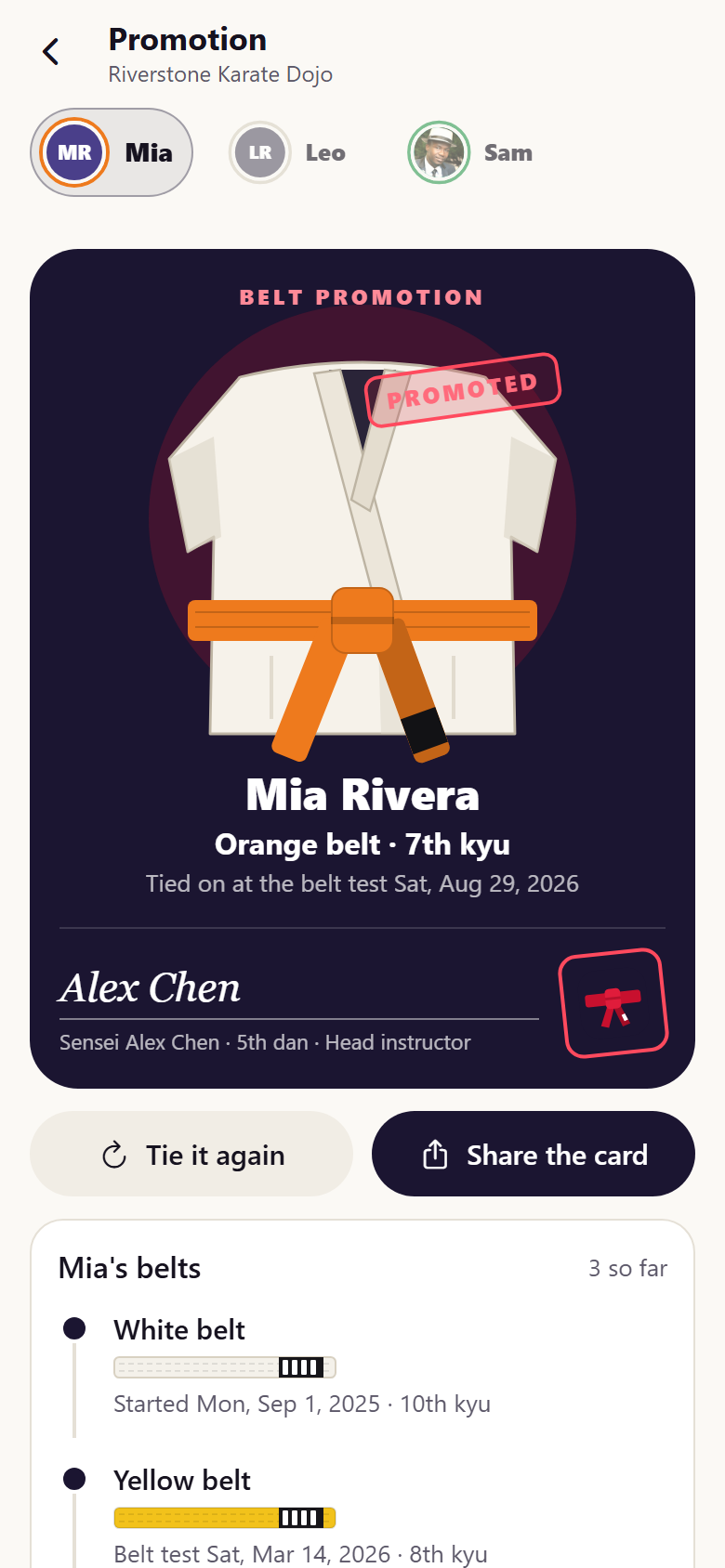
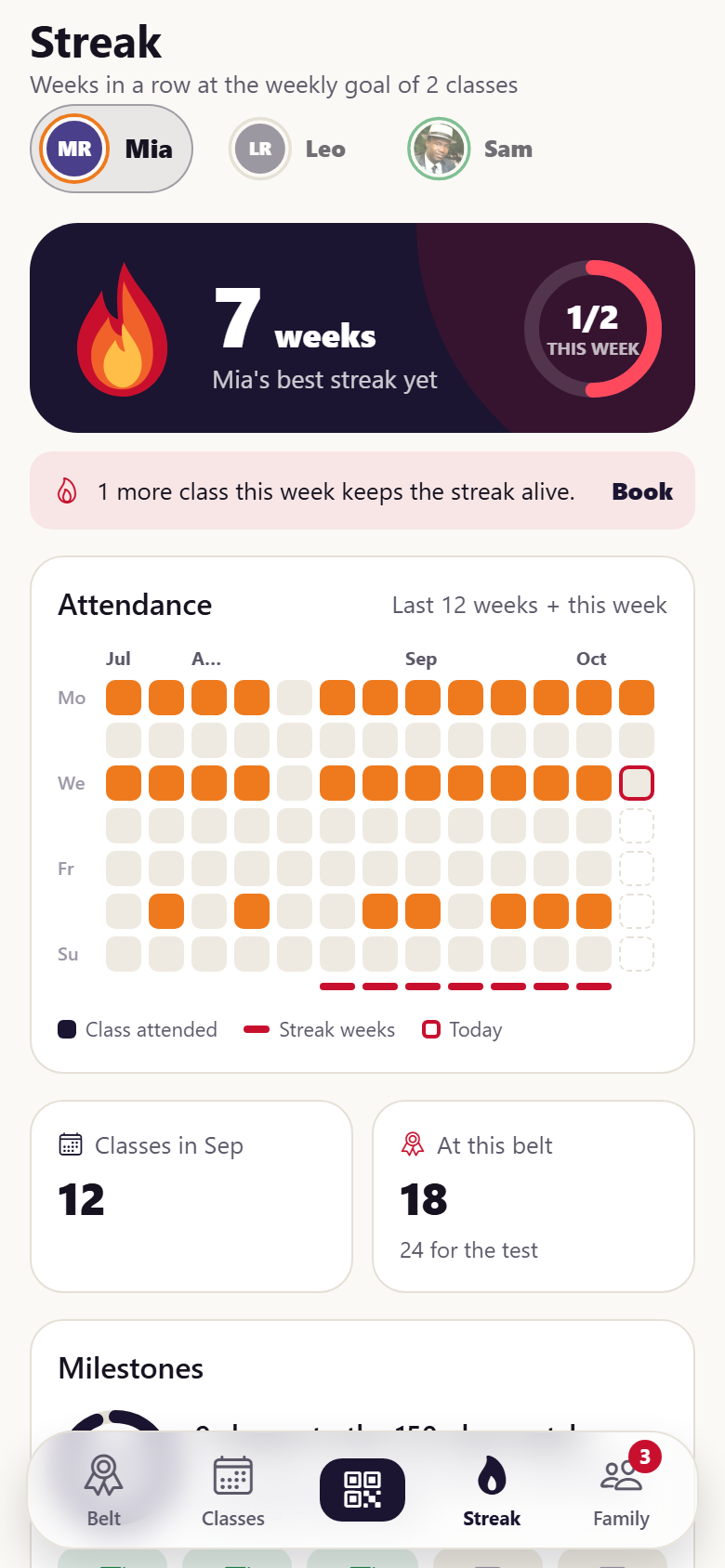
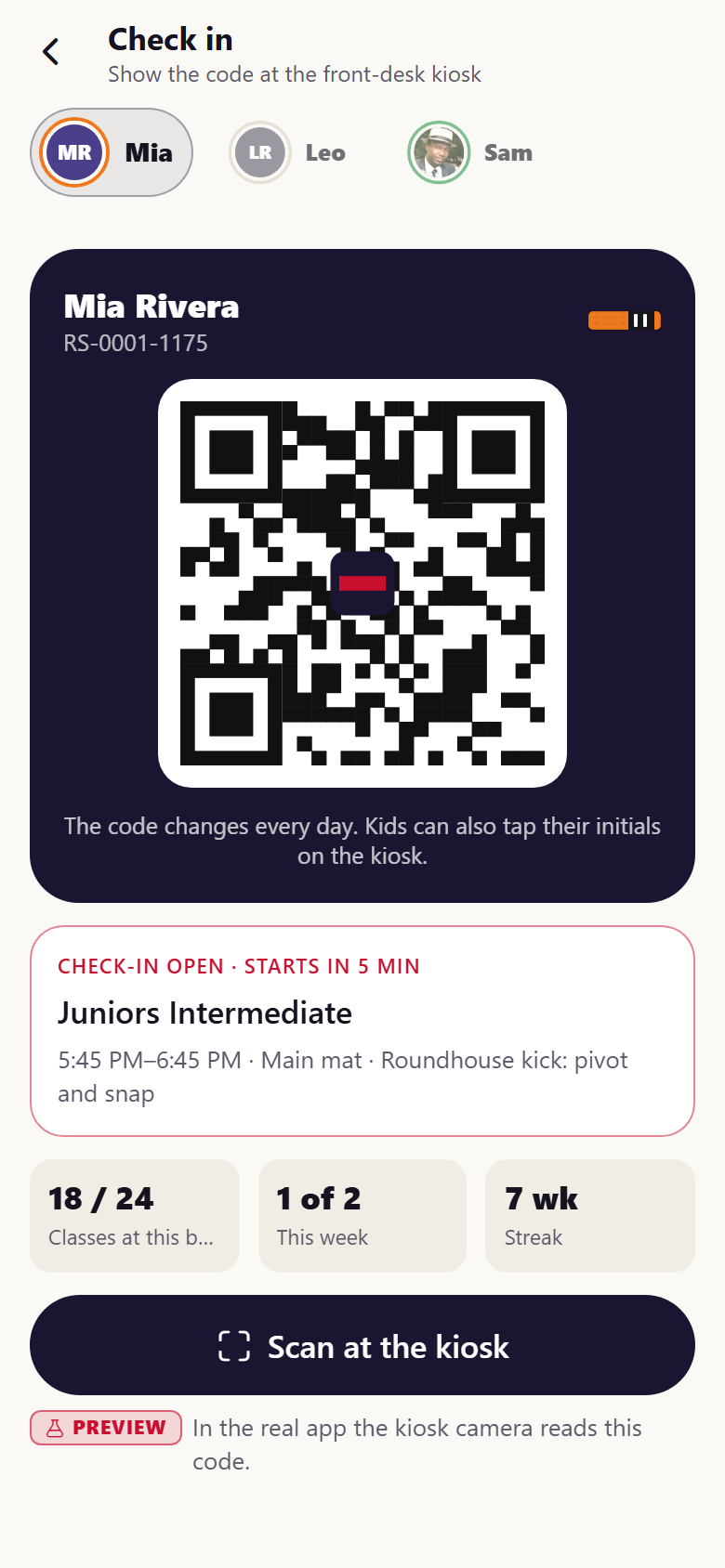
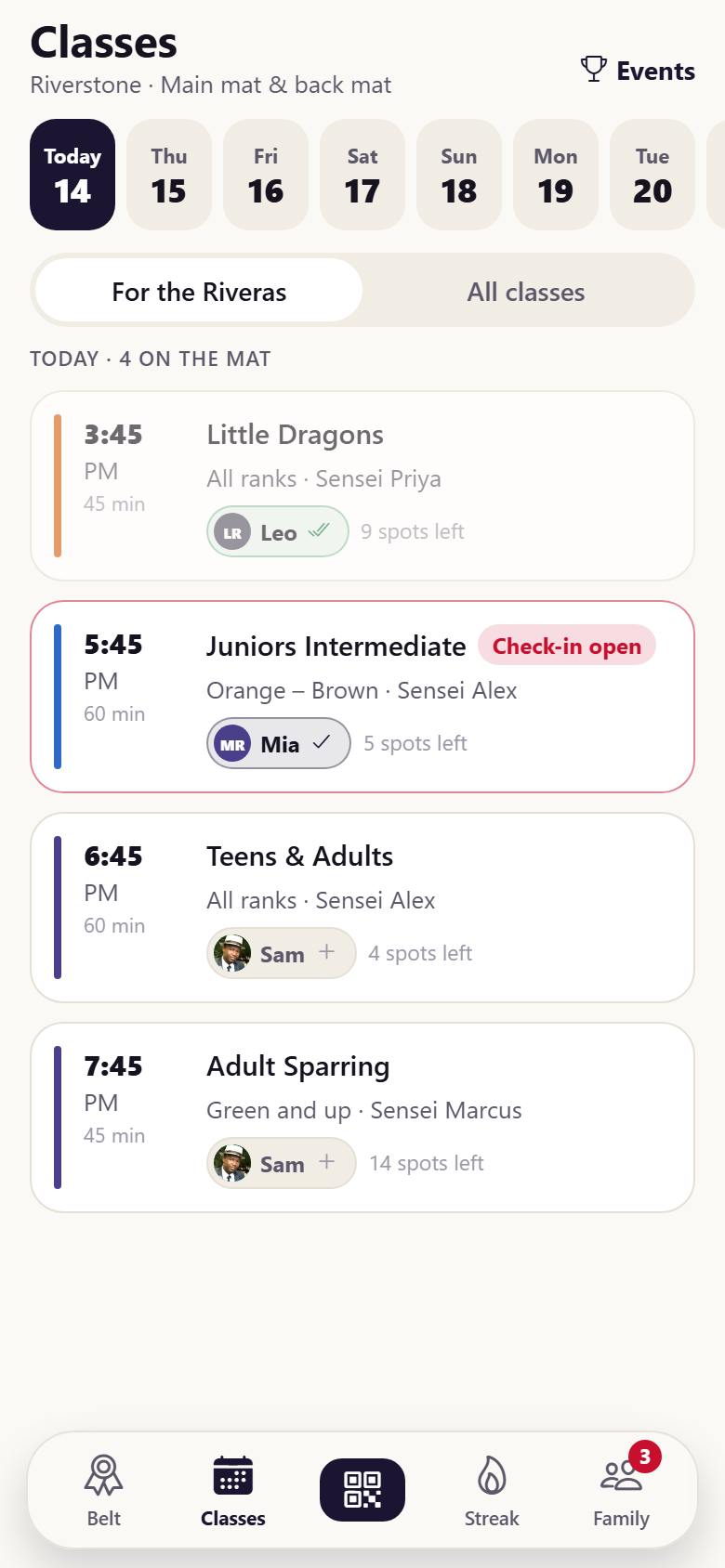
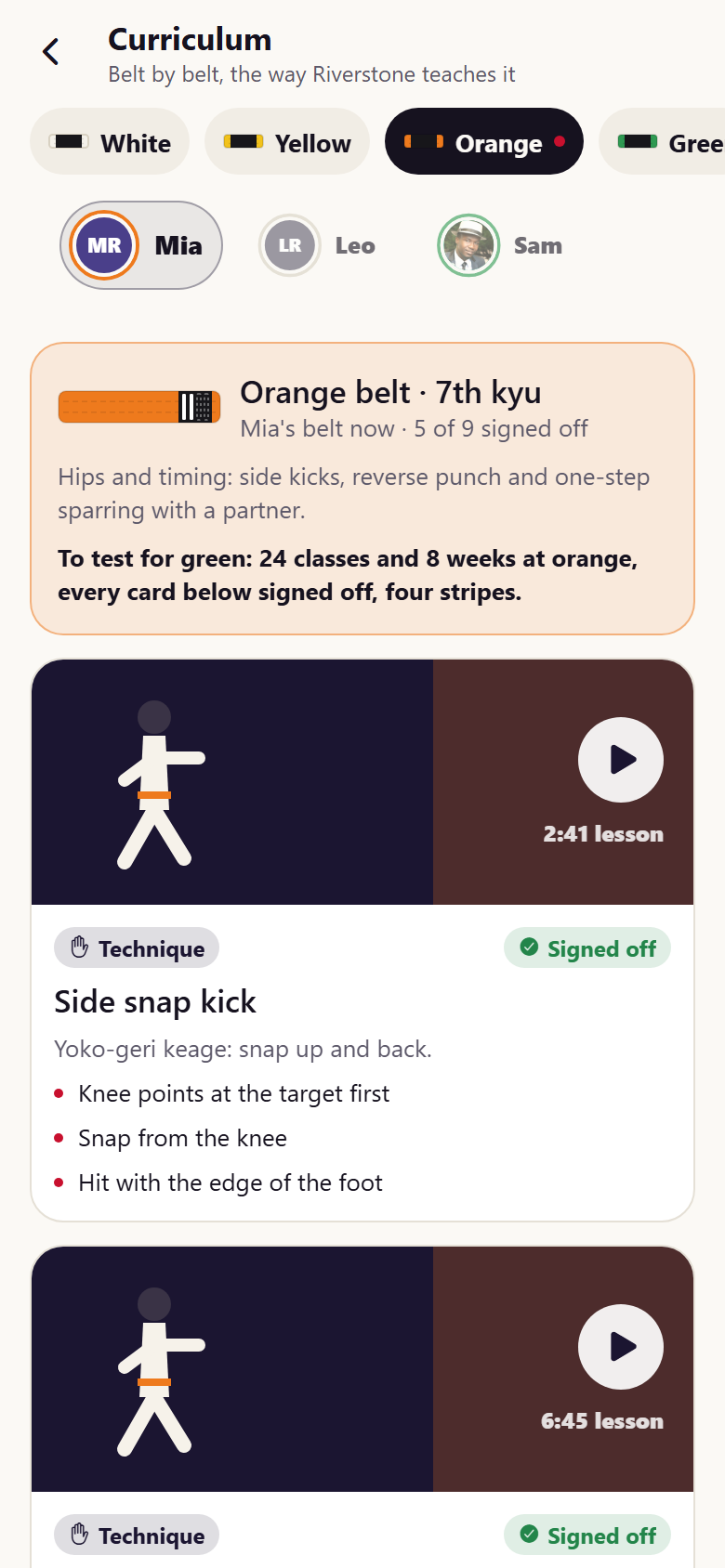
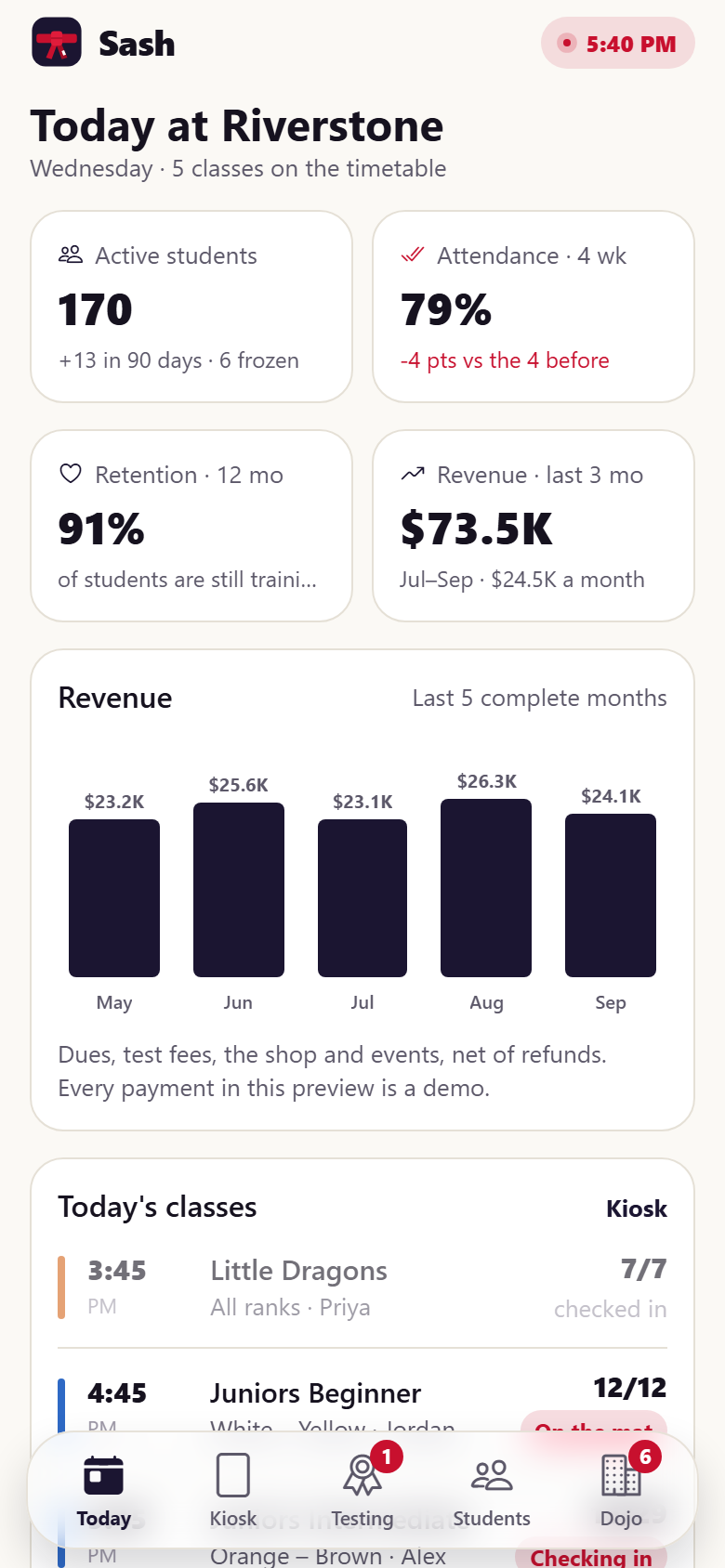
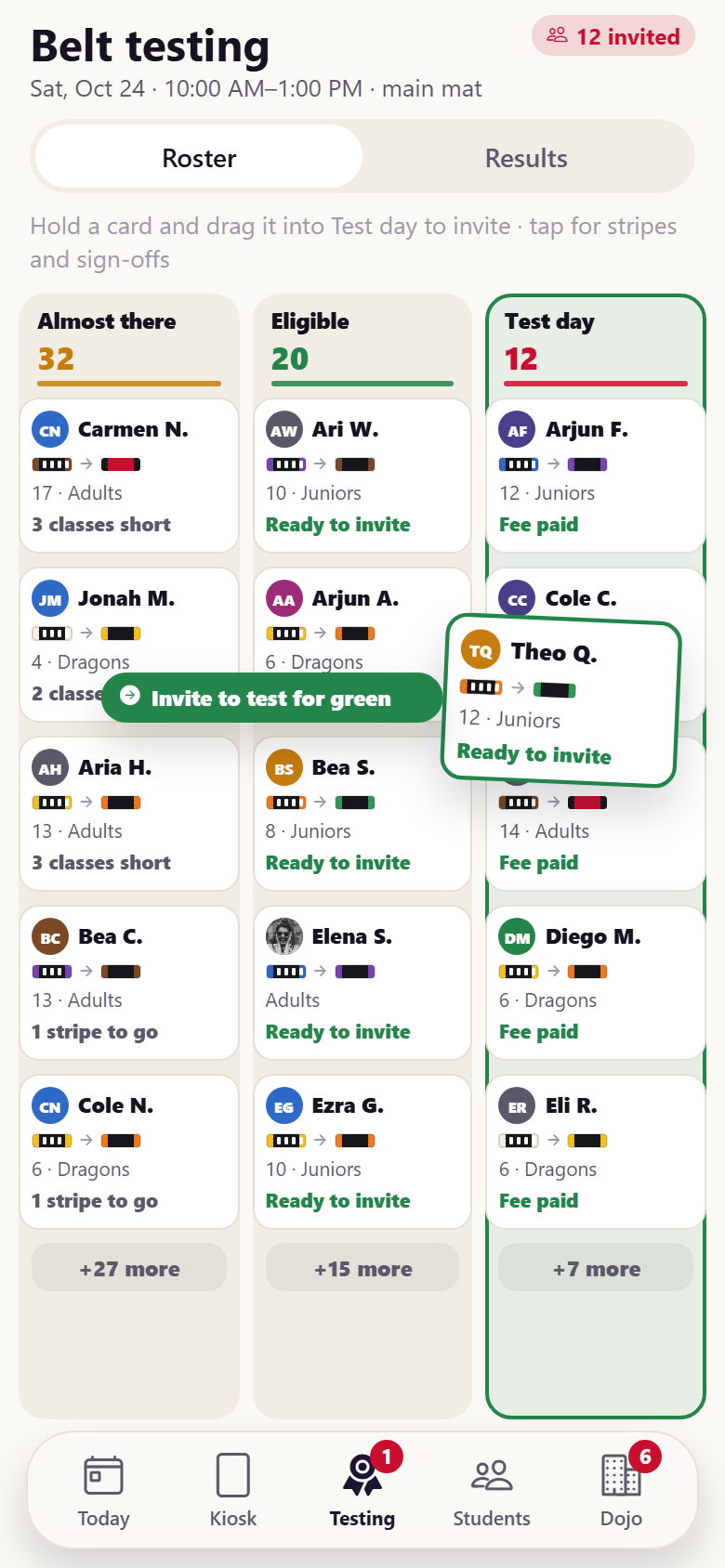
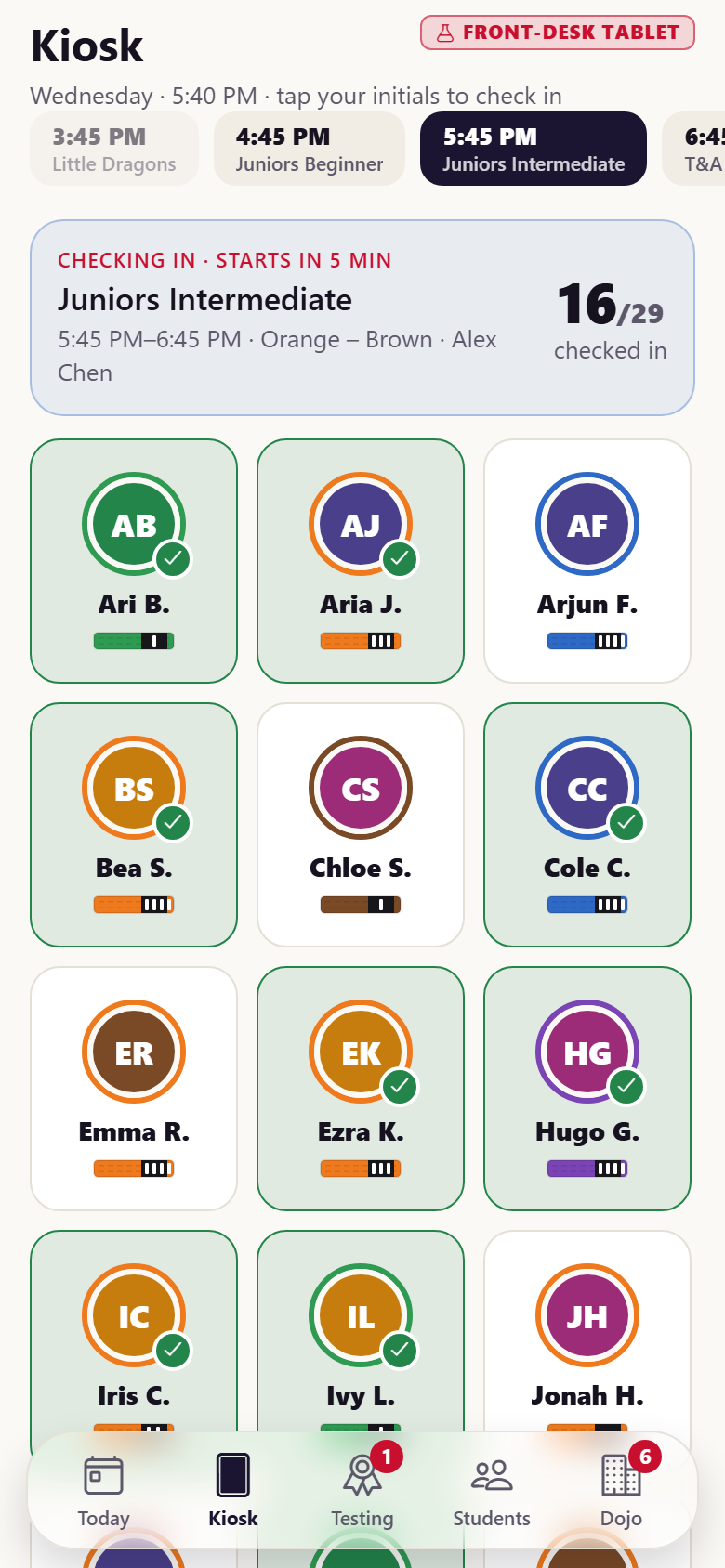
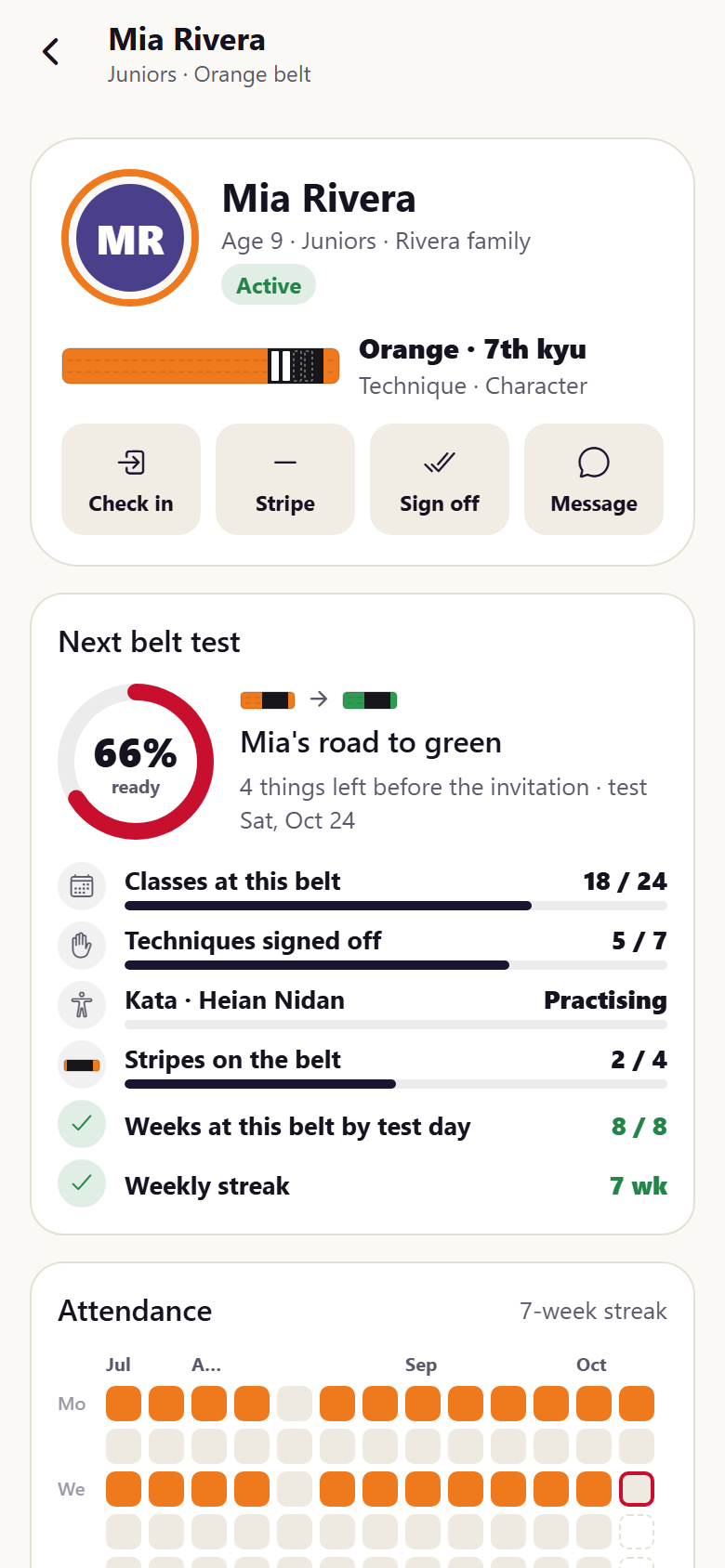
A karate school's own app with both sides in one: the families' and the dojo's. Parents switch between their kids (initials only, never photos) and see each one's belt ladder, eight drawn belts tied as rungs between two wooden rails, white at the bottom and black at the top, the current belt glowing with its earned stripes on the tip bar; drag the token to climb and each belt says when it was earned or what it asks, with the next test as a readiness ring and a checklist (classes at this belt 18 / 24, techniques signed off, the kata, the four stripes, weeks by test day, a weekly streak), a test invitation to accept and pay (demo payment), and a promotion card where the new belt is tied on (the old belt slips off, the band wraps, the knot pops, the tails swing into a V and the seal stamps in) with the head instructor's signature and the rank history. Attendance is a flickering flame streak with this week's goal ring and a twelve-week calendar heat with the streak underlined; the class timetable by day with RSVPs per child and spots left, class detail with this week's focus and the instructor, a daily check-in code for the front-desk kiosk, curriculum cards for every belt with coaching cues and sign-off status, events (belt tests, a tournament, seminars, socials) with registration and a demo receipt, the dojo shop (drawn gi, belts and foam sparring gear, sizes, bag, demo checkout), billing with the family plan's sibling discount and a failed-card retry, messages from the sensei, search, edit profile with medical notes, and settings. The dojo side has today's dashboard (active students, attendance rate over the last four complete weeks, twelve-month retention, revenue over the last three complete months with five months of bars, today's classes with check-ins, the next test, what needs a person), a front-desk kiosk where kids tap their initials tile to check in, the belt-testing board where eligible students are dragged into the test-day roster (the family is invited at once) and results are recorded (Pass ties the new belt on the family's promotion card), students with filters for ready to test and drifting away, a student record (actions, readiness, attendance heat, rank history, notes, contacts and medical, family billing), memberships & billing (dues by program, sibling discounts, failed payments with retry and a card-link text), leads & trial classes, curriculum & test requirements with steppers, an announcement composer and the family inbox. Twenty-eight screens on seeded staff, curriculum, catalog, families, students, sessions, bookings, payments and messages.
28 screens, real flows
Make it yours by describing it
Tell Co-Create what to change, in plain words or a voice note. It asks what it needs to know, then shows you designs before anything is built.
Nothing changes until you approve
Approve one piece or a whole section. Every build gets a preview, and you can roll back to any earlier point.
Your app, your code
Go live on a clean address or your own domain, and download the full source whenever you like.
Your idea could be an app by Friday.
Start free. Talk it through, answer a few questions, pick a design and watch it build.
7 days freeCancel anytime