
App template
Plumbline: a home inspection app template.
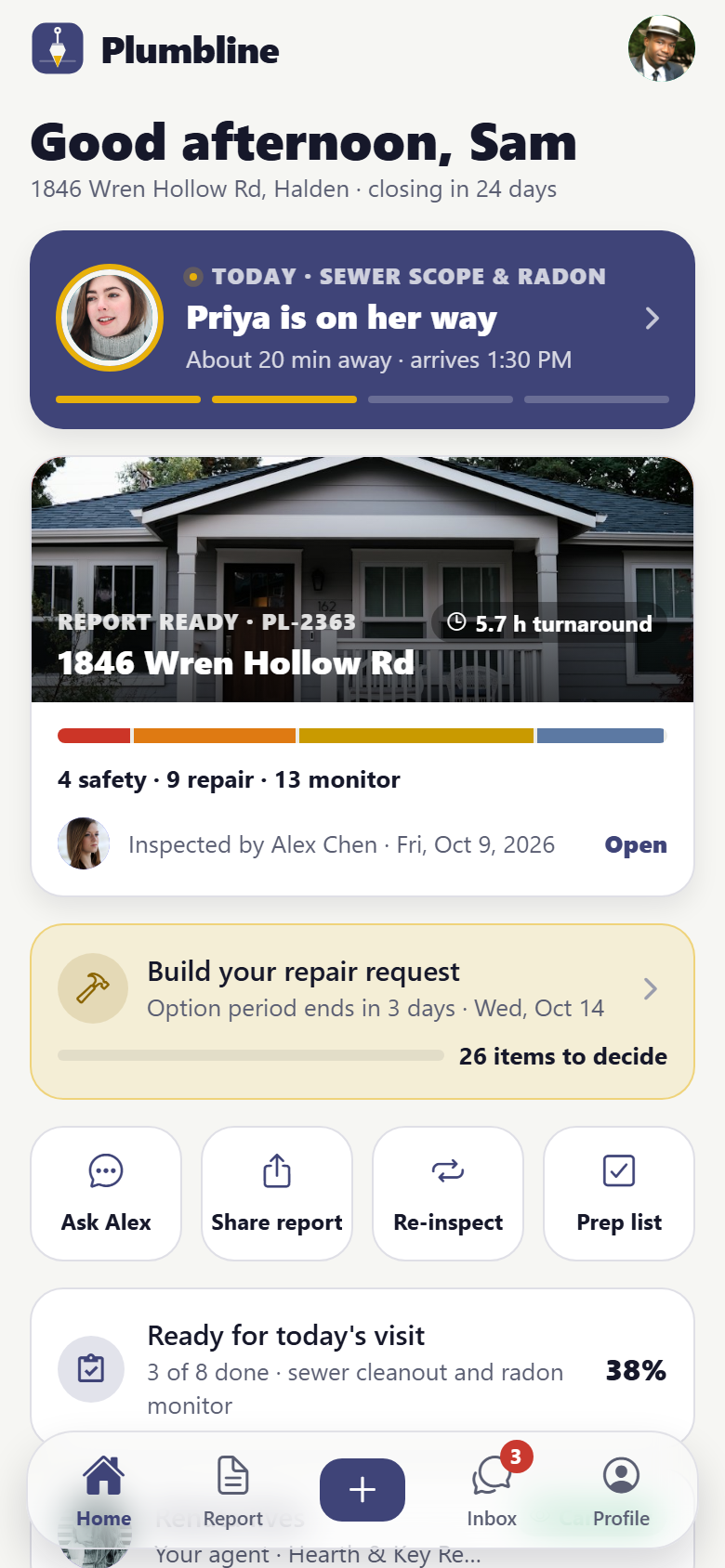
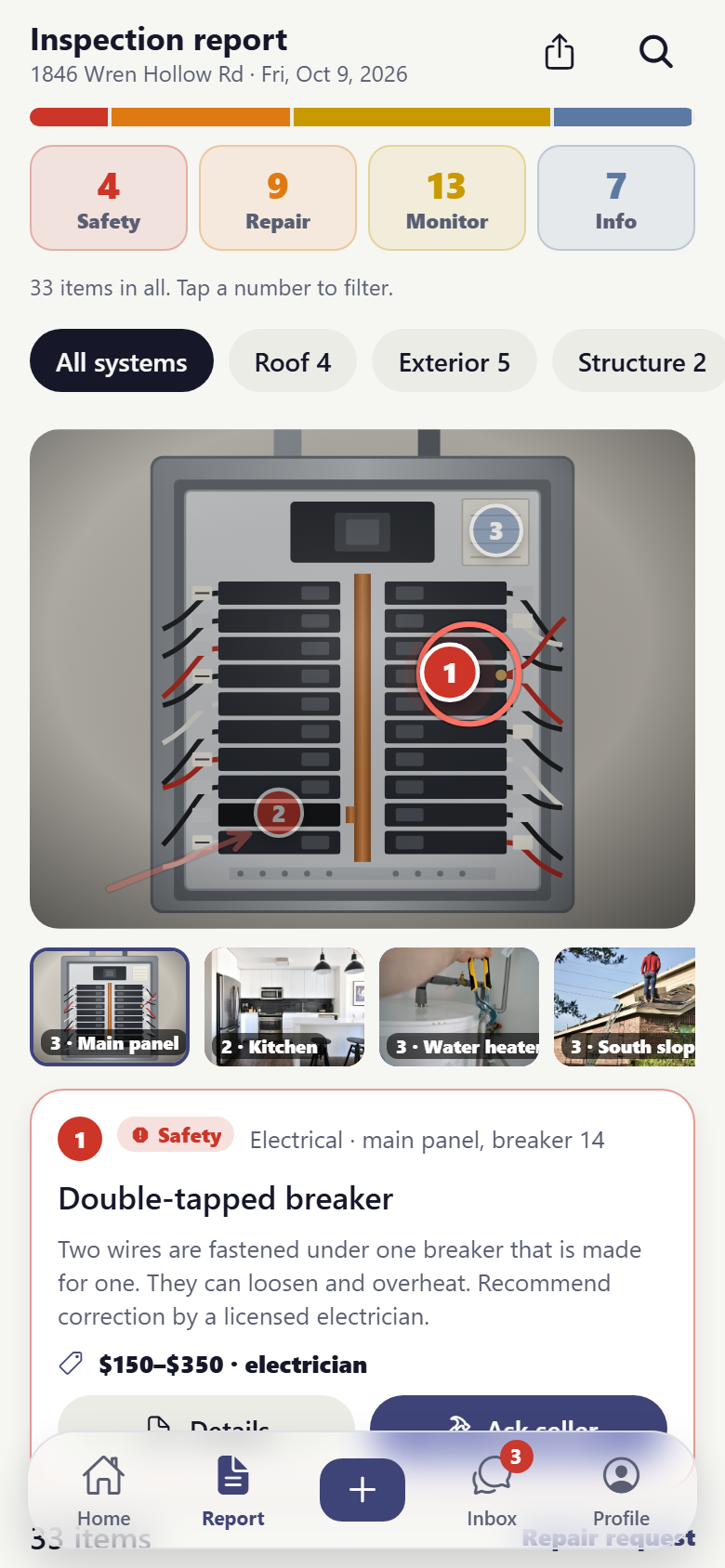
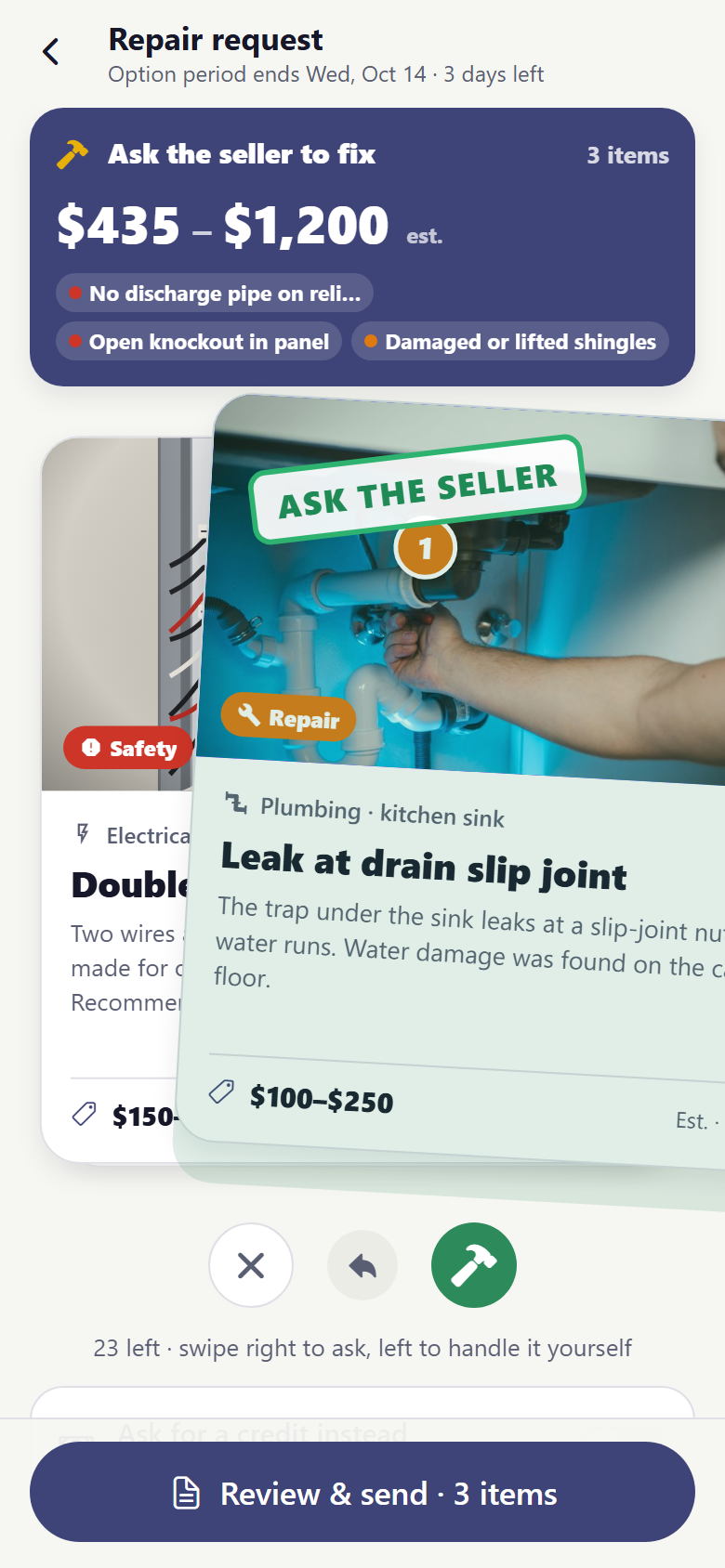
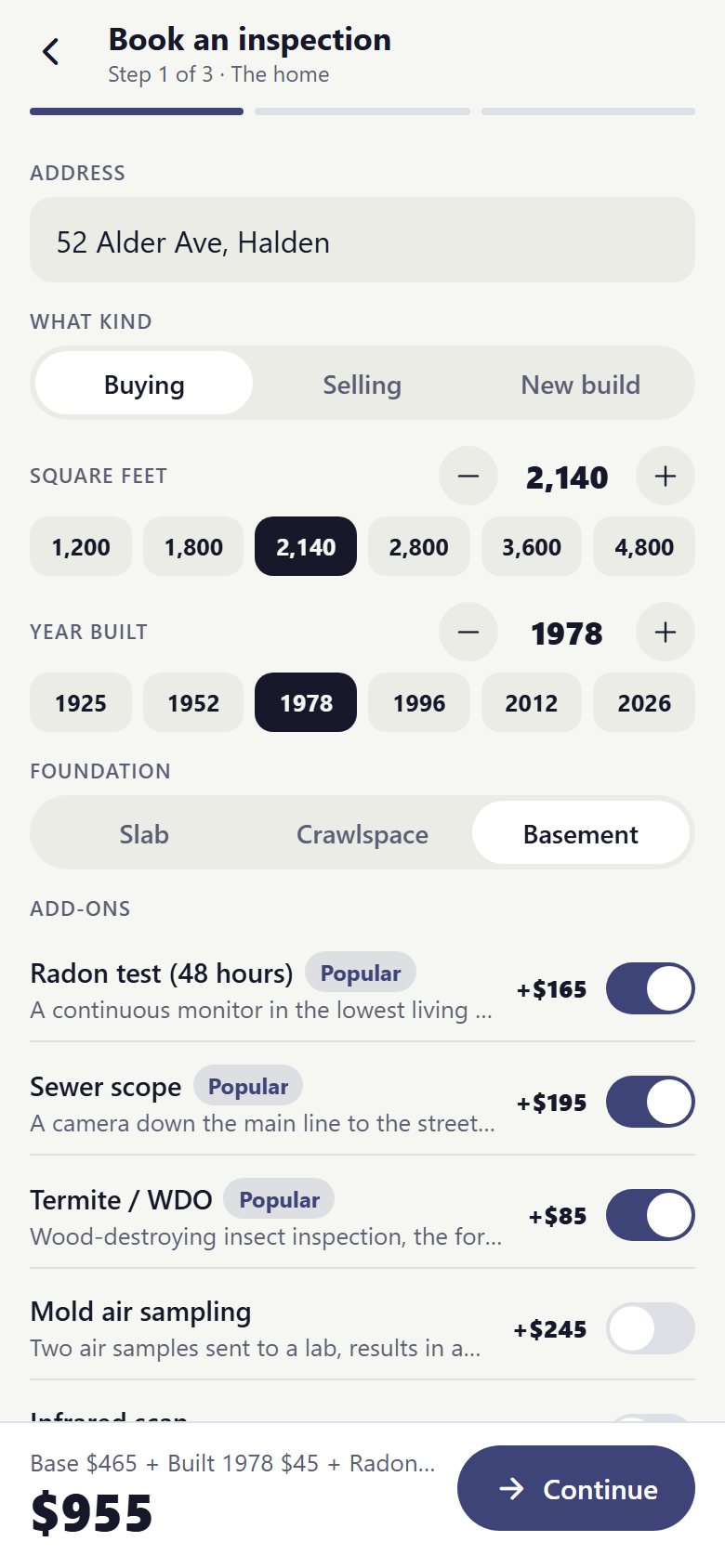
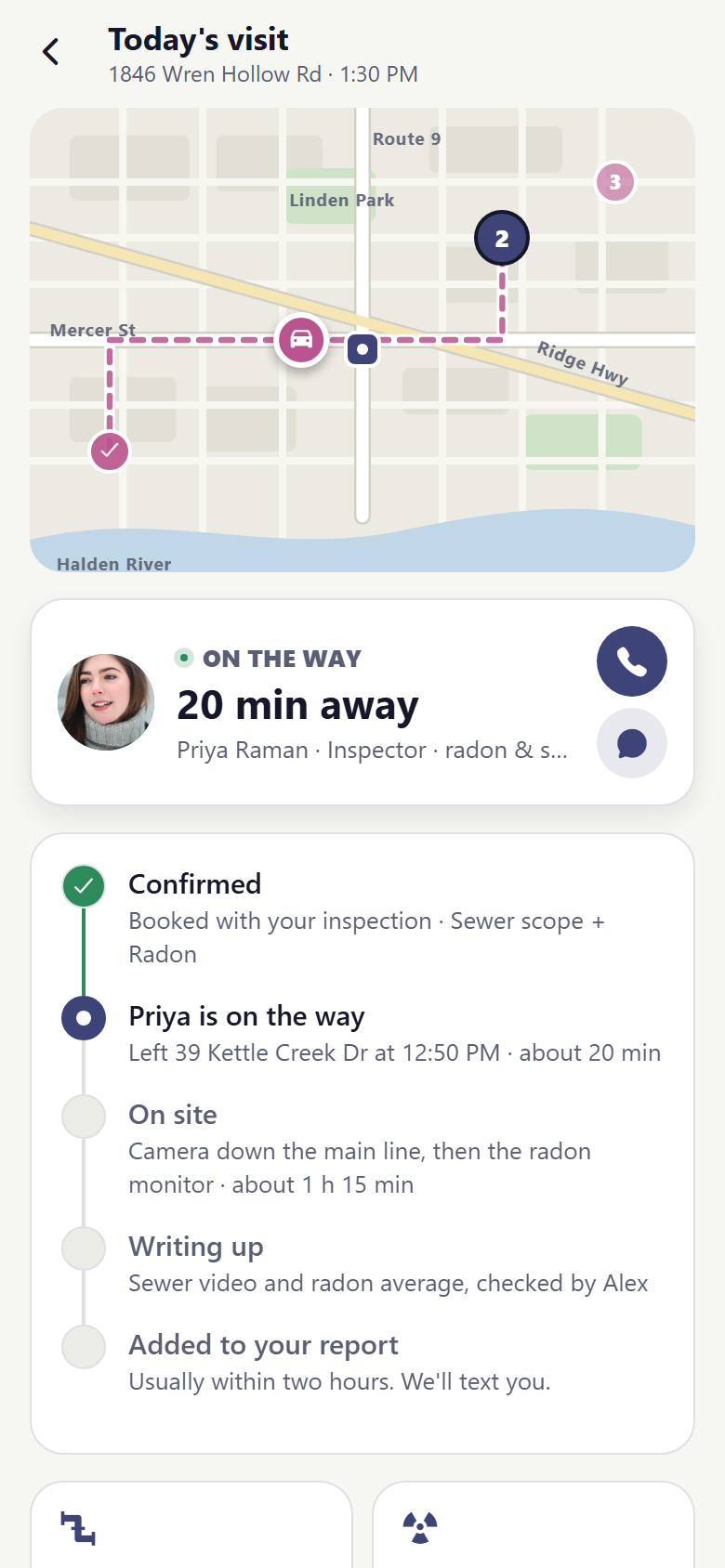
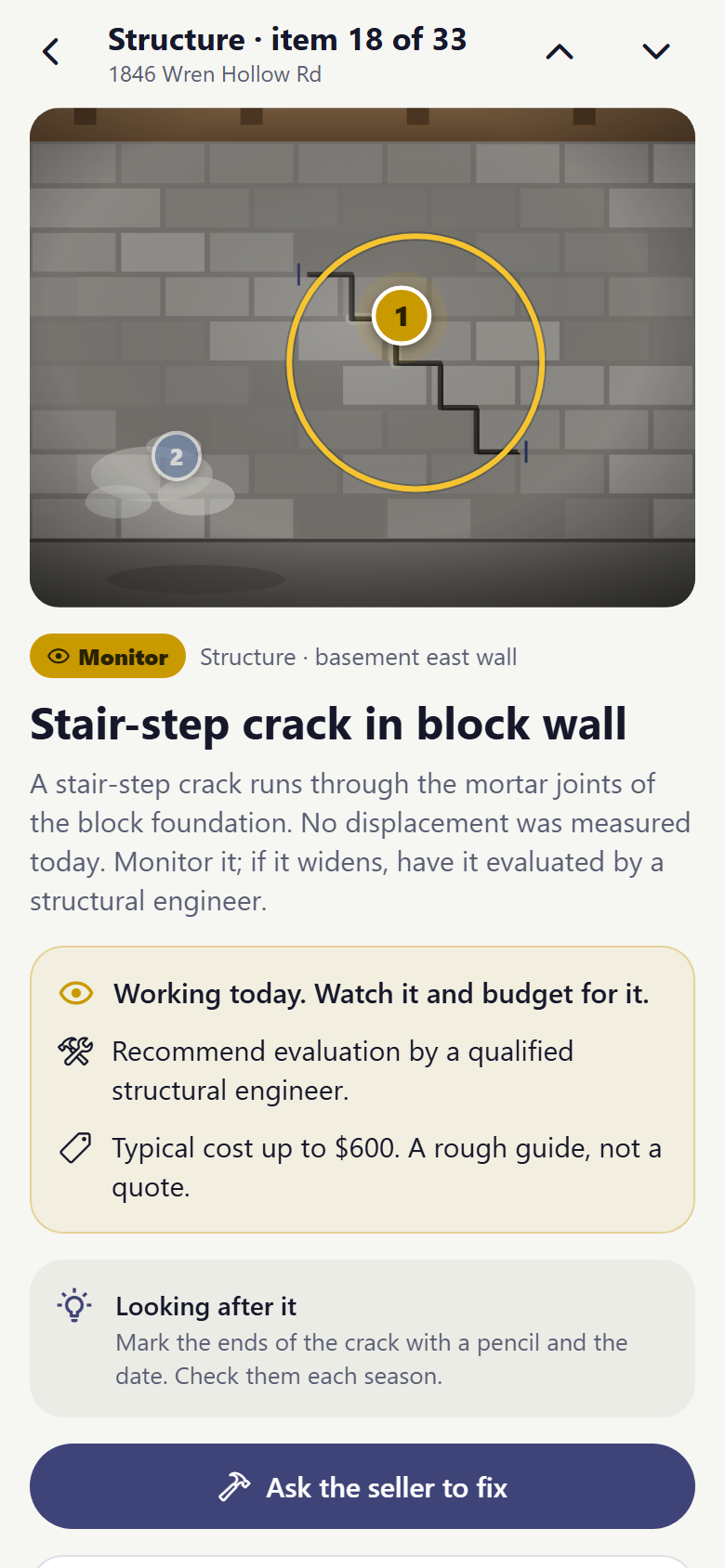
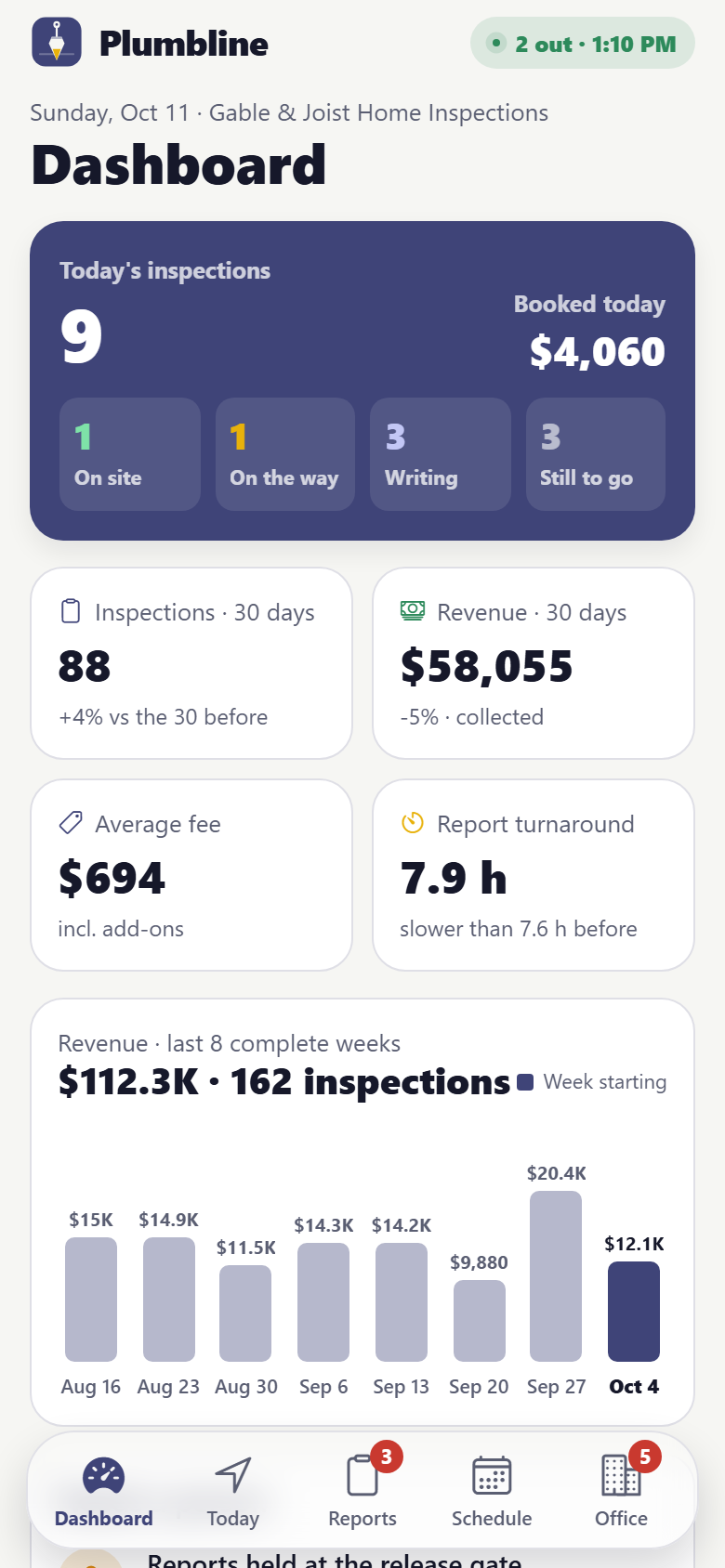
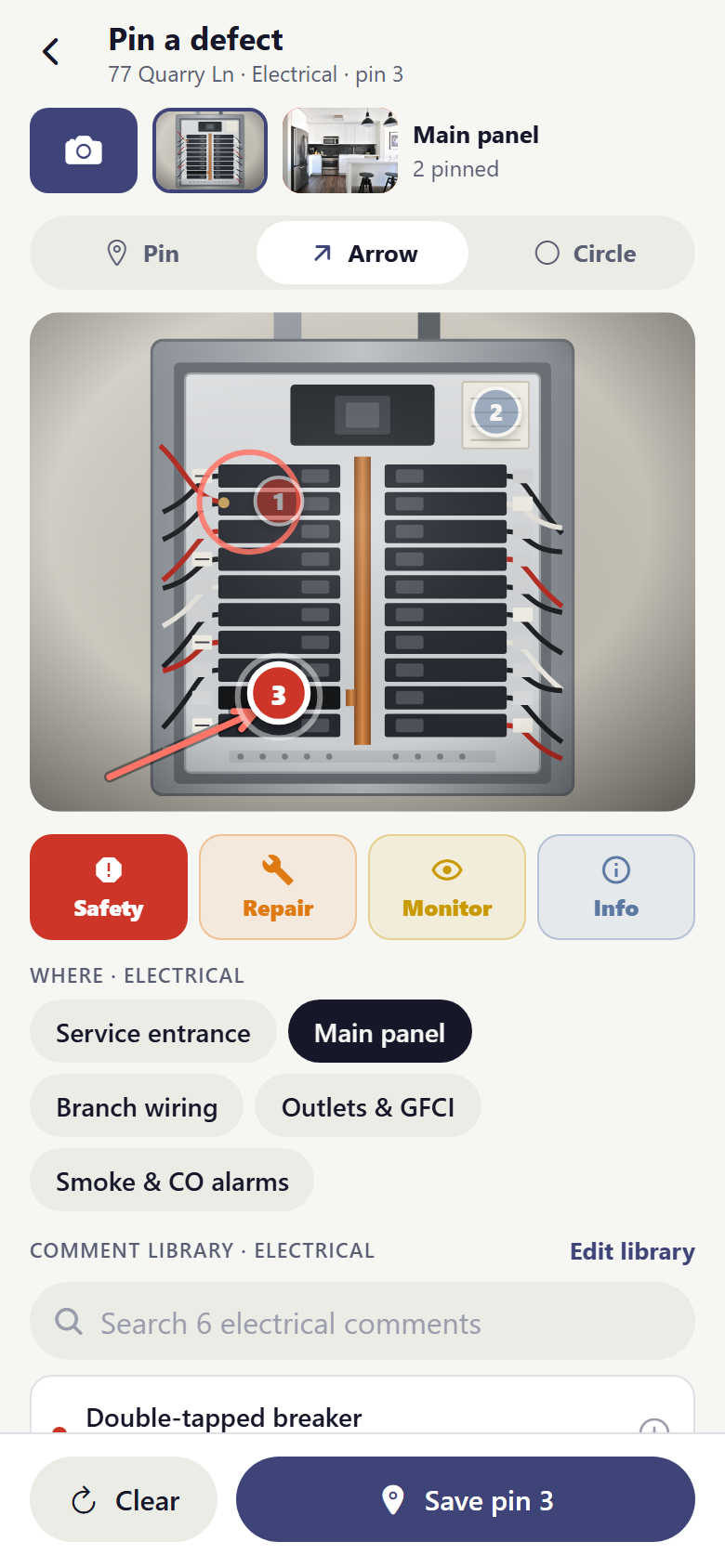
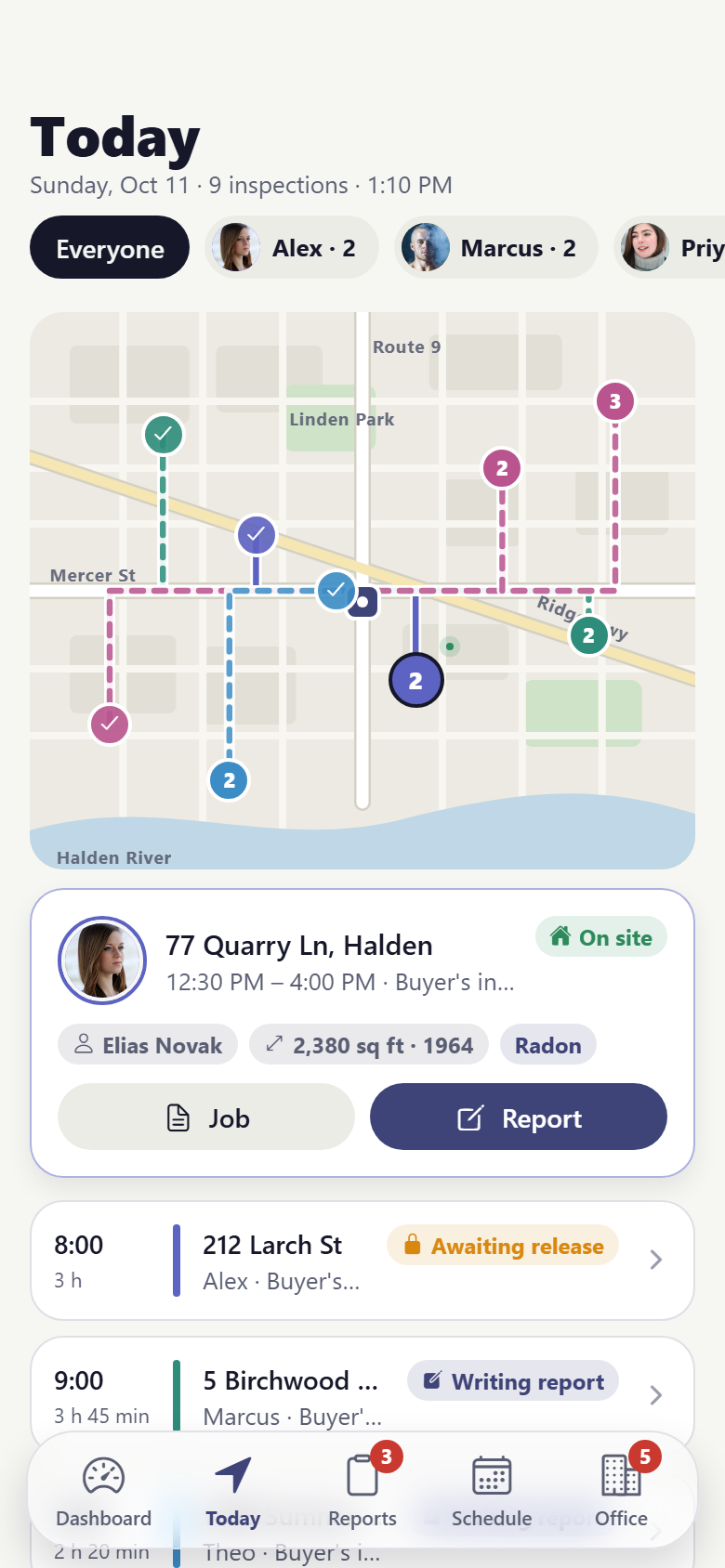
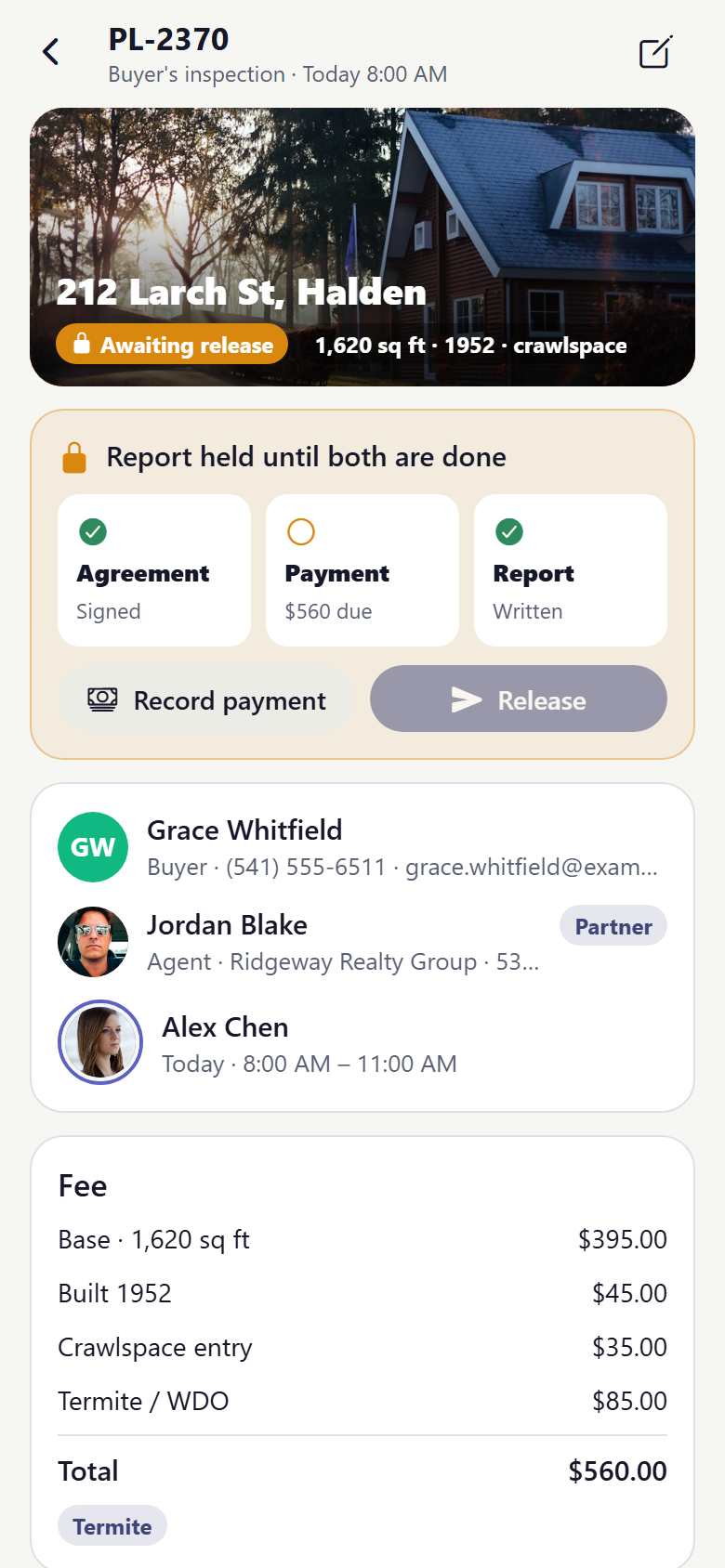
One home inspection company's own app, with both sides in one: the buyer's and the inspector's. Buyers book an inspection by typing the address, square feet and year built and get the fee on the spot from the company's own fee table, switch on radon, sewer scope or termite with their prices, pick a day, a time and an inspector who's free, then read the pre-inspection agreement, sign it with a finger and pay (card, bank or pay later) on a demo-payment receipt. A prep checklist says what has to be ready, and on the day a tracker drives the inspector's car across a drawn map with a live ETA and a stepper from On the way to Results. The report opens on its headline (safety, repair, monitor, info: tap a number to filter), then the inspector's photos with every defect pinned where it was found, circled or arrowed, numbered and coloured by severity; tap a pin for what it is, who to call and what it might cost. Each item has its own page with a maintenance tip and "Ask the inspector", and the repair request builds itself by swiping: right asks the seller to fix it and flies it into the request while the estimate rolls up, left keeps it off; ask for repairs or a credit, then review it laid out as the PDF the listing agent receives, export it and send it to your agent, share view-only access, or book the re-inspection. The inspector's side has a dashboard (today across the team, inspections, revenue, average fee and report turnaround against the 30 days before, eight weeks of revenue, reports held at the release gate, unsigned agreements, client questions, the team and the agents sending work), today's route on a drawn map numbered in each inspector's colour, the report builder by system (roof, exterior, structure, electrical, plumbing, HVAC, interior, attic) with checklist progress per system, and the photo annotator: take the shot with a staged camera, tap to drop the next numbered pin, drag a finger to draw an arrow or a circle, set Safety / Repair / Monitor / Info, the location, and the words from the comment library. Reports by status with the release gate (signed and paid), a schedule calendar by inspector where a job is reassigned or moved, job records that resend the agreement, record a payment, release, reschedule and refund, agreements and payments, an agents CRM with referrals and revenue, clients, the comment library and services & fees by square feet, age and add-ons. Twenty-nine screens on seeded inspectors, services, agents, clients, inspections, defects, comments, messages and payments.
29 screens, real flows
Make it yours by describing it
Tell Co-Create what to change, in plain words or a voice note. It asks what it needs to know, then shows you designs before anything is built.
Nothing changes until you approve
Approve one piece or a whole section. Every build gets a preview, and you can roll back to any earlier point.
Your app, your code
Go live on a clean address or your own domain, and download the full source whenever you like.
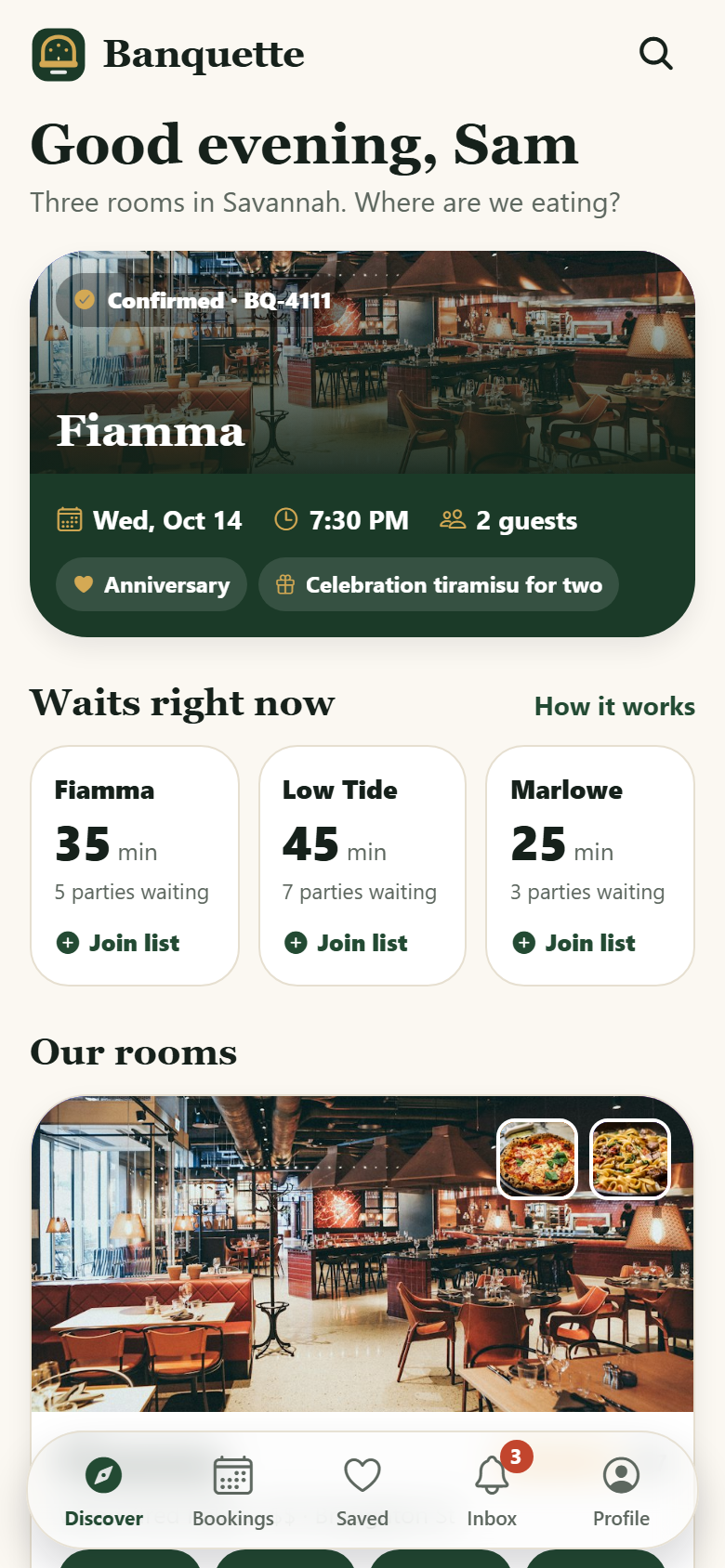
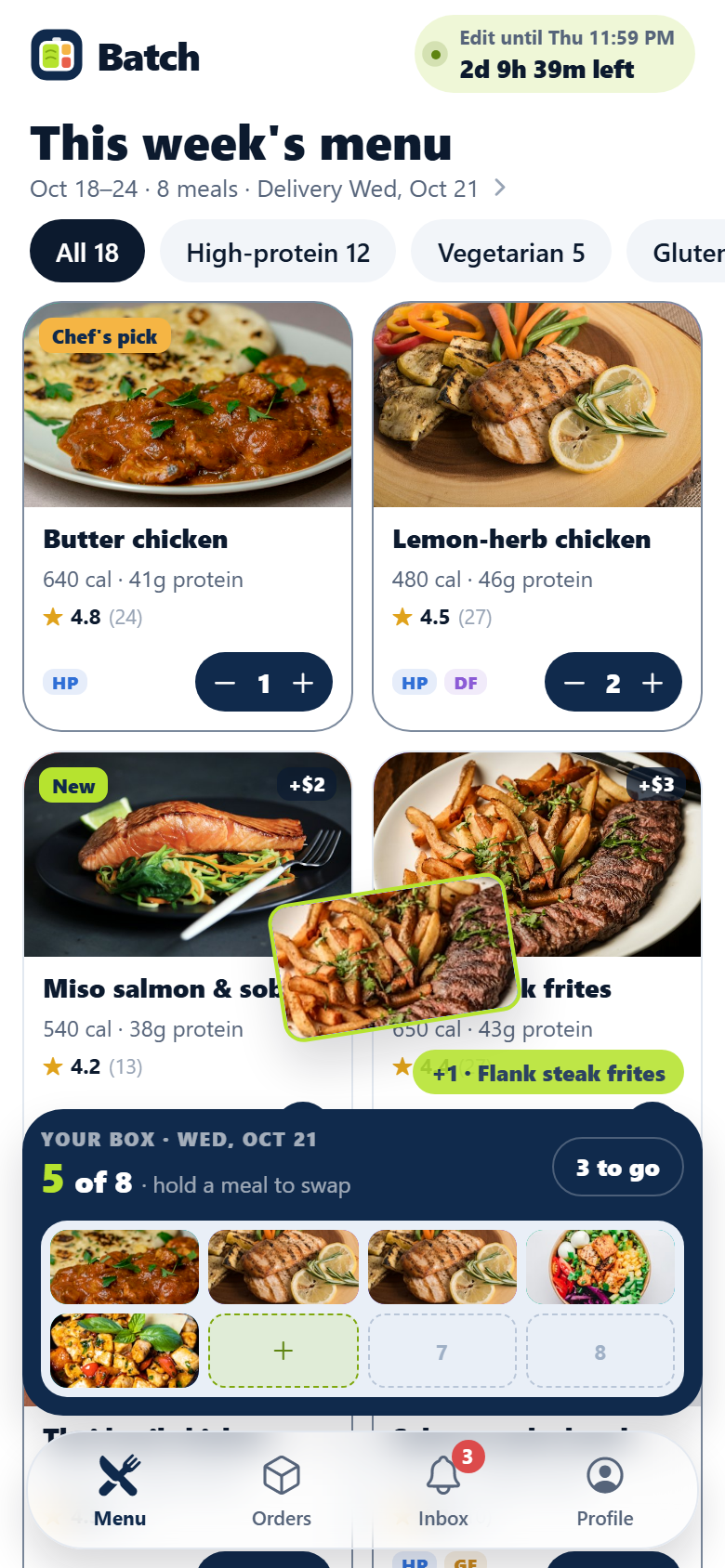
Your idea could be an app by Friday.
Start free. Talk it through, answer a few questions, pick a design and watch it build.
7 days freeCancel anytime