
App template
Keyring: a tenant portal & property management app template.
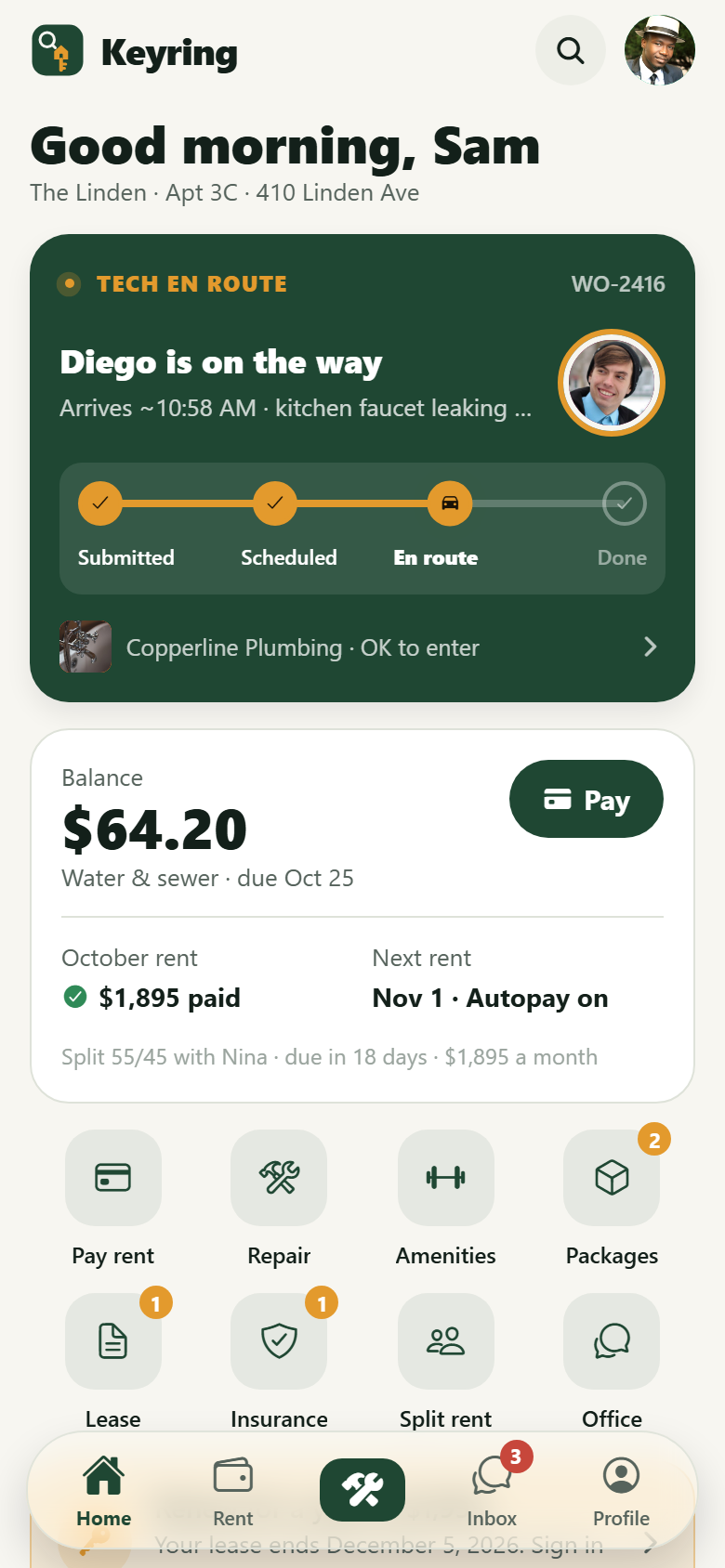
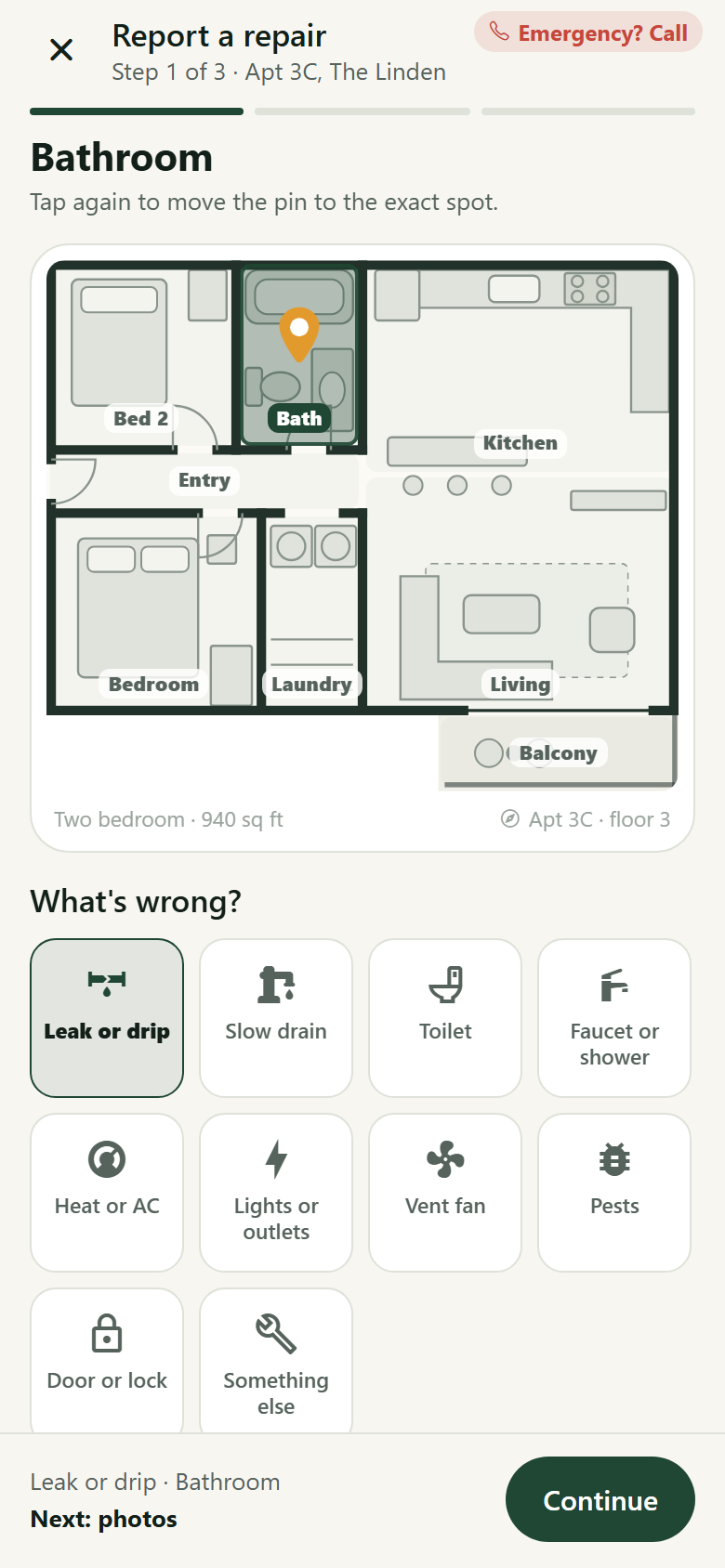
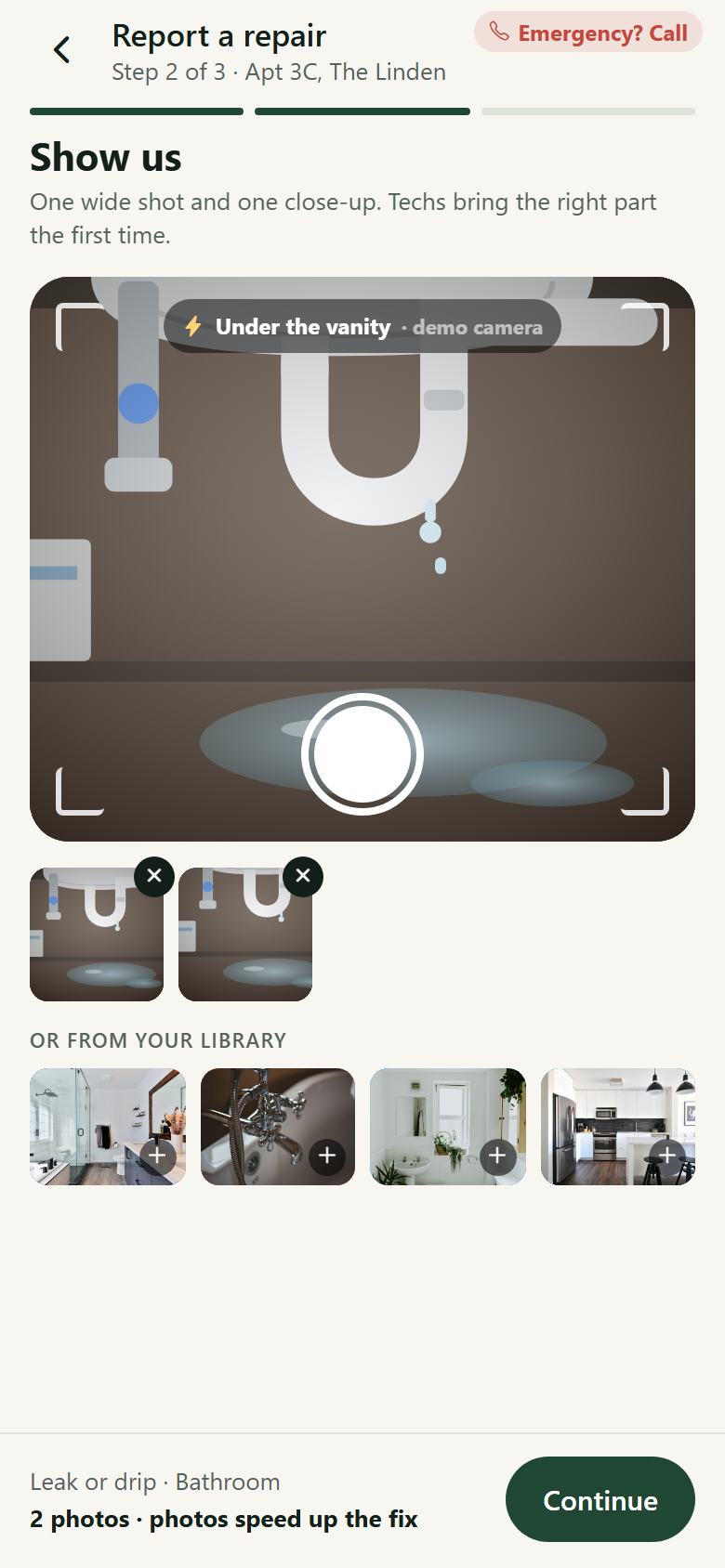
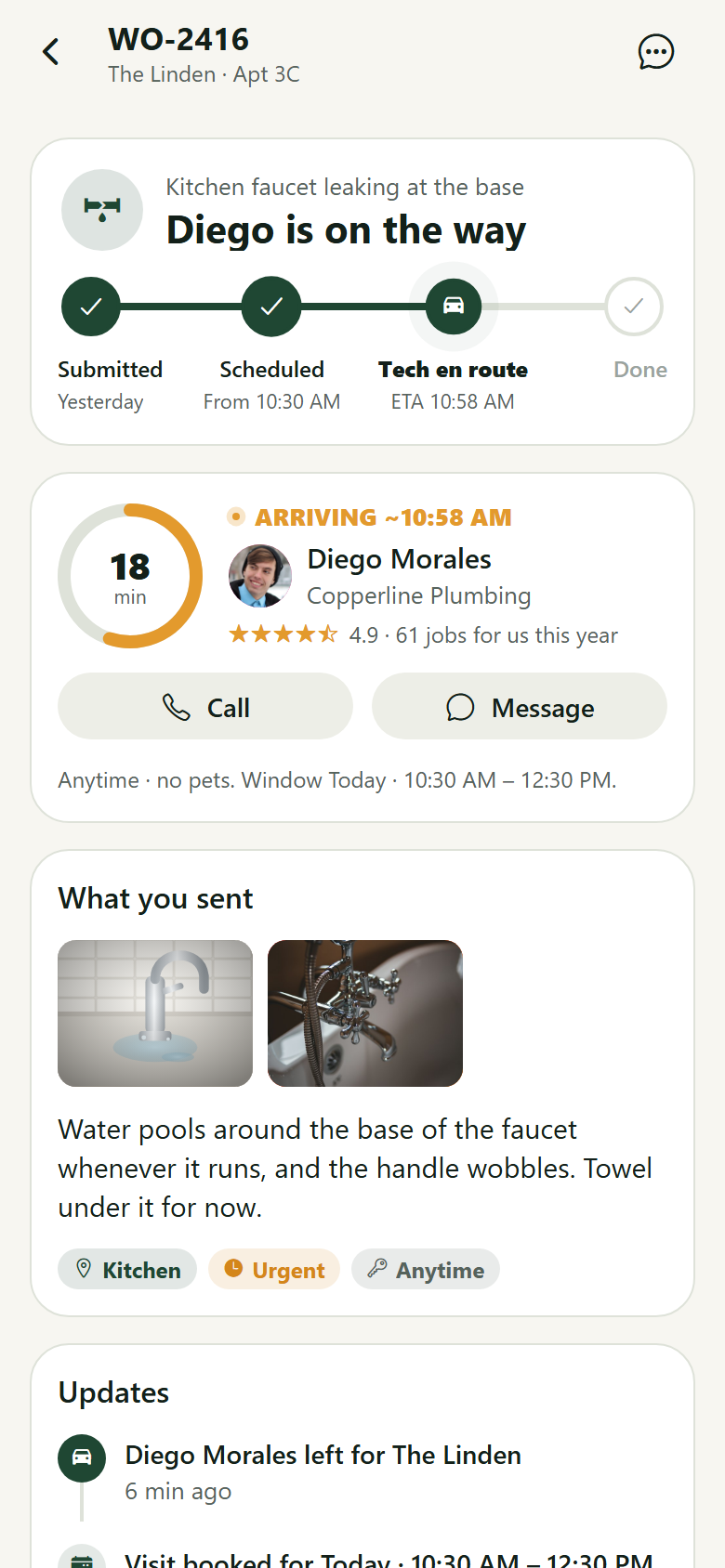
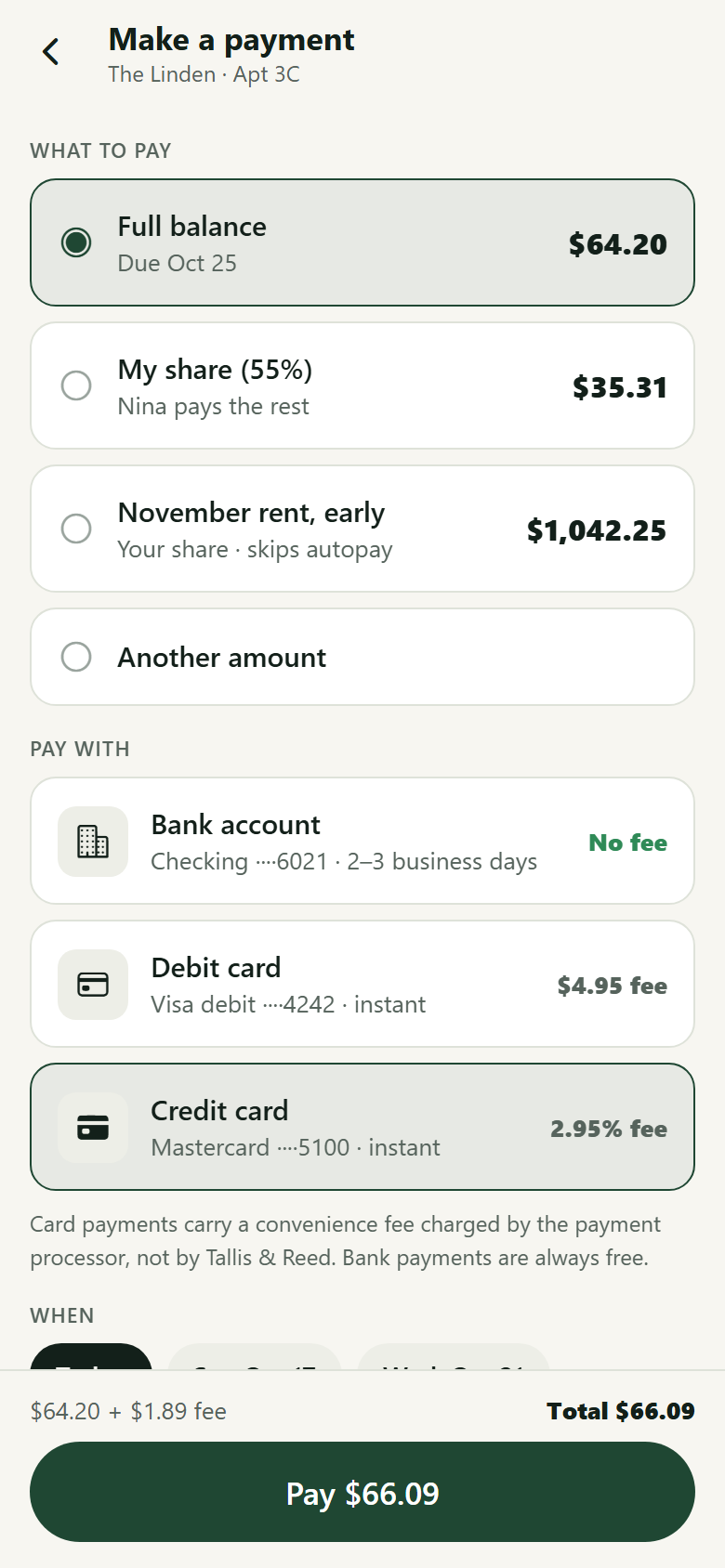
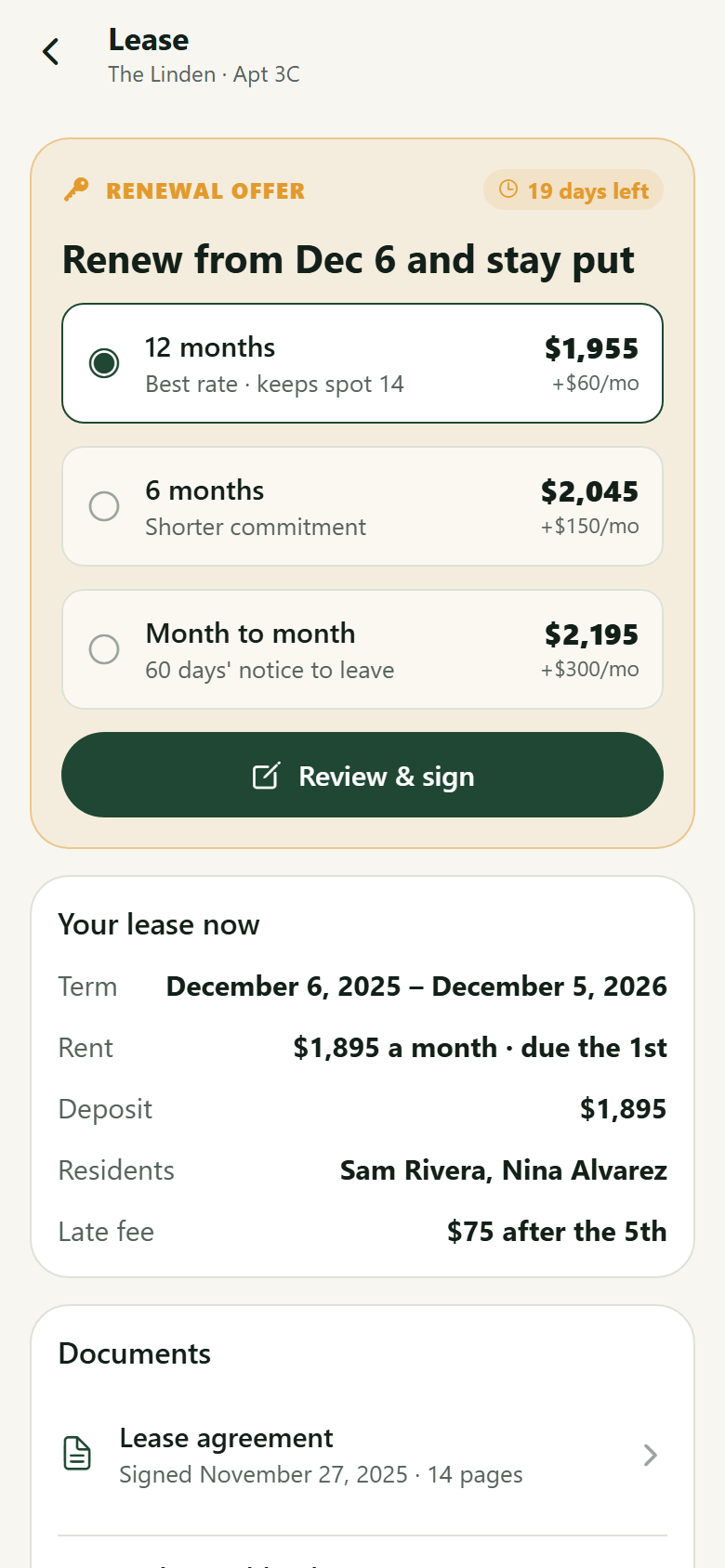
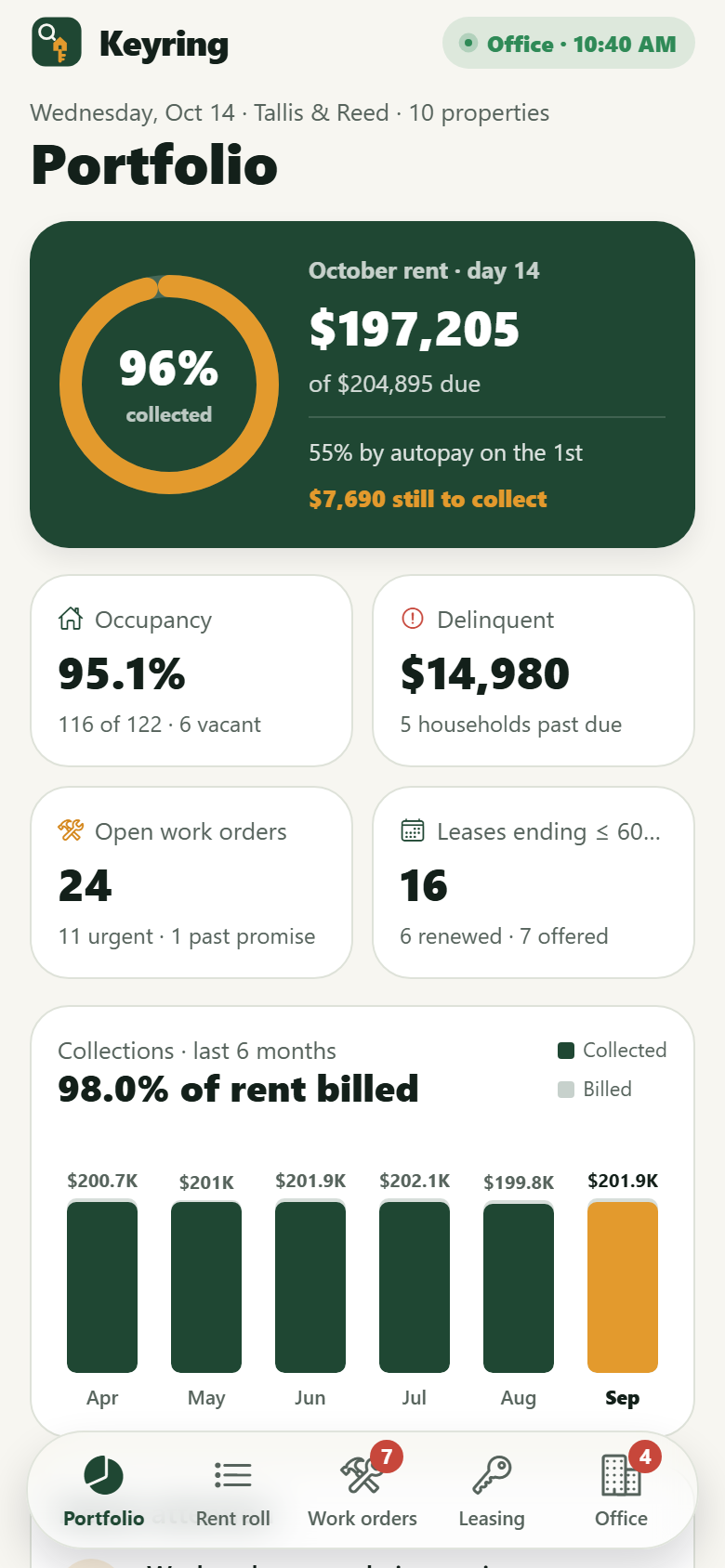
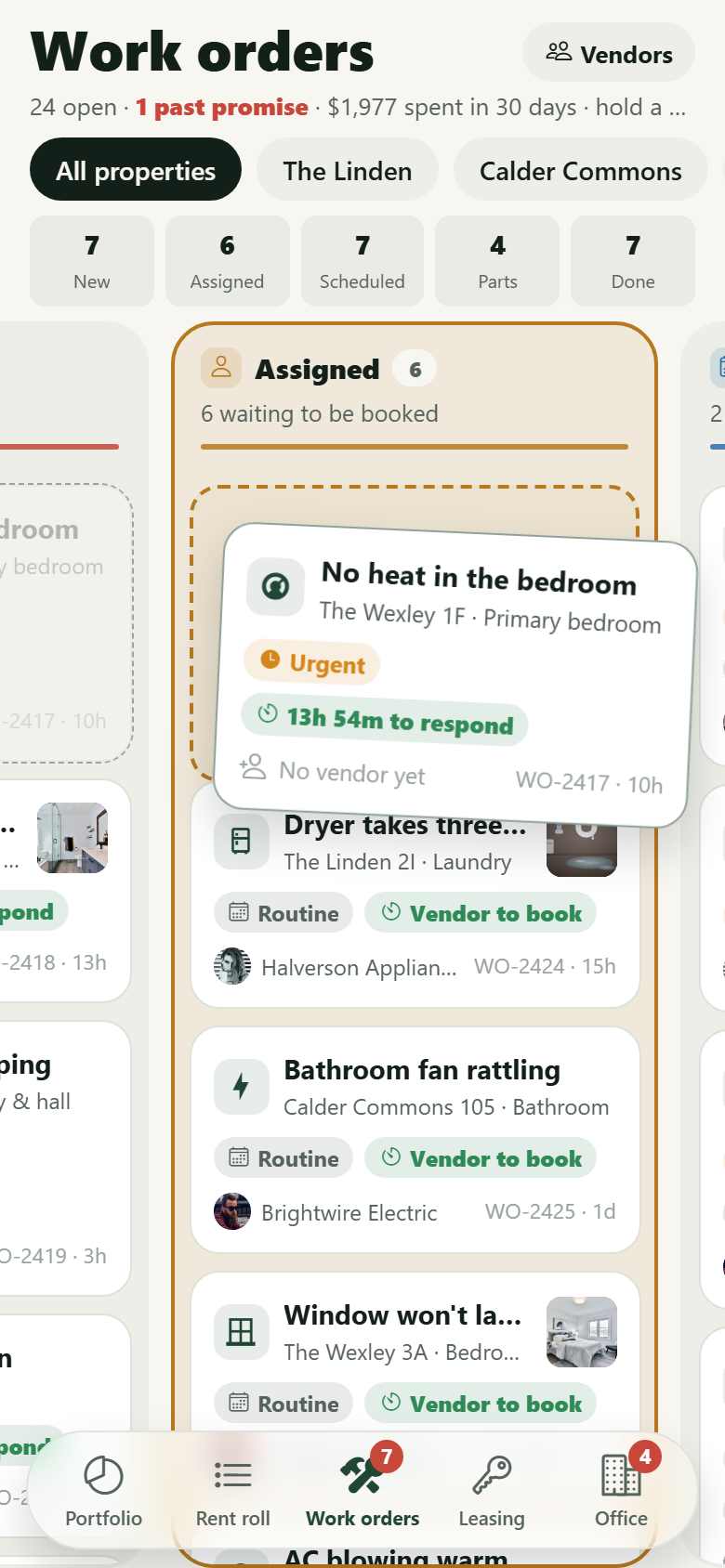
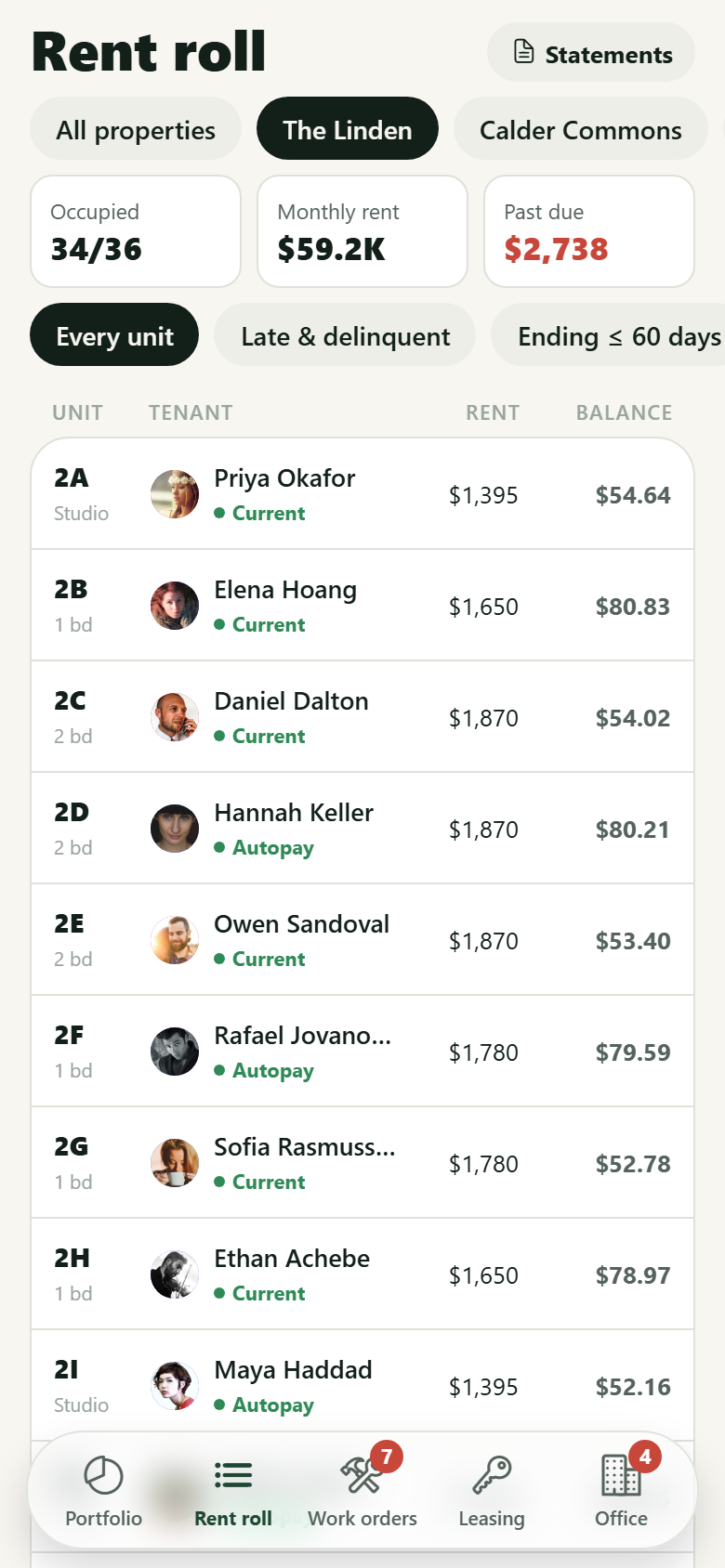
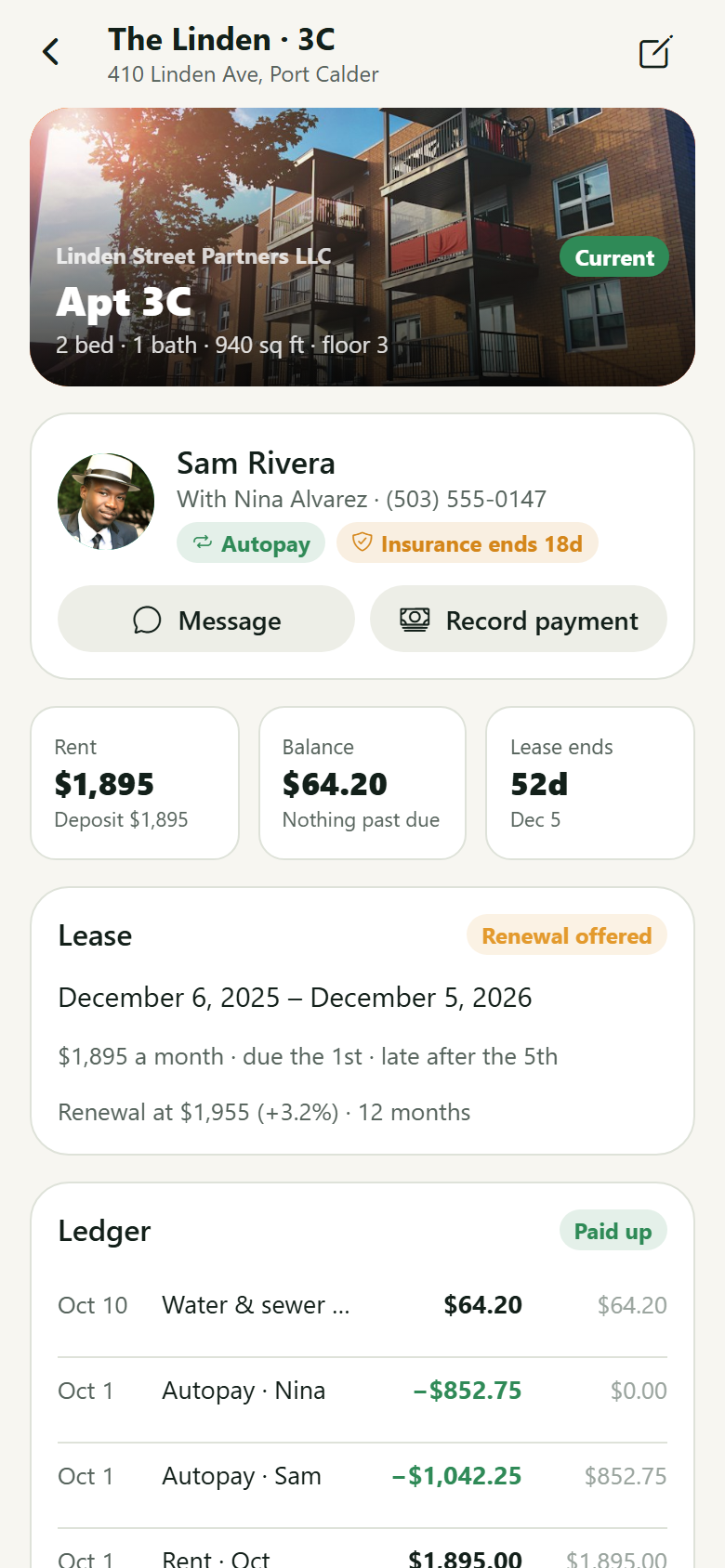
One property management company's own app, with both sides in one: the tenant's portal and the manager's office. Tenants report a repair by tapping the room on a drawn floor plan of their own unit (it fills and a pin drops on the spot), picking the problem from icon tiles that change with the room, snapping photos with a staged camera over a drawn picture of the leak (or adding from the library), and setting permission to enter, pets and urgency; the request becomes a live tracker whose stepper springs from Submitted to Scheduled to Tech en route (with the vendor, the tech's face, an ETA ring and a call button) to Done, and ends in "Rate the fix". They pay rent by bank for free or by card with the convenience fee shown up front, with autopay and a demo-payment receipt; read a ledger by month with running balance and receipts; split rent with a roommate on a draggable divider; review a renewal offer (12 months, 6 months or month to month) and e-sign it with a finger; read lease documents; do the yearly walk-through room by room on the same floor plan and see the move-in report with its photos; upload renters insurance through a staged scan that checks it against the lease; read building notices (a water shut-off pinned with its date and hours), collect packages with a pickup code, RSVP to events, book the fitness room, rooftop deck or clubroom, and message the office. The manager's side has a portfolio dashboard (rent collected against rent due this month on a ring, occupancy, delinquency, open work orders by urgency and promise, leases ending in 60 days and where each renewal stands, six months of collections, what needs a person), a rent roll by property with balances and status filters, a work-order kanban (New, Assigned, Scheduled, Waiting on parts, Done) where a card is held and dragged between columns and dropping it on Assigned opens a vendor picker ranked for the trade, work-order records that assign, book a visit window, mark parts and close out with cost, unit records (household, lease and renewal, ledger with running balance, work orders, inspections, photos, record a payment), a leasing pipeline from inquiry to signed lease with income ratio and credit band, vendors with ratings, response times and expiring insurance certificates, owner statements laid out as the monthly PDF, announcements to a building, and the company's rent rules. Twenty-eight screens on seeded properties, units, tenants, ledger charges, work orders, vendors, applicants, messages and owner statements.
28 screens, real flows
Make it yours by describing it
Tell Co-Create what to change, in plain words or a voice note. It asks what it needs to know, then shows you designs before anything is built.
Nothing changes until you approve
Approve one piece or a whole section. Every build gets a preview, and you can roll back to any earlier point.
Your app, your code
Go live on a clean address or your own domain, and download the full source whenever you like.
Your idea could be an app by Friday.
Start free. Talk it through, answer a few questions, pick a design and watch it build.
7 days freeCancel anytime