
App template
Inkwell: a custom print & merch app template.
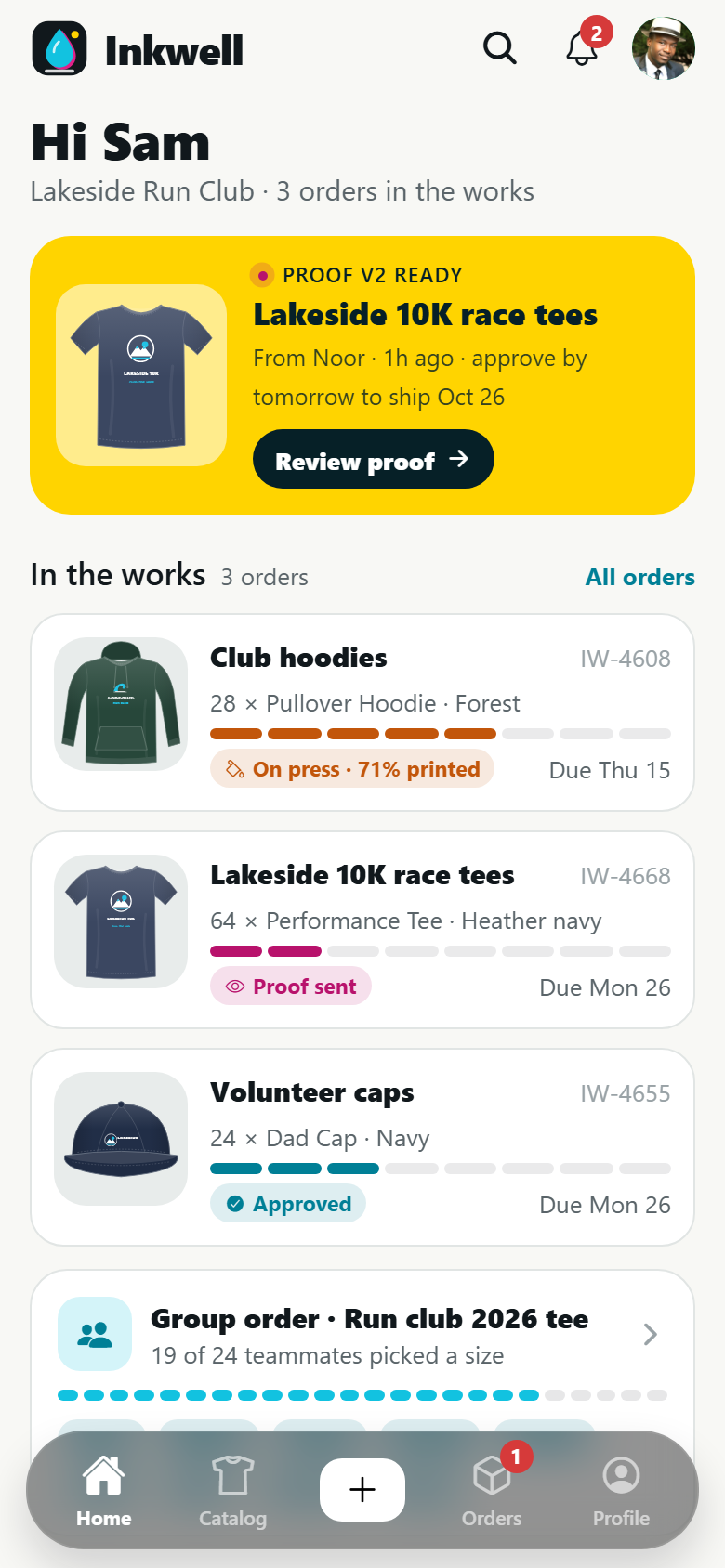
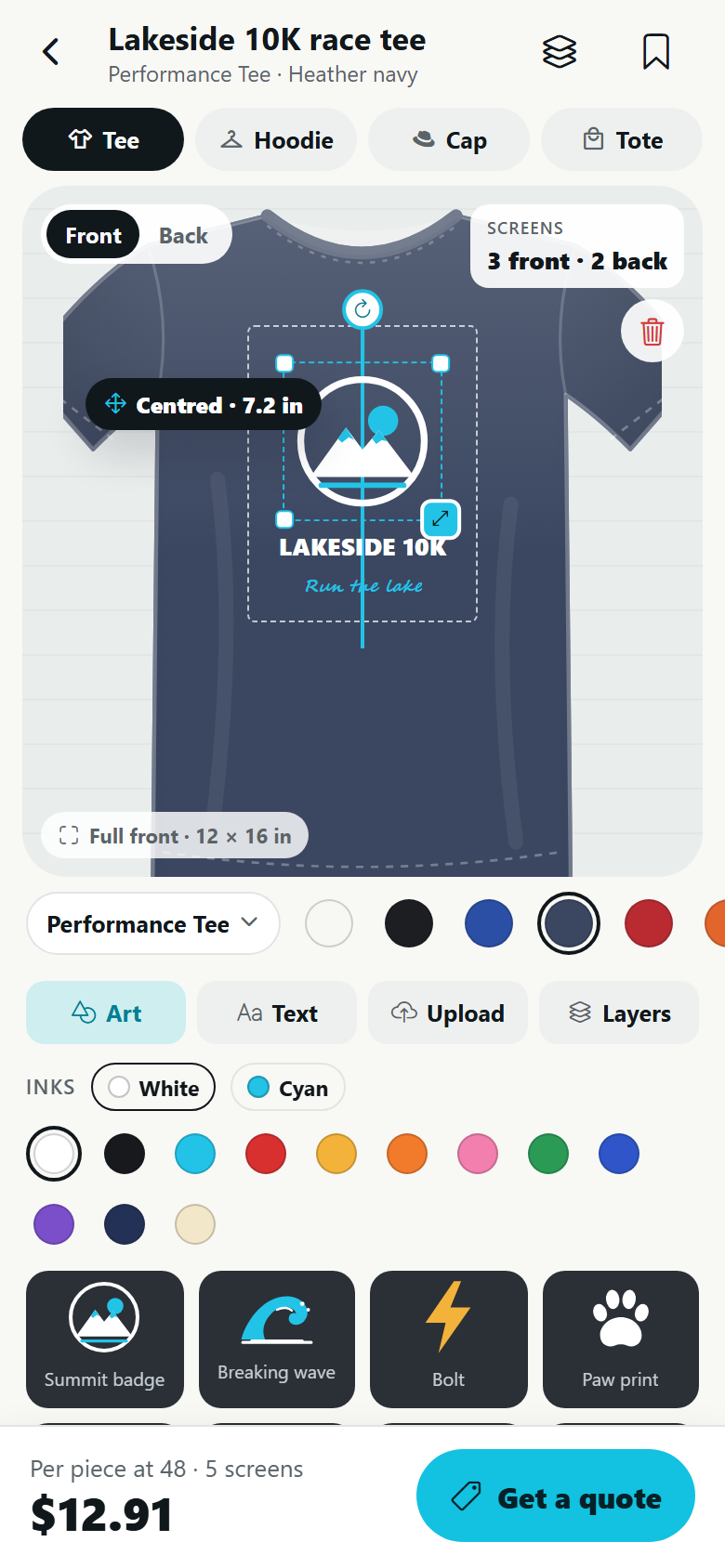
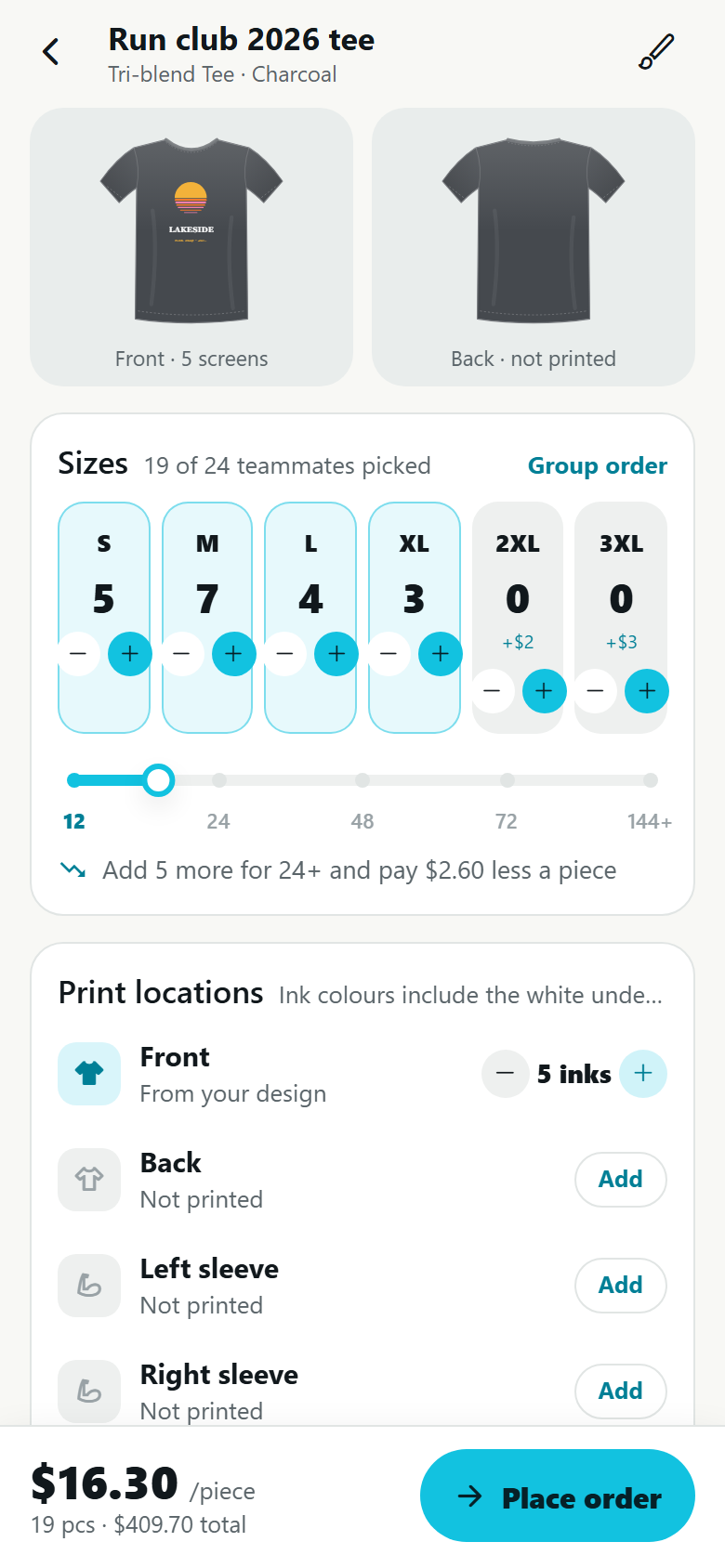
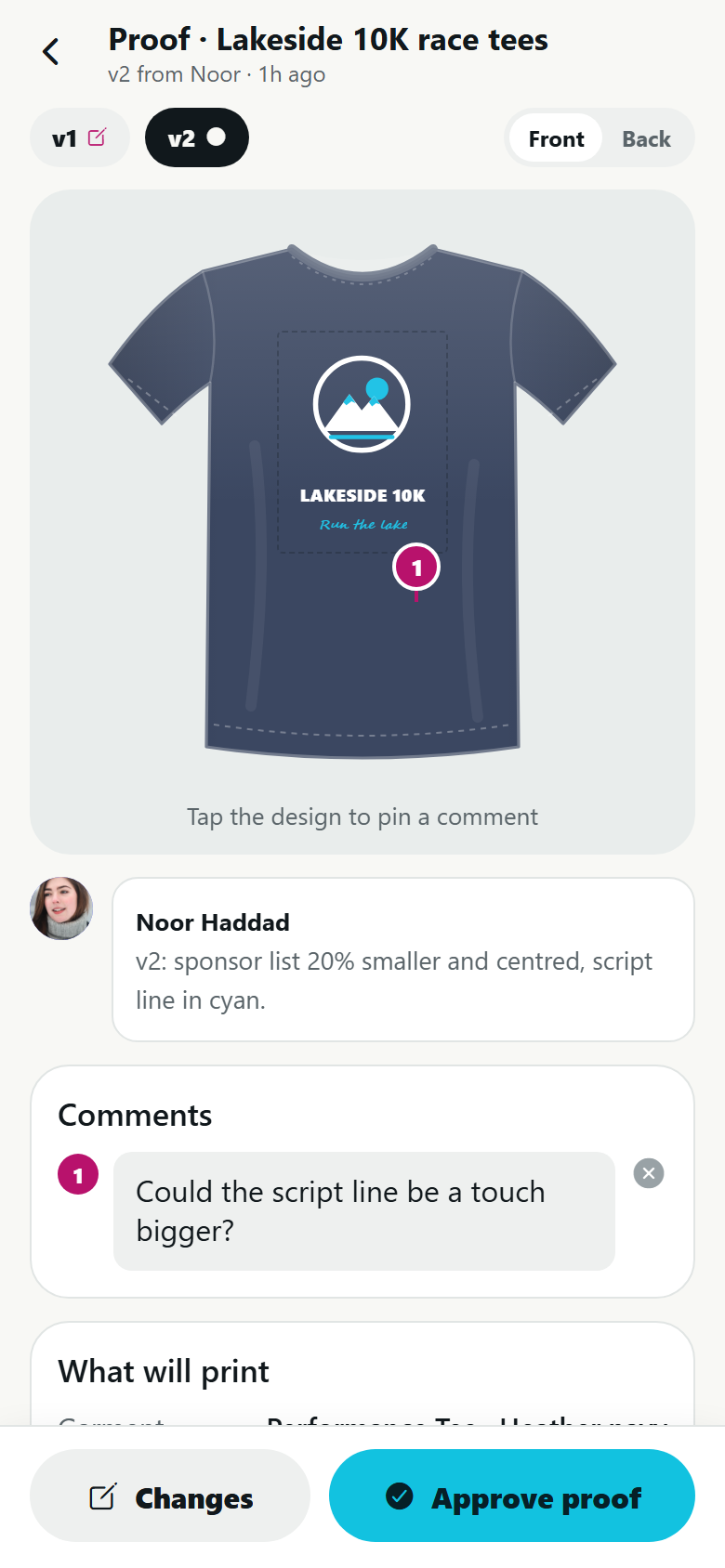
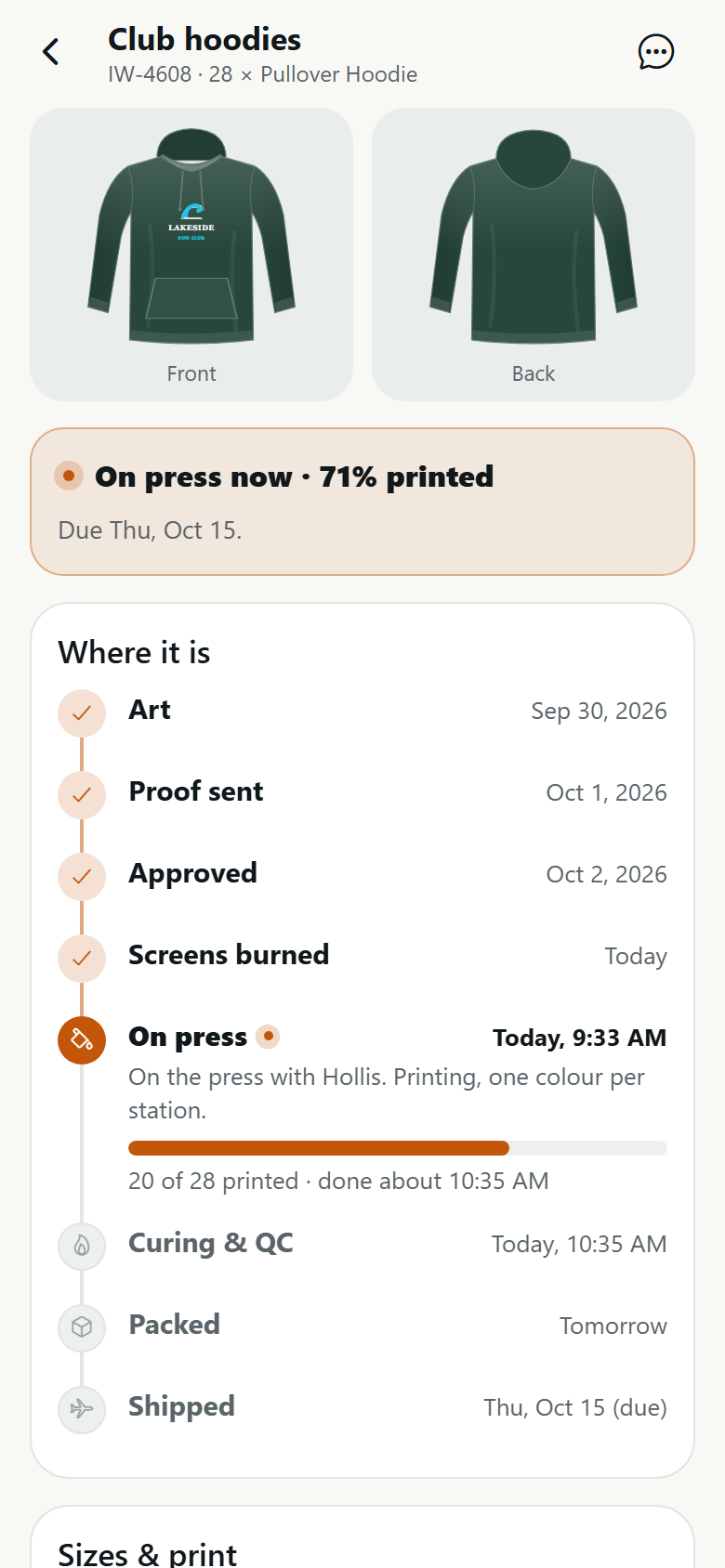
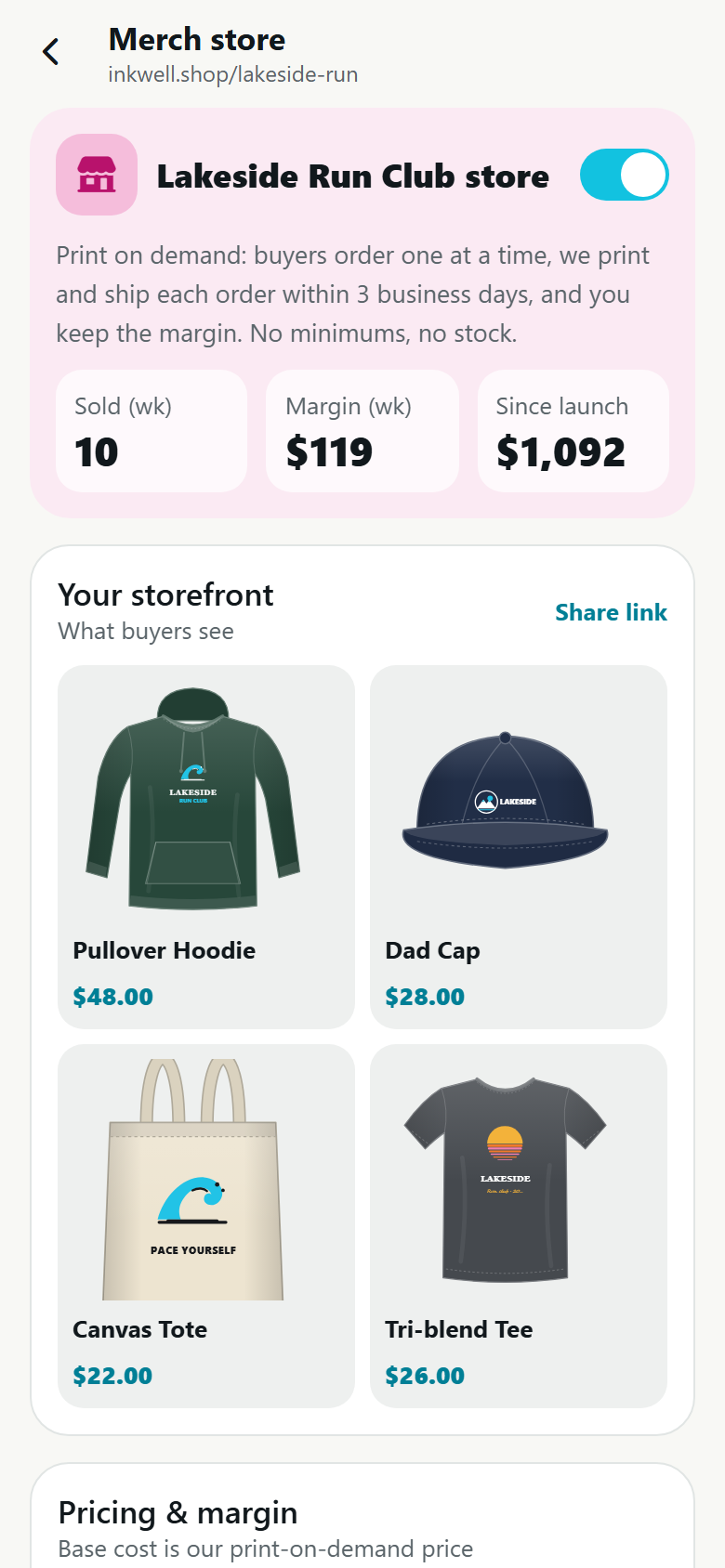
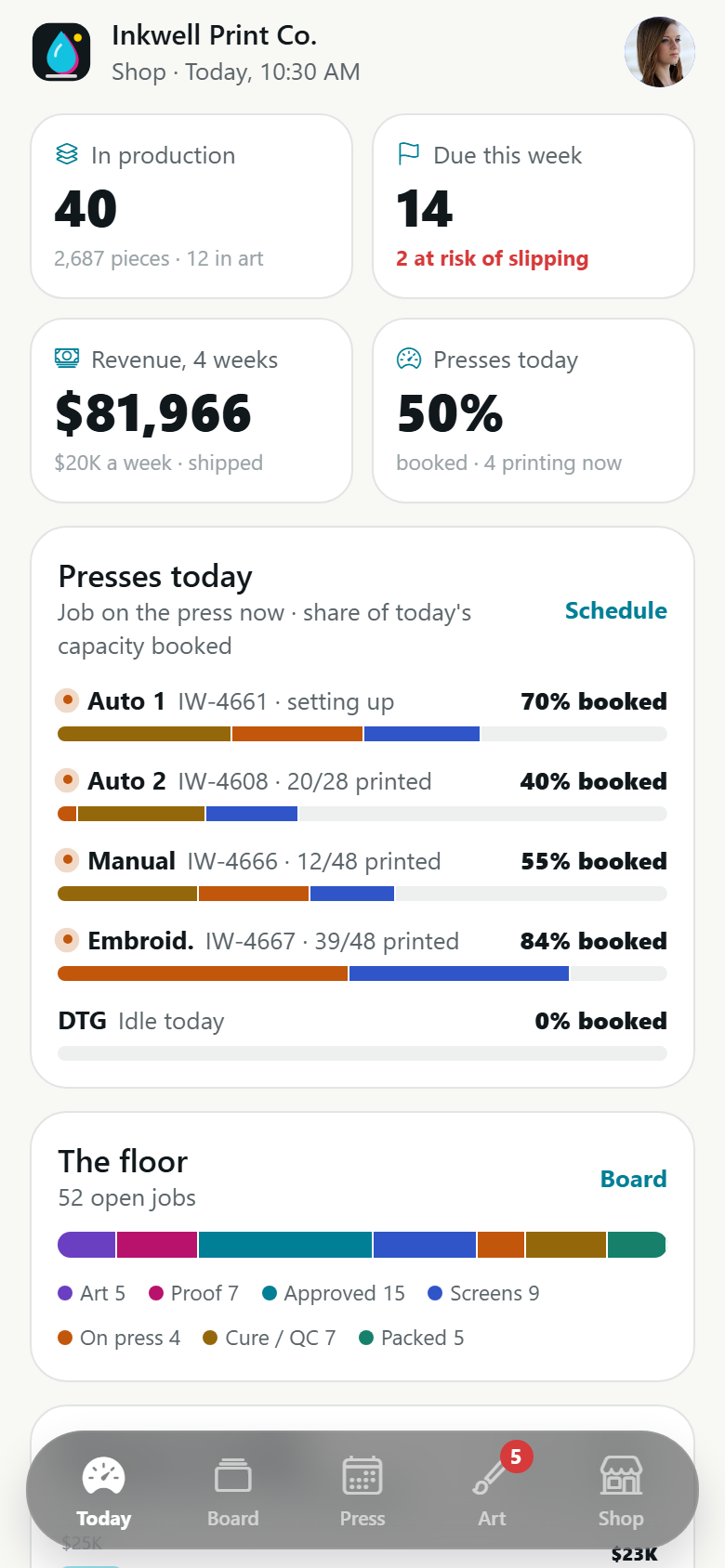
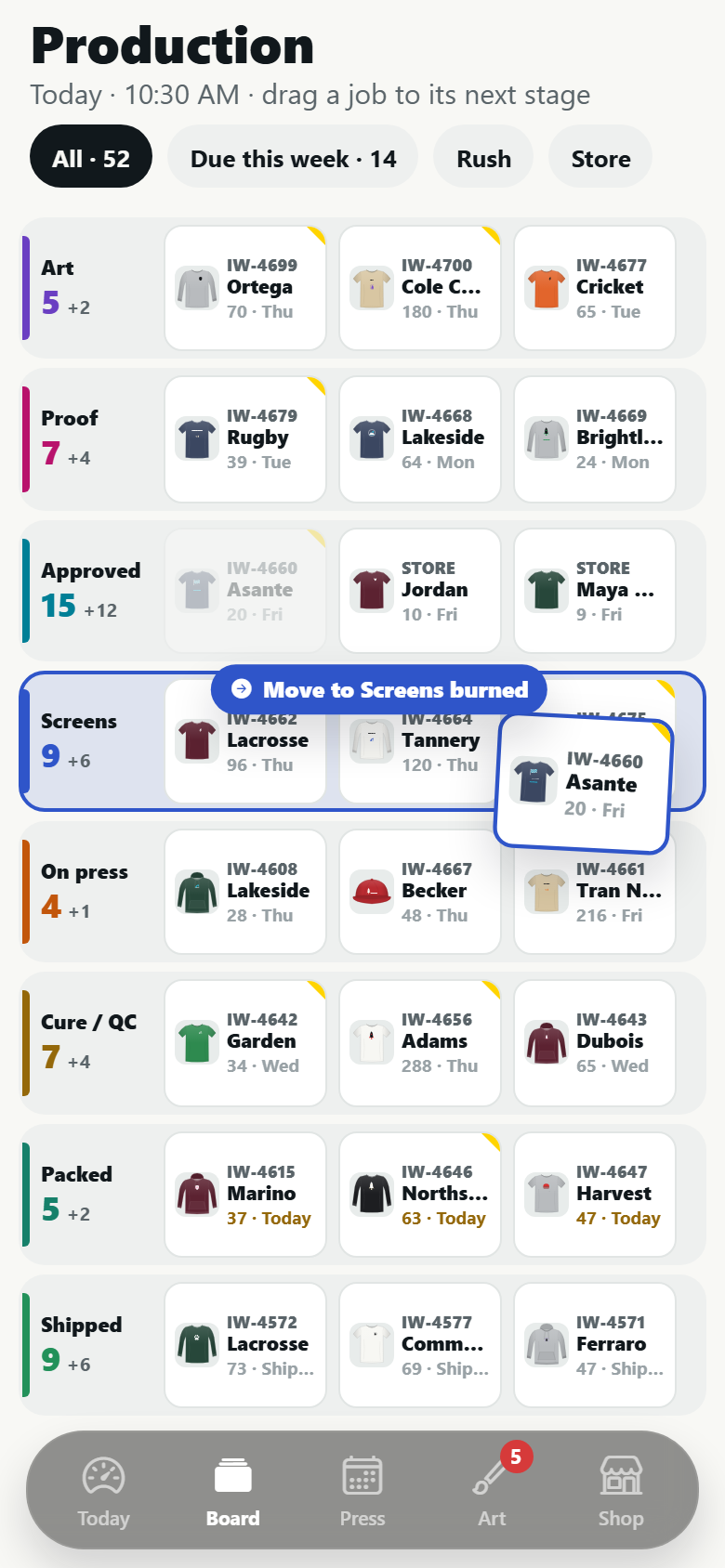
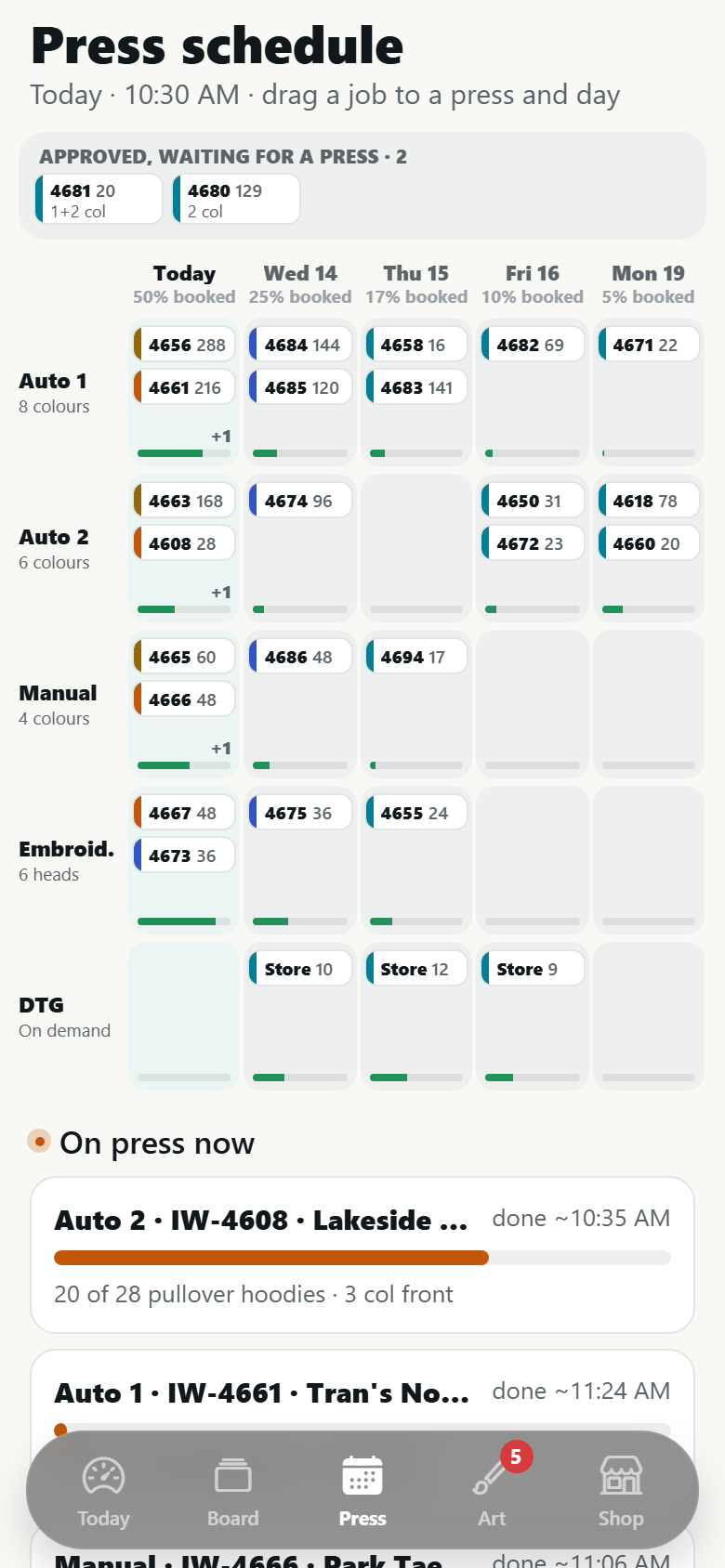
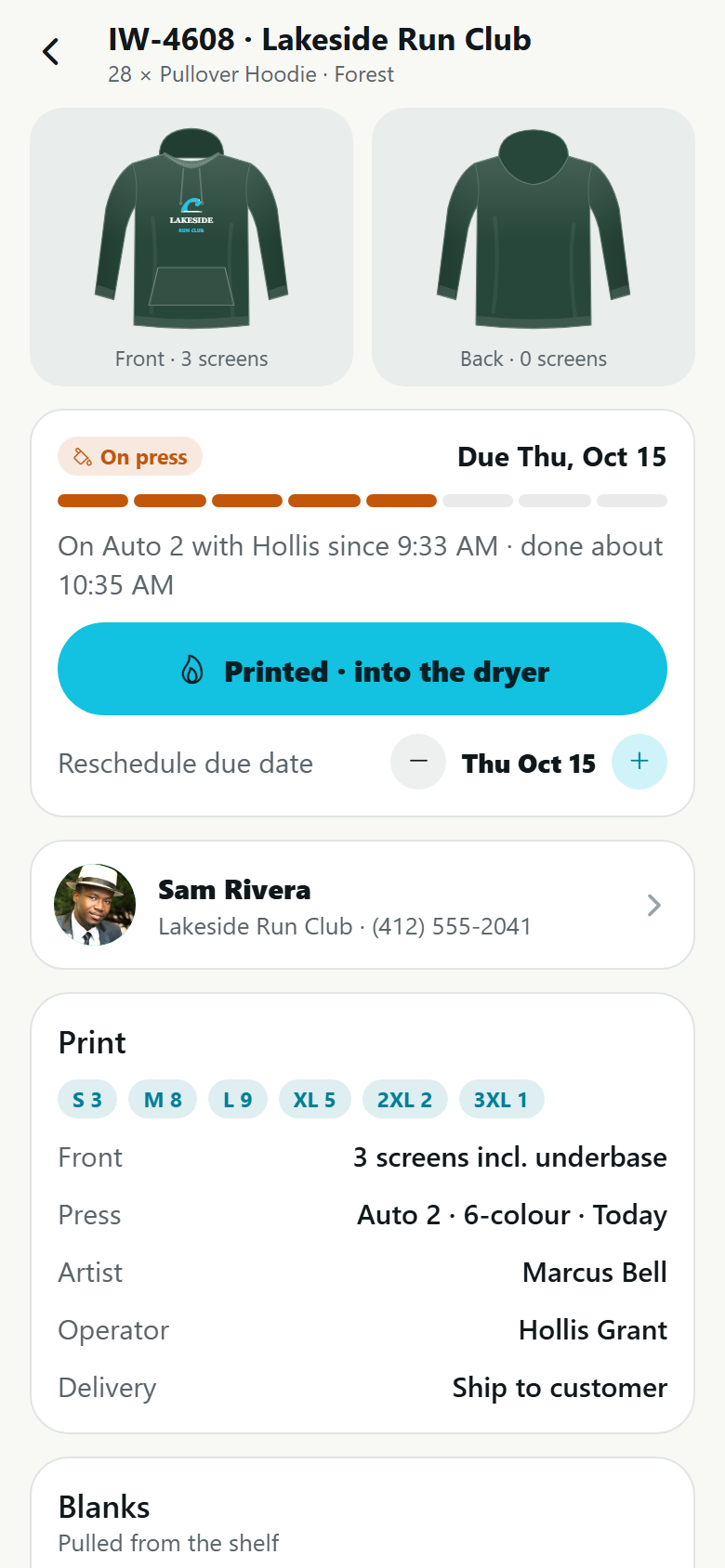
A screen-print and embroidery shop's own app with both sides in one: the customer's app and the shop's. Customers design on a drawn garment (a tee, long sleeve, crewneck, hoodie, cap or tote, front and back) in a tee designer where art and text are dragged onto the print area 1:1 under the finger, scaled with a corner handle or a pinch, rotated about their centre with a handle or a twist (snapping to 0°, 45° and 90°), snapped to the print area's centre lines with a cyan guide, and the print area's outline turns red the moment anything leaves it, with a label beside the finger saying what the gesture is doing ("Centred · 7.2 in", "15°", "Outside the print area"); the garment recolours live from its swatches, a text tool sets lines in four styles and twelve stock inks, a library of thirteen drawn graphics (and a sample upload) recolours by ink, and the screens it will print with and the price per piece roll as you go. Then the live quote: a size grid S–3XL, print locations with ink colours each, the per-piece price rolling as the quantity crosses the 12 / 24 / 48 / 72 / 144 breaks ("Add 5 more for 24+ and pay $2.60 less a piece") and with every extra colour, screen setup, a white underbase on dark garments, 2XL and 3XL upcharges, standard, rush and express with the ship date in business days, shipping or pickup; a group-order link where teammates pick their own size and fill the grid (demo); checkout with a deposit and a demo payment receipt. Plus the catalogue of blanks with fabric, weight, fit, colours and a price table by quantity and colours, proof approval with comments pinned on the mockup and a four-point check before approving, order tracking through eight production stages timed from the shop's own press schedule ("On press now · 71% printed"), my designs with one-tap reorder (screens on file, no setup fee), a creator merch store with print-on-demand base costs, your price and the margin per item rolling, sales and demo payouts, an inbox, search, profile and settings. The shop side runs the business: today's jobs in production, what is due this calendar week and at risk, four complete weeks of revenue and how full the presses are, each press's load with what is printing now, eight complete weeks of shipped revenue, what needs the owner; the production board (Art → Proof sent → Approved → Screens burned → On press → Curing & QC → Packed → Shipped) where a job is dragged to its next stage and refused if it would skip the customer's approval; the press schedule by machine × business day where jobs are dragged between presses and days with a load bar per cell and a press that can't run a job refuses it; the art department queue with proof versions, pinned changes and turnaround; the job record with stage actions, rescheduling, blanks against the shelf, proofs and money; blank inventory by style × colour × size with the purchase list written by the open jobs and sent as a purchase order (demo); the quotes pipeline; customers with lifetime value and reorder rhythm; and the price matrix, rush, minimums and presses. Twenty-nine screens on seeded staff, blanks, customers, designs, orders, proofs, blank stock, messages and shop rules.
29 screens, real flows
Make it yours by describing it
Tell Co-Create what to change, in plain words or a voice note. It asks what it needs to know, then shows you designs before anything is built.
Nothing changes until you approve
Approve one piece or a whole section. Every build gets a preview, and you can roll back to any earlier point.
Your app, your code
Go live on a clean address or your own domain, and download the full source whenever you like.
Your idea could be an app by Friday.
Start free. Talk it through, answer a few questions, pick a design and watch it build.
7 days freeCancel anytime