
App template
Corbel: a construction projects app template.
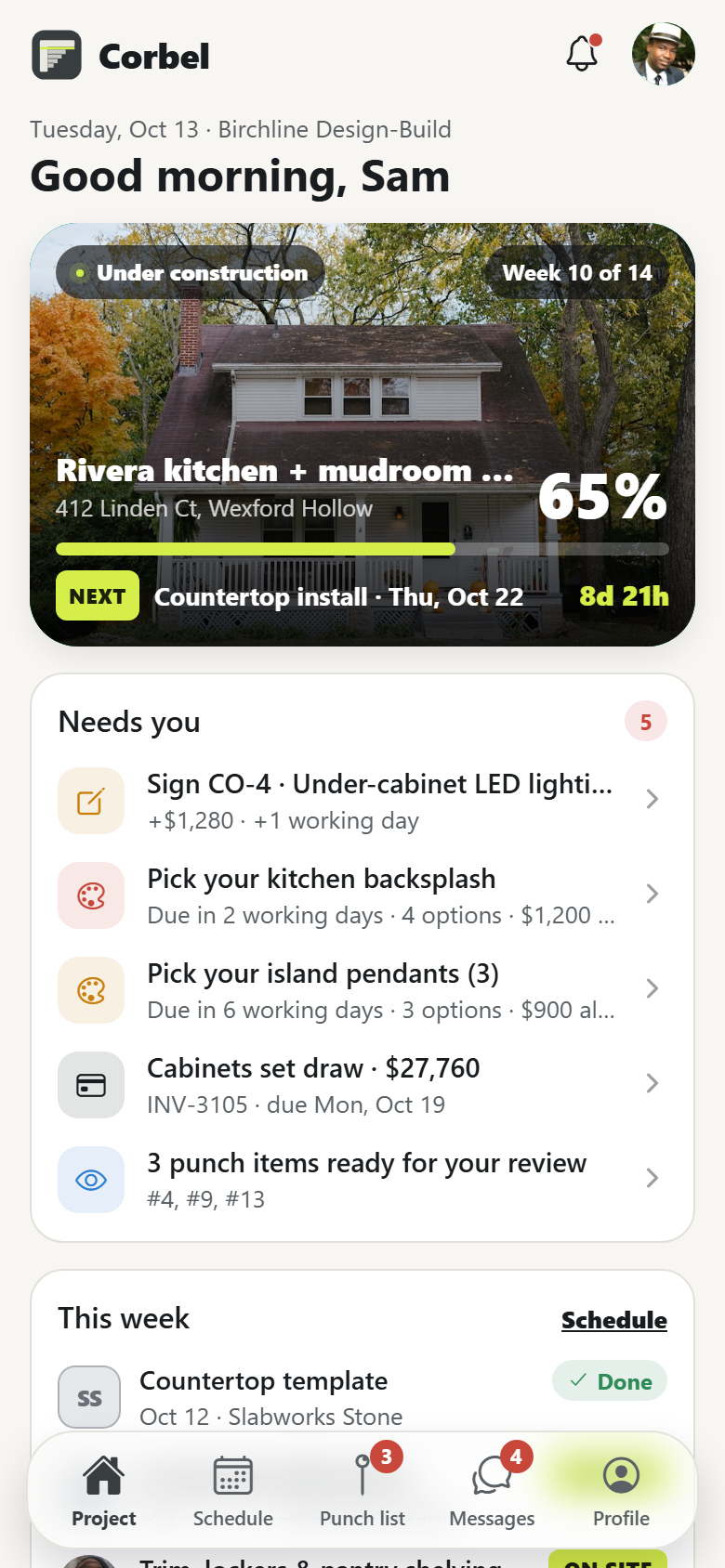
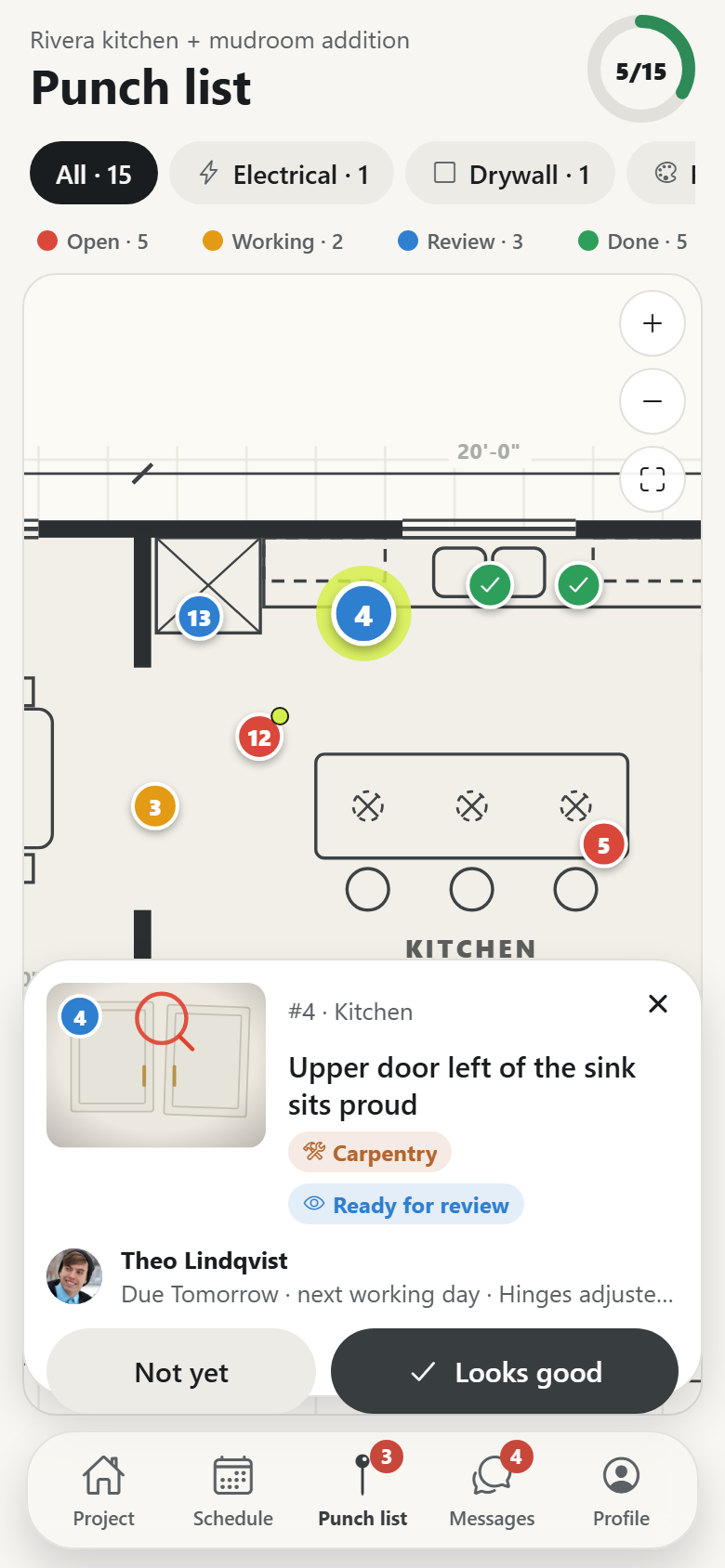
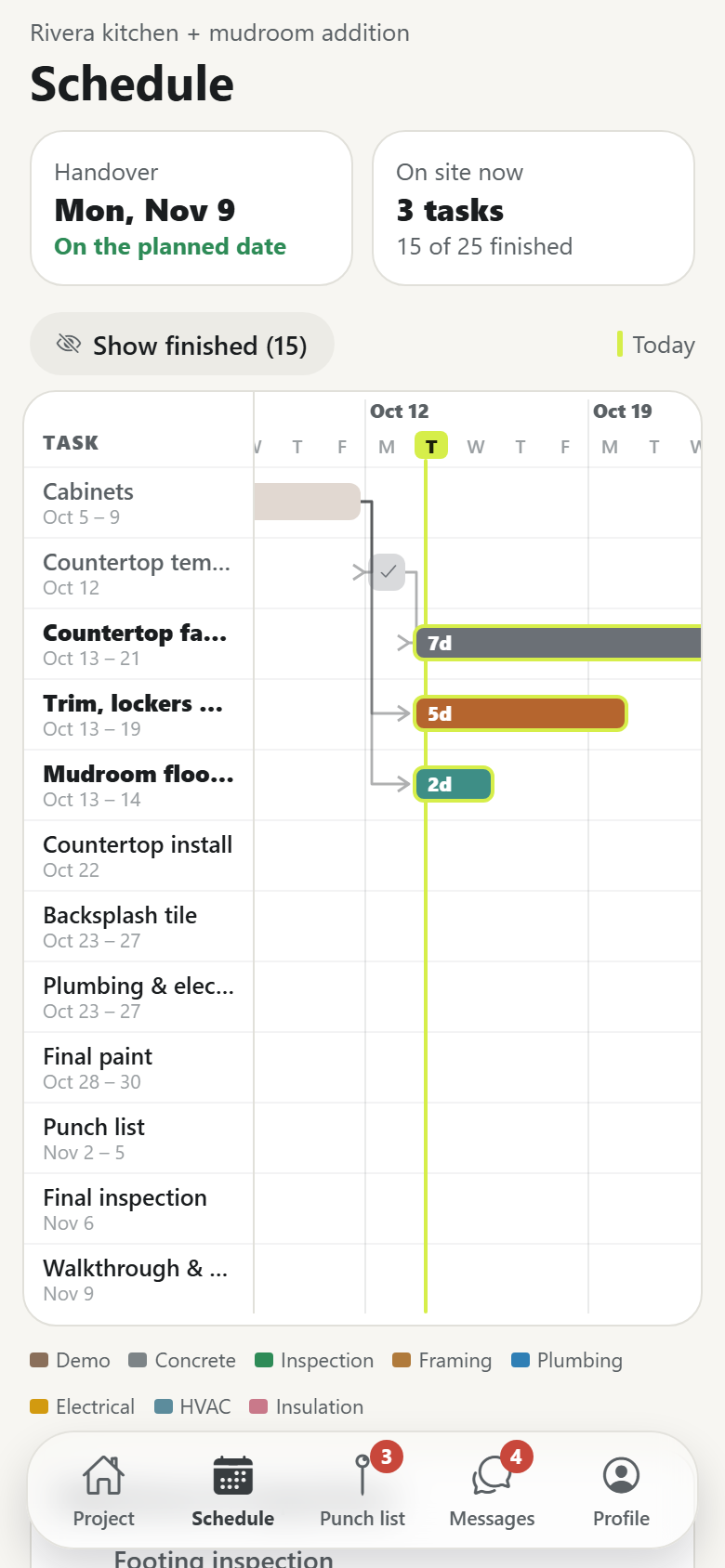
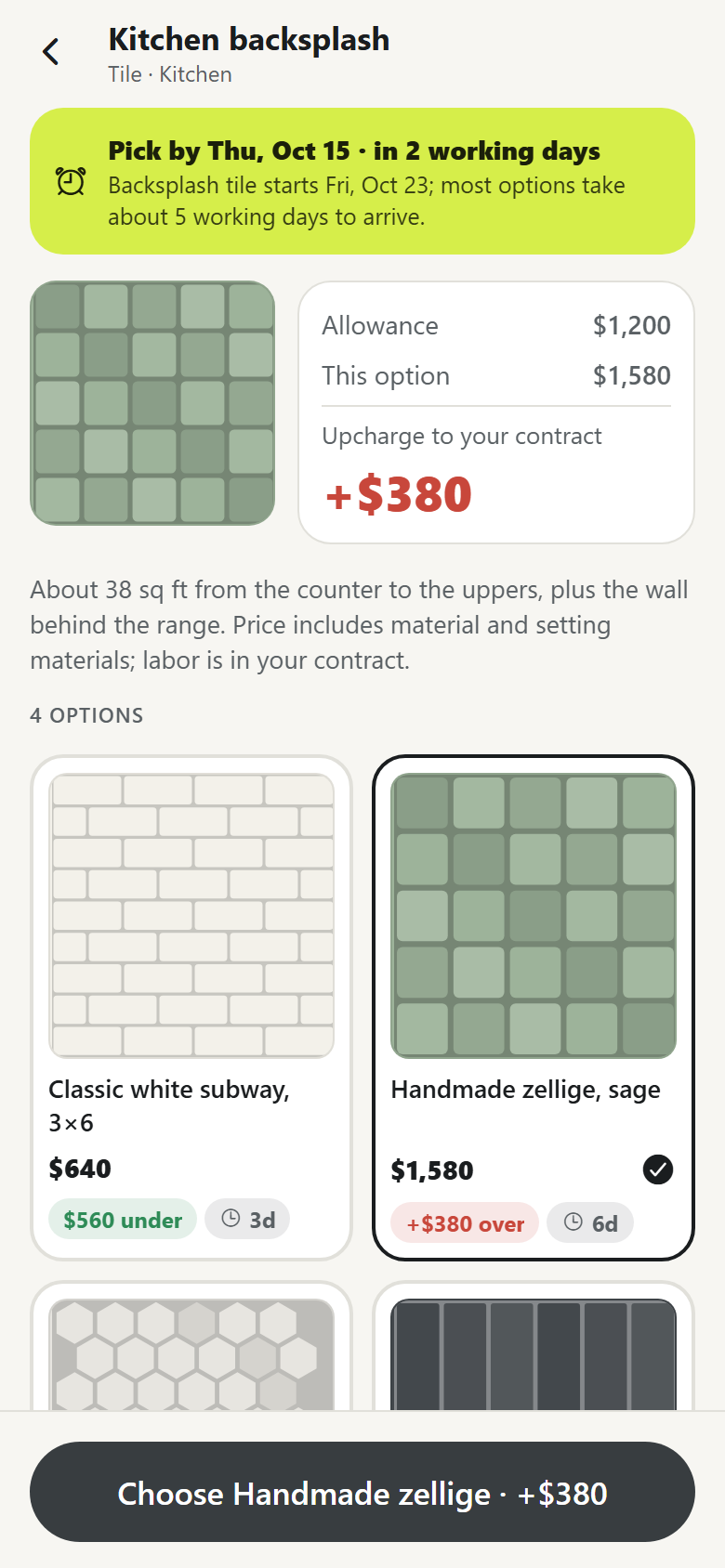
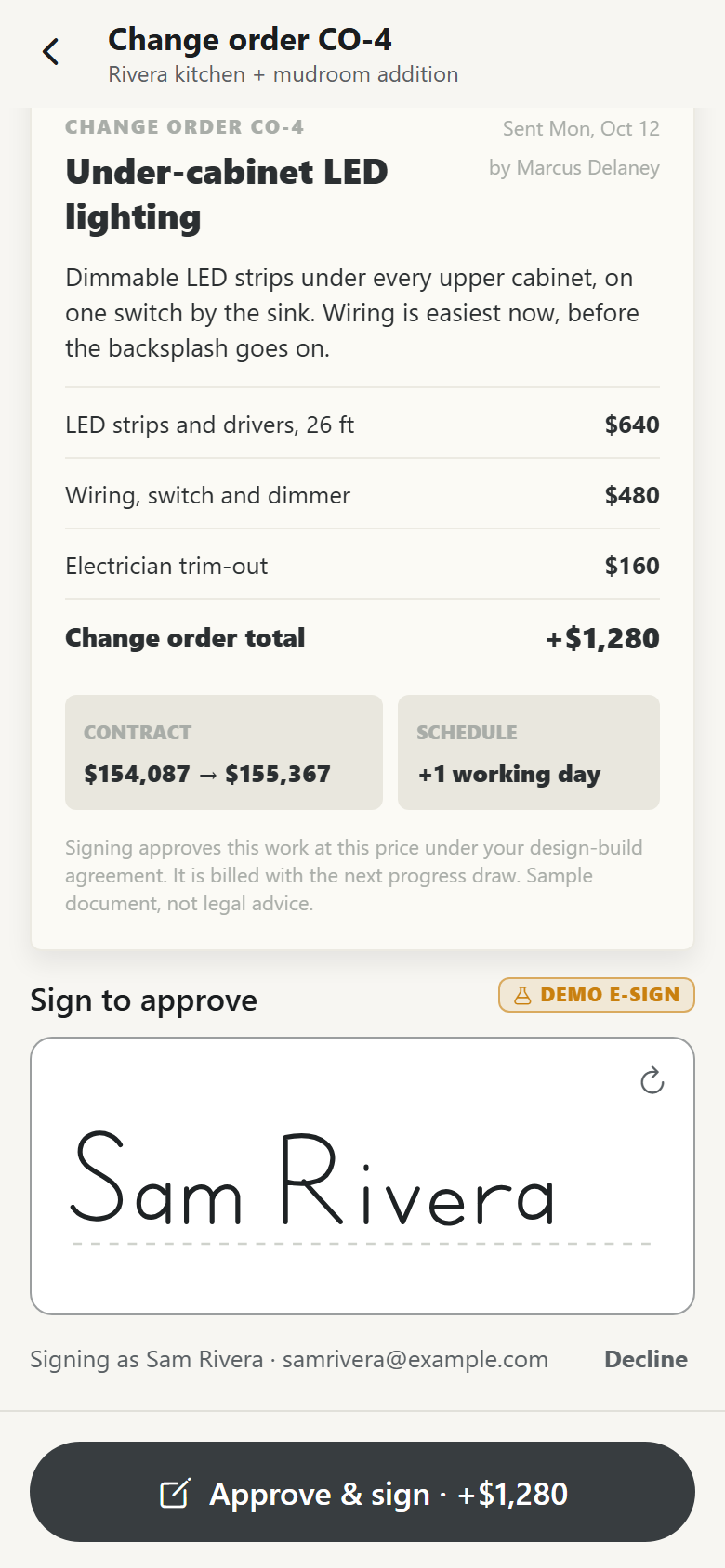
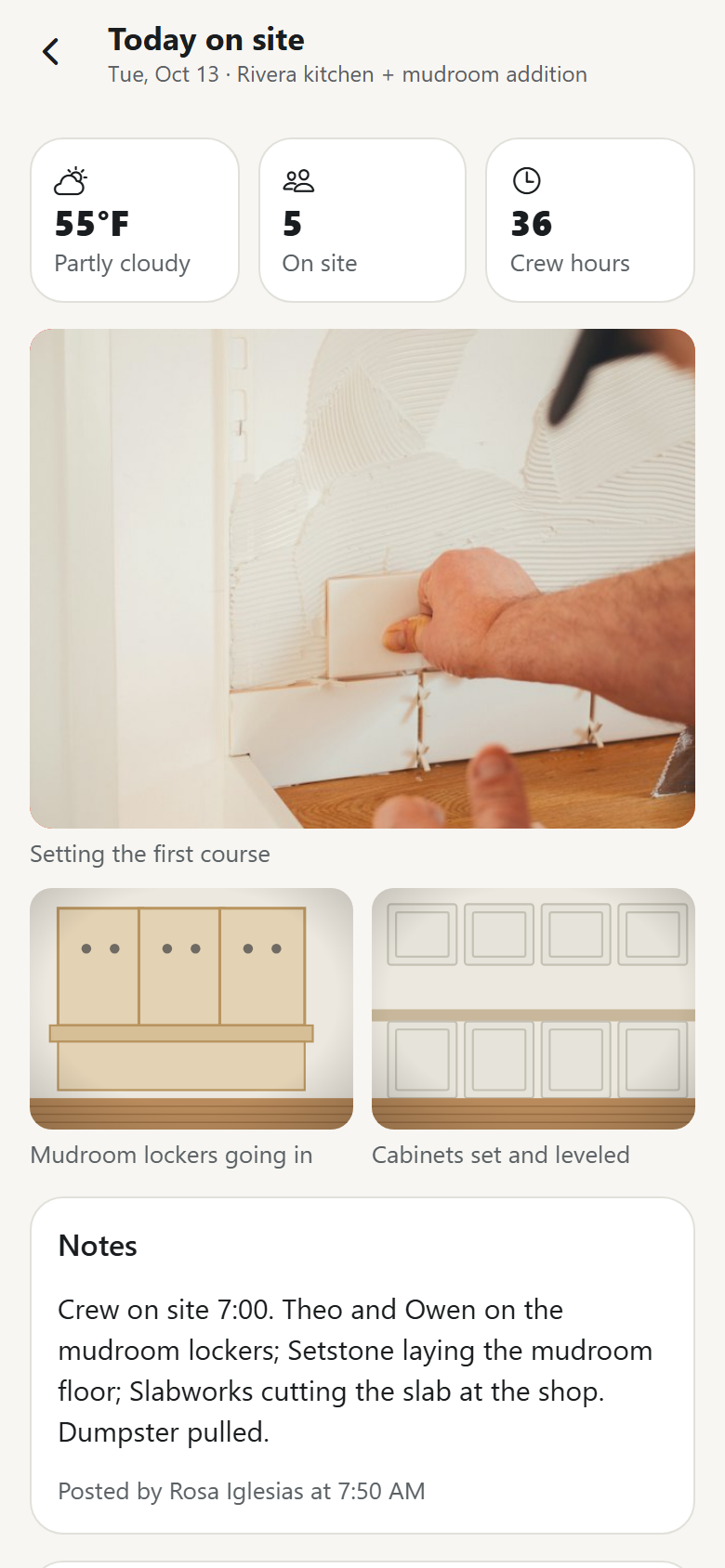
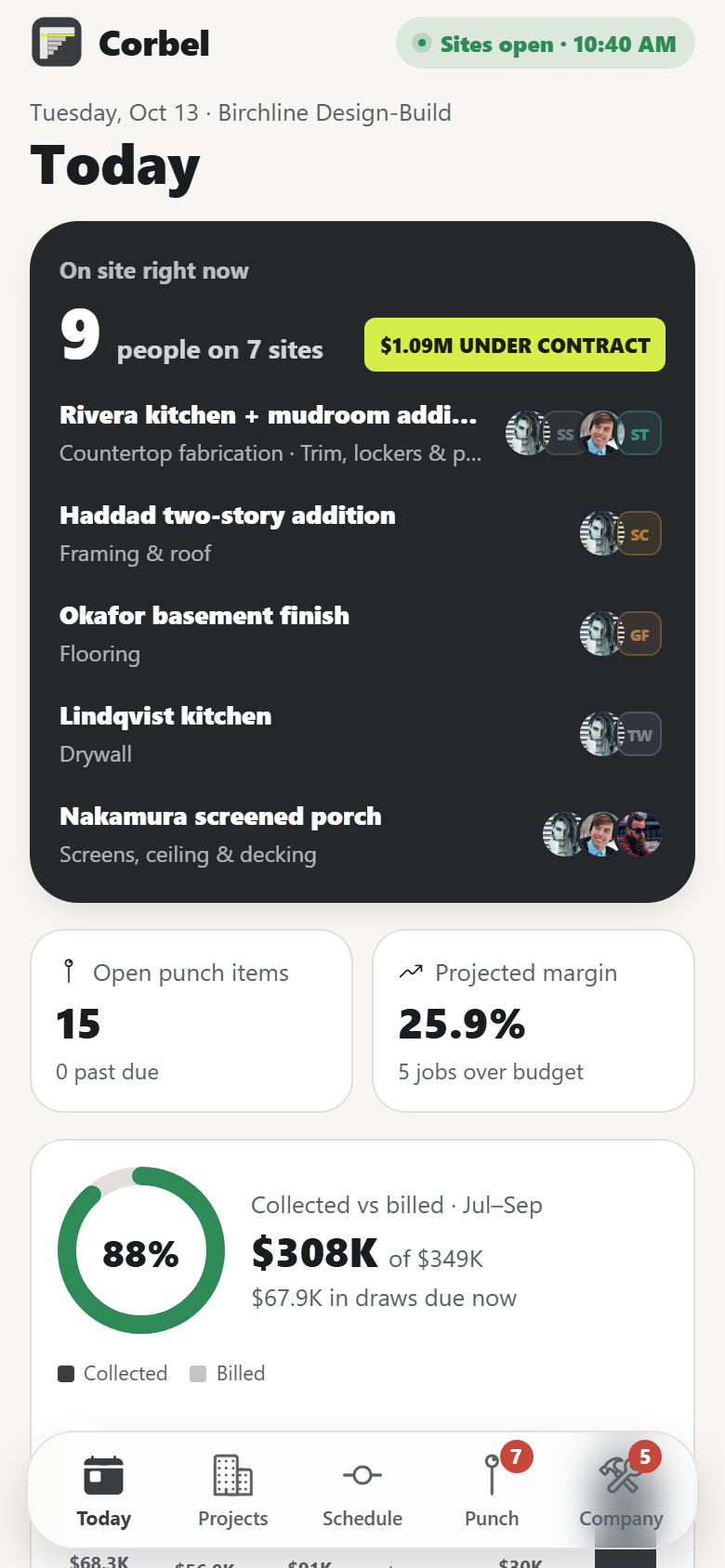
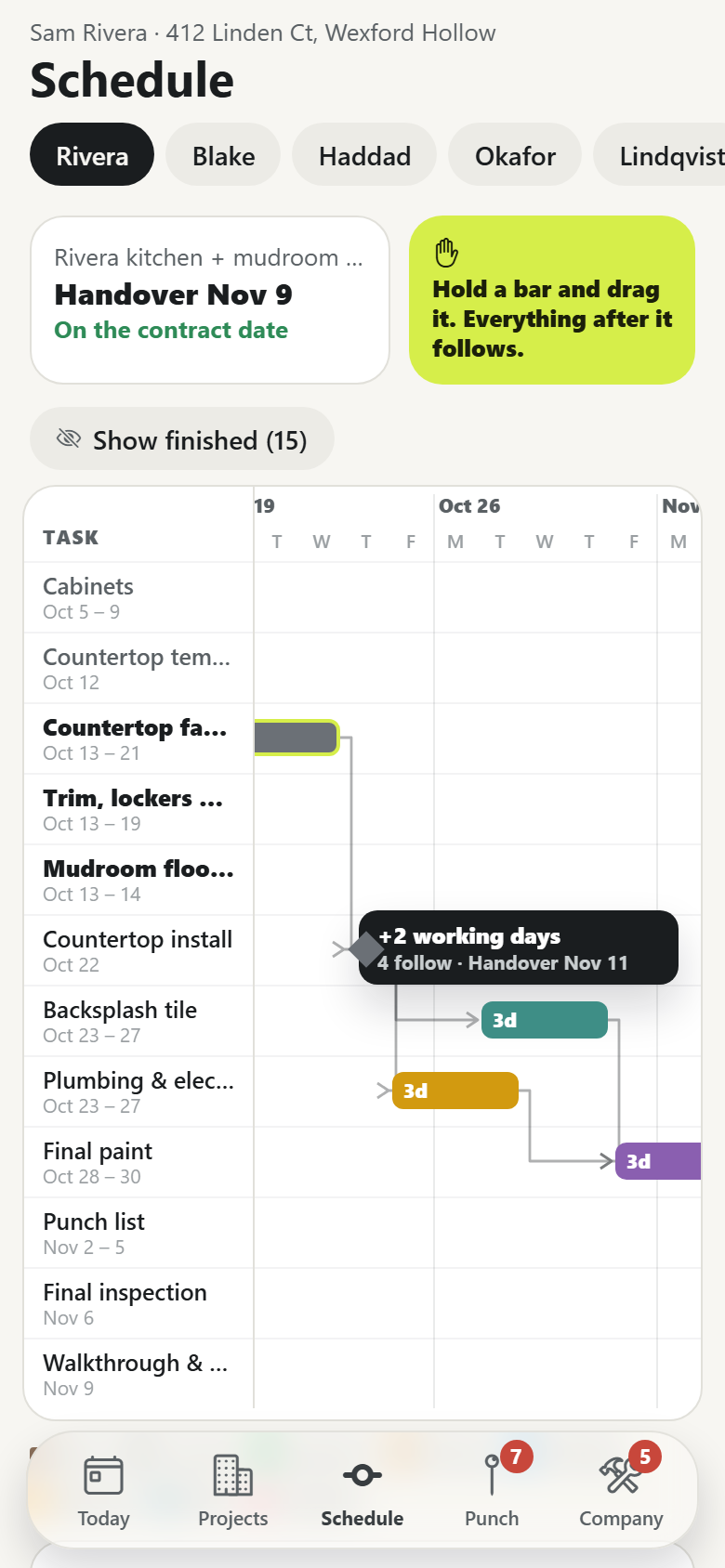
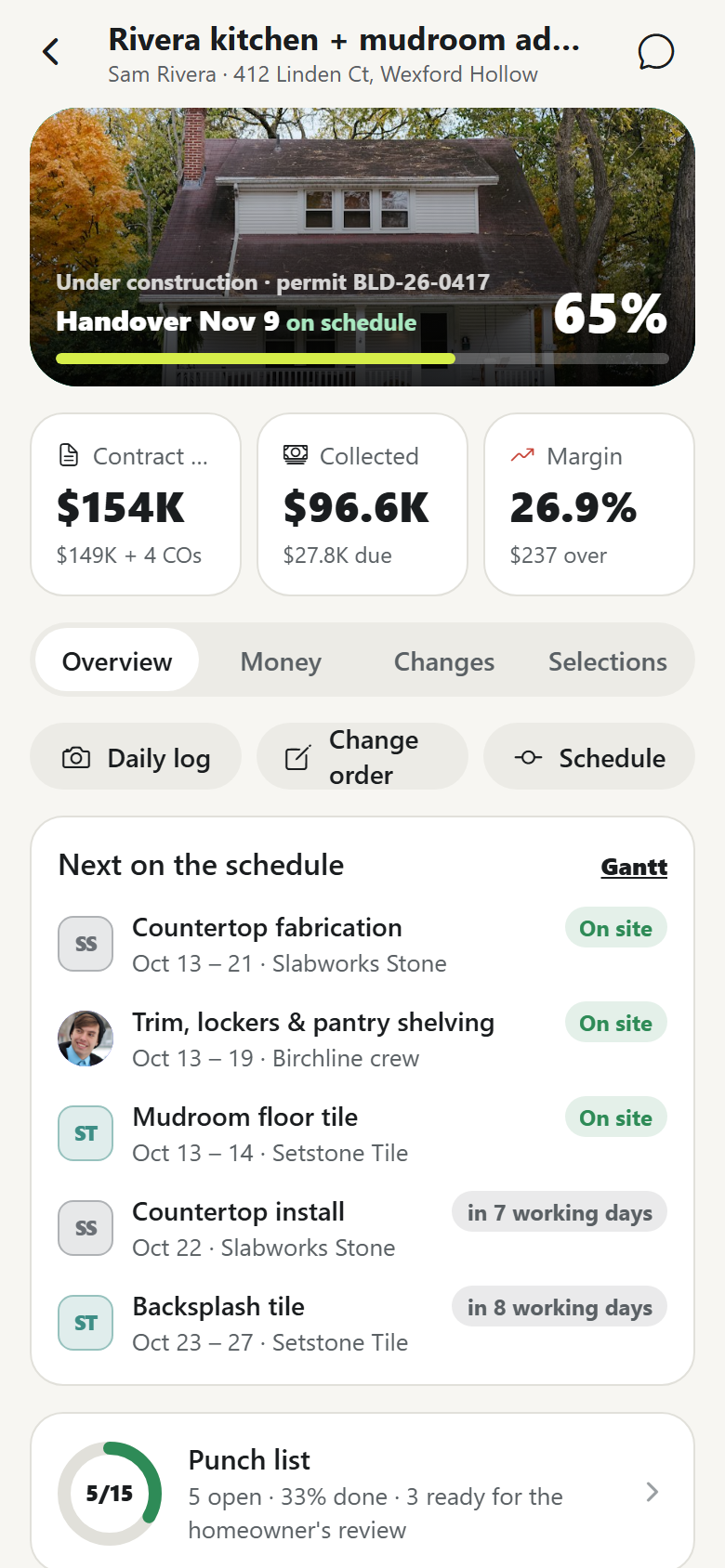
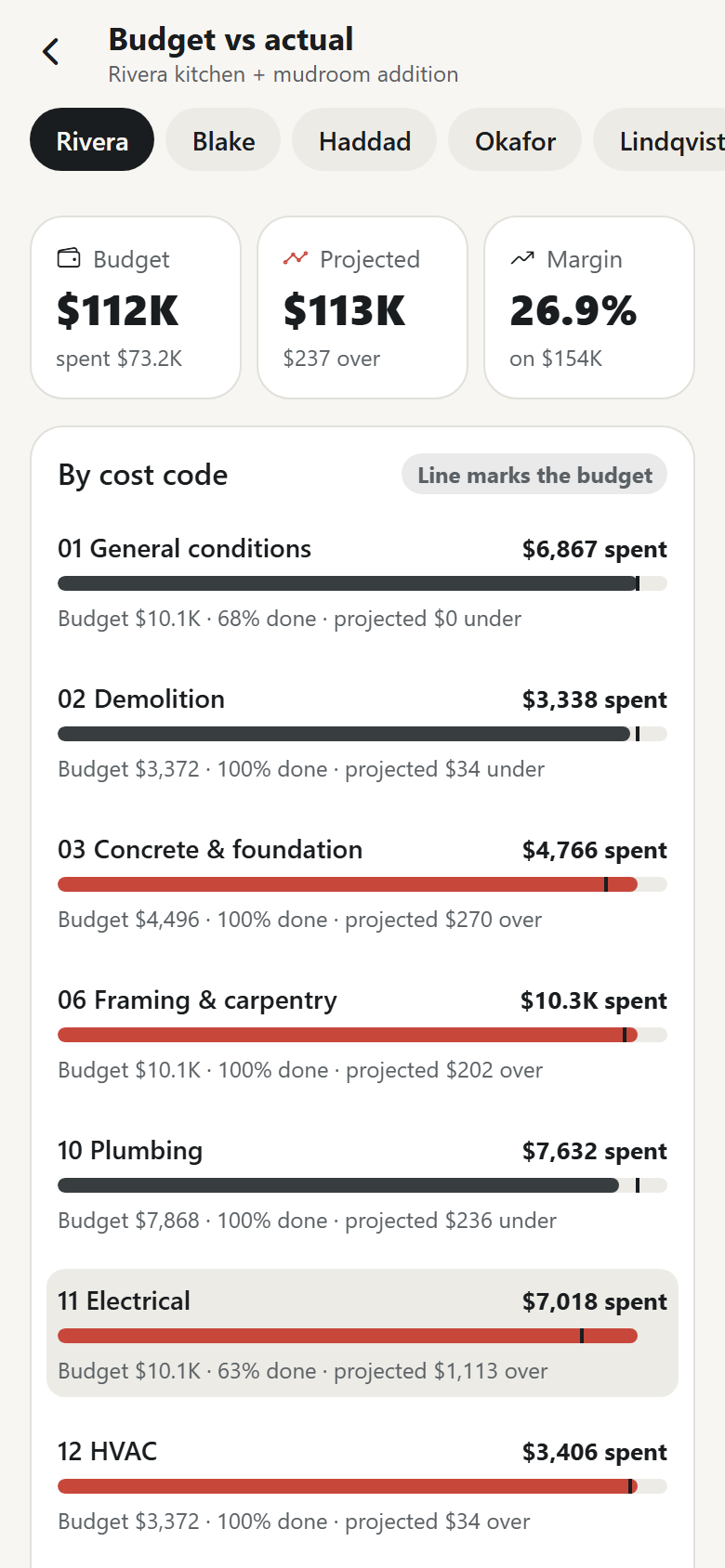
One design-build remodeling contractor's own app, with both sides in one: the homeowner's project portal and the builder's office and field side. The signature is the plan sheet: a drawn architectural floor plan (existing walls in poché, the addition's new walls hatched, windows, door swings, cabinets, the island, dimension strings and a title block) carrying the punch list as numbered pins coloured open, in progress, ready for review or done. Pinch and pan the sheet; tap a pin and the sheet glides to it while its card springs up with a drawn photo marked up in red, the trade, who has it and when it's due; tap the floor anywhere to drop a new pin there; filter by trade; mark one done and it bounces green while the progress ring ticks. The second is the schedule gantt: tasks from demo through framing, rough-ins, inspections, drywall, finishes, punch and handover as bars in each trade's colour with finish-to-start connectors and a hi-vis today line; the builder holds a bar and drags it, everything that depends on it slides with it snapped to working days, the connectors stretch, a label reads the shift and the new handover date, and the move commits from the gesture and lands on the homeowner's schedule and inbox. Homeowners also get a project home (the house with percent complete and the next milestone counting down, what needs them, this week on site, today's daily log photos, the contract as it stands, the team), selections with allowance math (each option drawn, the upcharge or credit rolling as they tap, lead times against the date the trade needs it), change orders on paper signed with a finger (the contract total moves on both sides), a draw schedule tied to milestones with demo payments and lien waivers, daily logs, documents, messages with the project manager, search, profile and settings. The builder's side has a today dashboard (who is on site where, billed vs collected over six complete months, projected margin, what needs a person: change orders and selections waiting, draws due, overdue punch items, expiring insurance certificates), a project portfolio by stage with budget health, the gantt board, the punch list by project with a list view and reassignment, a project record (schedule, punch, daily log, homeowner and team, internal notes, budget vs actual, draws, change orders, selections to order), budget vs actual by cost code with projections, progress billing with reminders and ready-to-bill milestones, daily logs with crew, weather and a staged camera, new change orders with markup, the team and trade partners with ratings and insurance, clients and a leads pipeline, and company settings. Thirty-two screens on seeded people, projects, schedule tasks, punch items, daily logs, selections, documents, a ledger of budgets, costs, draws and payments, and messages.
32 screens, real flows
Make it yours by describing it
Tell Co-Create what to change, in plain words or a voice note. It asks what it needs to know, then shows you designs before anything is built.
Nothing changes until you approve
Approve one piece or a whole section. Every build gets a preview, and you can roll back to any earlier point.
Your app, your code
Go live on a clean address or your own domain, and download the full source whenever you like.
Your idea could be an app by Friday.
Start free. Talk it through, answer a few questions, pick a design and watch it build.
7 days freeCancel anytime