
App template
Clipboard: a frontline checklists & operations app template.
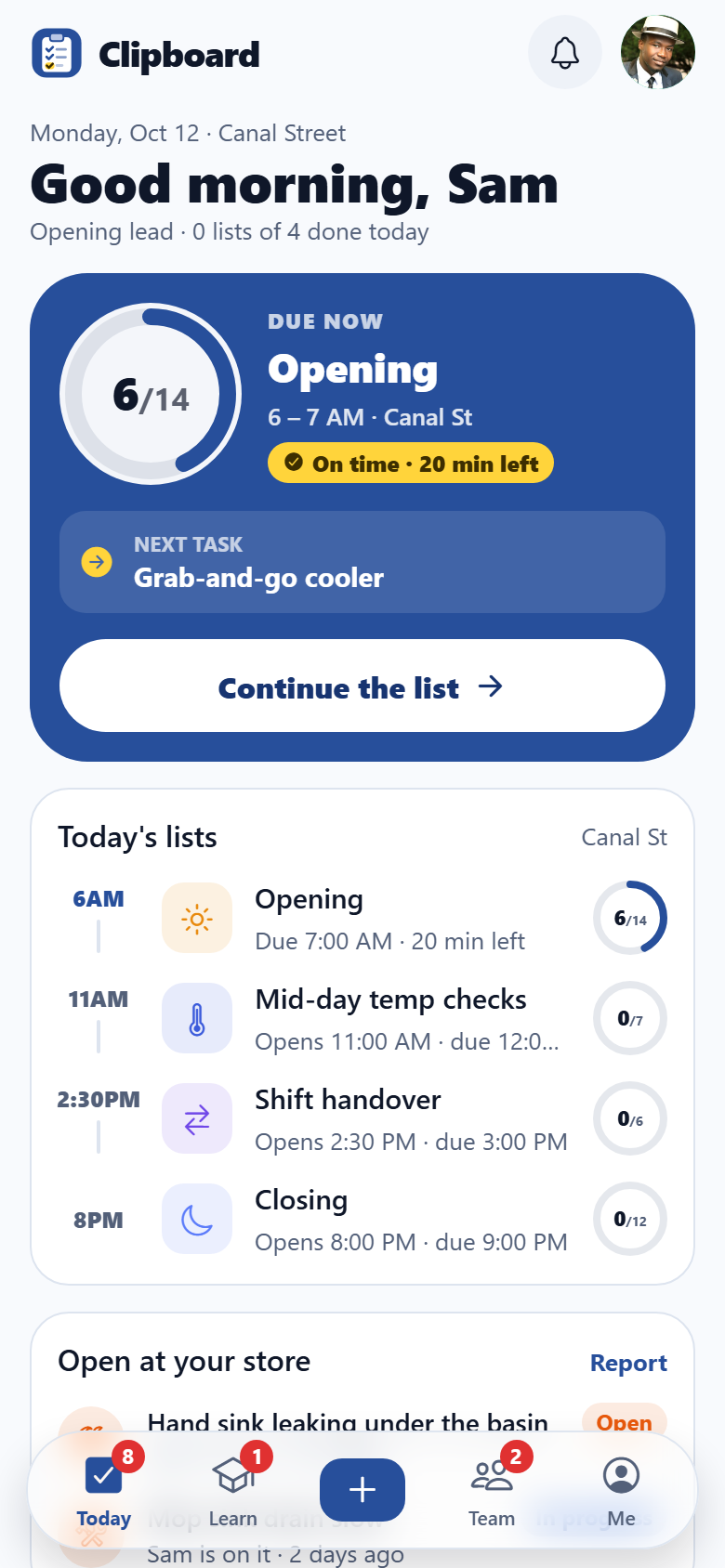
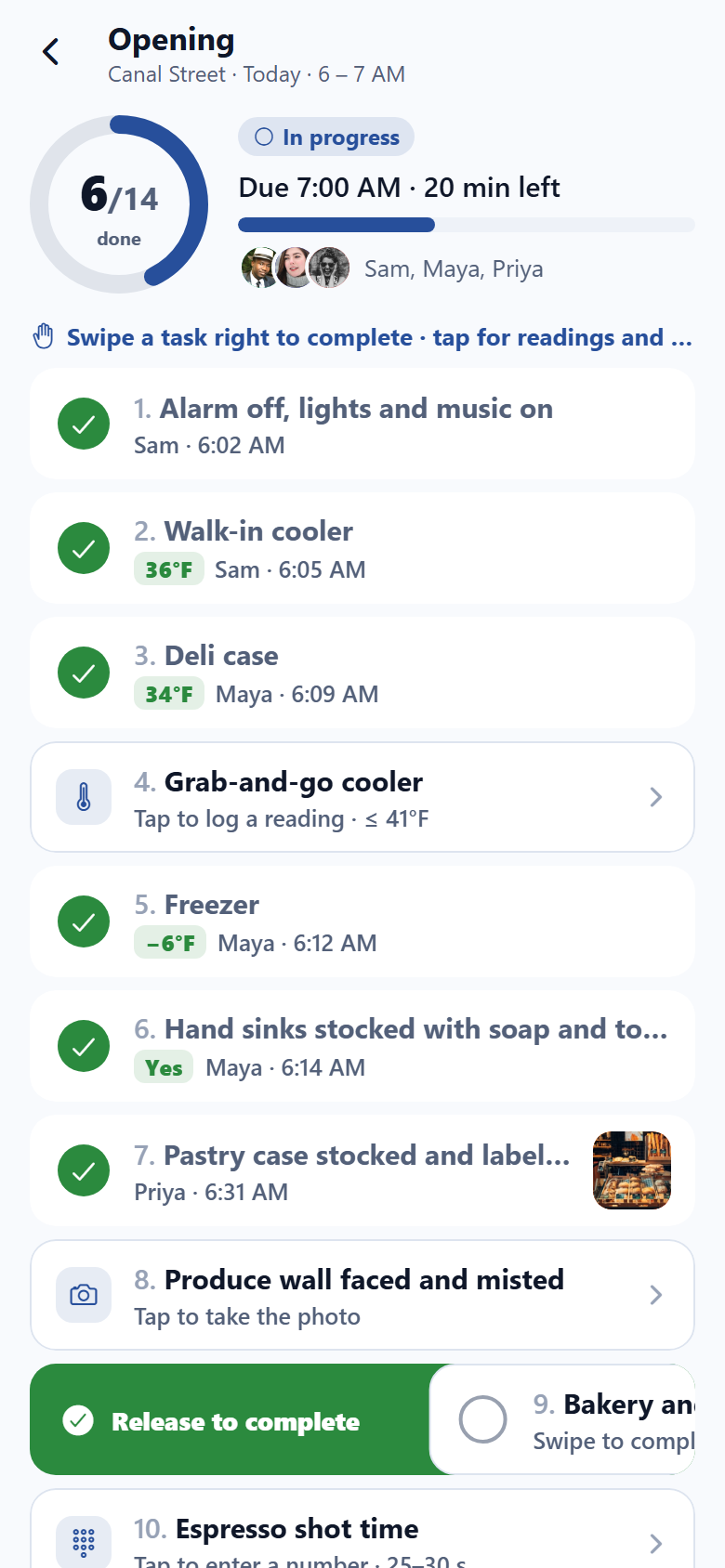
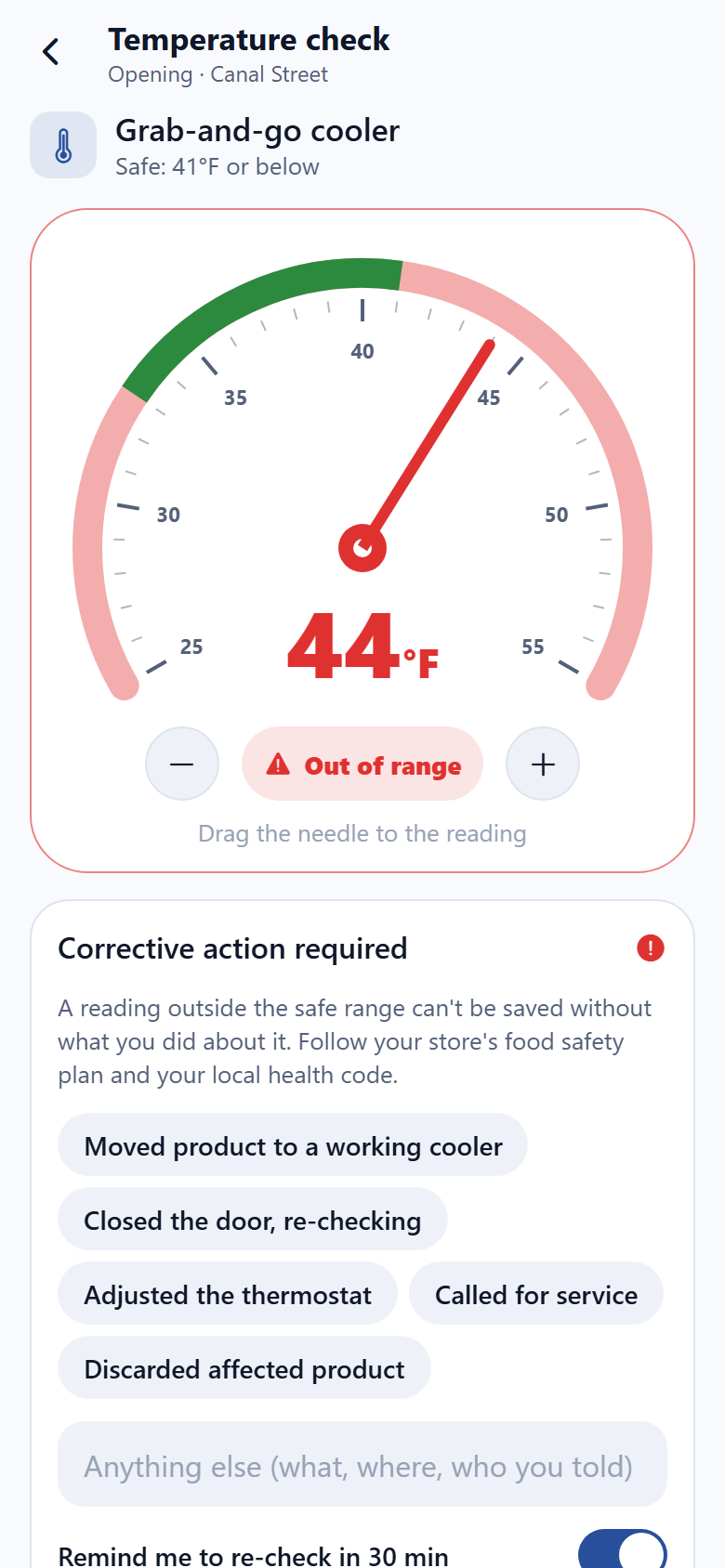
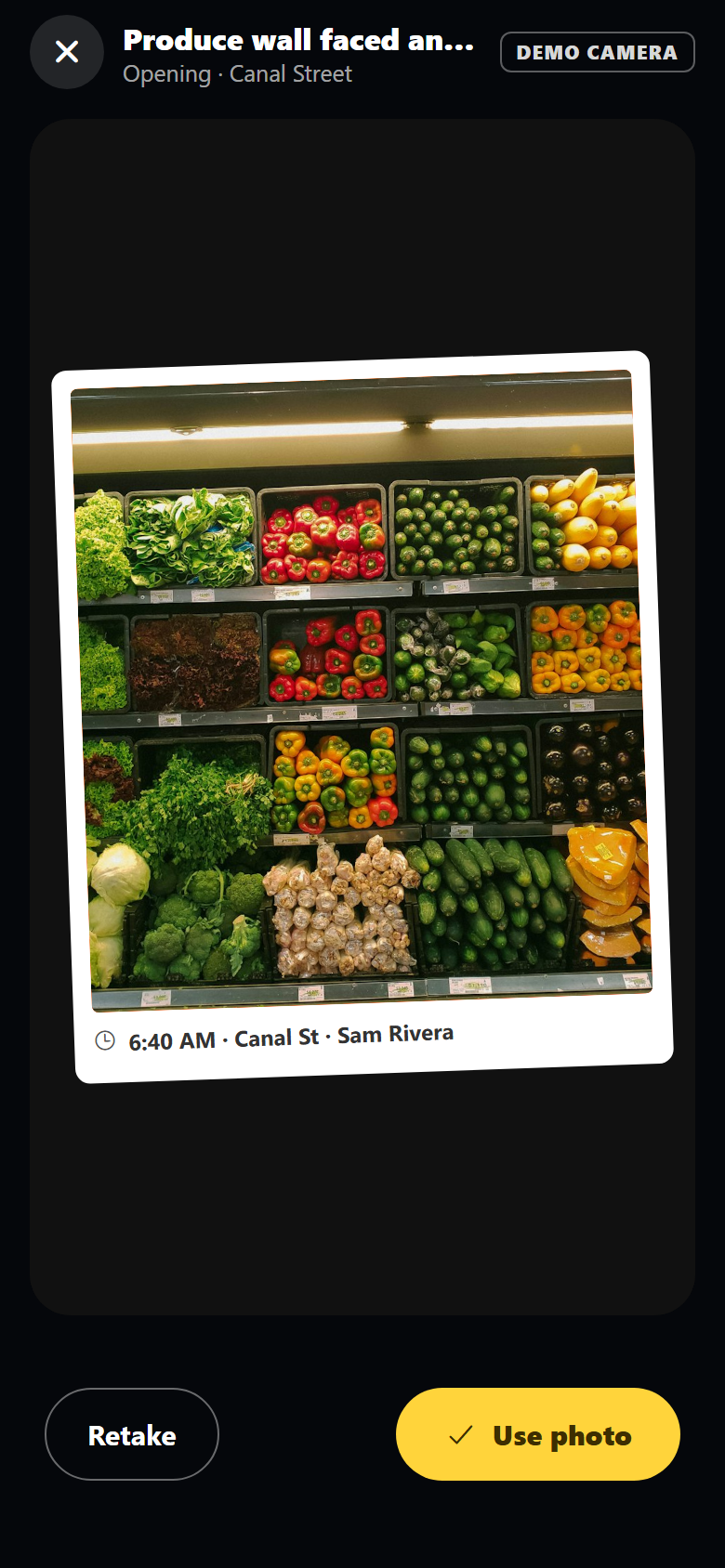
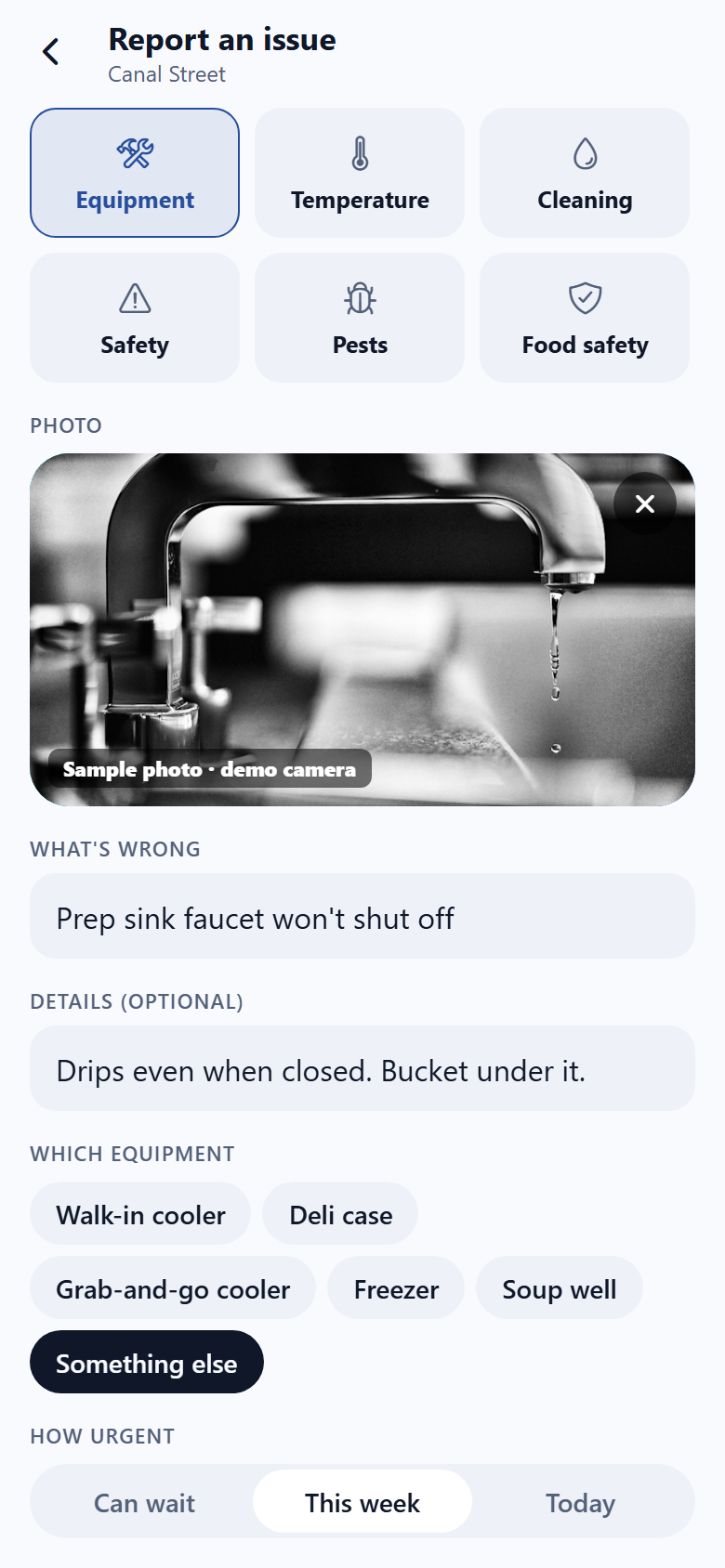
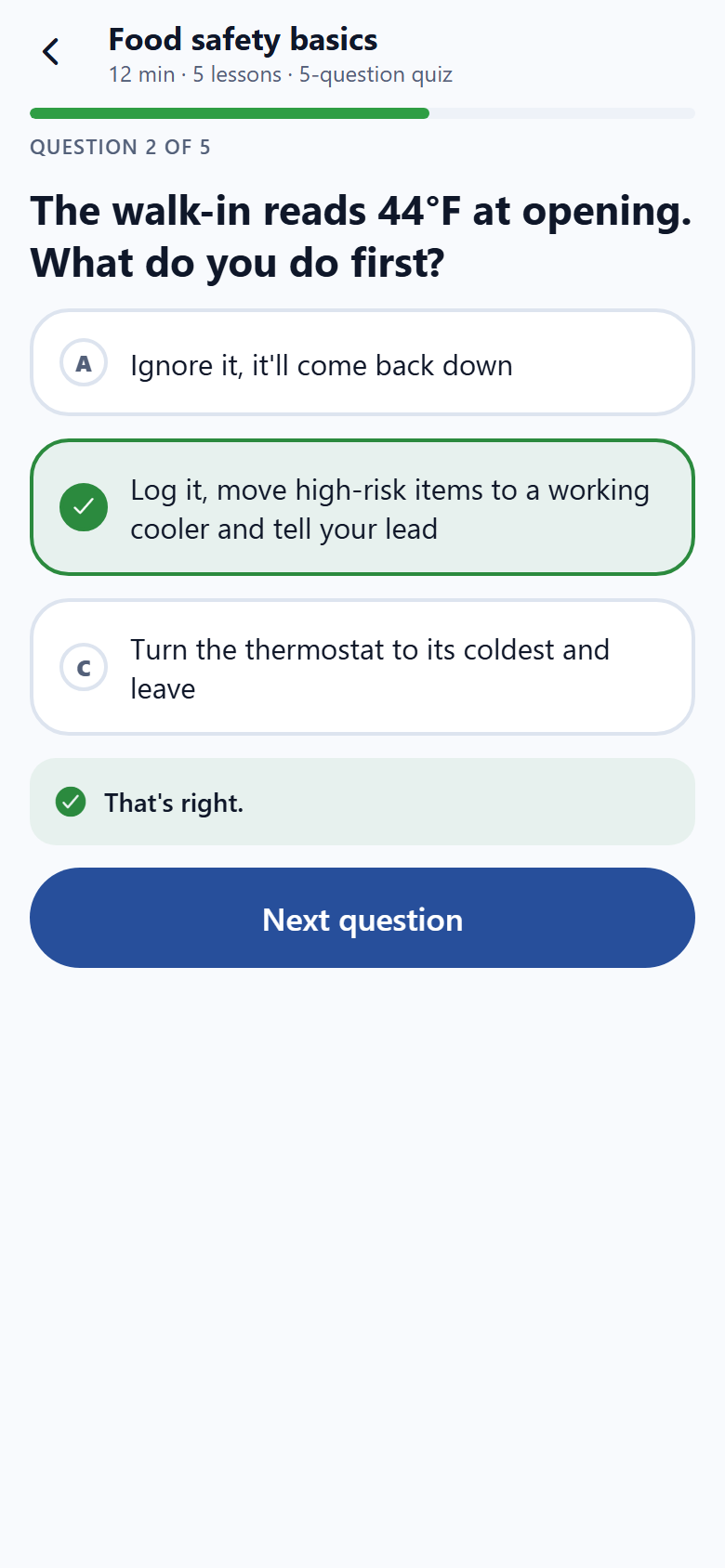
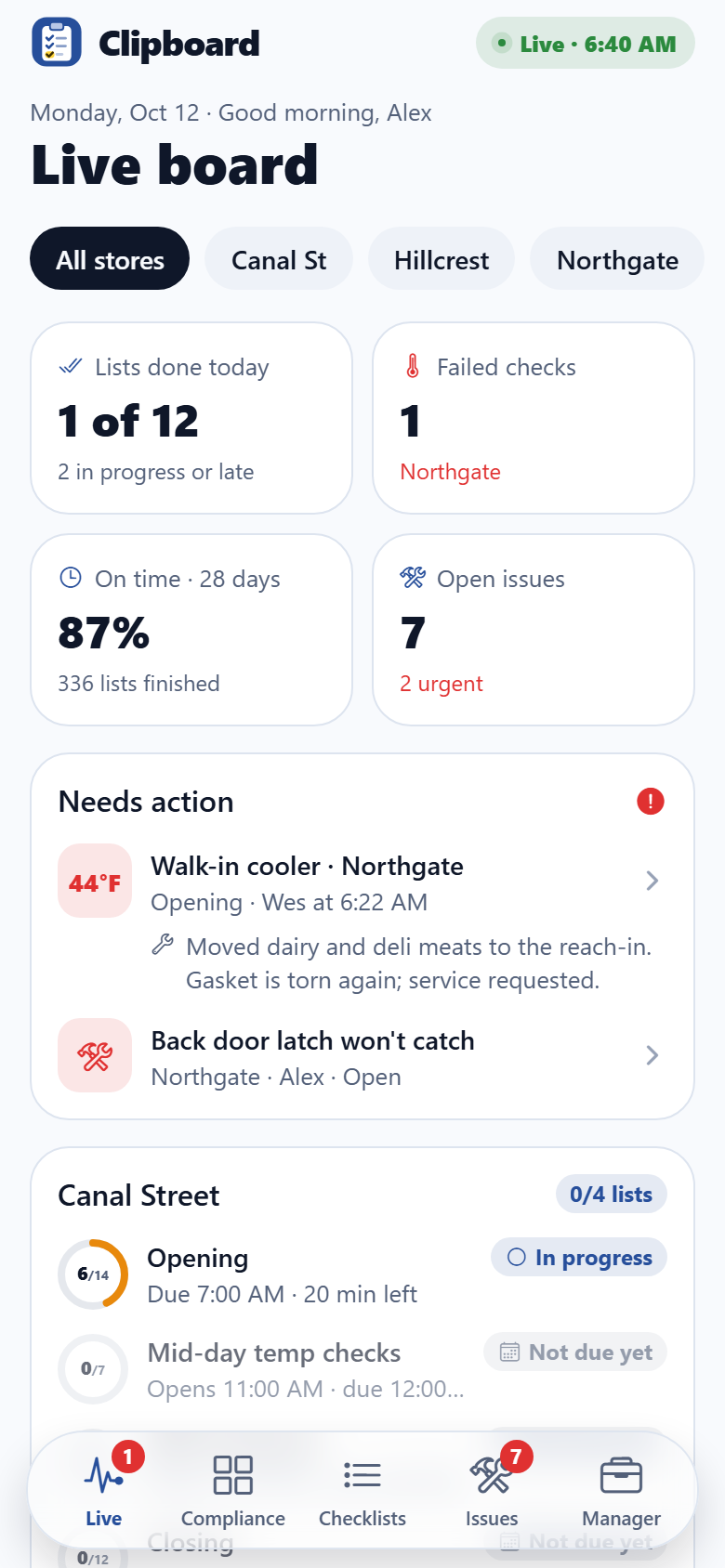
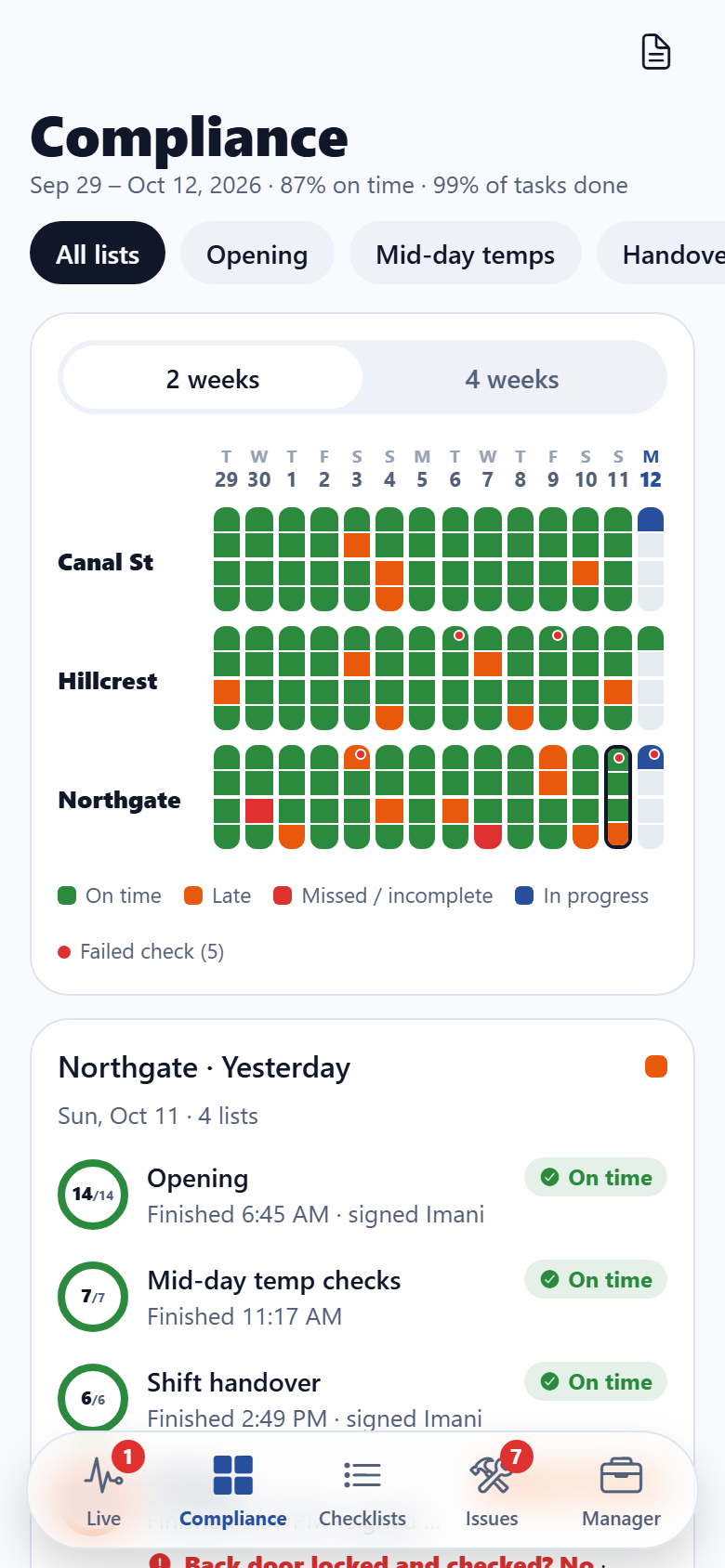
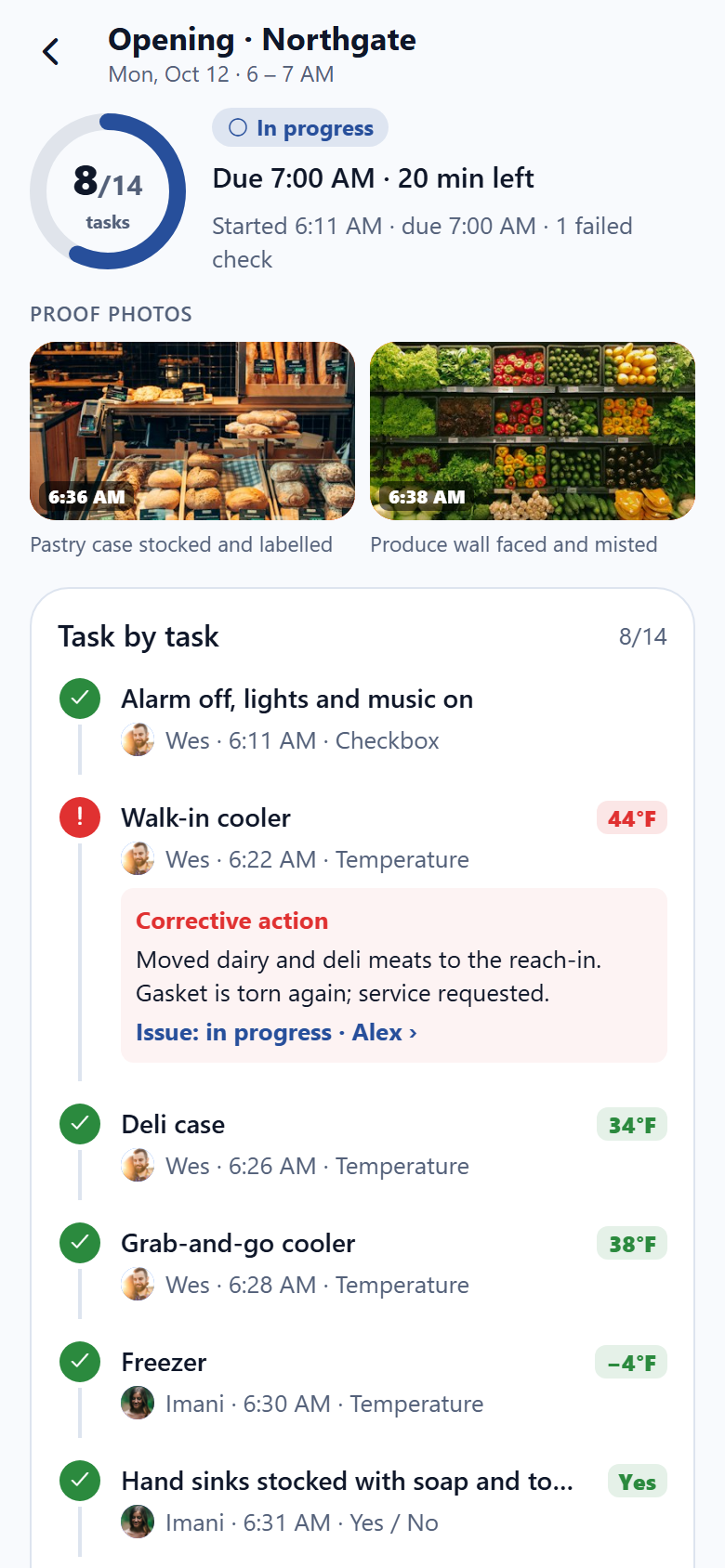
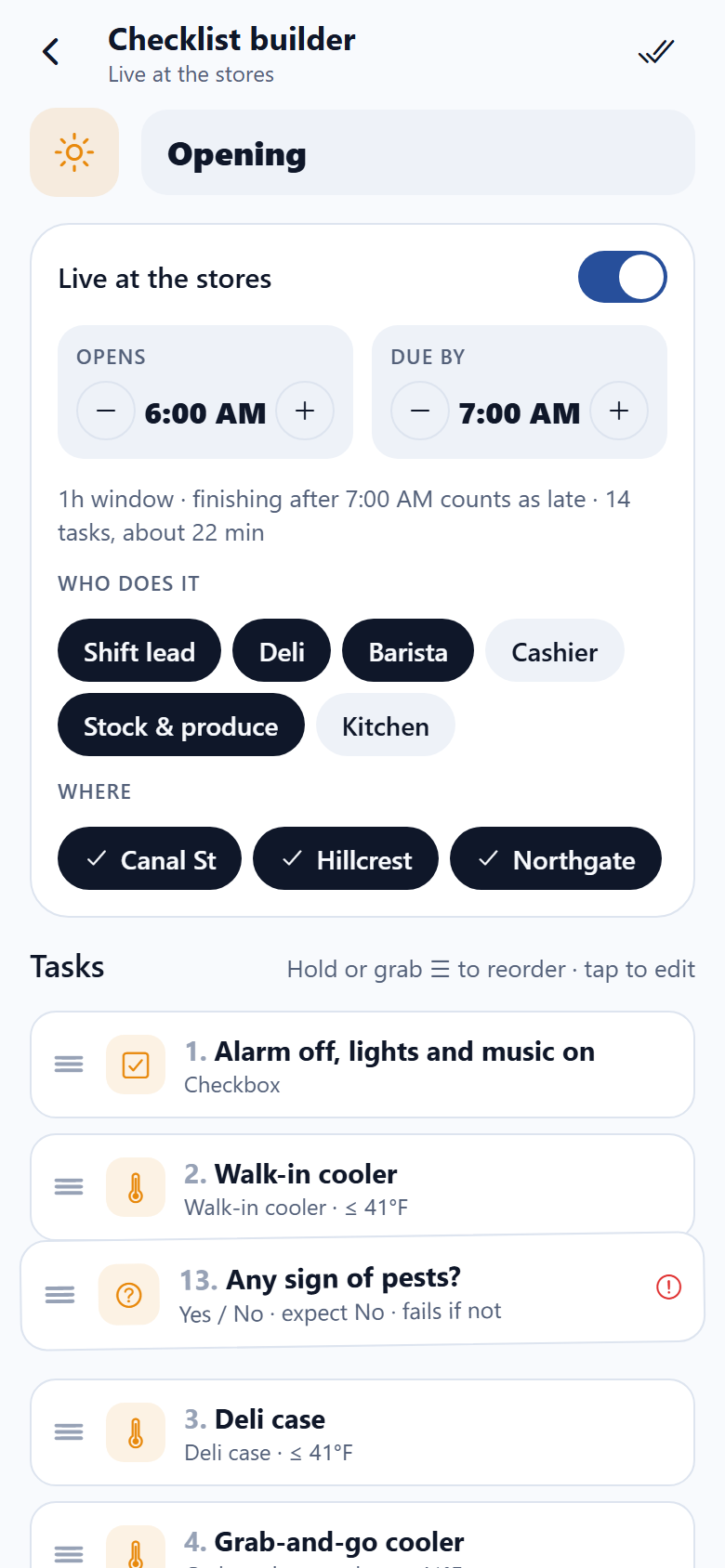
A multi-location small business's own checklist and operations app, with both sides in one: the frontline team's and the operations manager's. The team opens Today to the list that's due now, its ring filling as tasks are done and an On time / Late badge against its due time, and today's lists by time window (opening 6–7, mid-day temperature checks, shift handover, closing). In a list every task is a row you SWIPE right to complete; a task that needs input opens it: a temperature dial whose needle you drag (out of range turns it red and a corrective action is required before it saves, which opens an issue for the manager), a staged proof-photo camera whose shot lands in the row, a number pad for shot times and cash counts, a yes/no that asks for a reason, and a signature pad for the handover. They report broken equipment with a photo and see who's on it, take short training modules with a quiz (food safety basics, temperatures, allergens, opening and closing, slicer safety), acknowledge announcements, give kudos, leave shift notes for the next lead, and see their history and inbox. The manager side has a live board across all three stores (lists done, failed checks open, 28-day on-time rate and open issues as rolling numbers; what needs action with the fix the team logged; each store's lists with rings and status; on-time % by store over the last four complete weeks; the latest from the floor), the compliance heatmap, stores × days coloured green, amber and red, split into a strip per list, filter by list type, tap or drag across a cell to open that store's day with who signed, when, the failed readings and their fixes, the exact record of any run task by task with photos and signatures, a checklist builder where tasks are DRAGGED to reorder (checkbox, temperature, photo, number, signature, yes/no; due windows; roles and stores) and the team sees the new order on their next run, an issue log of corrective actions with owners and statuses, temperature log charts for every unit over the last 7 complete days, announcements with read receipts, team and training completions, a demo audit-report export, and stores & safe-range thresholds. Thirty-two screens on seeded stores, staff, equipment, checklists, tasks, runs, issues, posts and trainings.
32 screens, real flows
Make it yours by describing it
Tell Co-Create what to change, in plain words or a voice note. It asks what it needs to know, then shows you designs before anything is built.
Nothing changes until you approve
Approve one piece or a whole section. Every build gets a preview, and you can roll back to any earlier point.
Your app, your code
Go live on a clean address or your own domain, and download the full source whenever you like.
Your idea could be an app by Friday.
Start free. Talk it through, answer a few questions, pick a design and watch it build.
7 days freeCancel anytime