
App template
Tether: a help desk & customer support app template.
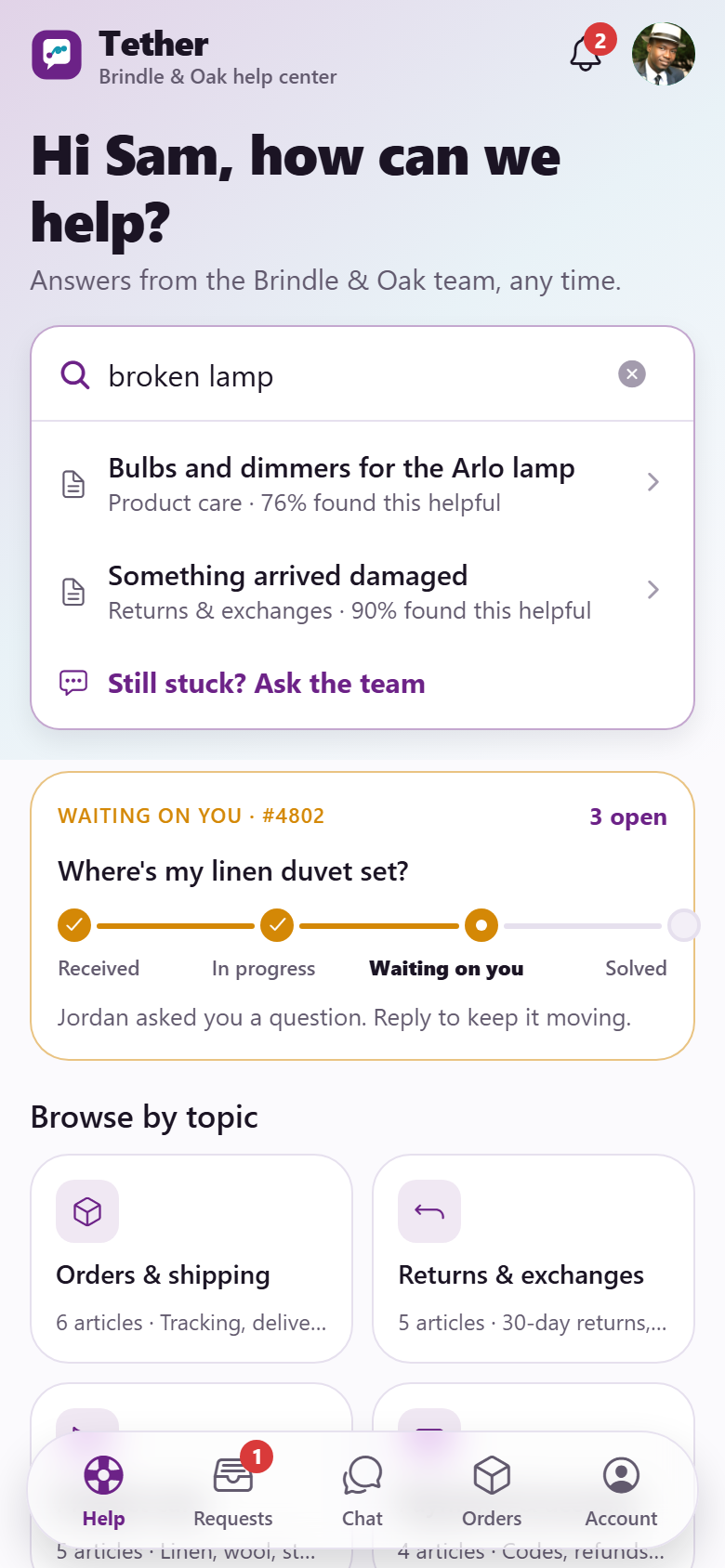
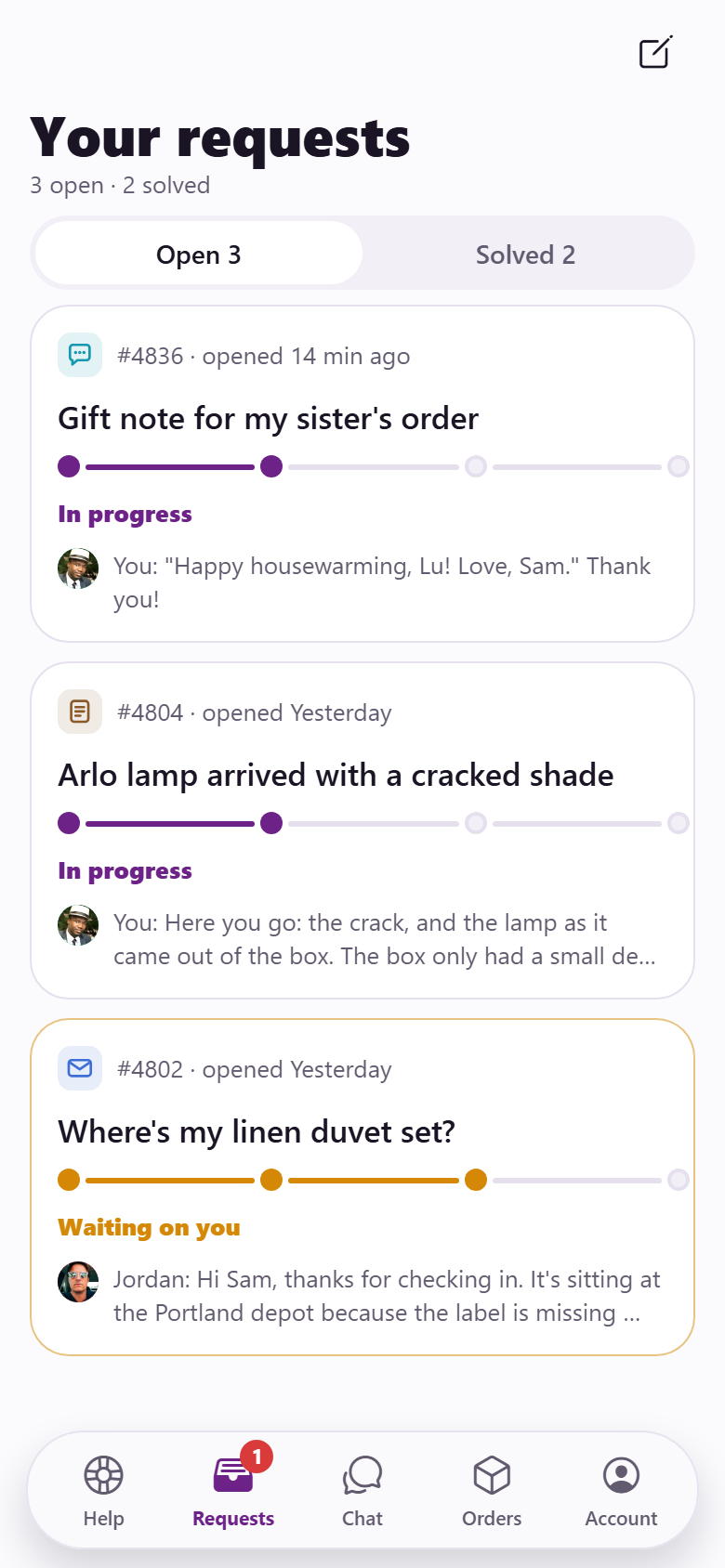
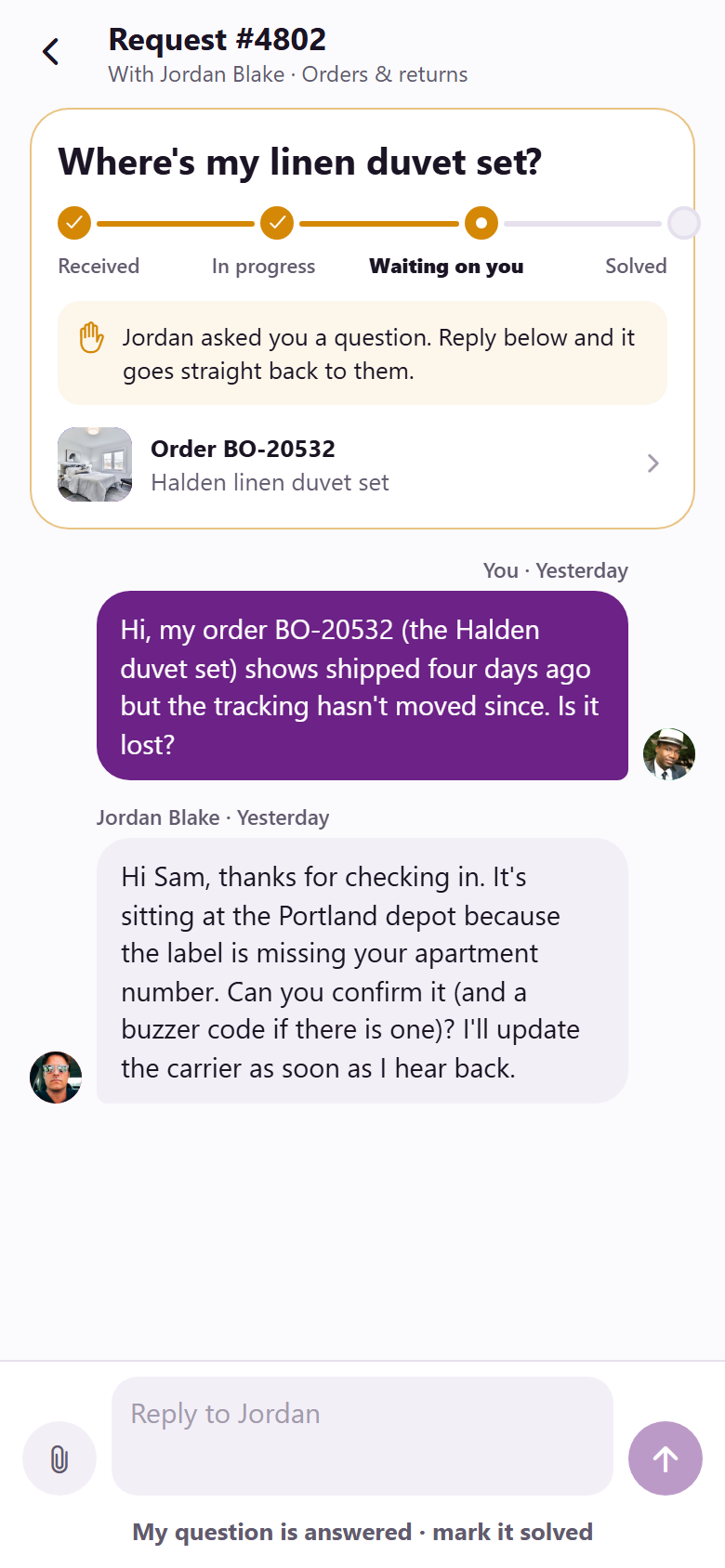
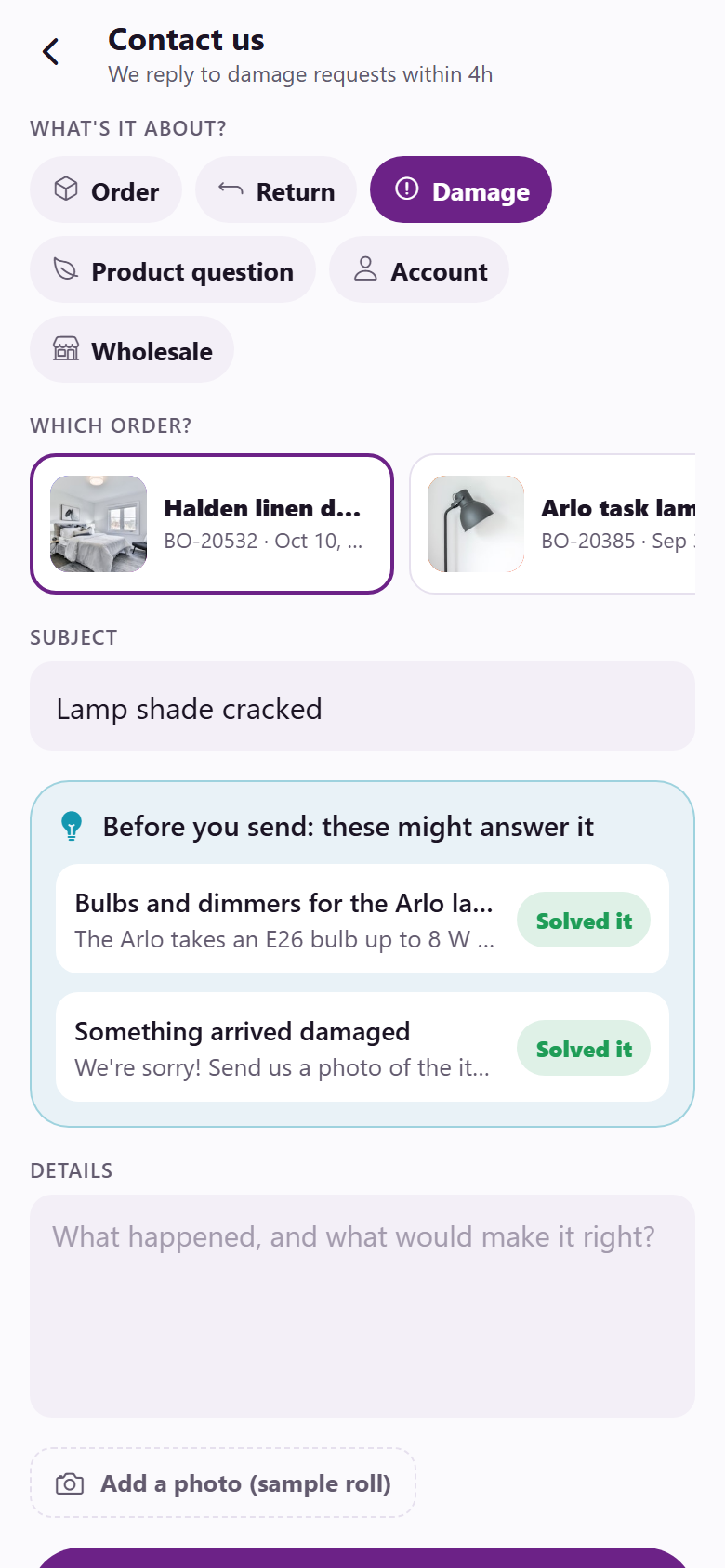
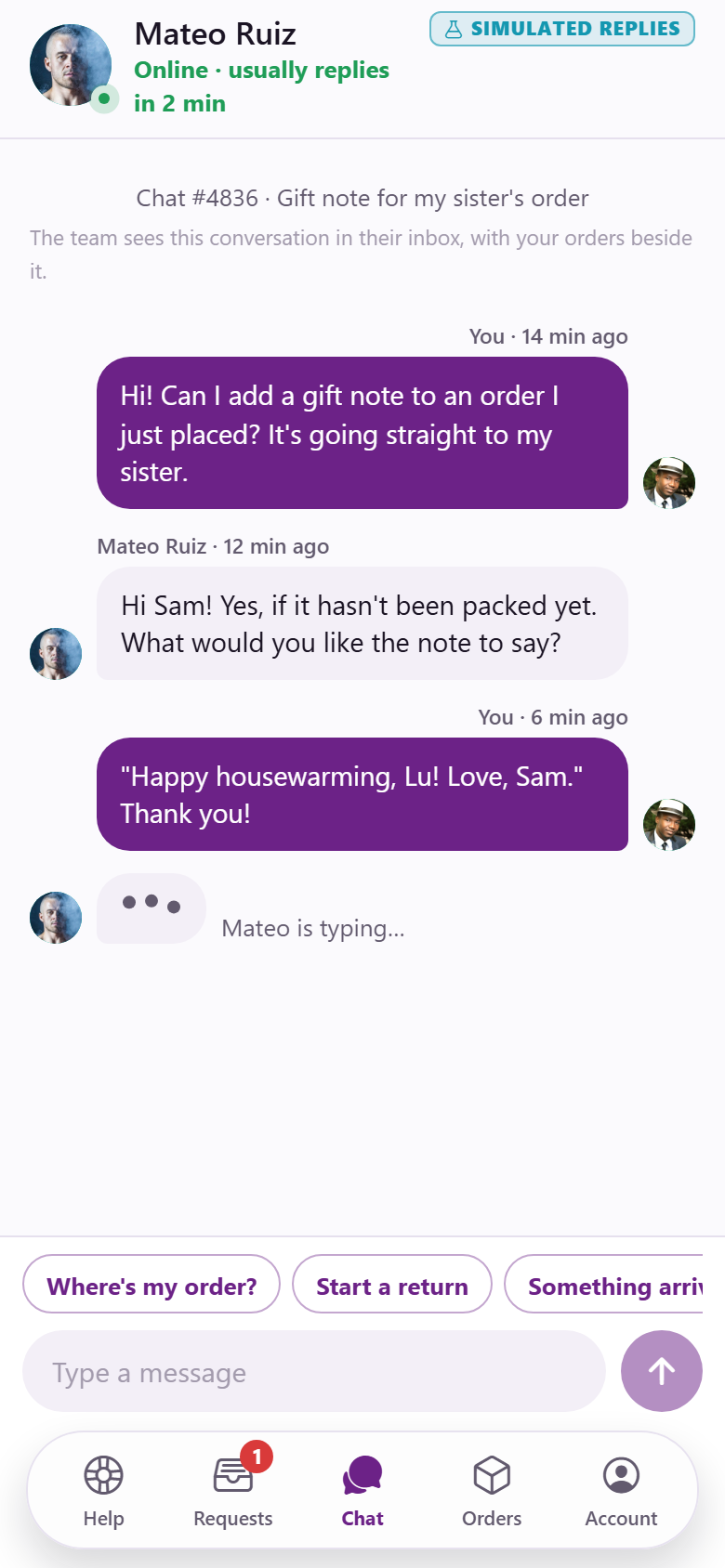
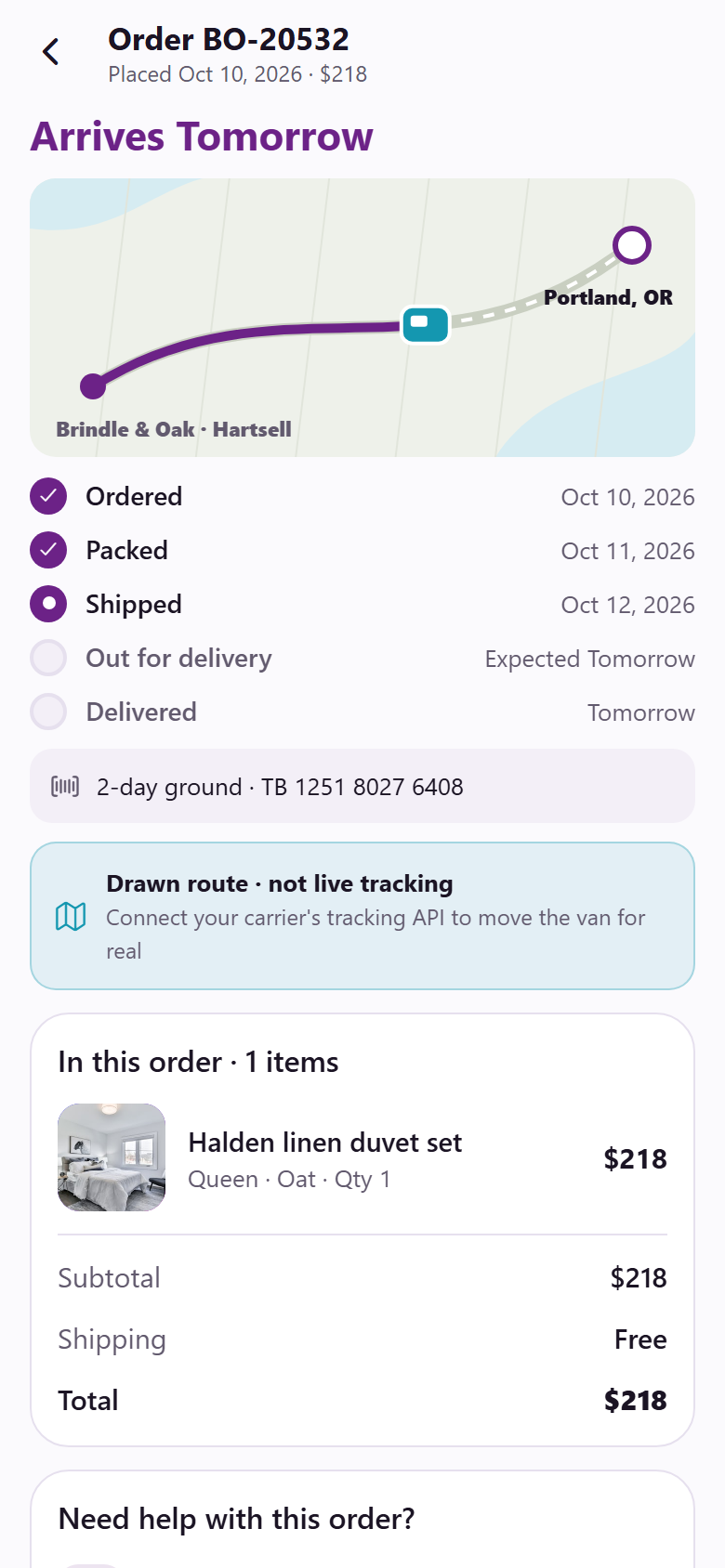
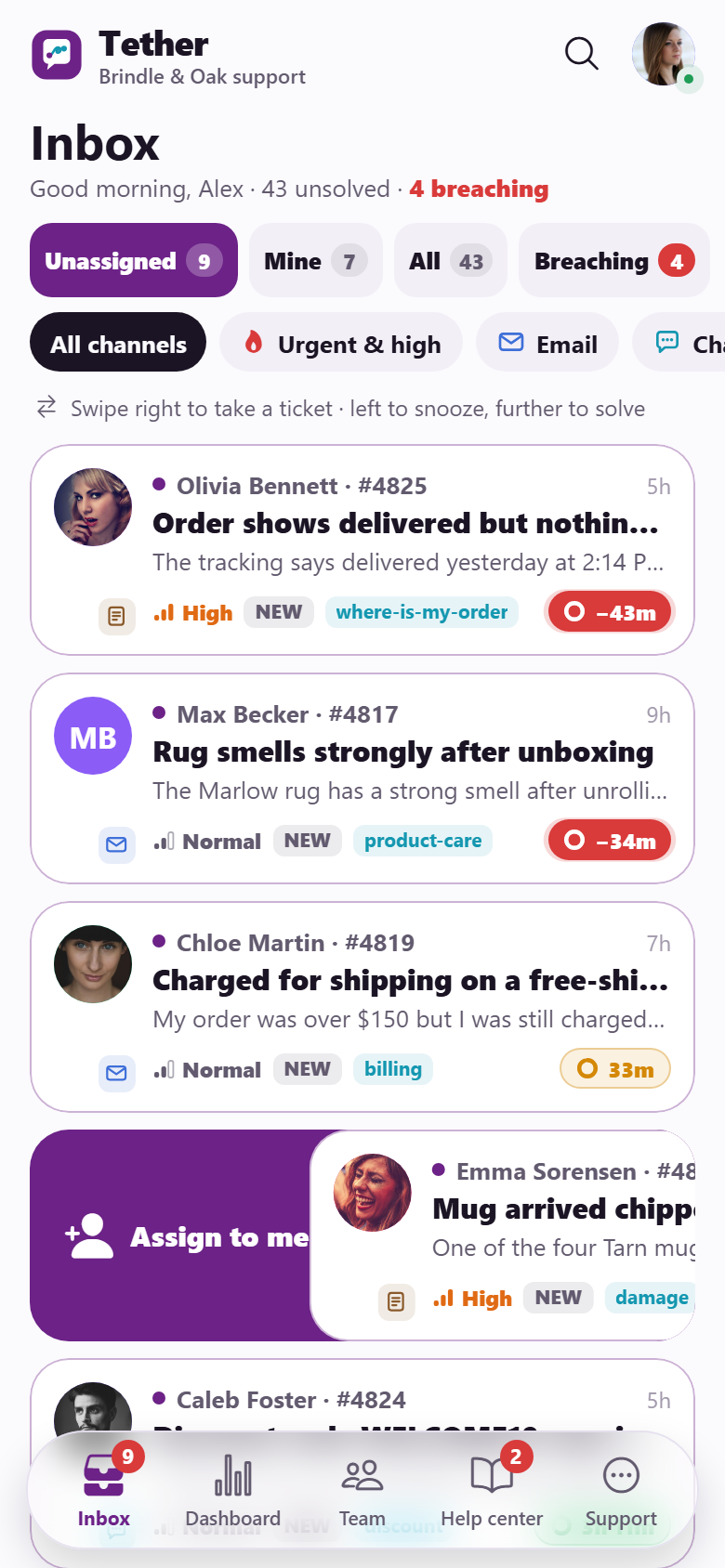
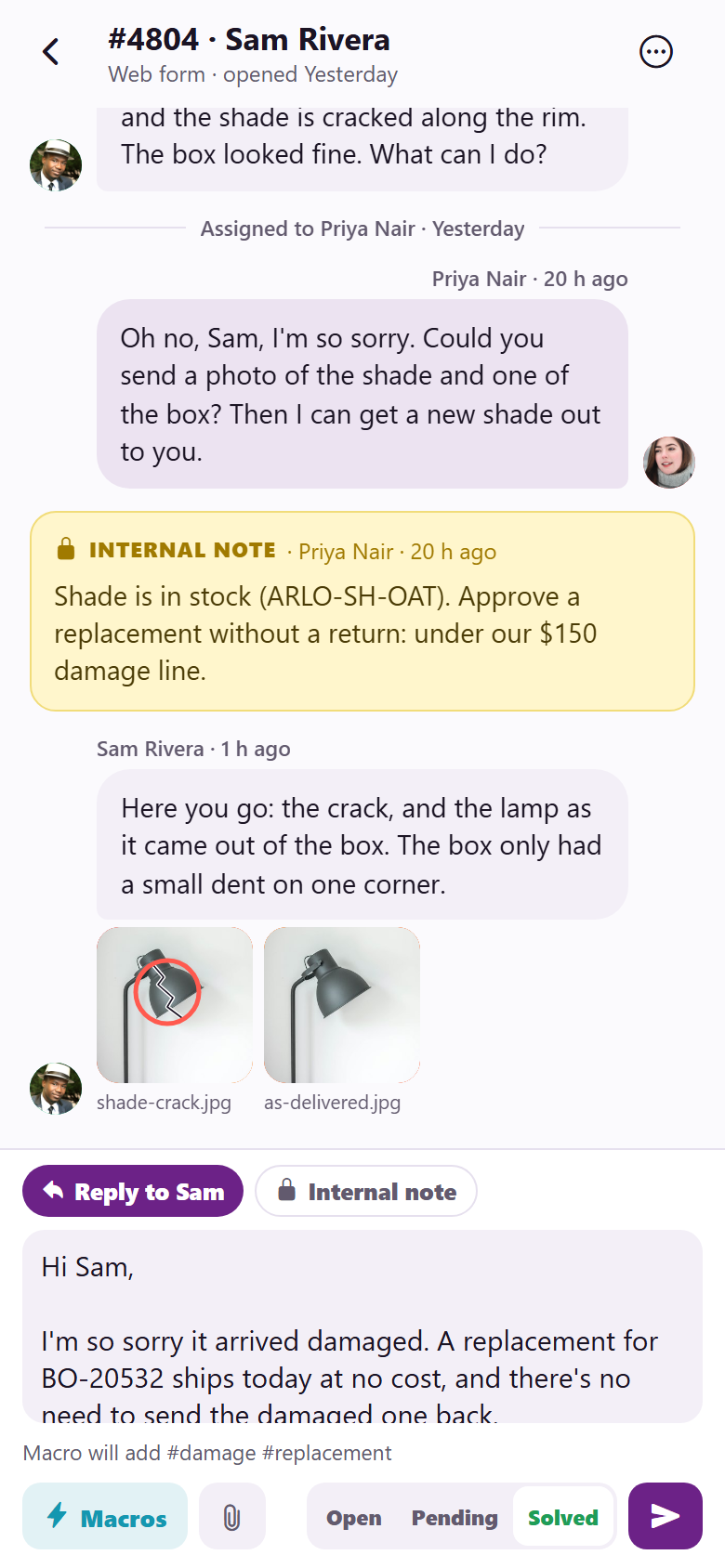
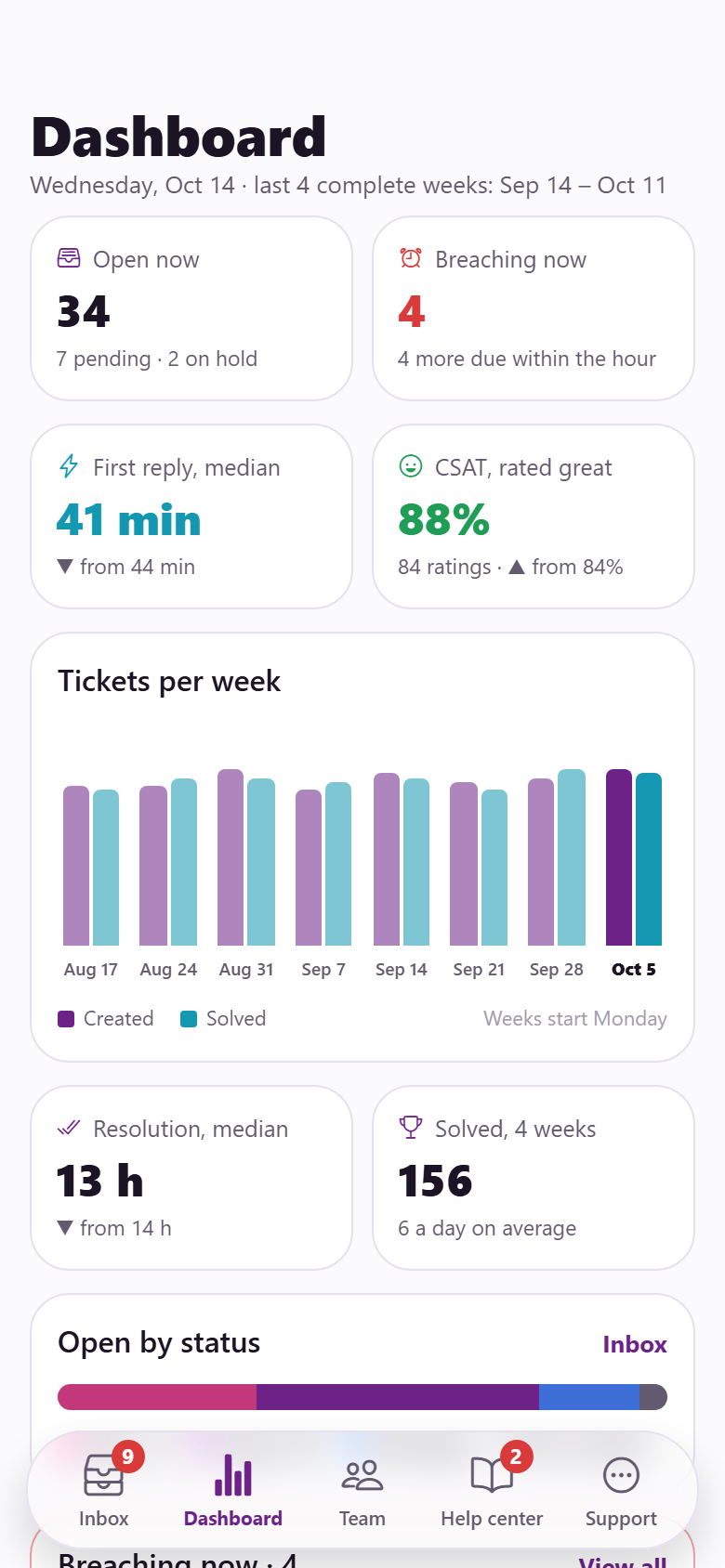
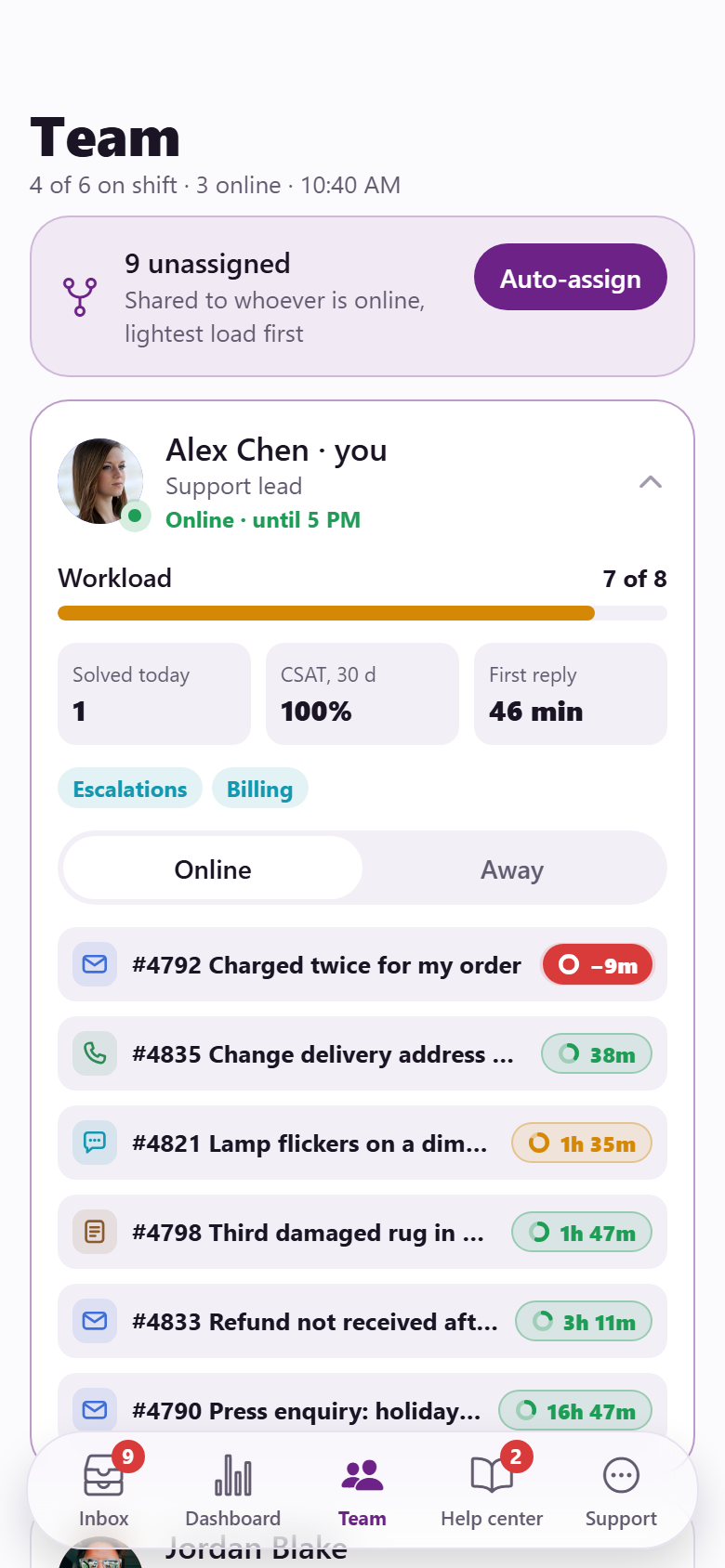
One online shop's own help desk, with both sides in one app: the customer's help center and the support team's inbox. Customers search the help center and matching articles appear as they type, with their words highlighted, before they ever reach a form; open the contact form, pick a topic and the order, and see "Before you send: these might answer it" with a one-tap "Solved it" that sends no ticket; follow every request on a status timeline (Received → In progress → Waiting on you → Solved) with what happens next and the reply time promised; reply in the thread with photos and files from a staged camera roll; chat live with whoever is on chat (typing dots, quick replies, articles suggested as they type, replies labelled simulated in the preview); look up any order by number and email and follow it on a drawn route with the van and five steps, then start a return or report damage from the order; rate the conversation with three drawn faces and a comment; and read their updates. The support side has the inbox: Unassigned, Mine, All and Breaching views with live counts and a channel filter, each ticket a row with the customer's face, a drawn channel glyph (email, chat, phone, web form), priority, tags and an SLA chip that counts down every second, green to amber to red, pulsing once breached; swipe a row right and it slides away and a token flies into Mine, swipe left to snooze it two hours or further to solve it, with an undo. A ticket opens on the conversation with yellow internal notes and a reply box that is a public reply or a note; macros type themselves in with the customer's name, the order, its tracking and the return link filled; submit as Pending, Open or Solved (solving sends the satisfaction survey); assign with who is on shift and their load, set priority, status and tags, merge another ticket from the same customer or split a message out; and a customer sidebar with lifetime value, orders and past tickets with their ratings. Plus a dashboard (open by status, breaching now, median first reply and resolution over the last four complete weeks, CSAT, tickets per week, first reply per week, CSAT per week, channel mix, today so far), the team's workload and availability with auto-assign to whoever is online, saved views, customers and their records, the macro library with variables and a live preview, SLA targets you can step that move every chip in the inbox, triggers and automations, CSAT responses, and a help-center editor that takes an article from draft to published (plus the searches that found nothing, each a "Write it" away from a draft). Twenty-eight screens on seeded agents, customers, orders, tickets, messages and notes, macros, articles, help-center searches and SLA policies.
28 screens, real flows
Make it yours by describing it
Tell Co-Create what to change, in plain words or a voice note. It asks what it needs to know, then shows you designs before anything is built.
Nothing changes until you approve
Approve one piece or a whole section. Every build gets a preview, and you can roll back to any earlier point.
Your app, your code
Go live on a clean address or your own domain, and download the full source whenever you like.
Your idea could be an app by Friday.
Start free. Talk it through, answer a few questions, pick a design and watch it build.
7 days freeCancel anytime