
App template
Tabulate: an accounting & tax firm app template.
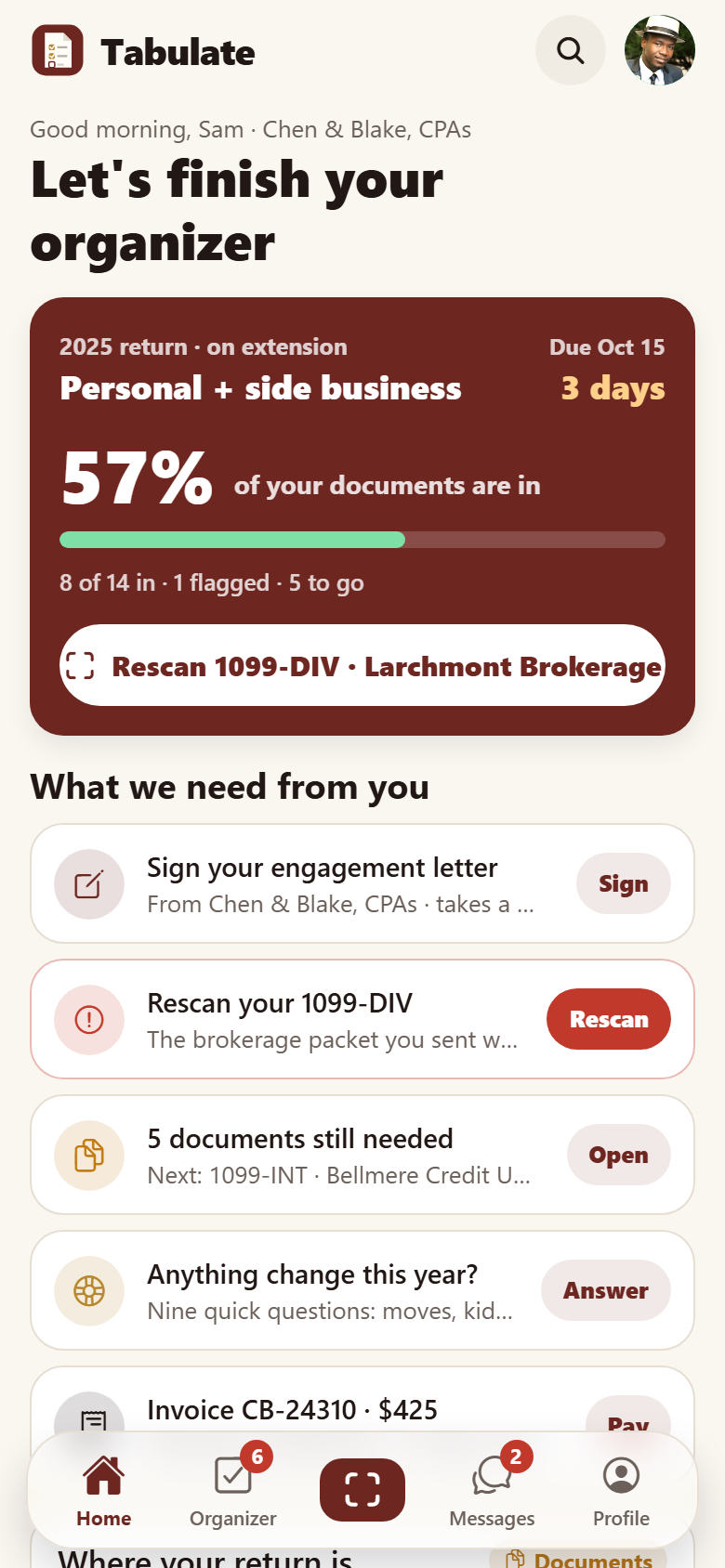
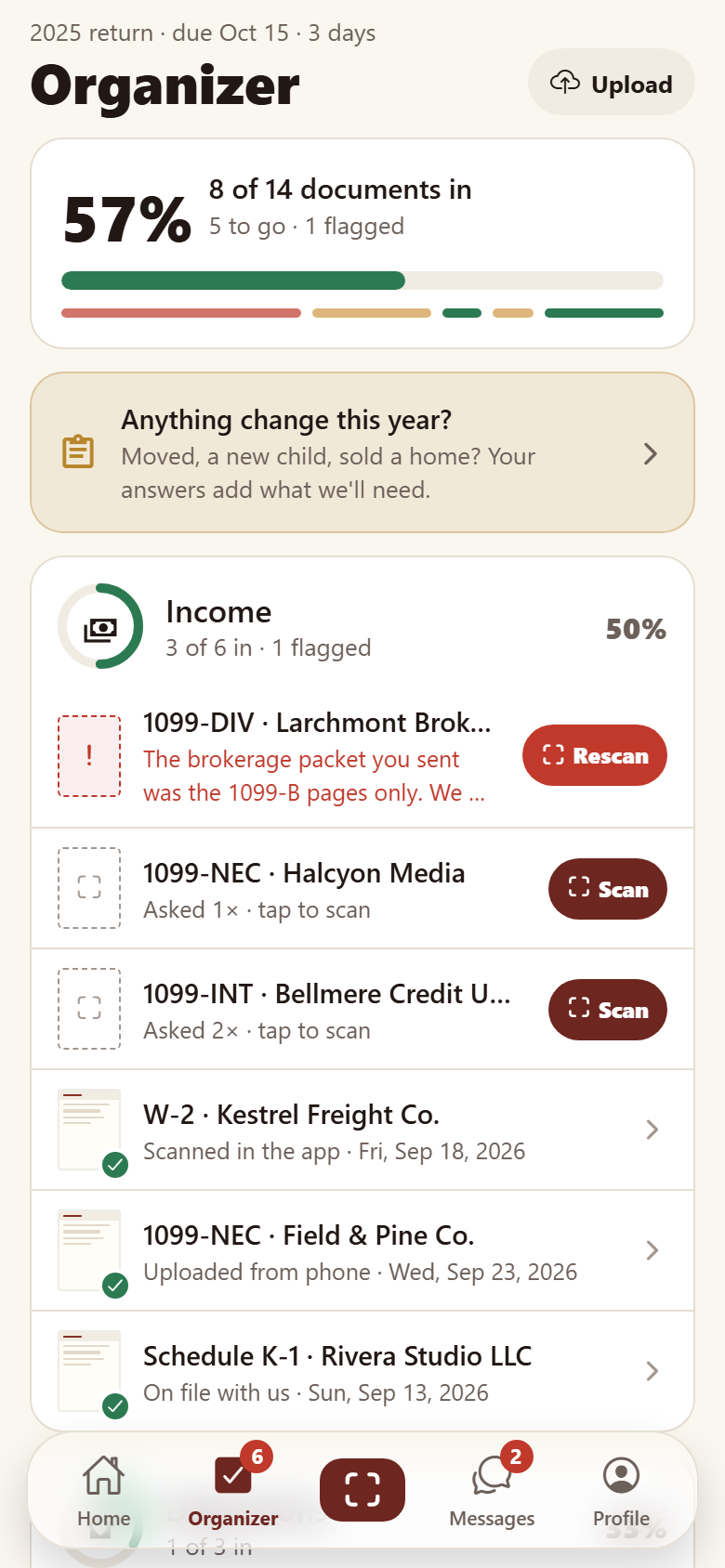
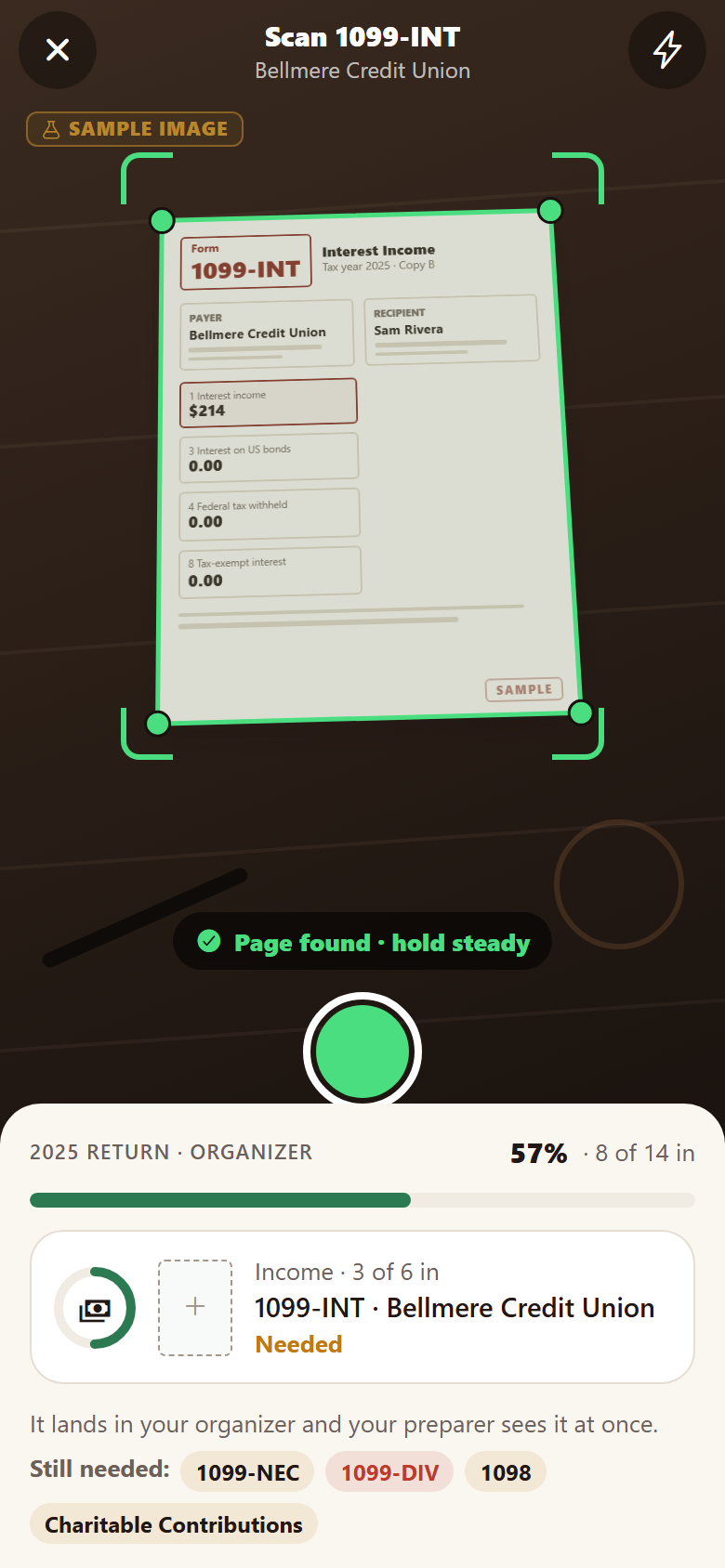
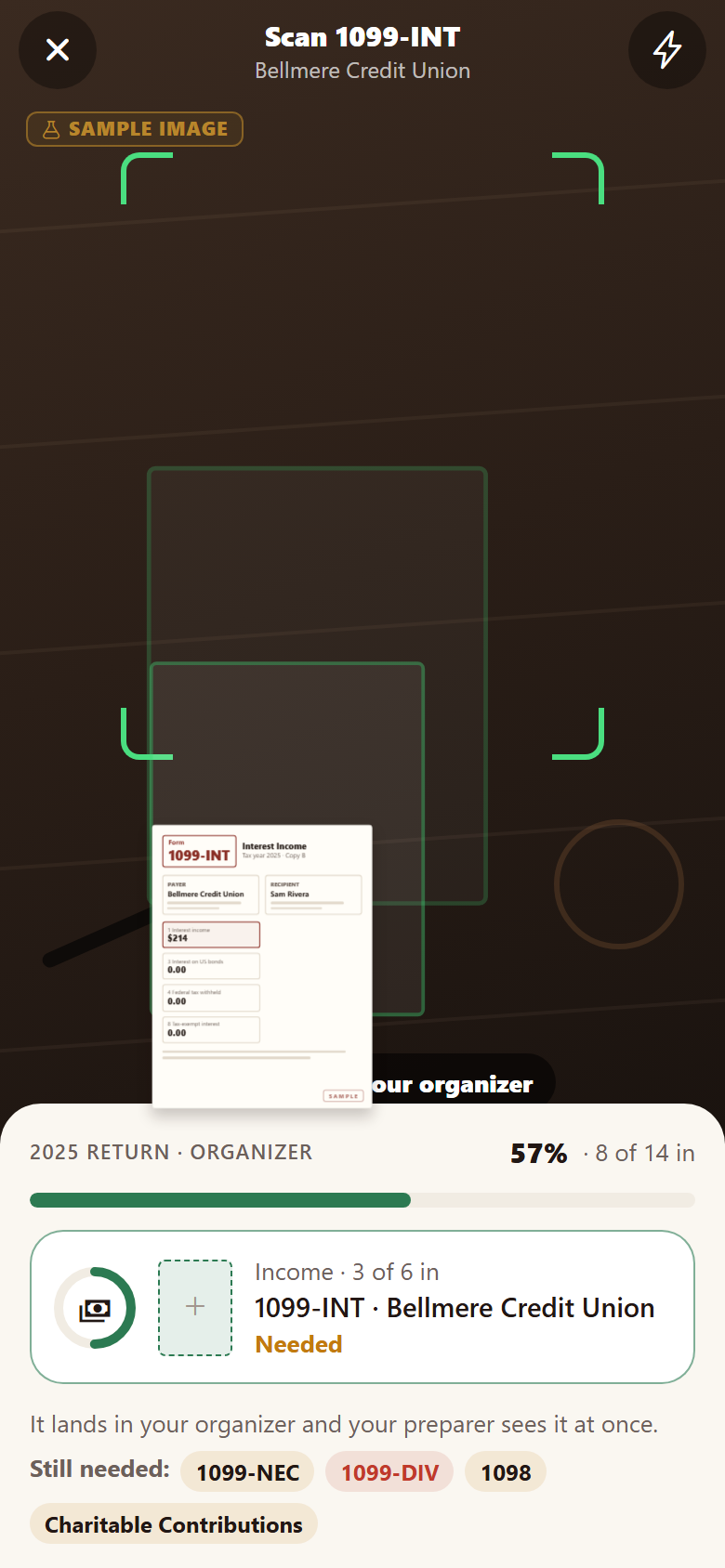
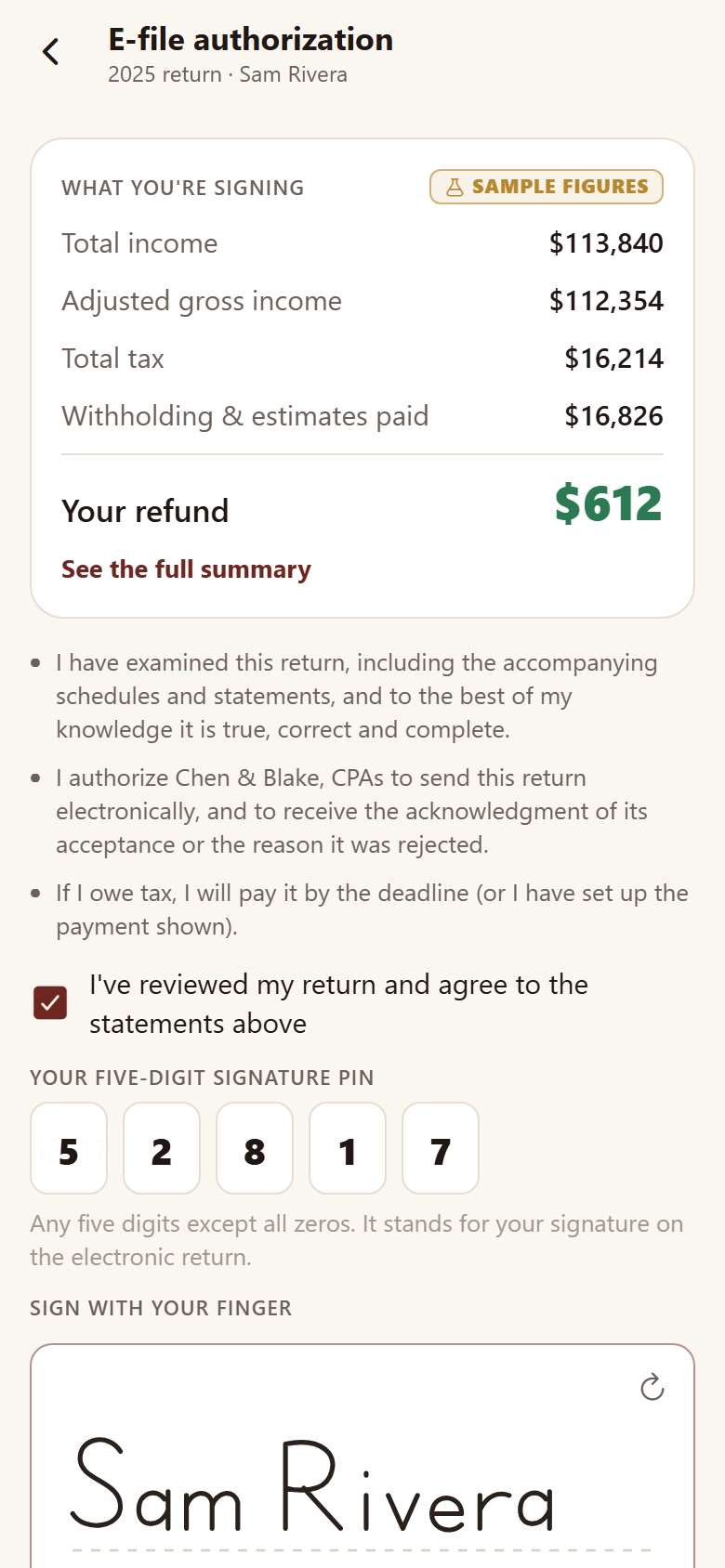
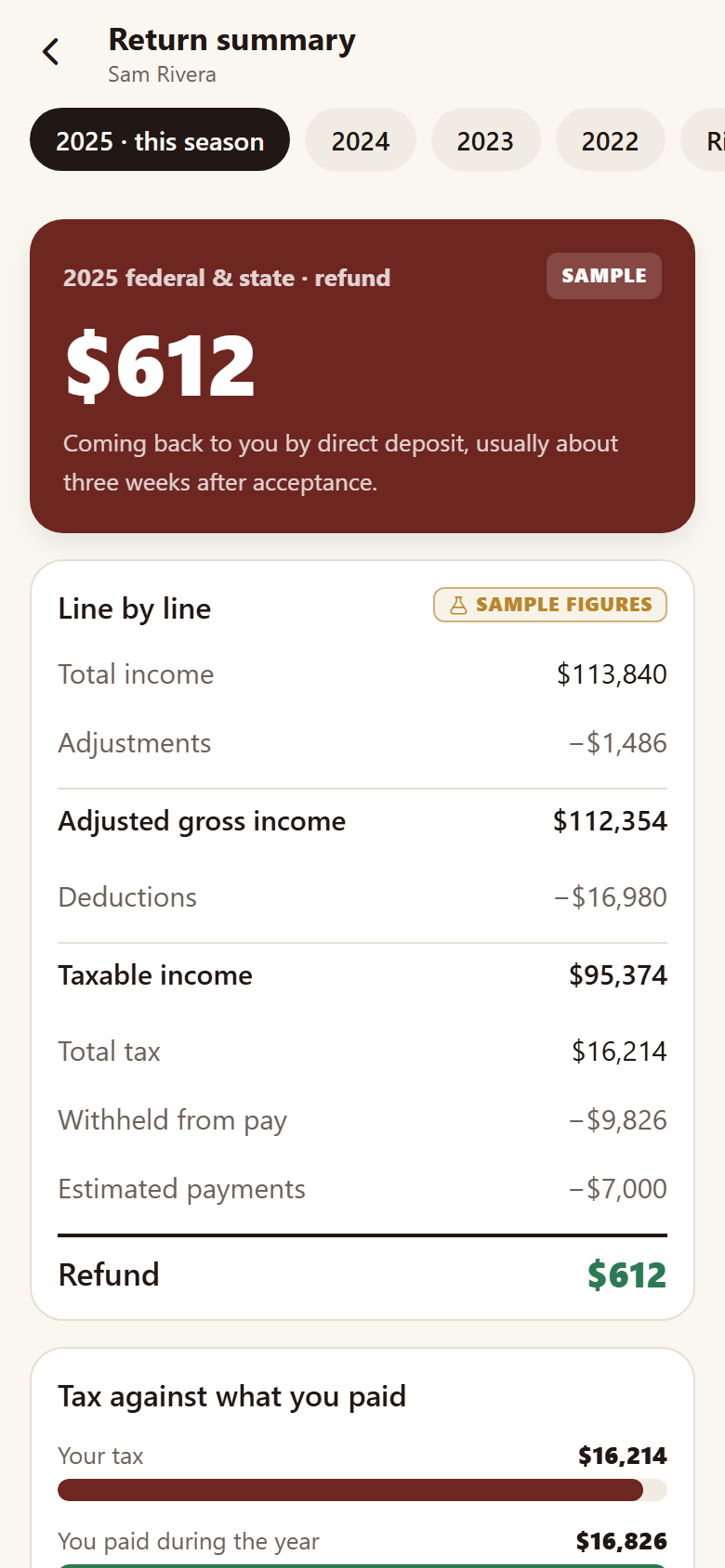
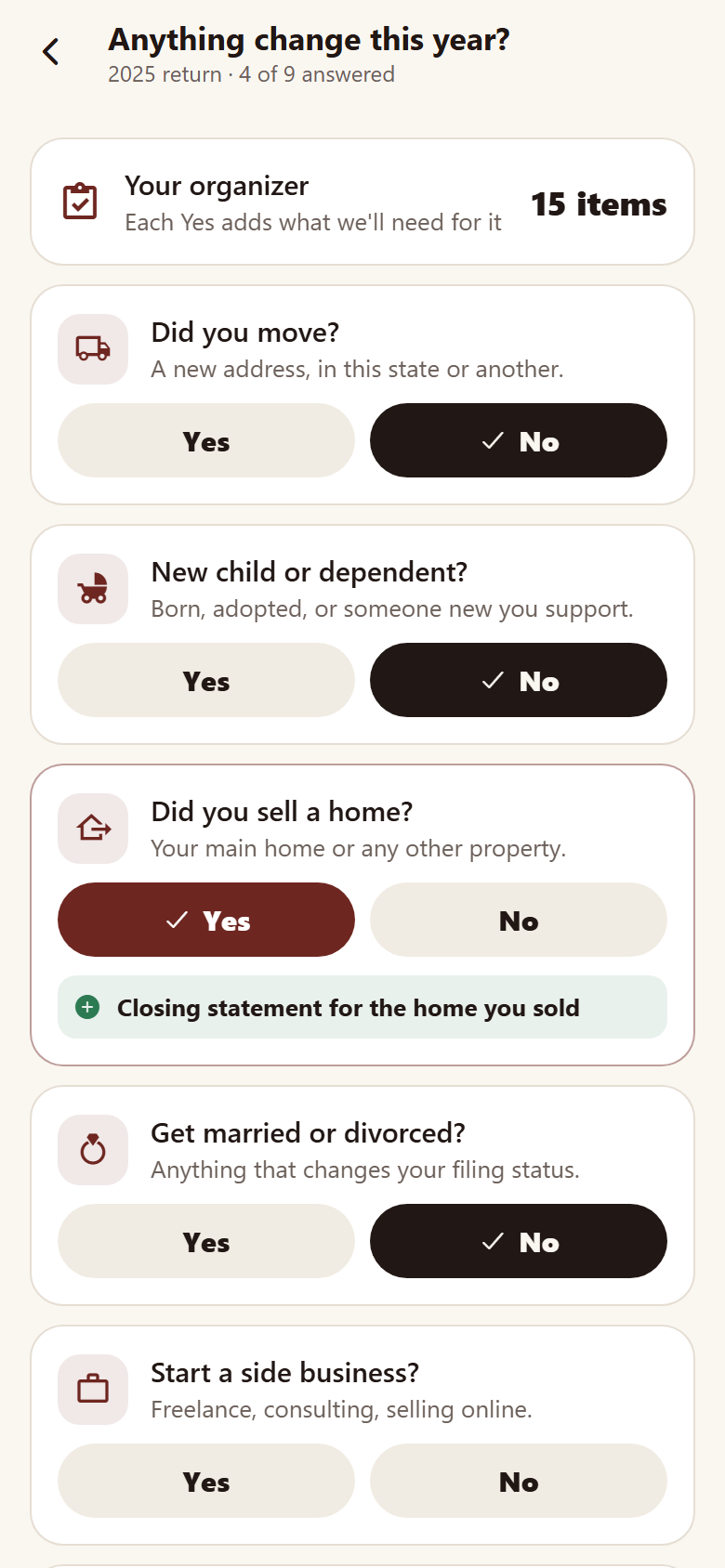
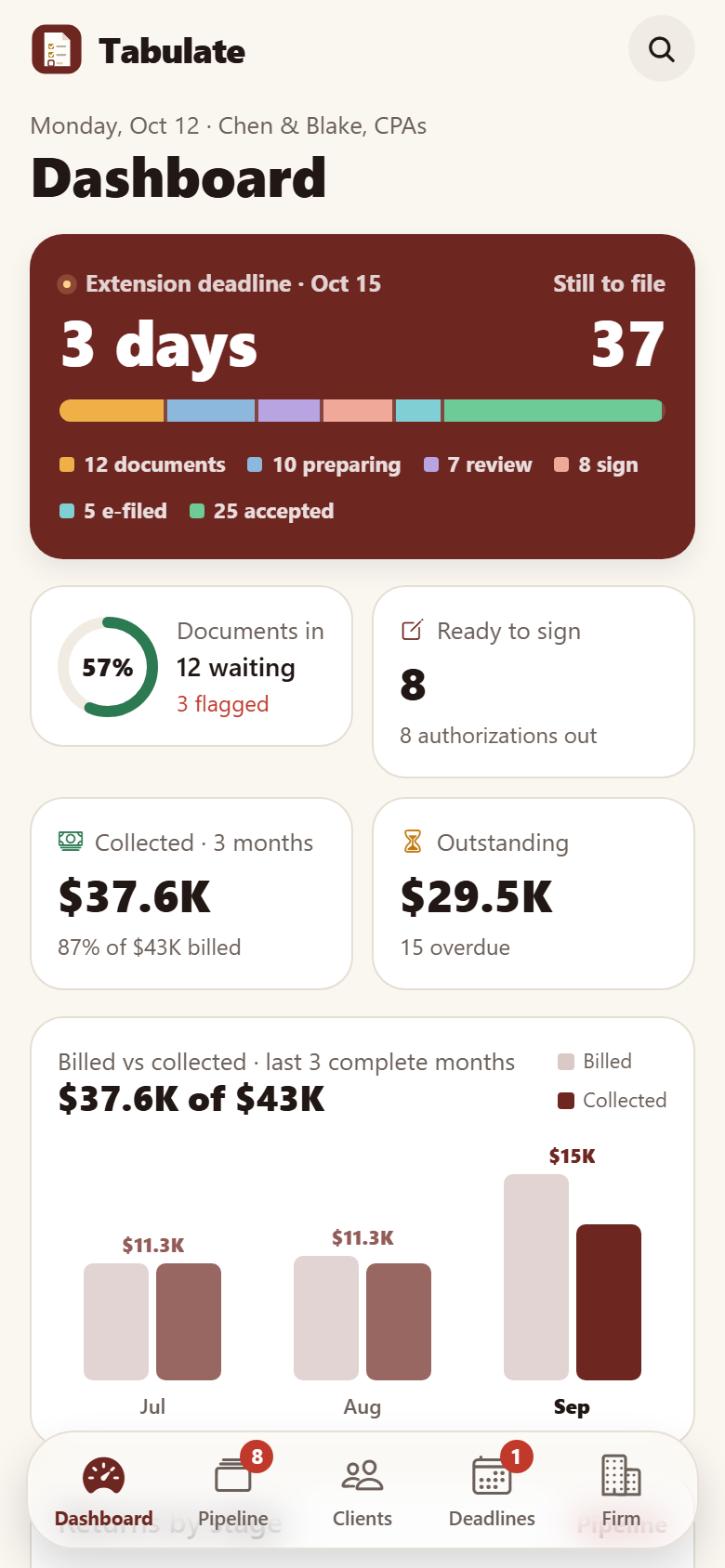
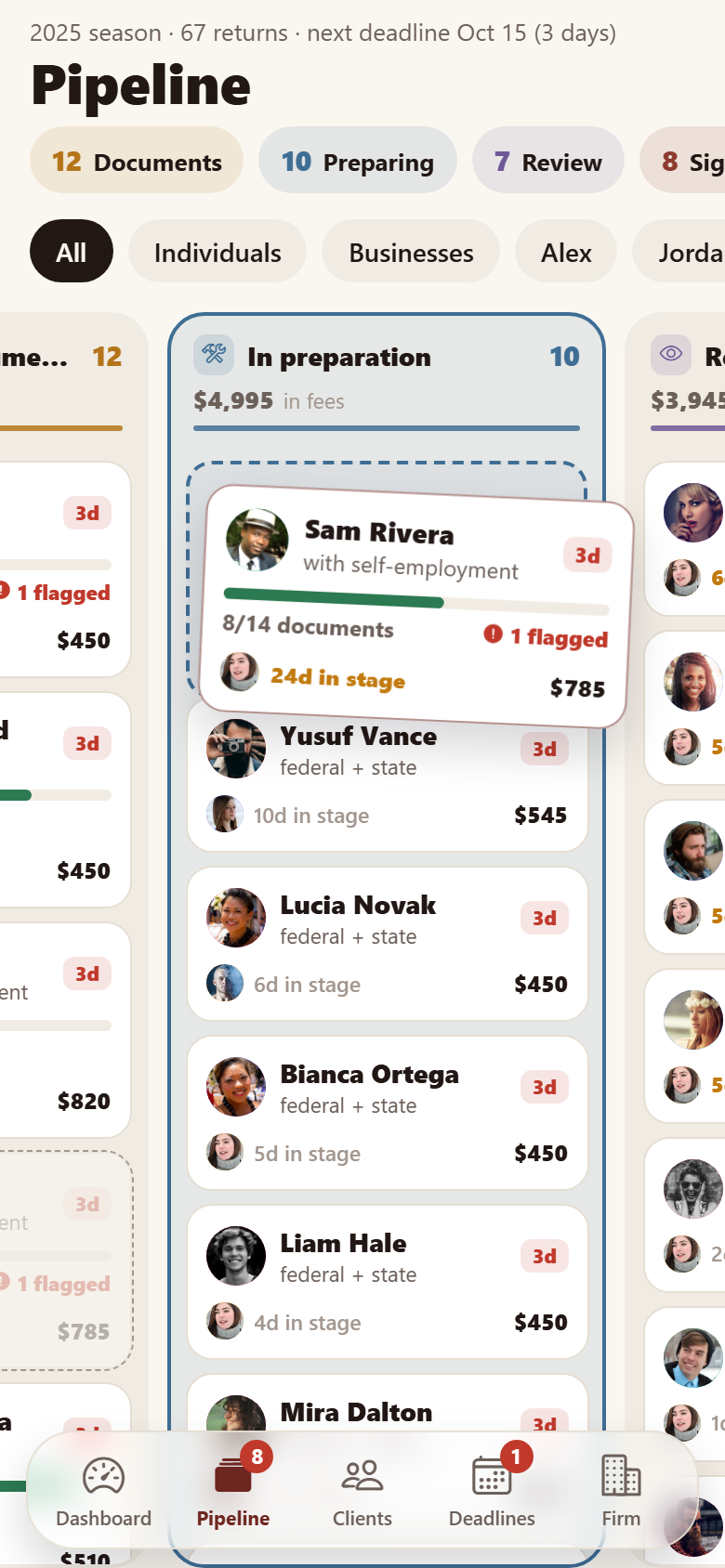
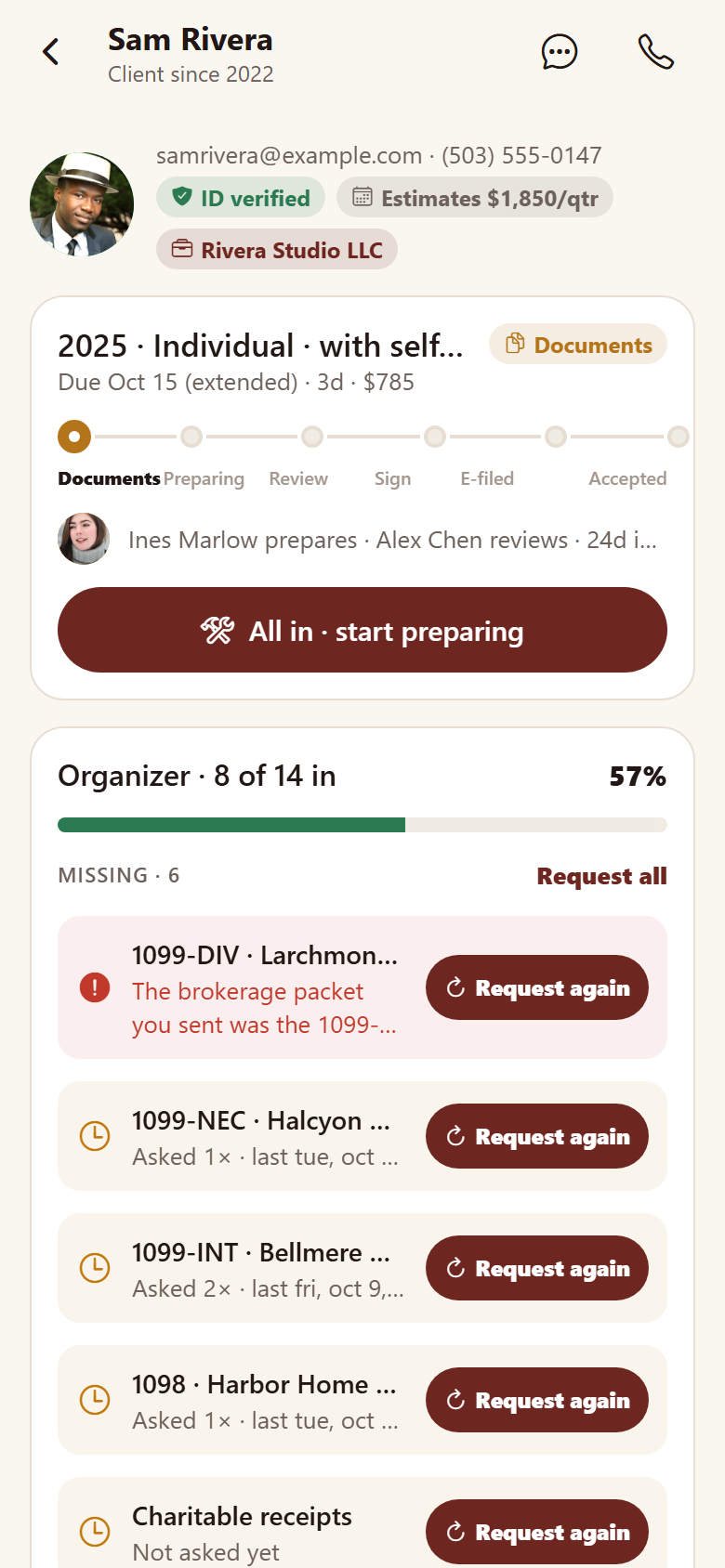
One accounting and tax firm's own client portal, with both sides in one: the client's and the firm's. Clients verify their ID once (a staged license scan and a selfie), then work through this season's organizer: a checklist of every document their return needs, grouped by section, each section's ring filling as items come in and the whole return's bar rising. Tap an item and a staged camera finds the page's edges on a drawn desk, locks its corners, flattens it, reads the form into chips and flies it into its slot in the checklist; items the firm couldn't find in what was sent come back flagged with the reason and a Rescan. Upload from the phone matches each file to the item it looks like. A life-changes questionnaire (moved, a new child, sold a home…) adds exactly the documents each Yes needs. Clients sign the engagement letter and the e-file authorization (the return's bottom line, a five-digit PIN, a finger signature, a signing certificate with the audit trail), read the return summary line by line (refund or amount owed, tax against what was paid, season by season, all sample figures), pay invoices by card or bank on a demo-payment receipt with a PAID stamp, plan quarterly estimates with reminders on dates computed from today, keep every past season in a document vault, and message the firm securely; document requests carry a Scan it button. The firm's side has a dashboard (the next filing or extension deadline and how many returns still stand before it, returns by stage, how complete the waiting organizers are, billed against collected over the last three complete months, what is outstanding, what needs a person, the team's load), the pipeline board by status (Waiting on documents → In preparation → Review → Ready to sign → E-filed → Accepted) where a card is held and dragged to its next stage and the client's side follows, client records with missing documents and one-tap Request again, flagged and received documents, signatures, invoices, internal notes and last season, a deadlines calendar (April 15, extensions, business returns, quarterly estimates, payroll and 1099s) with who each touches and Remind all, staff workload against capacity, invoices & payments, a secure-messages inbox, services & fees, and organizer templates with the questionnaire. Thirty screens on seeded staff, services, clients, returns, documents, organizer items, invoices, messages and signatures.
30 screens, real flows
Make it yours by describing it
Tell Co-Create what to change, in plain words or a voice note. It asks what it needs to know, then shows you designs before anything is built.
Nothing changes until you approve
Approve one piece or a whole section. Every build gets a preview, and you can roll back to any earlier point.
Your app, your code
Go live on a clean address or your own domain, and download the full source whenever you like.
Your idea could be an app by Friday.
Start free. Talk it through, answer a few questions, pick a design and watch it build.
7 days freeCancel anytime