
App template
Sward: a lawn care & landscaping app template.
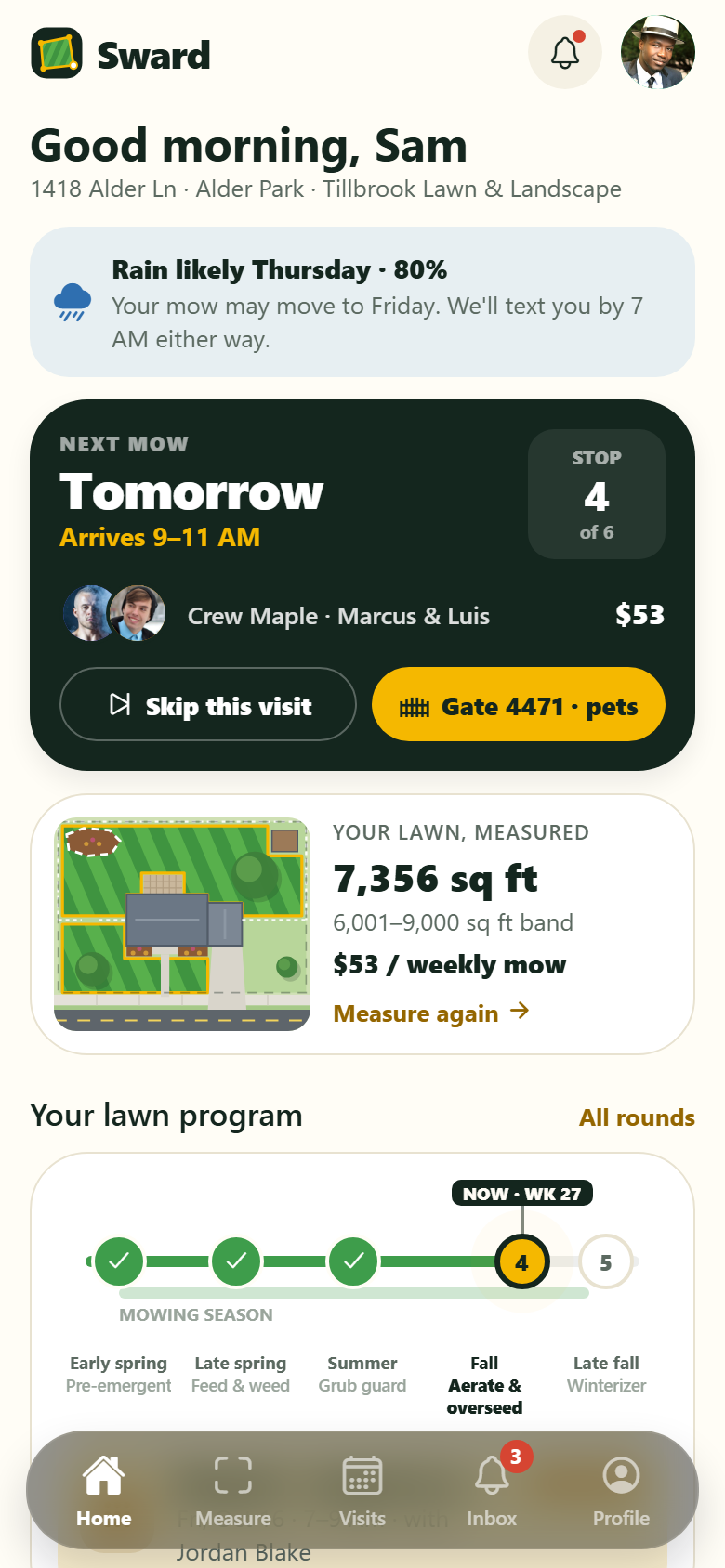
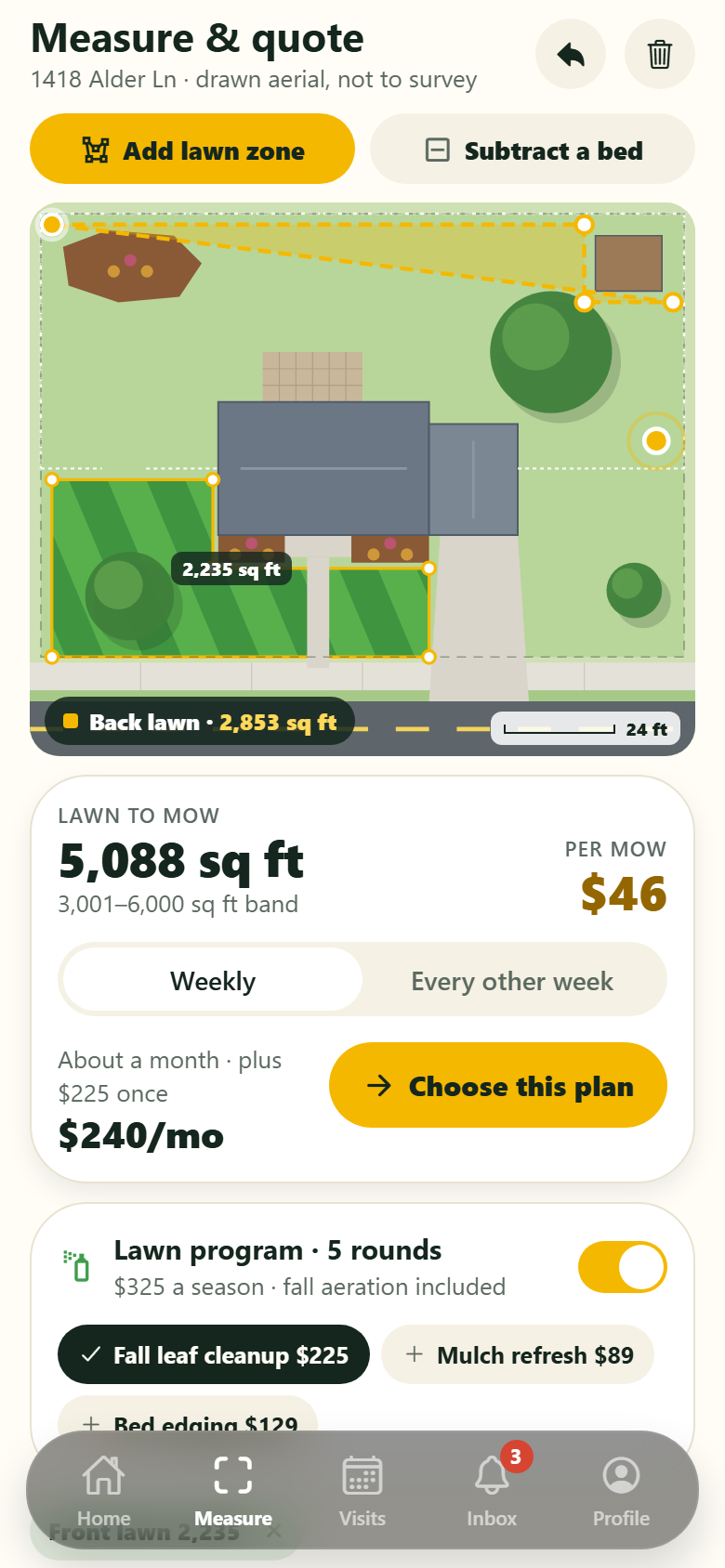
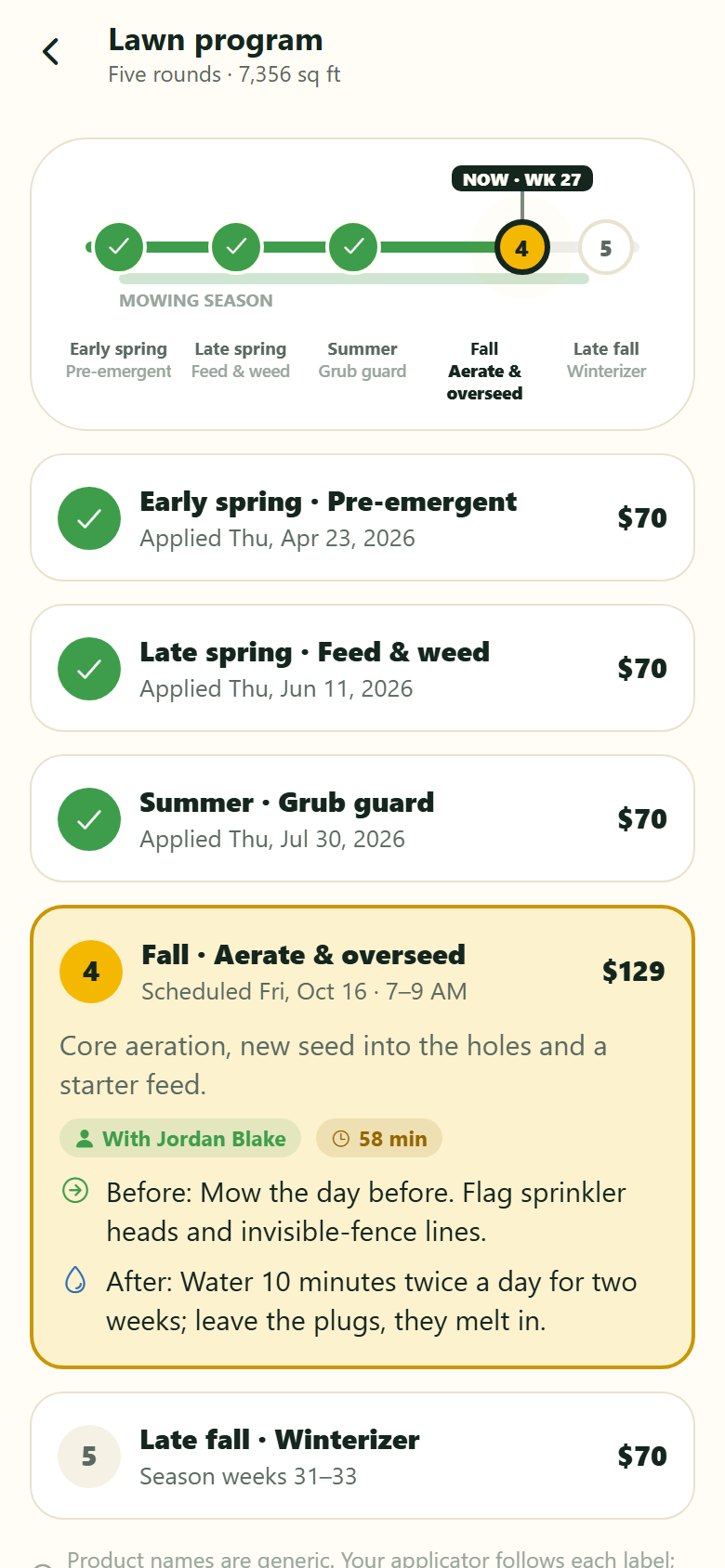
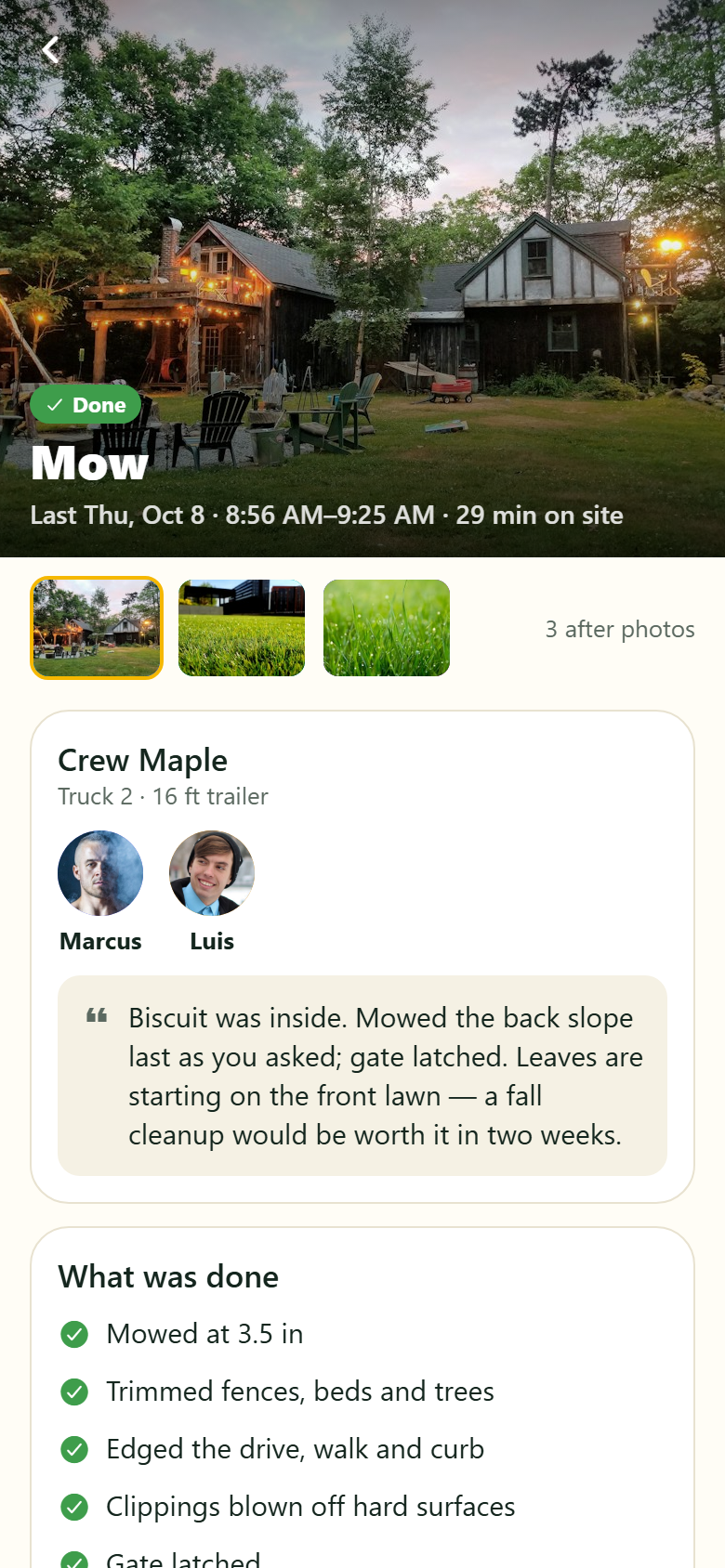
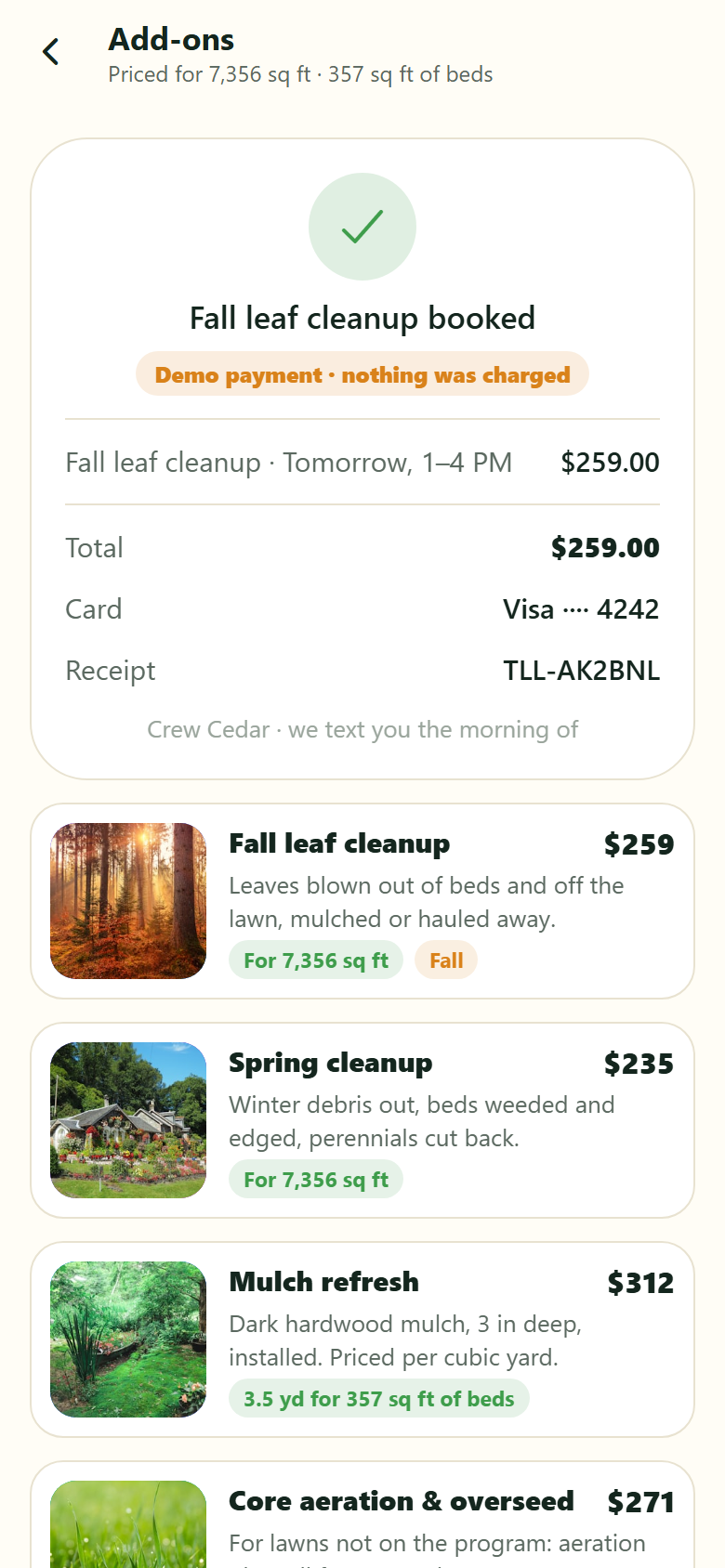
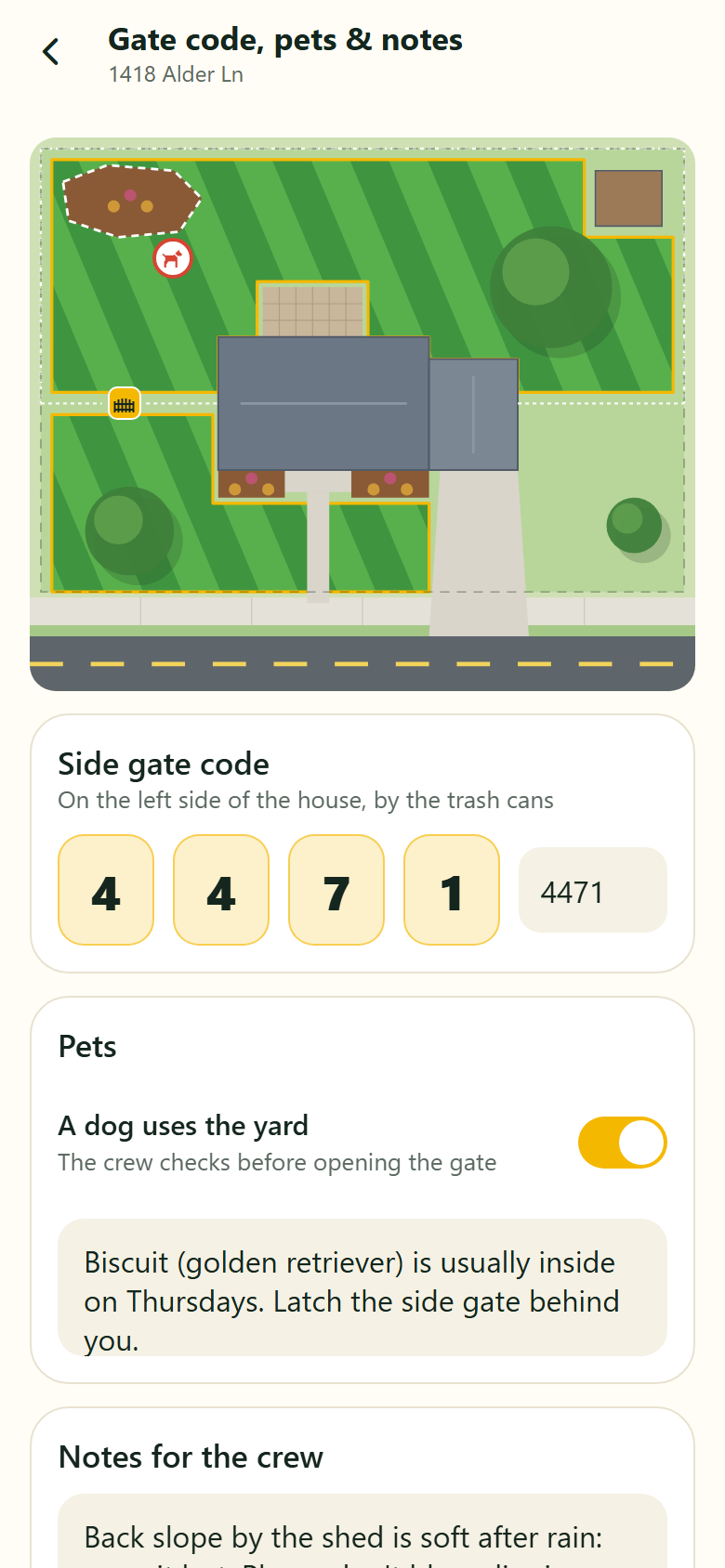
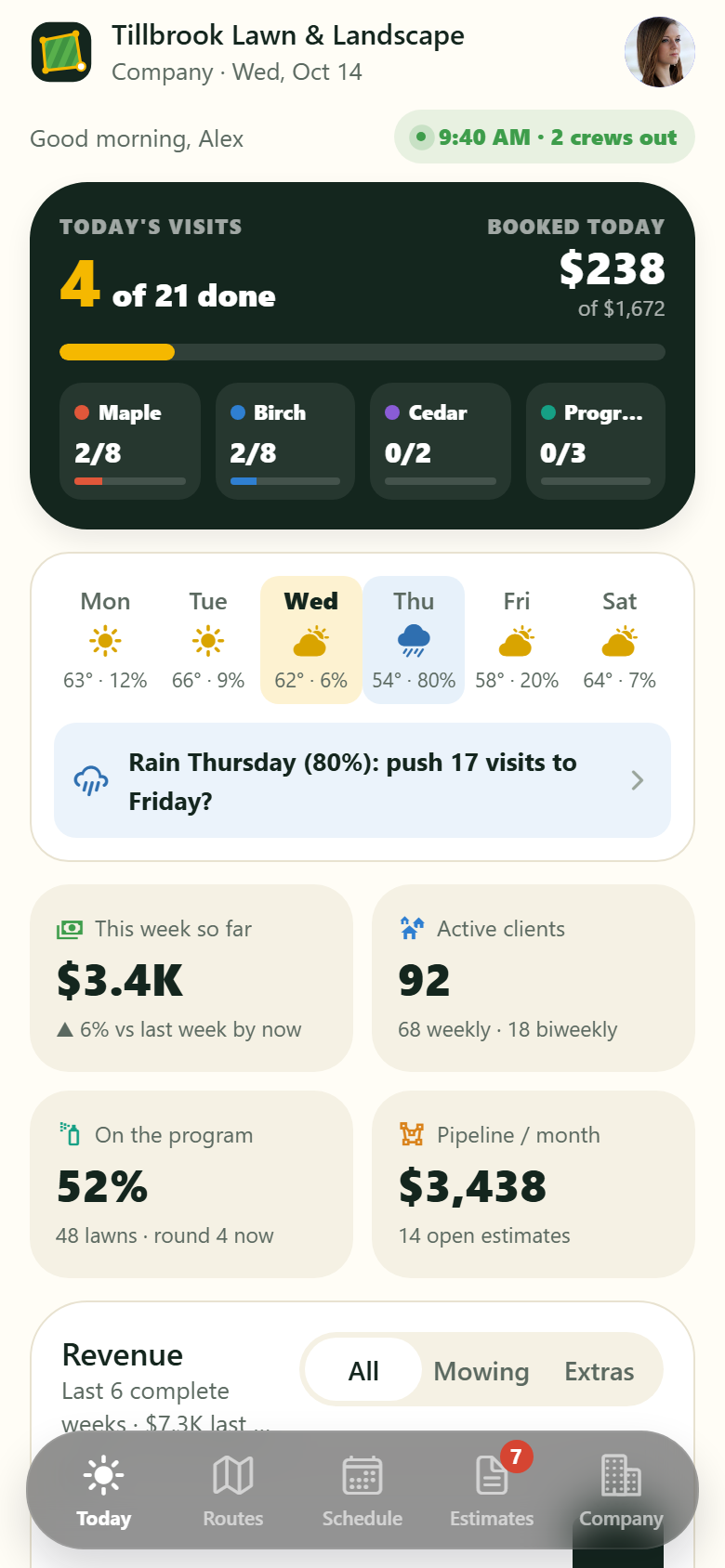
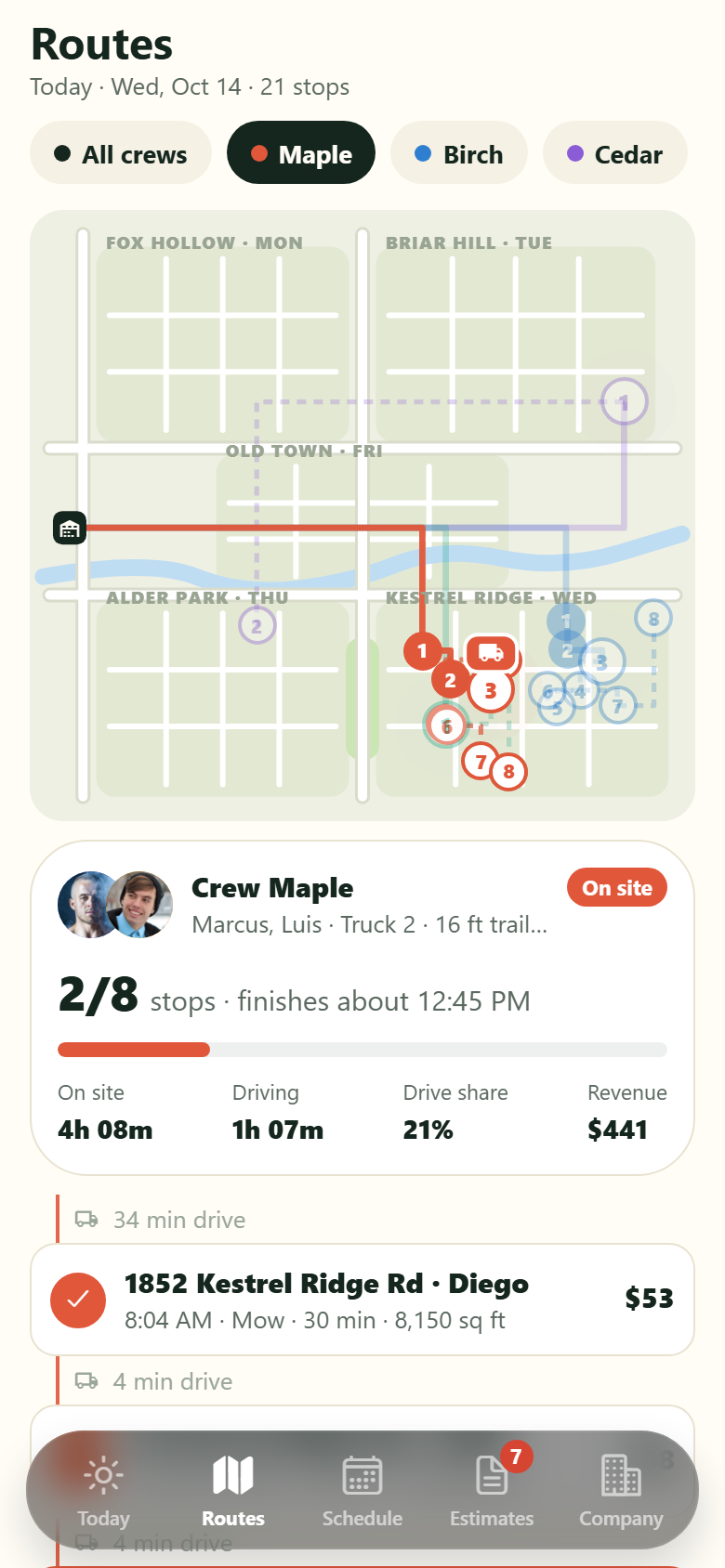
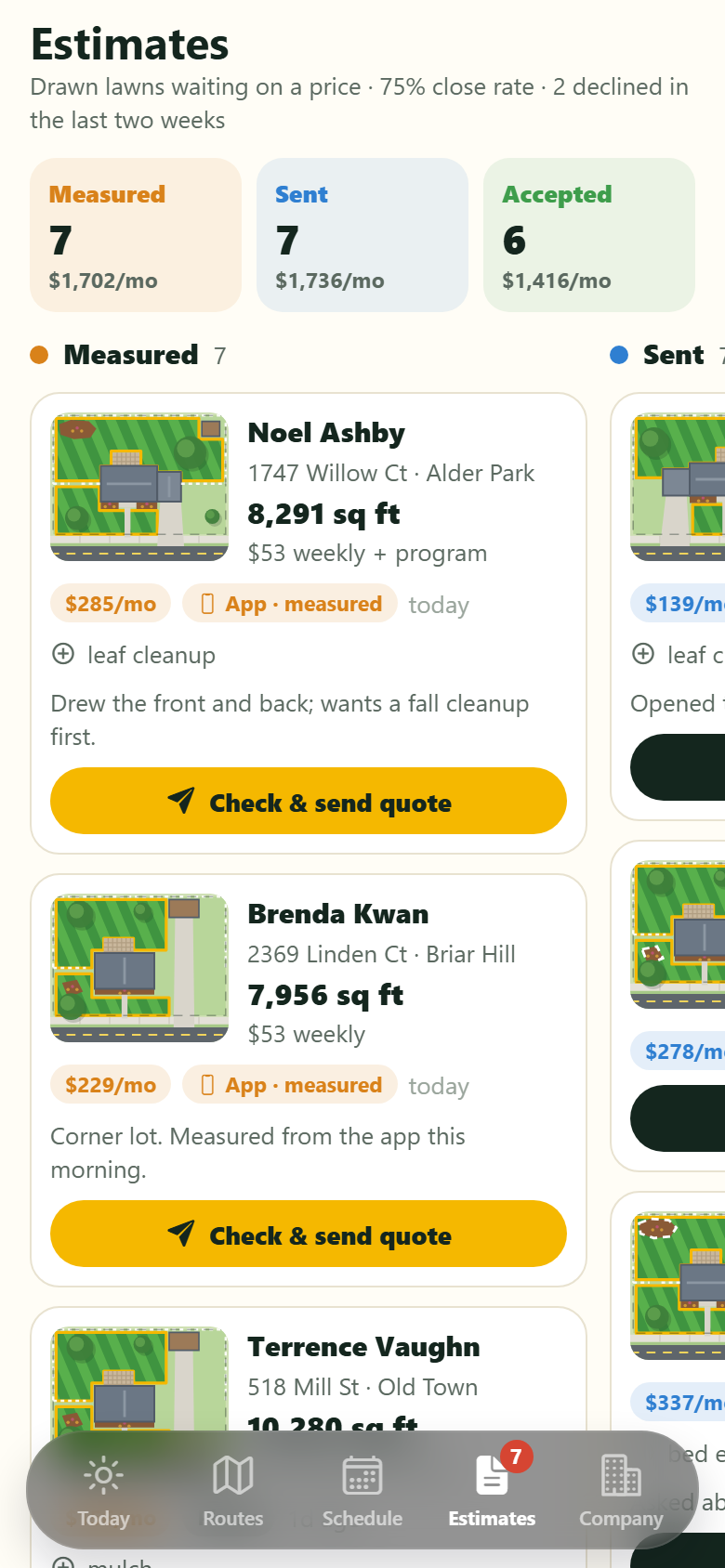
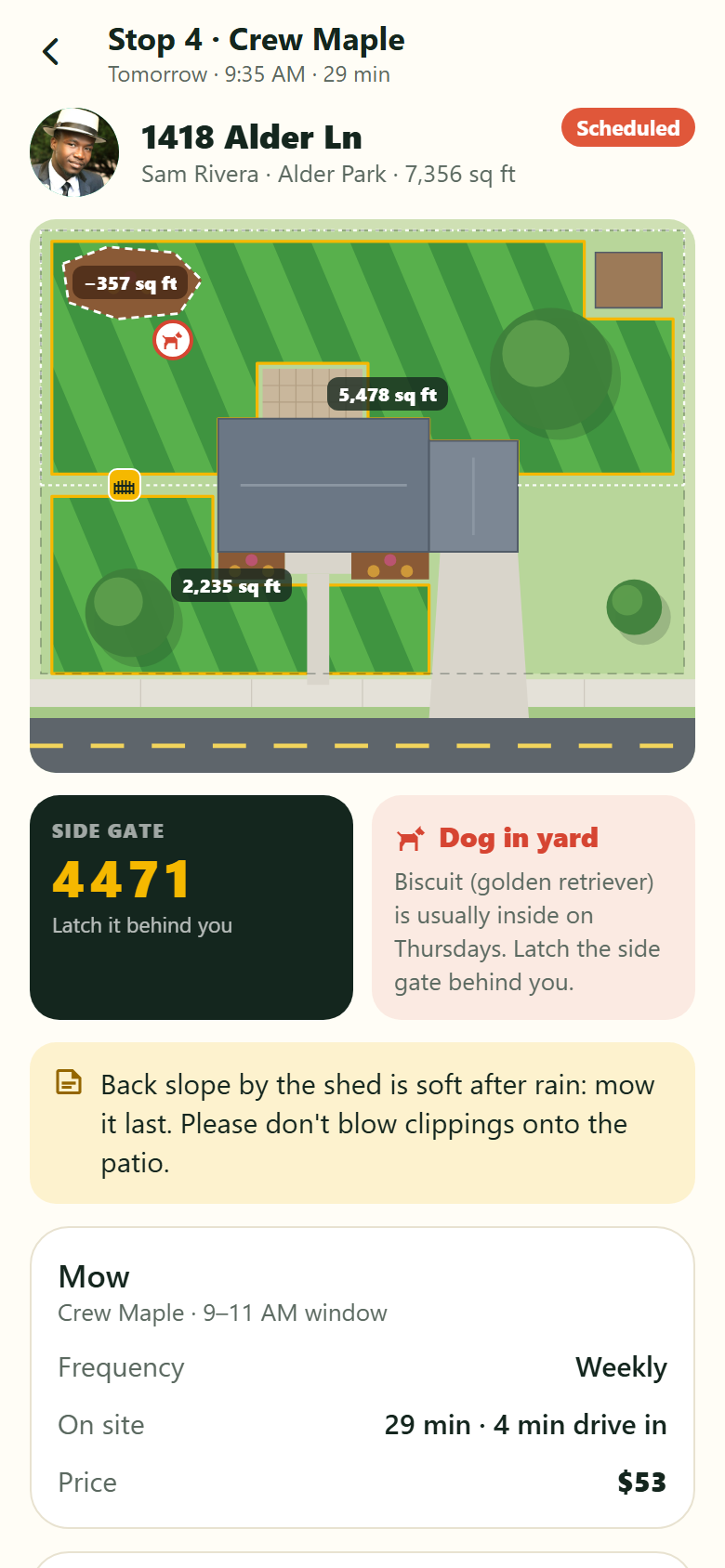
A lawn-care and landscaping app for a mowing company, with both sides in one: the homeowner's app and the company's. Homeowners measure their own lawn on a drawn aerial view of their lot, the street, the house roof, the drive, the beds and the trees, all drawn, no satellite photo: put a finger down and a corner point drops with a rubber-band edge back to the last one, the zone fills as you go and its area in square feet rolls under your finger; close it and it mows in as stripes; add the back yard as a second zone, switch to Bed to subtract a mulch bed, drag any corner to adjust. Under the canvas the instant quote updates as you draw: the per-mow price by area band, weekly or every other week, the five-round lawn program priced per 1,000 sq ft, and add-ons priced by area or by the cubic yards of mulch the beds need. Then: the season program timeline (early spring pre-emergent, late spring feed & weed, summer grub guard, fall aeration & overseeding, the late-fall winterizer) with the round due now highlighted and what was applied; choose a plan in three steps with an optional prepay that ends on a demo payment receipt; the next visit with its arrival window, crew and stop on the route, with a rain advisory; skip a visit for free; visit reports with after photos, the crew's note, a rating and a tip; book add-ons (leaf cleanup, mulch, aeration, hedges, irrigation) on a day the enhancements crew has room; invoices with pay-now and autopay; gate code, pet and access notes the crew sees; refer a neighbour on your own street; inbox with rain-delay notices; search, profile, edit profile and settings. The company side runs the routes: today's dashboard (visits done against the day's total as the crews work, revenue booked today and this week against the same point last week, the week's forecast with a one-tap rain push, each crew's progress, revenue over six complete weeks, what needs the owner); today's routes on a drawn map of the service area with each crew's numbered stops, the drive between them, the truck where the clock puts it and when it will finish; the recurring weekly and every-other-week schedule with the weather-delay push-day bulk action that texts every homeowner; the job card (the property drawn with its zones, the gate code, the dog, the notes, after photos, mark done); the estimates pipeline from measured to sent to accepted; clients and each client record; crews and equipment with service hours; the chemical application log with product, rate, area and applicator; revenue per route; and prices per area band, program rates, add-ons and the service area. Twenty-eight screens on seeded services, crews, equipment, properties, visits, chemical applications, estimates, invoices and notices.
28 screens, real flows
Make it yours by describing it
Tell Co-Create what to change, in plain words or a voice note. It asks what it needs to know, then shows you designs before anything is built.
Nothing changes until you approve
Approve one piece or a whole section. Every build gets a preview, and you can roll back to any earlier point.
Your app, your code
Go live on a clean address or your own domain, and download the full source whenever you like.
Your idea could be an app by Friday.
Start free. Talk it through, answer a few questions, pick a design and watch it build.
7 days freeCancel anytime