
App template
Ridgeline: a solar & roofing sales app template.
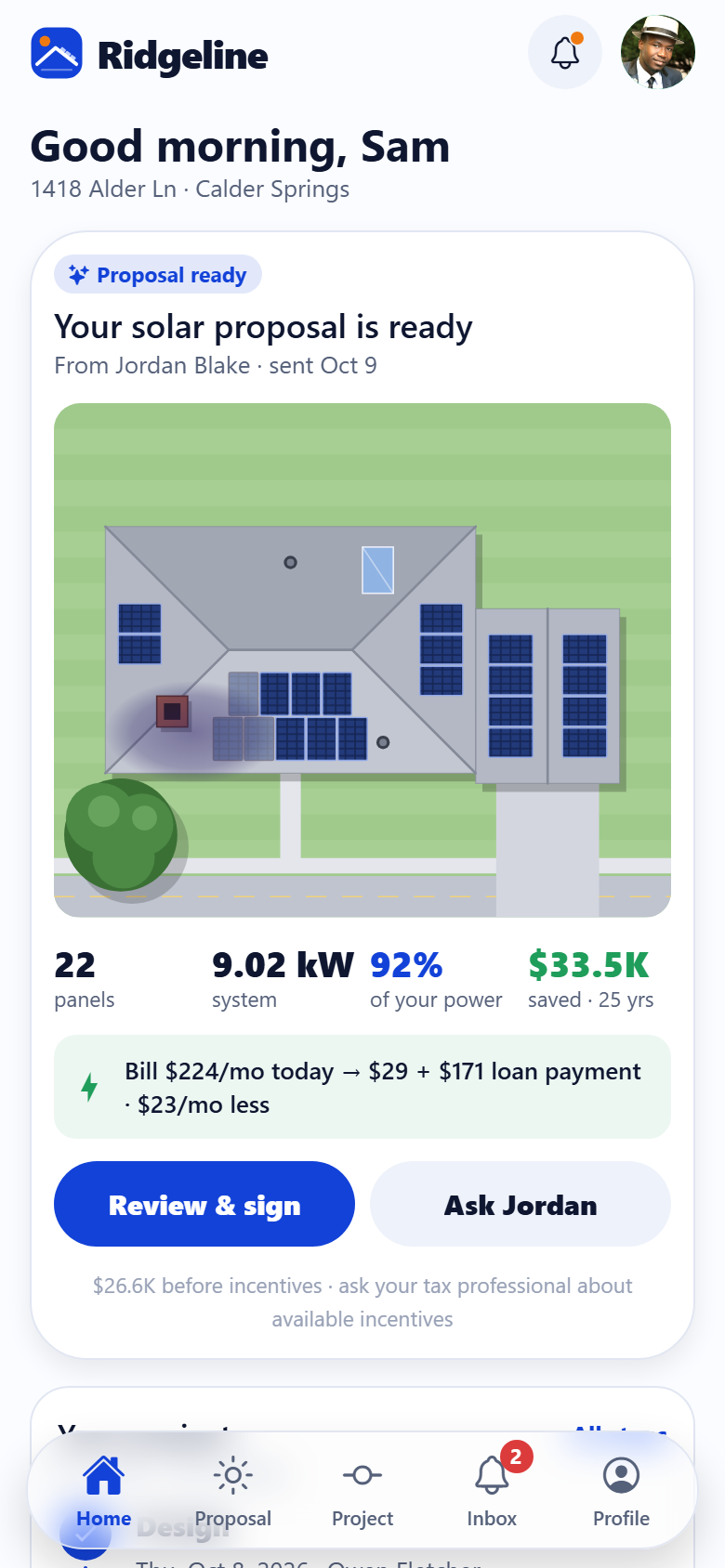
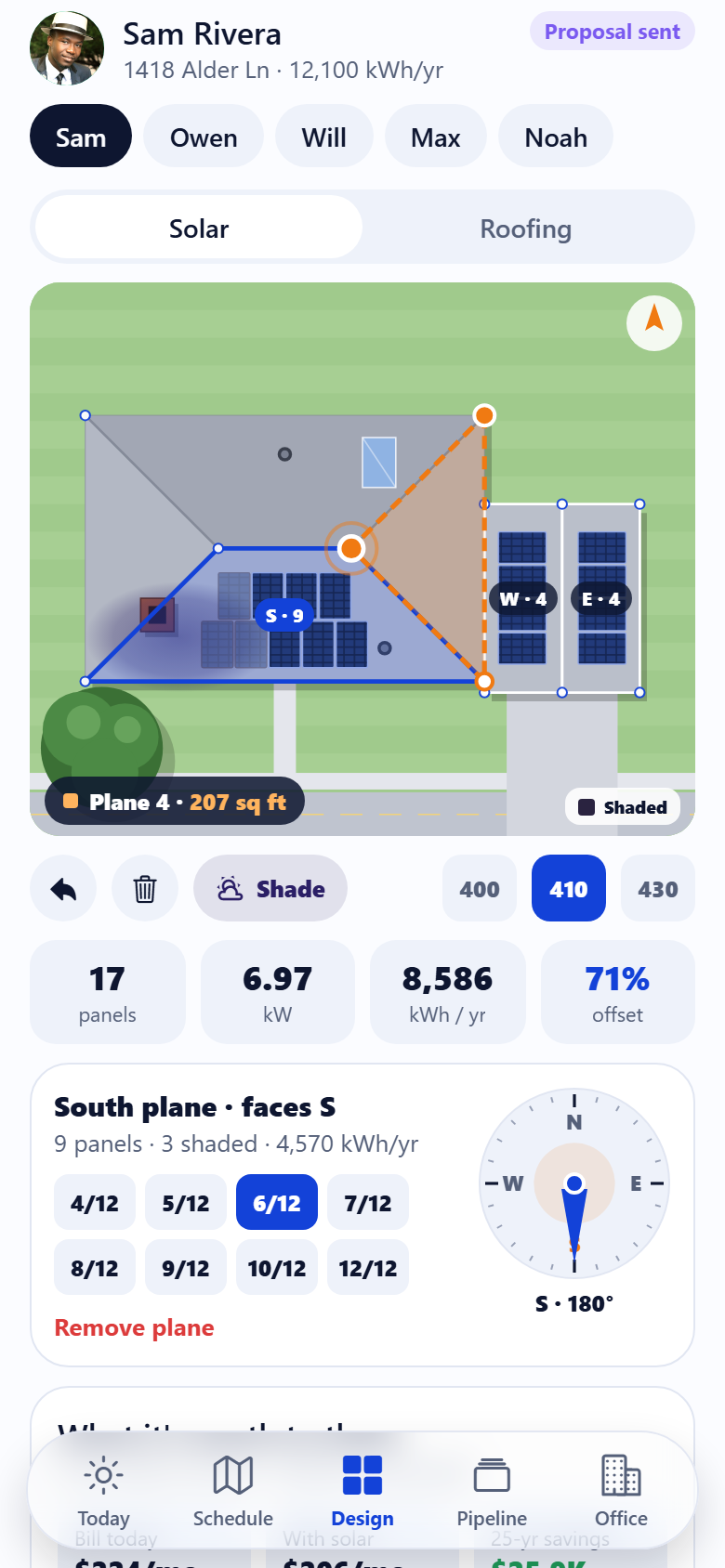
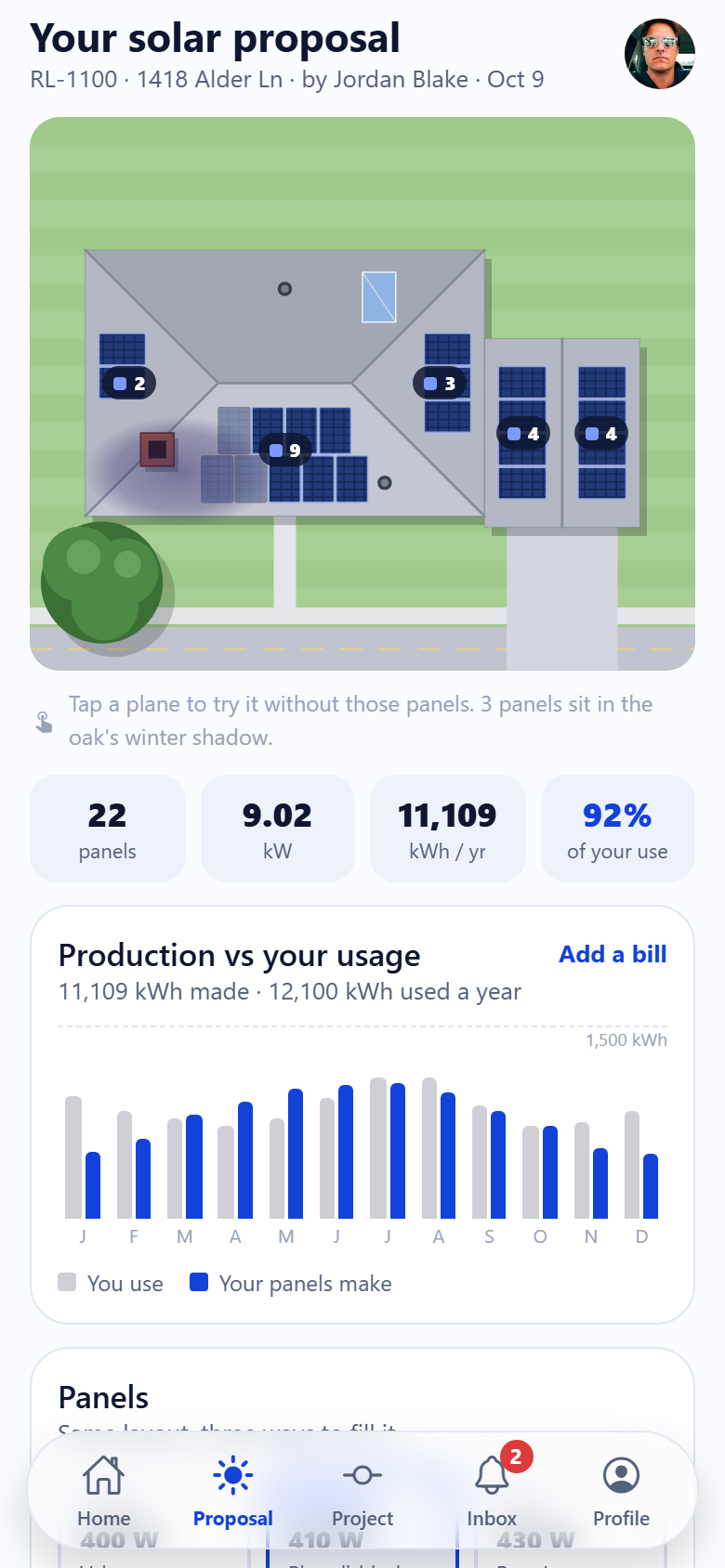
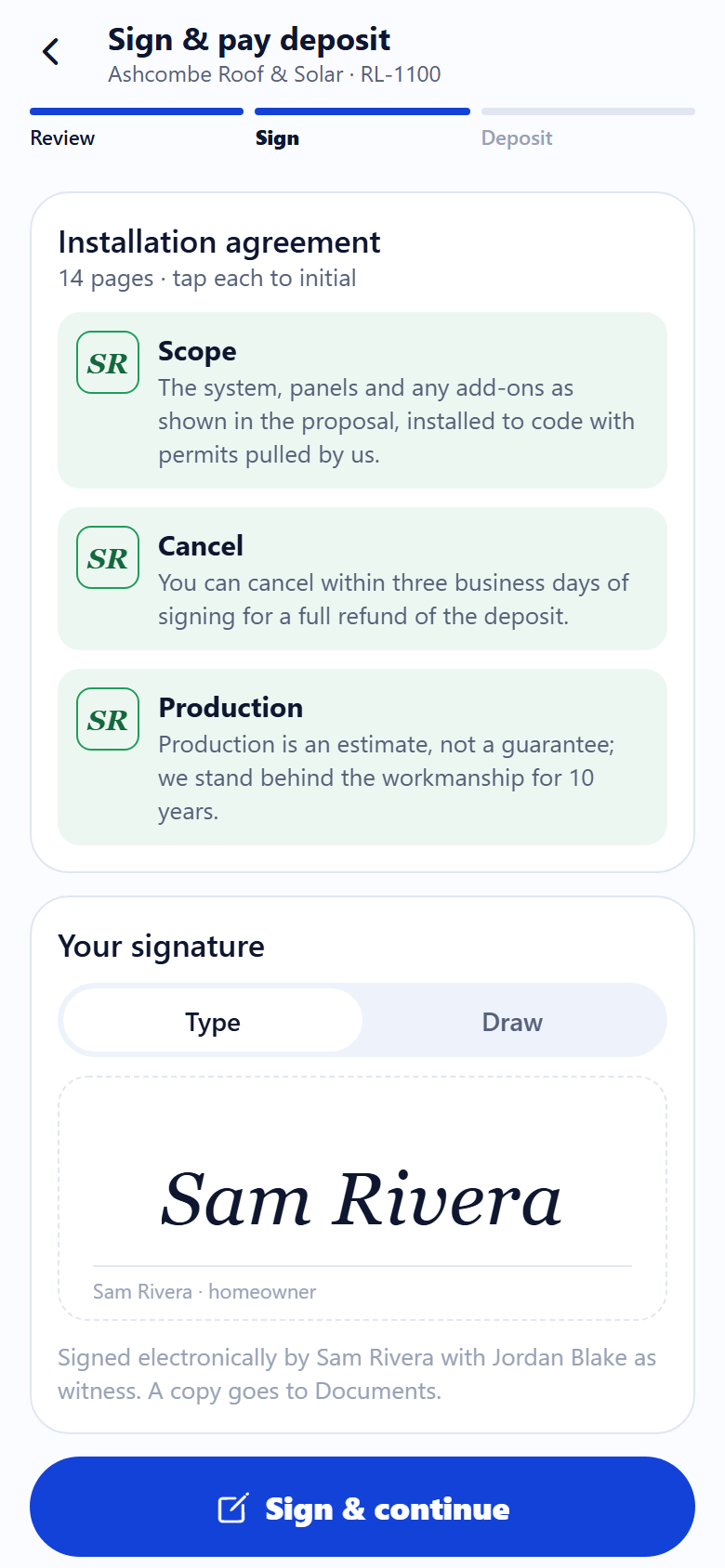
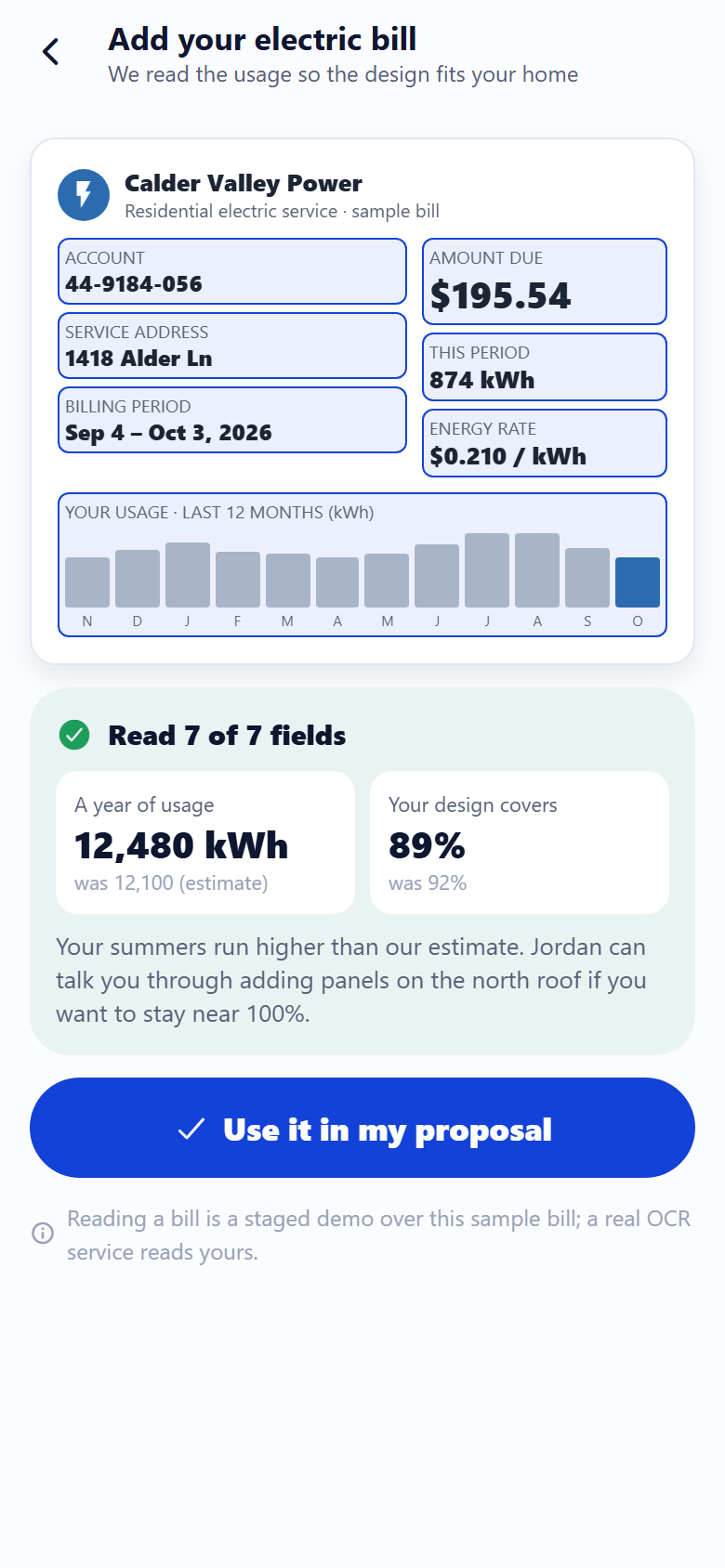
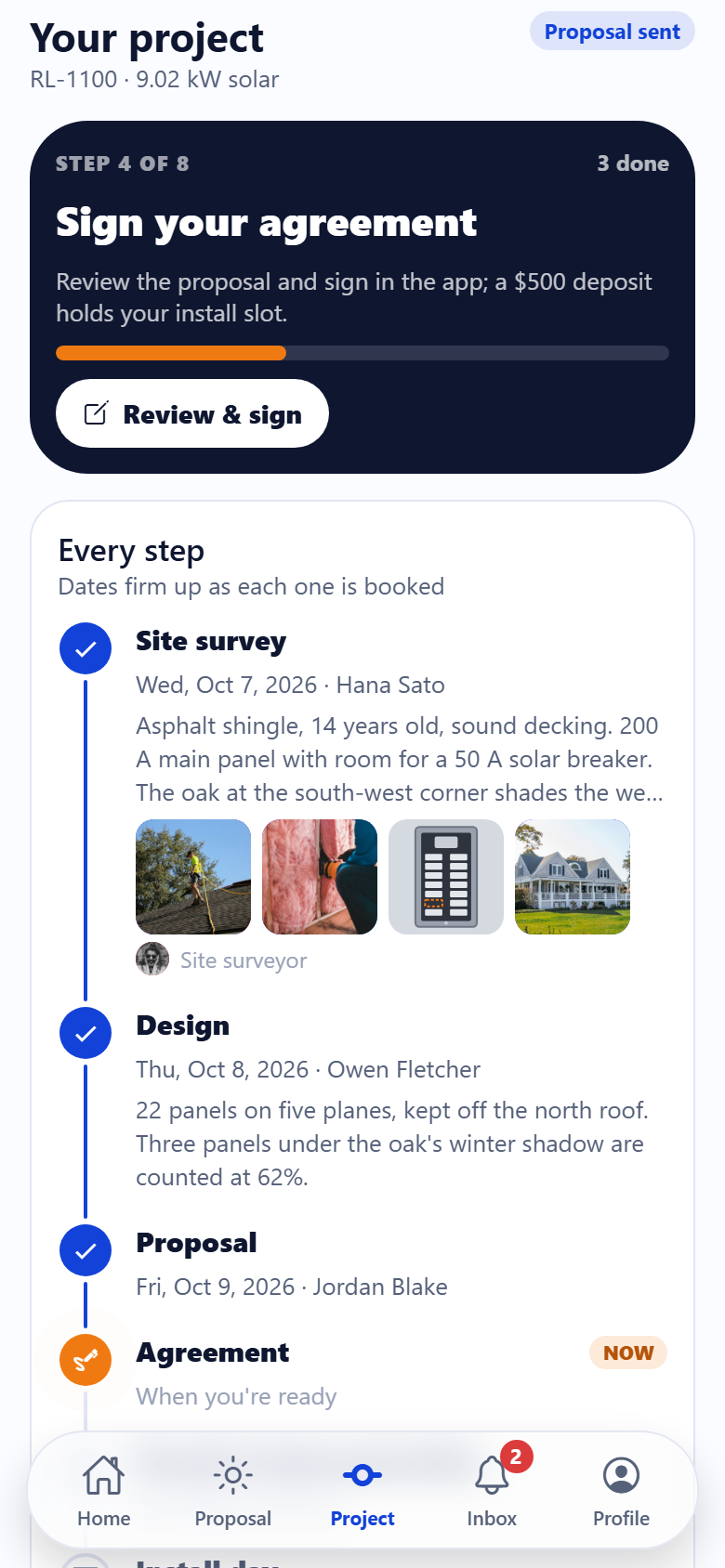
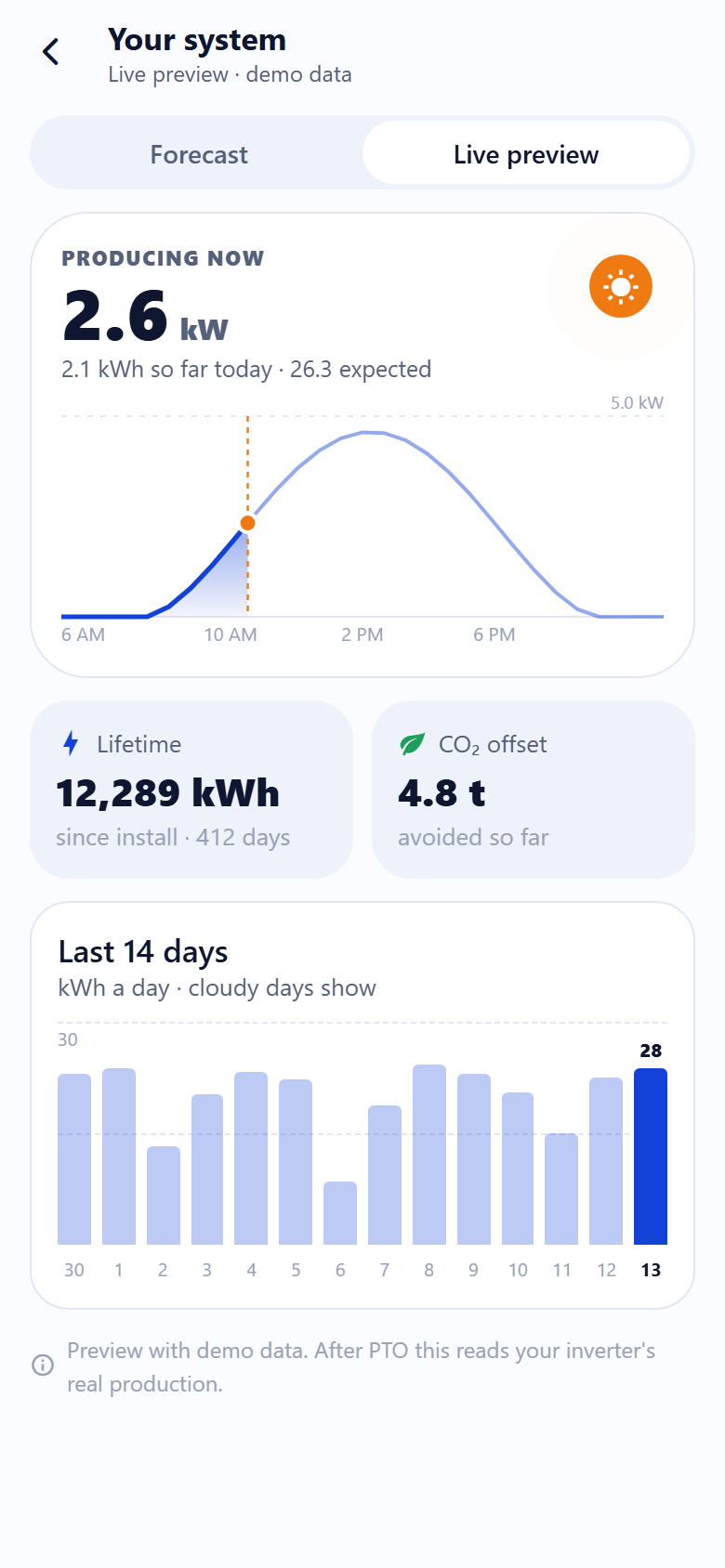
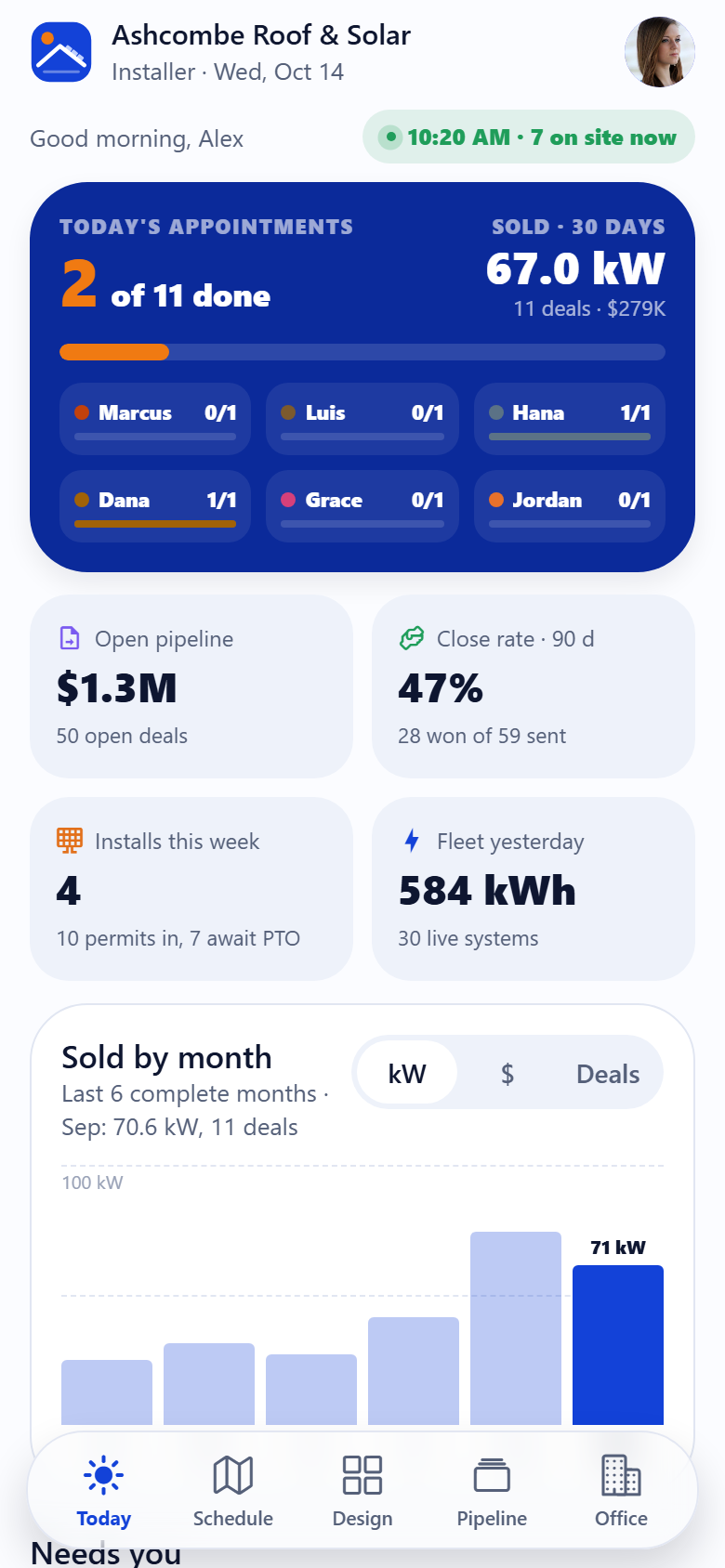
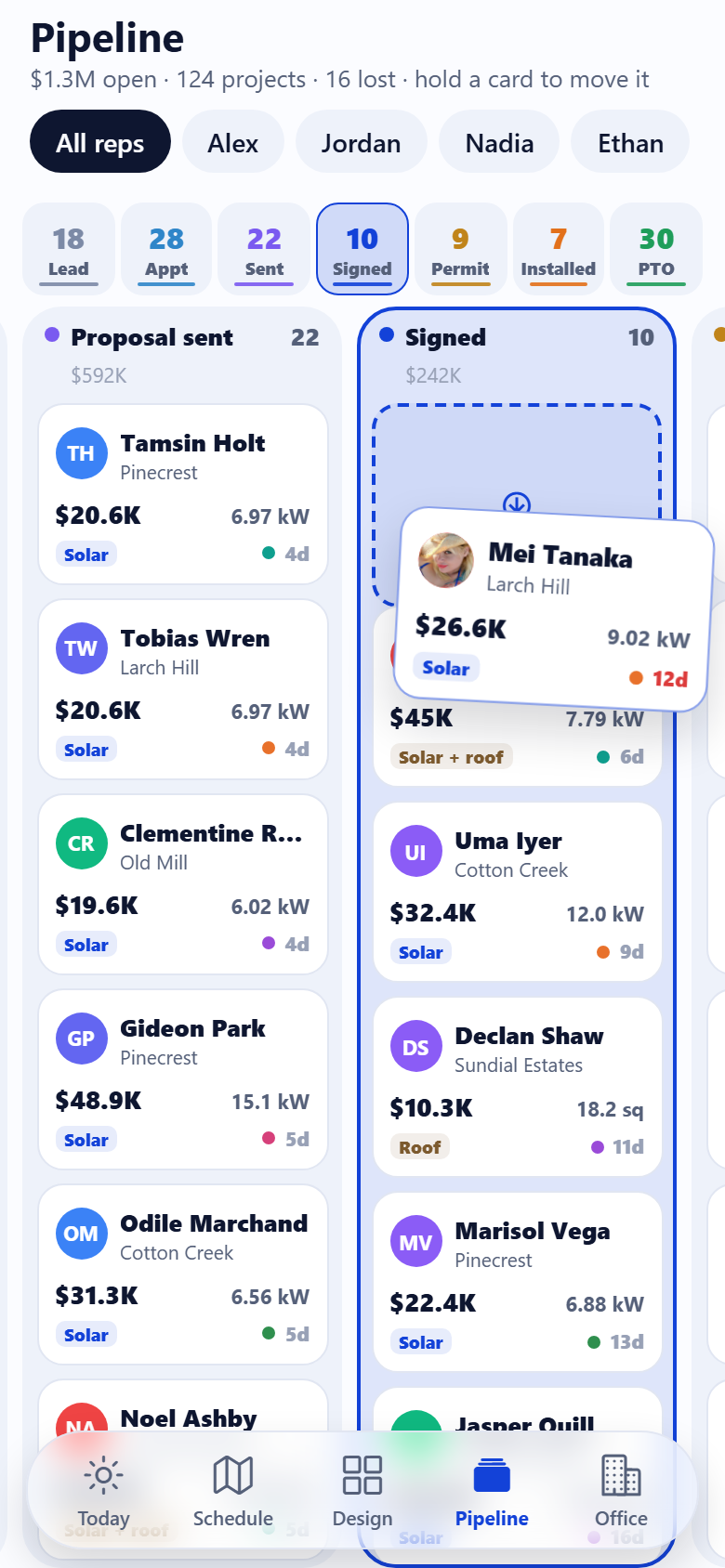
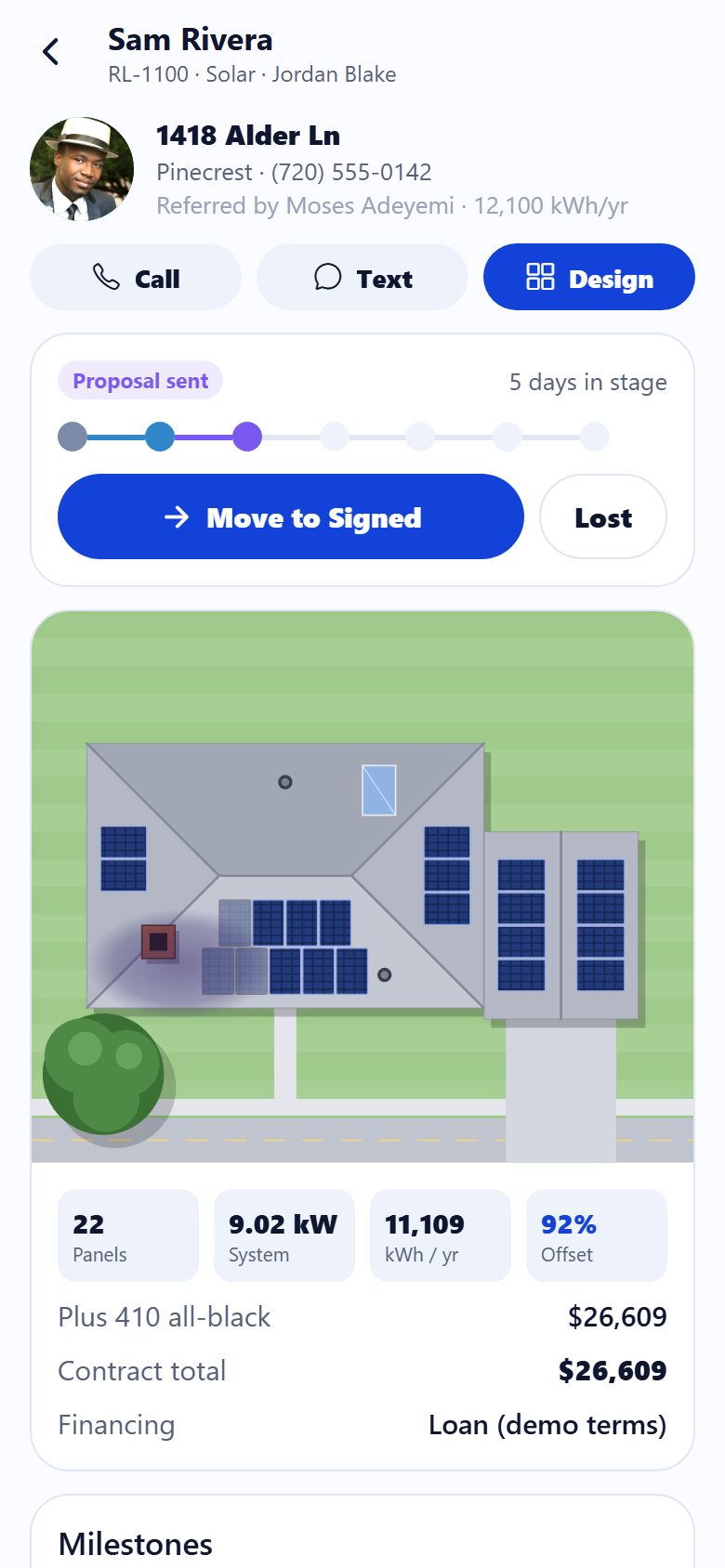
A solar and roofing sales app for a residential installer, with both sides in one: the homeowner's app and the installer's. The signature is the roof designer the rep uses at the kitchen table: a home drawn from above, the lot, the street, the drive, the hip roof and the garage's gable, the chimney, vents and skylight, and the oak beside it, all SVG, no satellite imagery, where tapping the roof's corners traces each plane (points snap to the drawn corners and ridge ends, with a rubber-band edge and the area rolling under the finger), and when a plane closes its slope, pitch and compass direction are read from the roof under it and the panels lay themselves out on it, portrait rows from the eave, centred, the 18-inch fire setback kept, the chimney and vents skipped, springing in one after another, the panels under the oak's shadow dimmed and counted at what they really make; tap a plane to set its pitch or turn its compass dial, and the panel count, kW, a year's production, the share of the home's usage, the price and the 25-year savings roll live; switch to roofing and the whole roof shows its shingle courses and squares per plane, priced good, better or best per square. Homeowners get the interactive proposal on their own roof (tap a plane to try the design without it), production against their usage month by month, panels good/better/best, a home battery, the re-roof option for an older roof, cash, loan or lease with the monthly picture (demo terms, no lender names), the 25-year chart of utility costs against the cost with solar with the payback year, and the price with no tax credit ever counted (ask your tax professional about available incentives); a staged scan that reads a sample utility bill field by field and moves the design's offset; e-sign the agreement (initial, then type or draw a signature) and pay the deposit on a demo payment receipt; the project tracker from site survey and design through permit, install day and inspection to permission to operate, with dates, photos and the crew; monitoring as a forecast before PTO and a live preview on demo data; refer a neighbour for $500 each; documents and warranties; messages and a call booked with the rep; inbox, search, profile, edit profile and settings. The installer's side runs the business: today's dashboard (appointments done against the day's total by the clock, kW sold over 30 days, the open pipeline, the 90-day close rate, installs this week, kW sold by month over six complete months, the reps' leaderboard, what needs the owner); the field schedule on a drawn map of the service area with every rep's, surveyor's and crew's stops and routes; the roof designer; the proposals pipeline from lead to appointment, proposal sent, signed, permitted, installed and PTO with drag-and-drop and a stage rail; the project record with the system on the roof, milestones to mark done, production for live systems, documents and commission; customers; commissions per rep; a cash/loan/lease financing calculator; reports; and products, prices and connections. Twenty-seven screens on seeded products, team, homes, projects, appointments, milestones, documents, production readings and notices.
27 screens, real flows
Make it yours by describing it
Tell Co-Create what to change, in plain words or a voice note. It asks what it needs to know, then shows you designs before anything is built.
Nothing changes until you approve
Approve one piece or a whole section. Every build gets a preview, and you can roll back to any earlier point.
Your app, your code
Go live on a clean address or your own domain, and download the full source whenever you like.
Your idea could be an app by Friday.
Start free. Talk it through, answer a few questions, pick a design and watch it build.
7 days freeCancel anytime