
App template
Booth: a link-in-bio store app template.
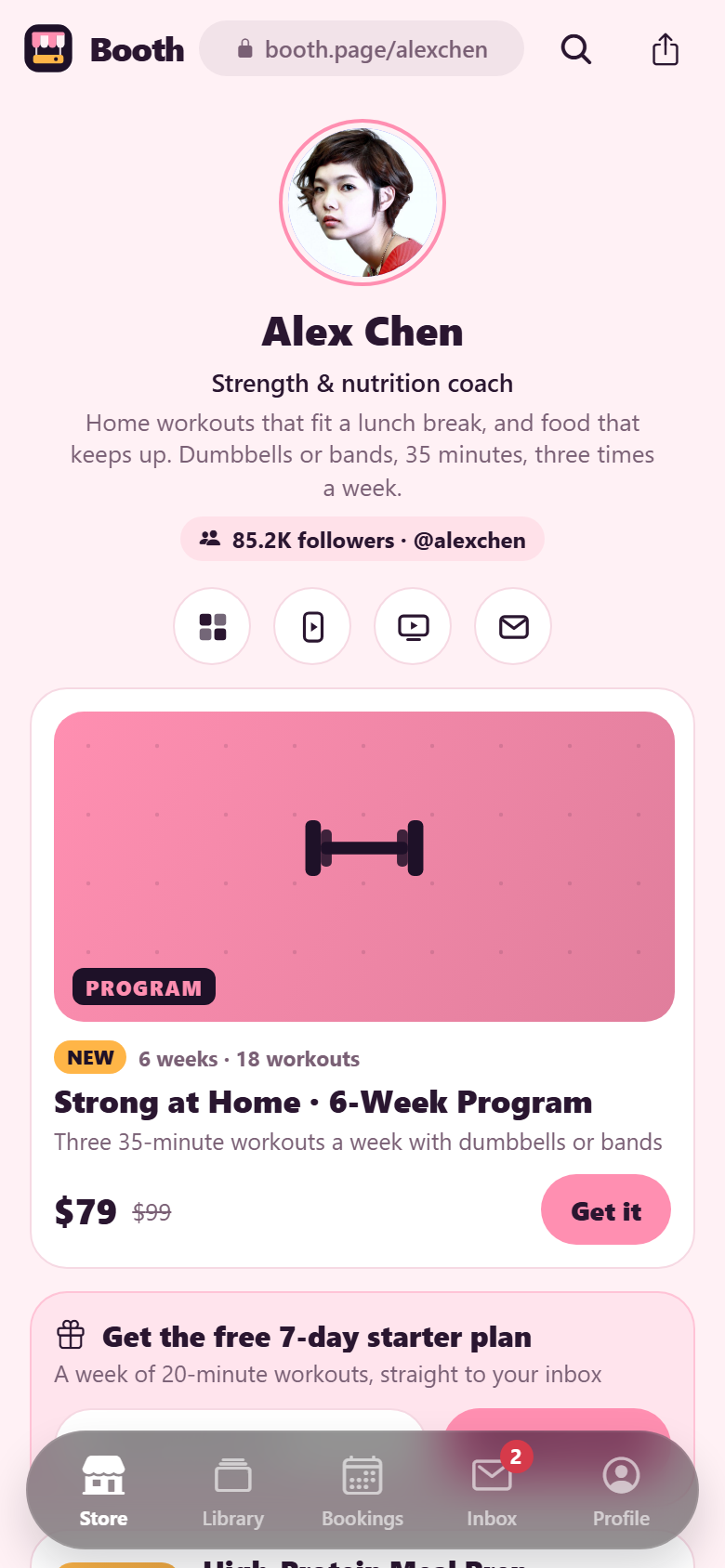
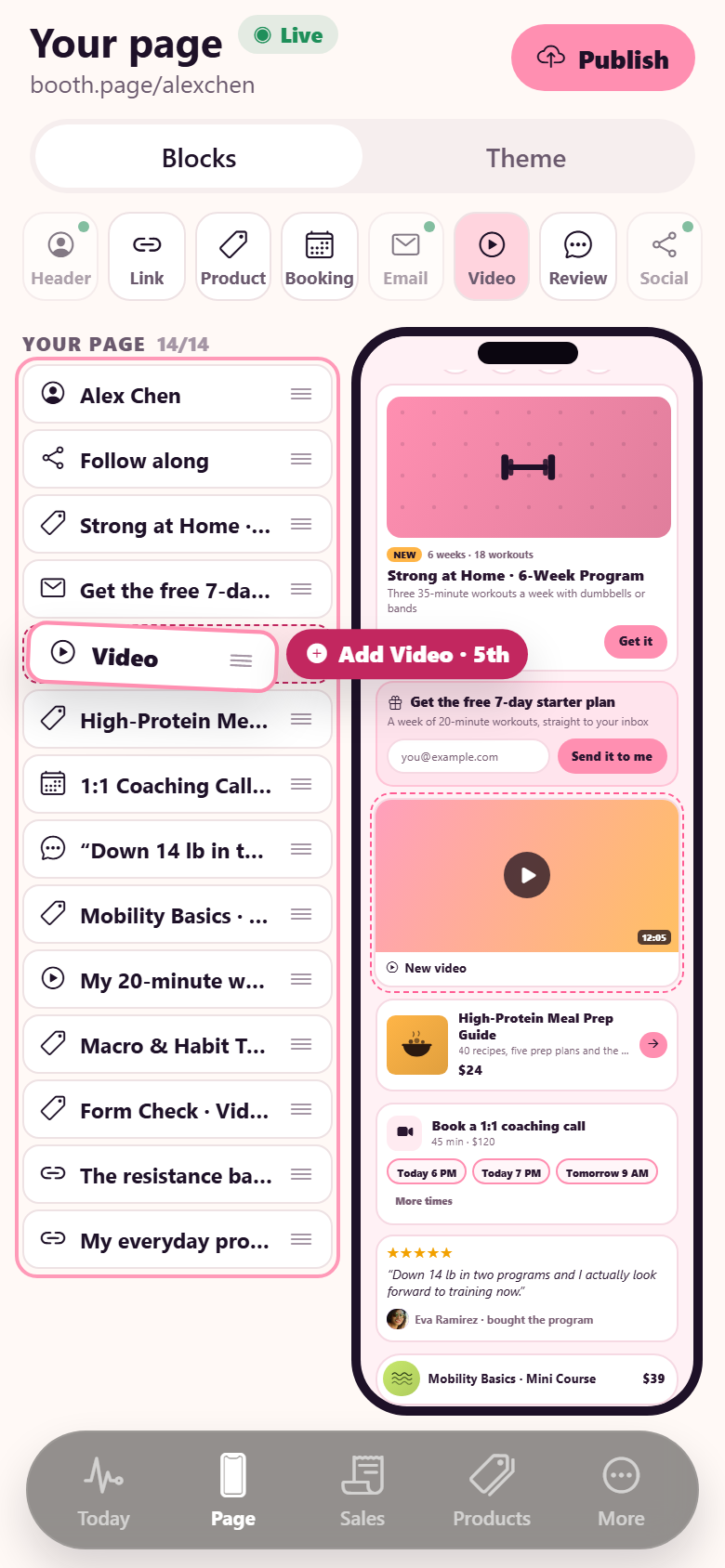
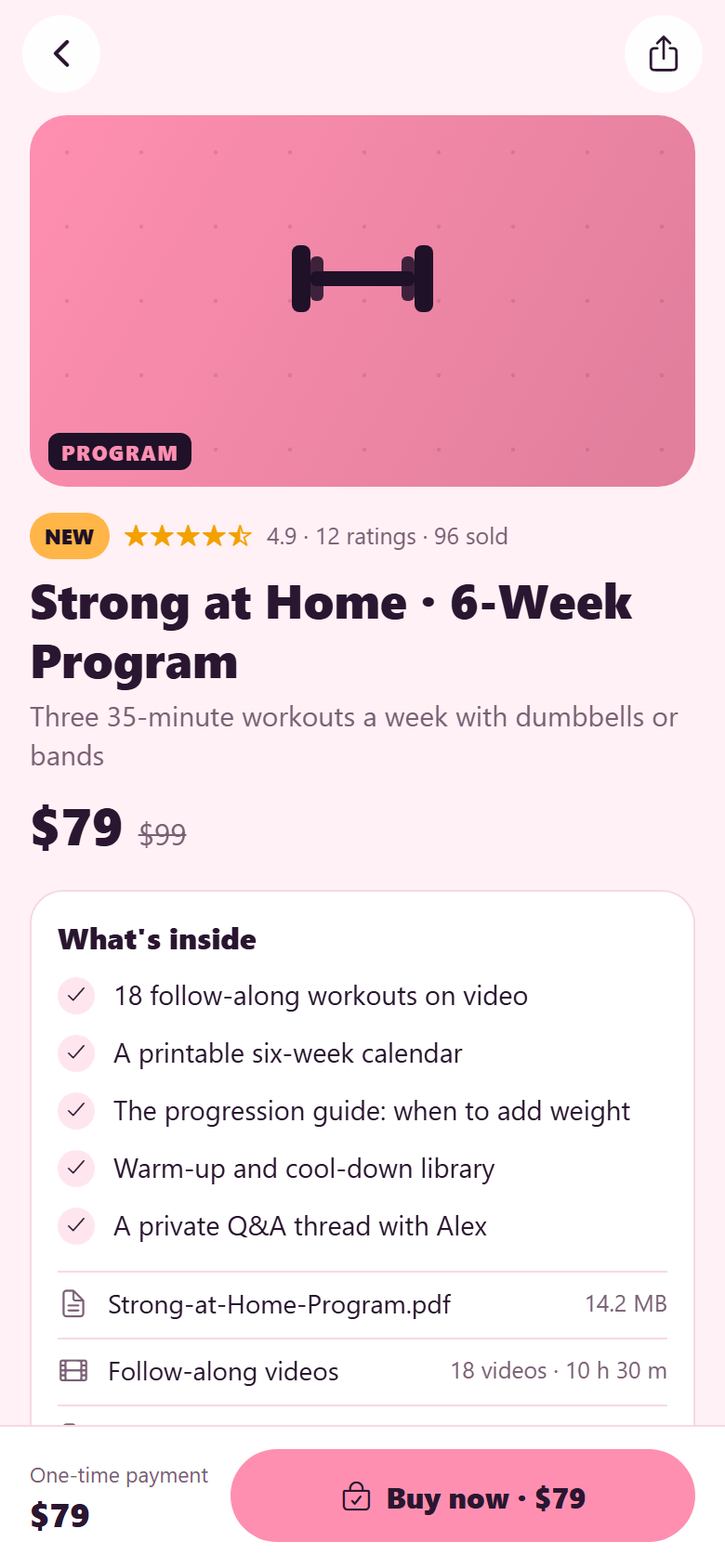
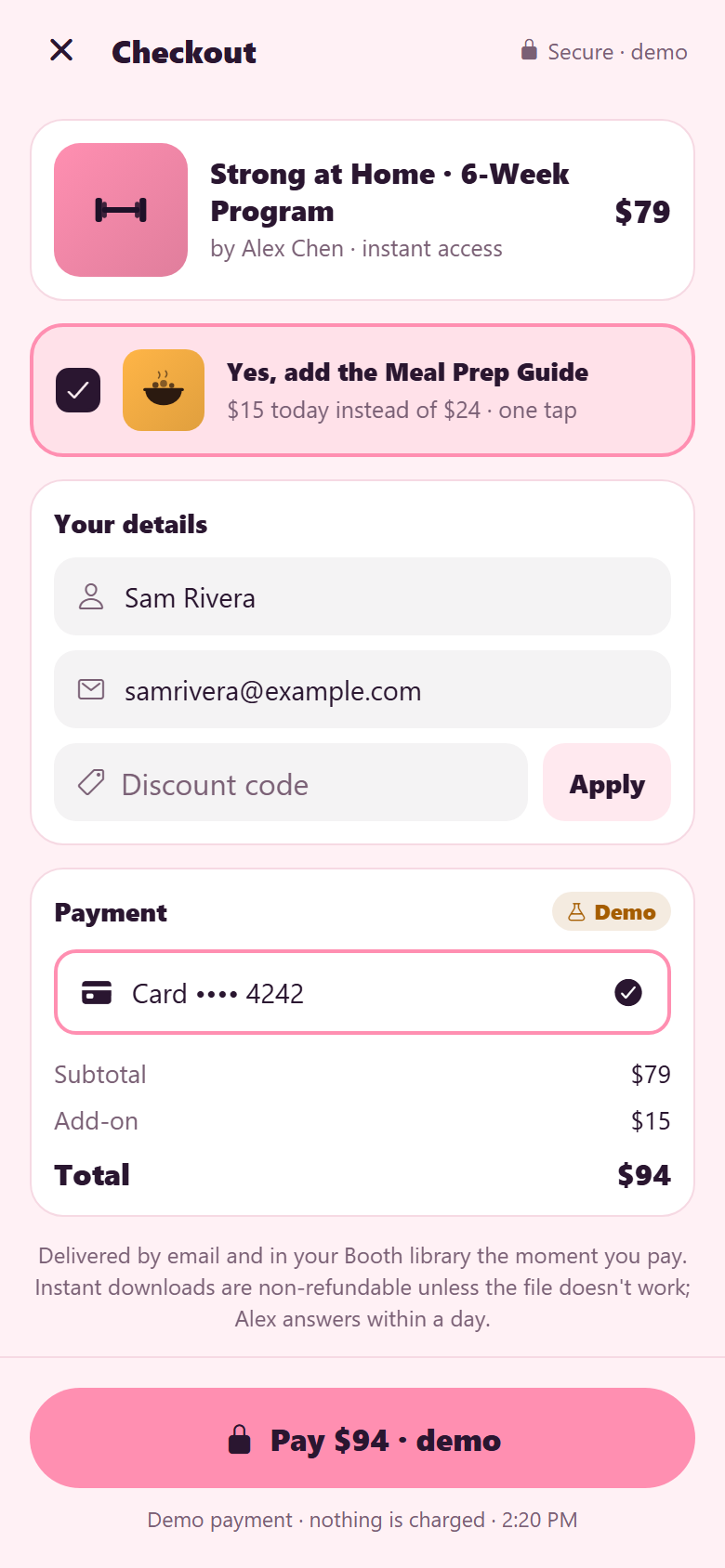
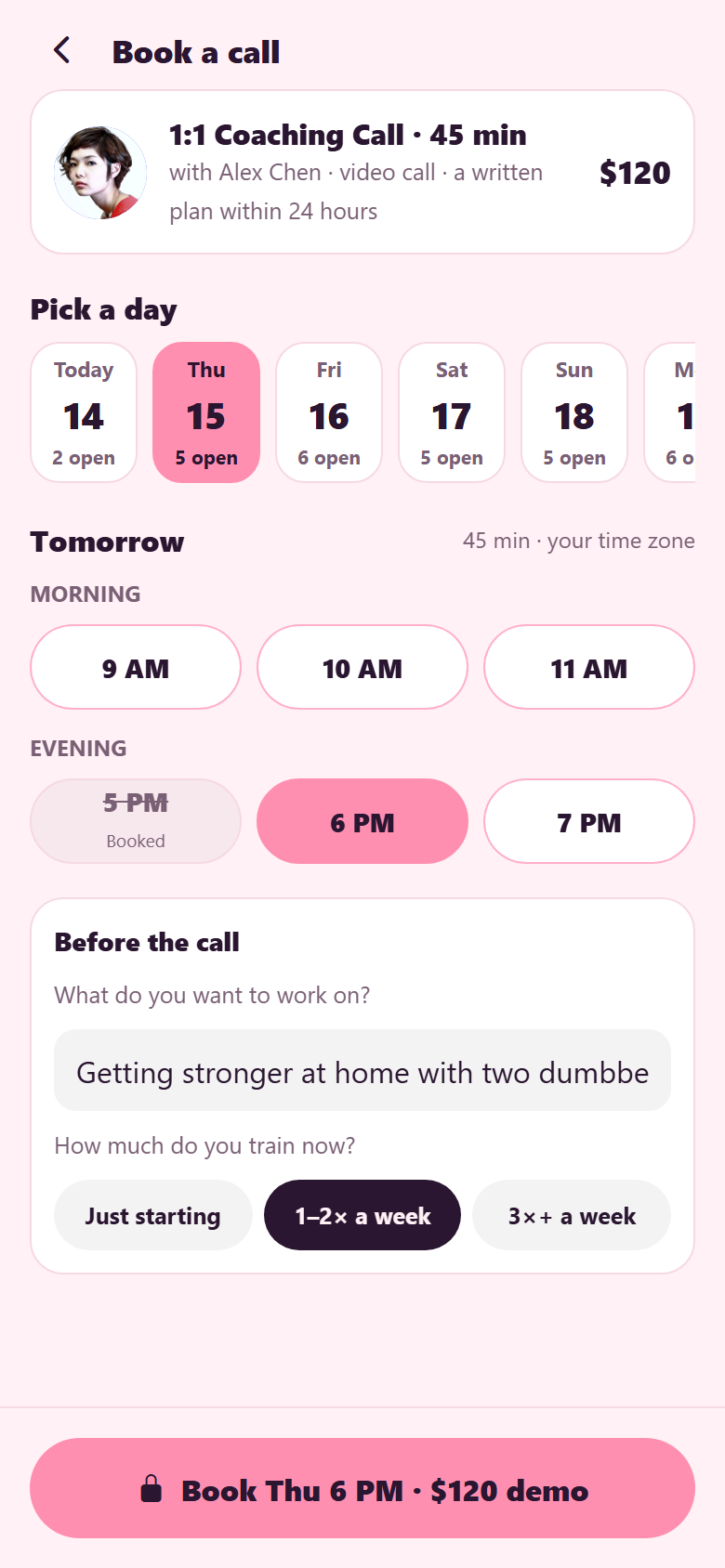
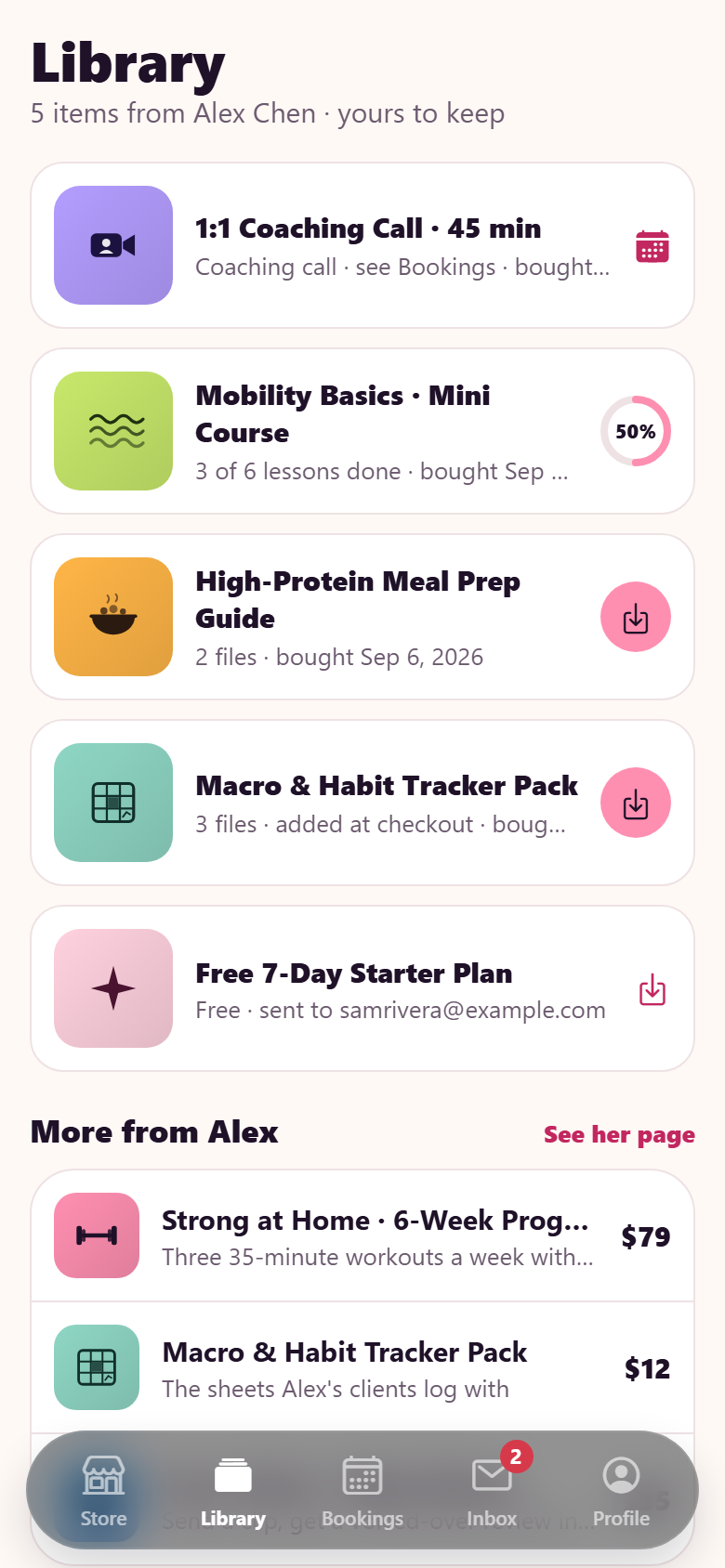
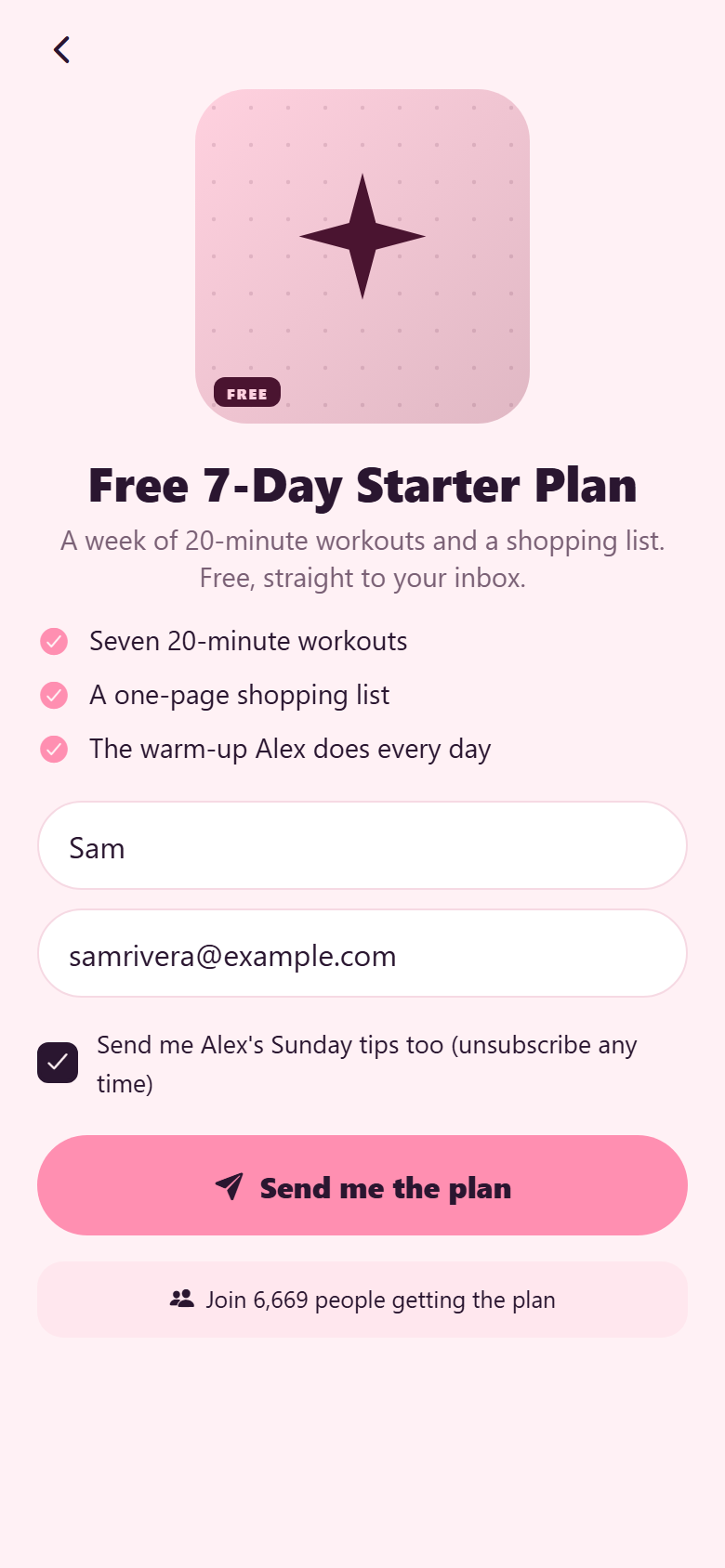
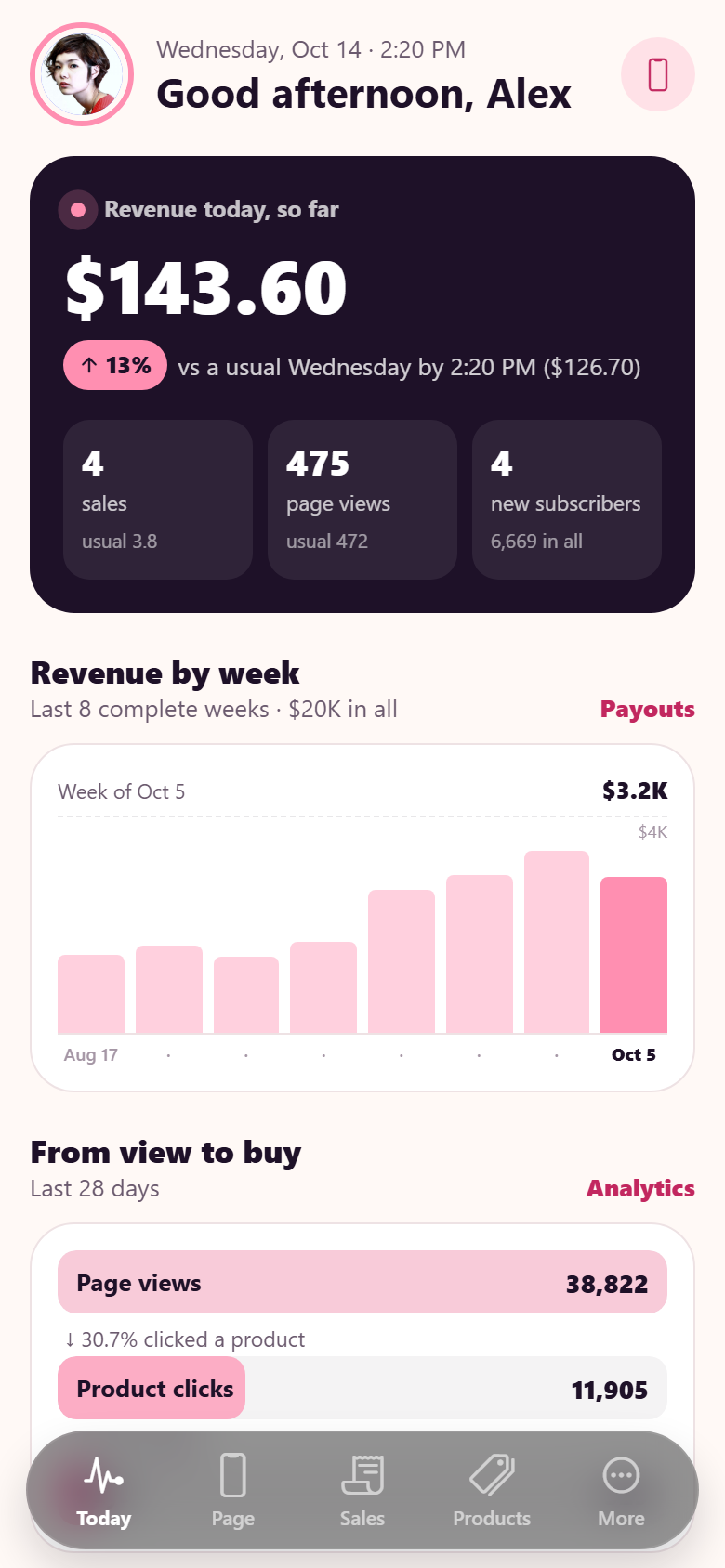
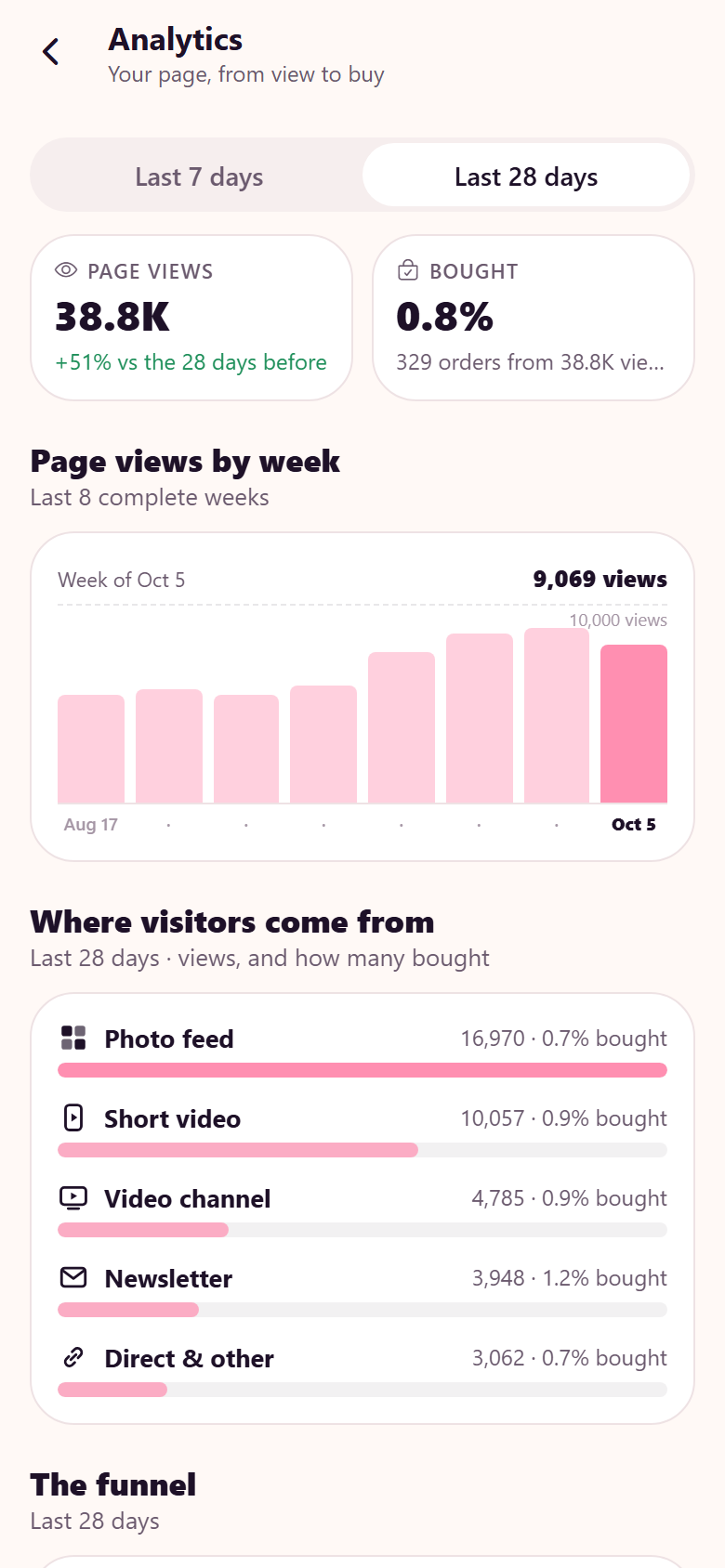
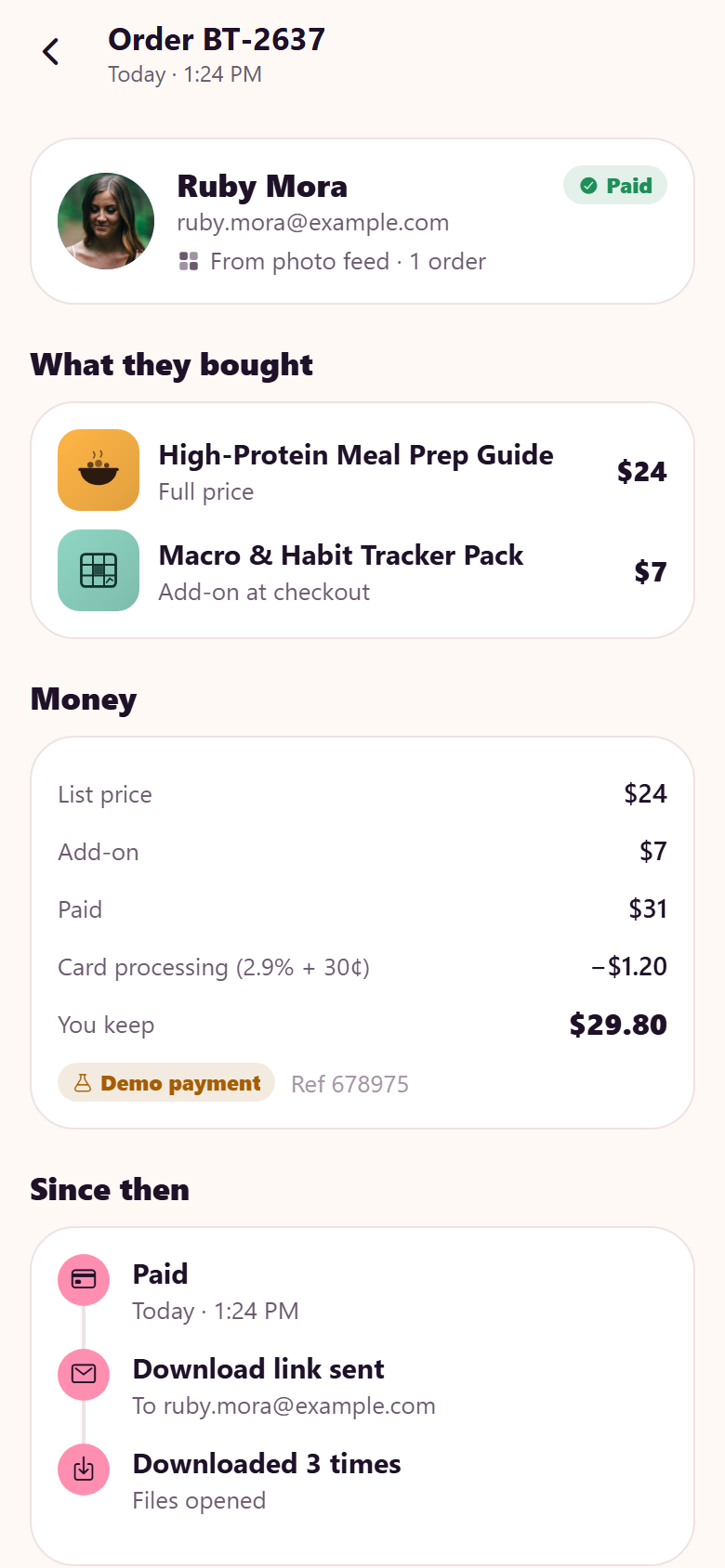
A creator's link-in-bio store with both sides in one: the page a follower lands on, and the creator's business behind it. The creator builds the page in a storefront builder: a palette of eight blocks (header, link button, product card, booking card, email capture, video embed, testimonial, social row) is dragged into the page's outline or straight onto a phone beside it, rows are reordered 1:1 under the finger, the other rows slide apart for the slot and the PHONE updates live as you drag (the new block appears in its slot, outlined, and the screen glides to keep it in view), a label beside the finger says what letting go will do ("Add Video · 5th", "Move to 3rd", "Remove from page"), a second email capture, header or social row is refused with the outline lit red, and a row dragged back onto the palette is removed; a theme picker (six palettes designed for light and dark, pill / rounded / square buttons, modern / editorial / typewriter fonts) recolours the phone as you tap, and Publish makes the draft the page every visitor sees and says the link is updated. The visitor side is that page, live: a header with the creator's face and follower count, a social row with drawn icons, a featured program card, the free 7-day plan behind an email form that adds a subscriber, product cards, a booking card showing the next open times, a review, a video embed and affiliate links; product pages with a drawn cover, what's inside, files or lessons, ratings and reviews from real orders, and checkout in two taps with a one-tap add-on (order bump), discount codes and a "Demo payment" receipt; booking a 1:1 call from two weeks of open slots with intake questions; a library of purchases with downloads (demo) and a mini course with lessons ticked off; bookings with a join button that opens ten minutes before and a designed call surface over a portrait (demo); an inbox of receipts and the creator's news; search, profile, edit profile and settings. The creator side runs the business: today's revenue rolling against a usual same weekday up to the same minute, sales, page views and subscribers, eight complete weeks of revenue, the views → clicks → buys funnel and each product's own conversion; orders by day and customers by lifetime value; the order record with the money line by line, what the buyer did since, resend, refund (demo) and email; products with revenue, units and conversion and an editor for price, drawn cover, files and the add-on; the email list with weekly growth, sources and export (demo); the bookings calendar with each call's state from one clock and the creator's hours; analytics by traffic source with drawn generic icons; weekly payouts that add up to the orders (demo); and store settings: link, custom domain, payments, discount codes. Twenty-eight screens on a seeded store, products, page blocks, contacts, orders, calls, daily traffic, messages and payouts.
28 screens, real flows
Make it yours by describing it
Tell Co-Create what to change, in plain words or a voice note. It asks what it needs to know, then shows you designs before anything is built.
Nothing changes until you approve
Approve one piece or a whole section. Every build gets a preview, and you can roll back to any earlier point.
Your app, your code
Go live on a clean address or your own domain, and download the full source whenever you like.
Your idea could be an app by Friday.
Start free. Talk it through, answer a few questions, pick a design and watch it build.
7 days freeCancel anytime